Author · 78 posts
Darryl Waterhouse
Builds Domma CMS
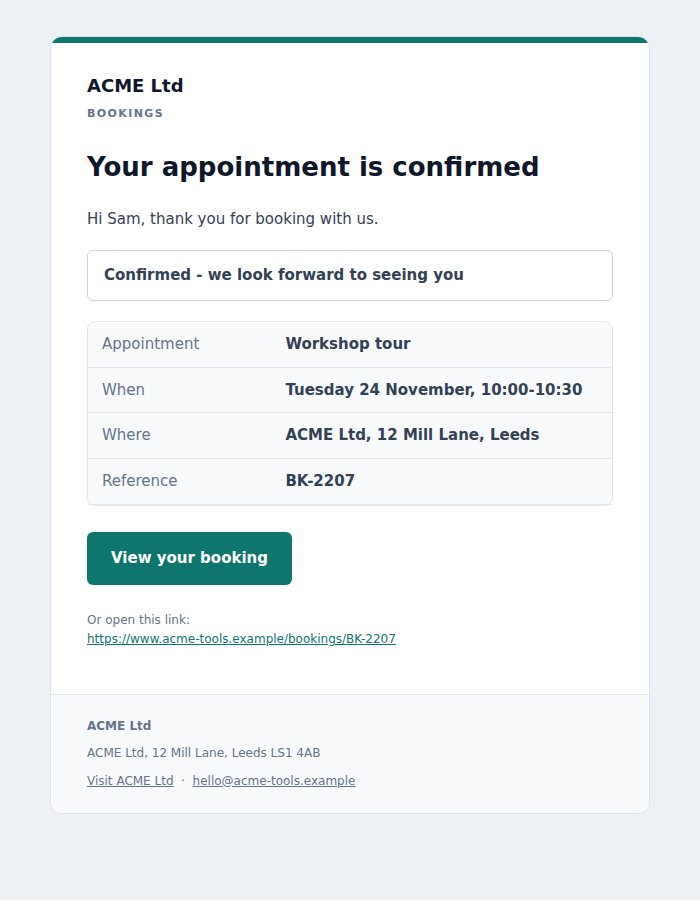
Every email your site sends, in your brand
Password resets, bookings, orders, invoices and Tool notifications now go out in one layout with your name, logo and colour. Set it up under Site Settings > SMTP in two minutes.
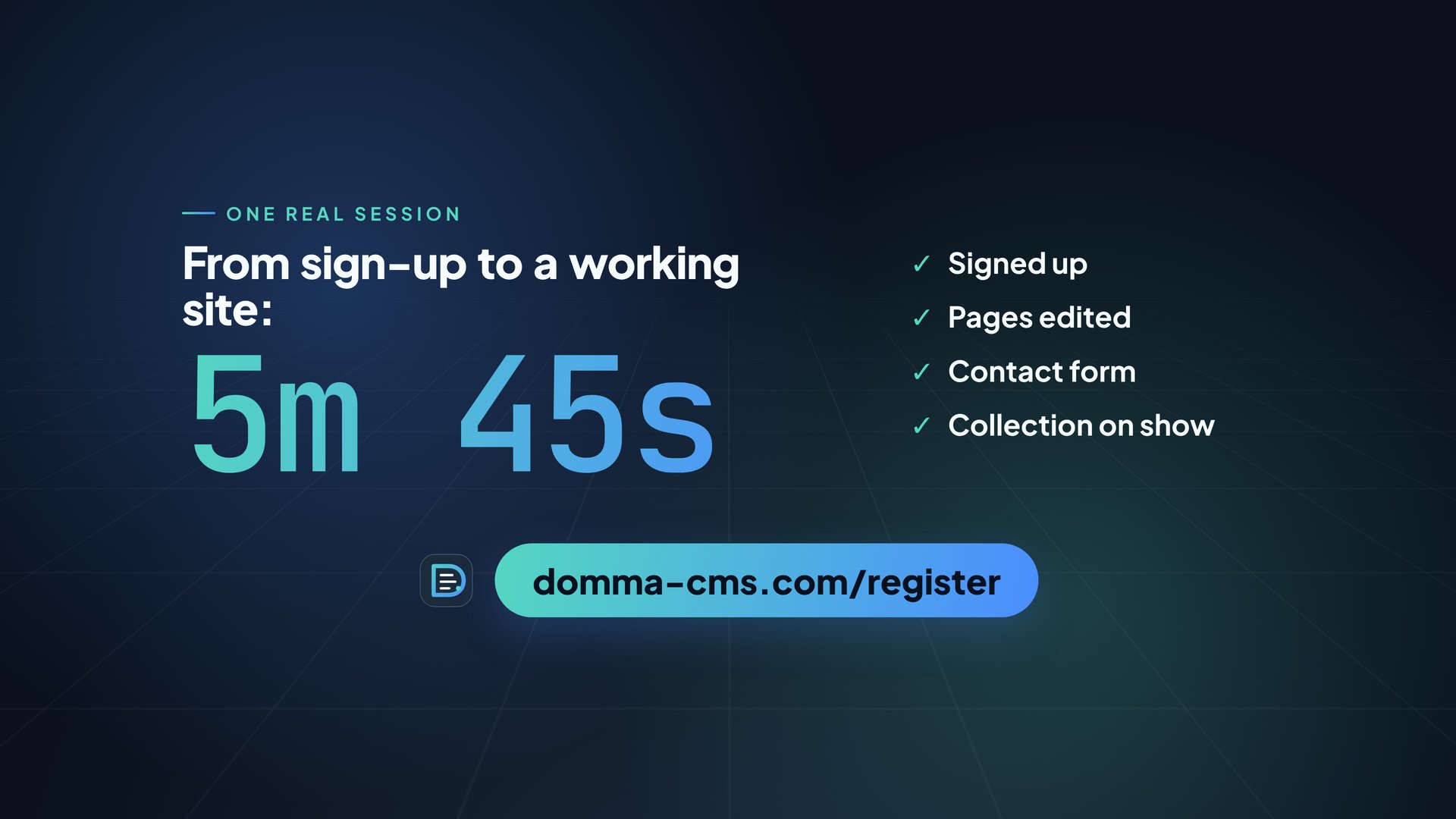
How fast is Domma CMS? Sign-up to a working site in 5m 45s
One real session with a true clock: sign up, edit your pages, add a contact form and show your work with a collection. 5 minutes 45 seconds from the first click to a working site.

AI Assist now helps you write in Campaigns, Email, SEO and Docs
Subject lines, first drafts, rewrites, suggested replies, page descriptions and document summaries, with AI Assist in the Pro plan. You check every suggestion before it is used.

Import a site now brings your old redirects with it
The redirects your old site built up over the years are not part of its content, so most exports leave them behind. Import a site now carries them across, each one leading straight to the page's new home.
Surveys can now summarise your answers with AI
Press Summarise answers and the free-text answers to a question come back grouped into themes, with counts and quotes. With AI Assist in the Pro plan. Plus a recap of Surveys 1.18.0.

Surveys get NPS, quizzes and a QR code
Show questions as NPS, stars or smileys, mark a survey as a quiz, close it when it is full, filter and print results, and share it with a QR code.

End your survey with a celebration
Fireworks, confetti or a sparkler thank-you when someone finishes your survey. Plus a Save and resume button you can place anywhere, and optional headers and footers.

Make your survey wider
A survey page no longer has to be 720 pixels wide. Choose from six widths up to full screen, or set your own in pixels or as a percentage.

Backdrops, button links and fonts in your campaign emails
Put a colour, gradient or picture behind your campaign emails, set fonts and sizes, turn links into buttons and pills, add people by hand and send tests to your colleagues.

Use your blocks, buttons and cards in campaign emails
Campaigns Pro can now put your site's blocks, and buttons, cards, banners and columns, into a campaign email. Each one becomes proper email layout in your site's colours when it is sent.
Copy whole folders between Media and the File Store
A folder of event photos in the File Store can now go into Media in one go, subfolders and all. A Media folder can go the other way too.

Put your own header and footer on a survey
Give a survey a banner or logo across the top and your details at the bottom, on its page, wherever it is embedded and in its invitations. Pictures come from Media or the File Store, and shared headers work with Campaigns Pro too.

Pictures and files from Media and the File Store in your campaign emails
Campaigns Pro can now take pictures from Media or the File Store, and link to a brochure or price list in either. Links, not attachments, so the email stays small and every click is counted.

Copy files between Media and the File Store
A photo a client sent to your File Store can now go straight onto a page, and a brochure in Media can go to a member privately. Media Pro copies files either way in a couple of clicks.

Upload whole folders to the File Store
Drop a folder on the File Store and it arrives with all its folders inside. With File Store Pro, the people you send an upload link to can send you a whole folder too.

What happens when you sign up for a Domma CMS site
From choosing a plan to your first sign-in: what signing up for a Domma CMS site looks like, what it costs each month, and how you change your plan or Tools later without ringing anyone.

How to run a project with your client in the loop
A step-by-step guide to Waypoint Pro: set up a board with your own workflow, plan sprints, start issues from templates, keep a private project for one client, and let them follow along without being able to change a thing.

How to get your news shared and posted without logging in to five networks
A step-by-step guide to Social Media Pro: make every page look right when it is shared, add share and follow buttons, and post to Bluesky, Mastodon, LinkedIn, Facebook Pages and X from one composer, now or scheduled.

How to welcome a new starter without the paperwork chase
A step-by-step guide to Onboard Pro: design a new starter's journey once, send each person their own link, get the contract signed and the forms filled in, and see at a glance who needs a nudge.

Your first online order, from product to parcel
A step-by-step guide to selling with the free Shopping Cart: add a product with sizes and stock, set delivery, tax and payment, and follow one order from basket to tracking number.

How to handle returns with an online form
A step-by-step guide to a returns form with Forms: ask only what matters, ask for a photo only when the item is faulty, get every return by email and in one inbox, and keep spam out.
How to run your business email from your own site
A step-by-step guide to Email Pro: connect your Microsoft or Google mailbox, answer with your signature and templates, snooze and schedule, let rules file the mail, and turn an email into a page or a record in one click.

How to take bookings and RSVPs without the back-and-forth
A step-by-step guide to Calendar: set your hours, put a booking form and a class with limited places on your site, run an event people can RSVP to, and see it all in one place.
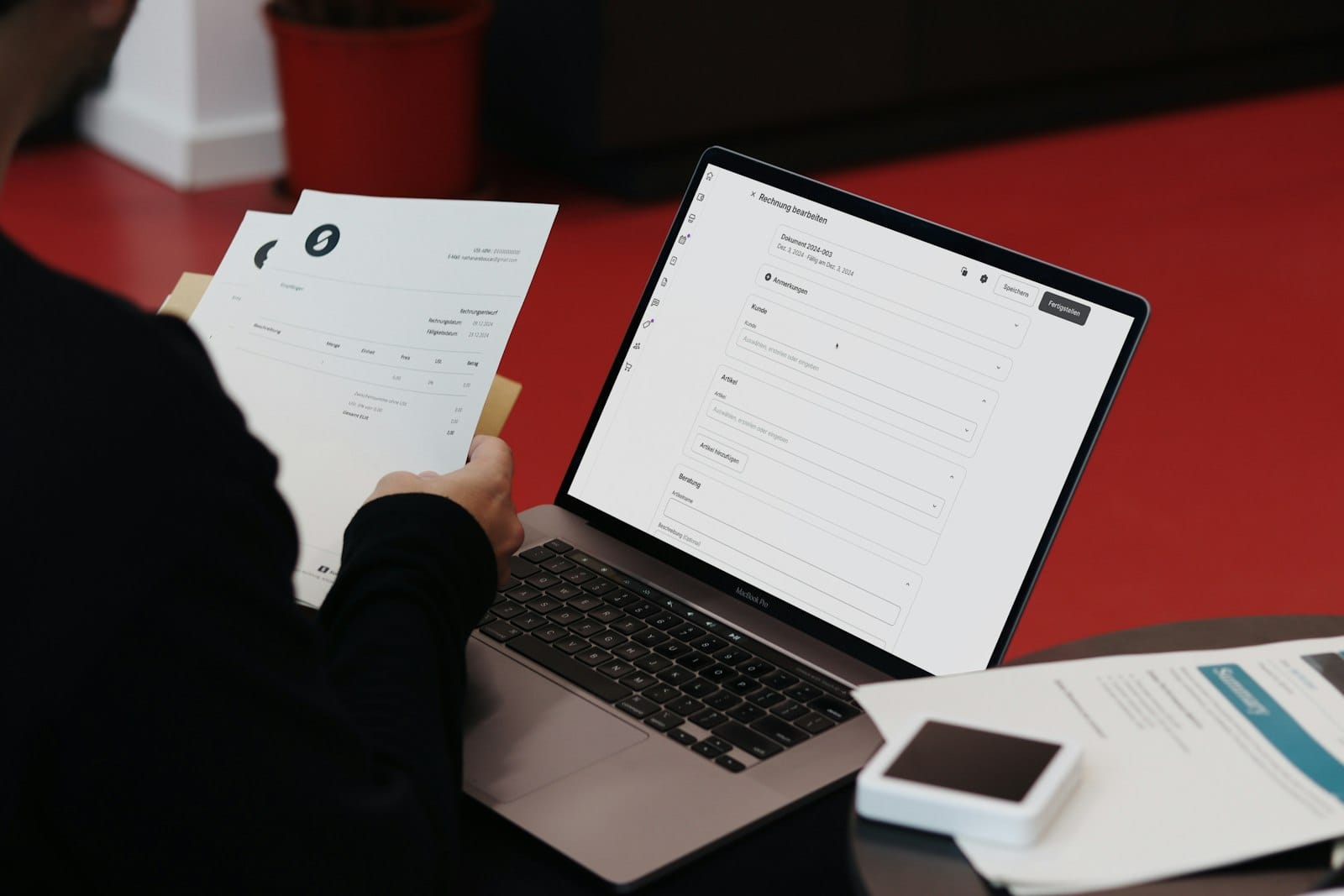
How to send an invoice and get paid, from your own site
A step-by-step guide to invoicing with the Invoices Tool: set up your details once, pick a layout, send a PDF by email, record payments as they arrive, and raise self-billing invoices for the suppliers you pay.

How to sell downloads and licence keys from your shop
A step-by-step guide to selling files and software keys with Shopping Cart Pro: private download links, limits that stop sharing, a key for every sale, and what to do when a customer needs their links again.
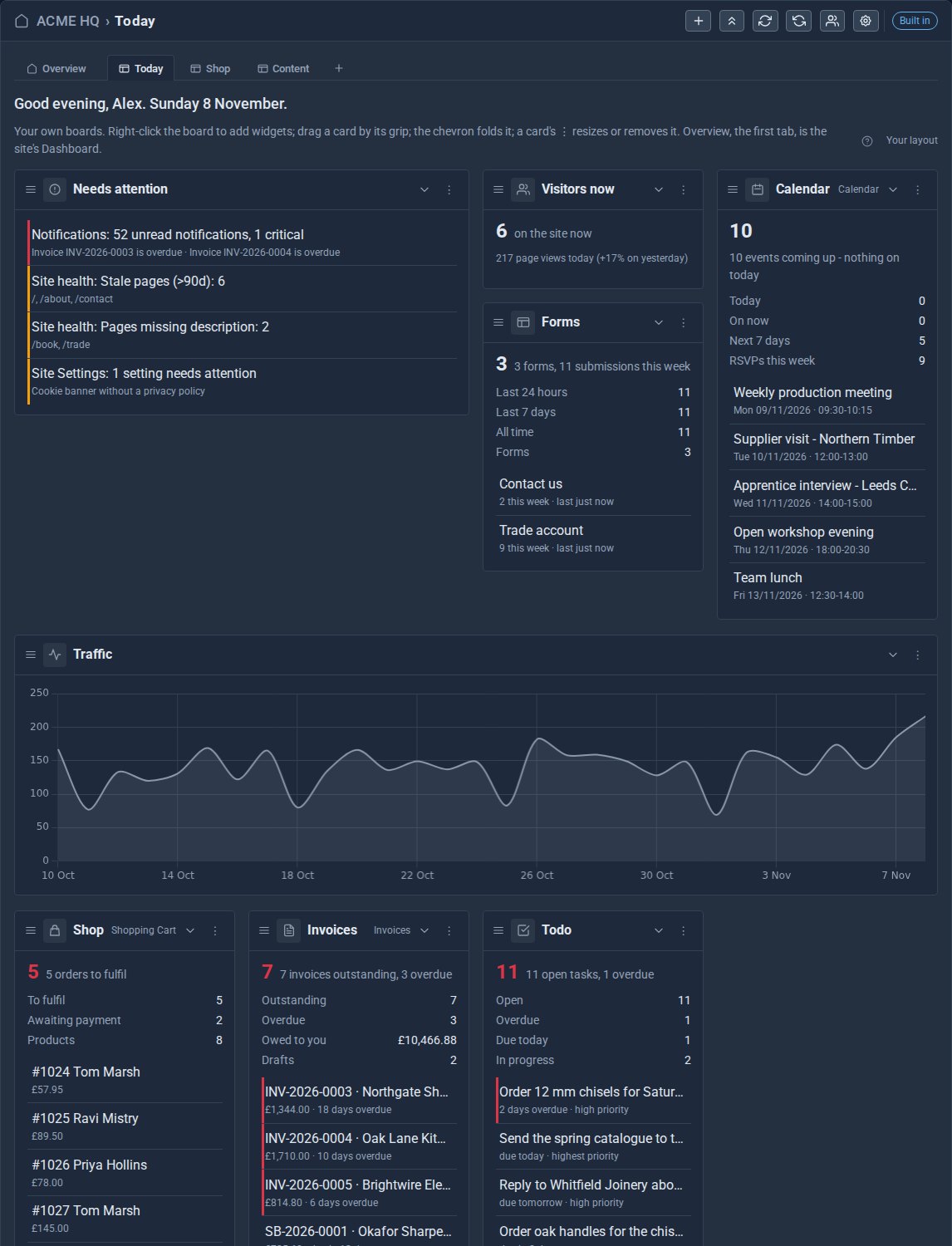
How to give a client a Dashboard that stays the way you built it
Build a board from the Tools a client actually uses, make it the default, and lock the layout, so every person who signs in sees what matters to them and nothing moves.

How to publish a staff handbook your team will actually read
A step-by-step guide to a staff handbook with Docs Pro: write it with your colleagues, take their suggested changes, publish it as a Space only your team can open, and keep it up to date.

See every Tool as it is today
We have refreshed the screenshots on more than thirty Tool pages, so each one shows the Tool as it works now - including two months of new features.
Meet Dot and Daisy, your Site Builder and Tool Builder
Our two AI helpers have names. Dot builds and changes your website when you ask in plain words; Daisy builds Tools of your own. Both stick to their jobs, and both tell you they are AI.
How to turn your address book into a customer list with Contacts Pro
A step-by-step guide to setting up Contacts Pro for a small business: bring your contacts in, add the fields you track, give groups a look, never miss a birthday, and share customers with your team.

Campaign emails with your letterhead, pictures and surveys
Campaigns Pro emails can now carry your own letterhead and footer, pictures from your Media and proper formatting. A campaign can also invite people to a survey, with a personal link for each person.
How to run a customer feedback survey that people finish
A step-by-step guide to a short, three-page customer survey in Domma CMS: split it into pages, give it a look of its own, share one link, and read the results section by section.
Self-hosted sites now tell you when an update is out
If you run Domma CMS on your own server, your admin now tells you when a new version is out, and what to run to update. Your Tools update from the Marketplace with a click.
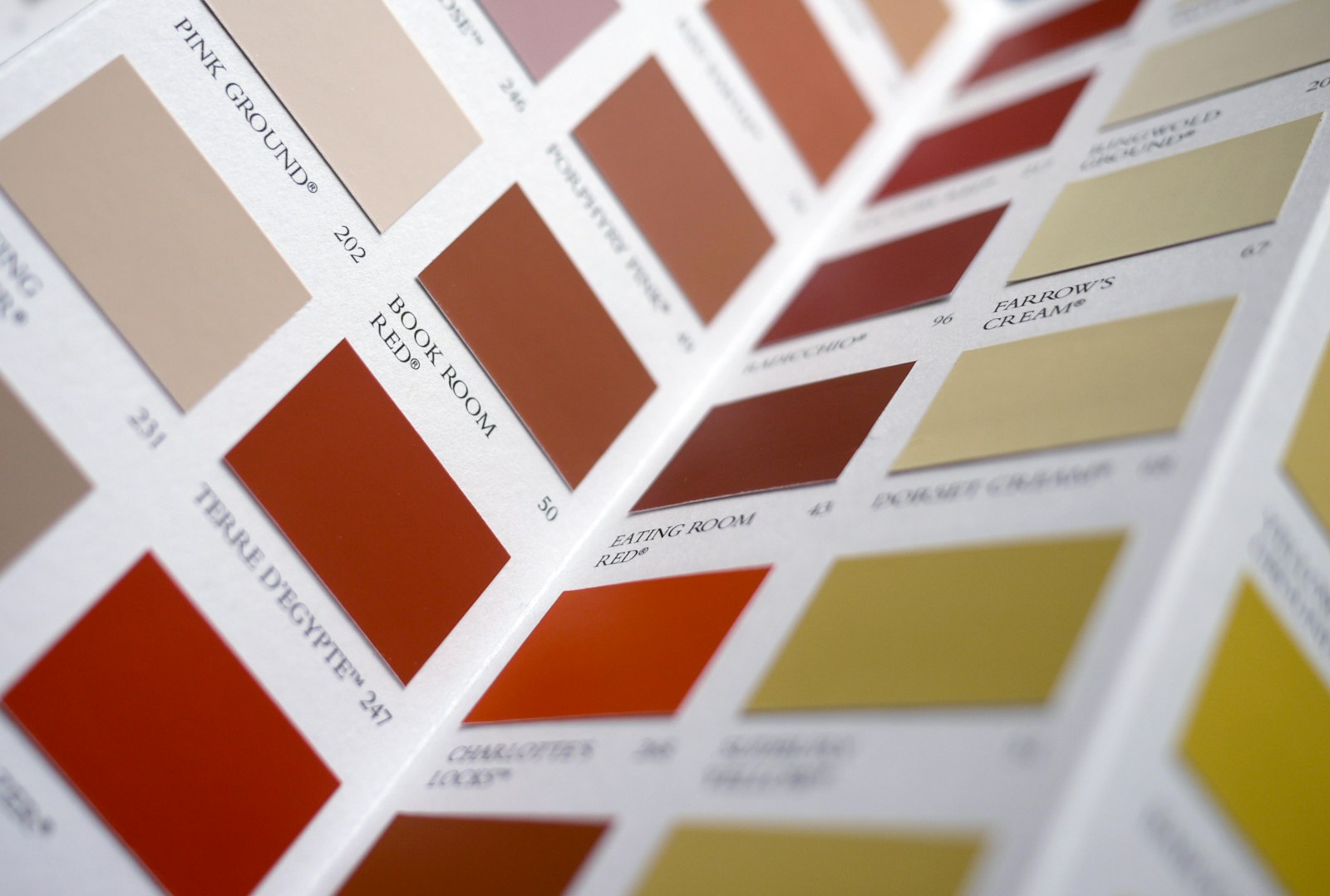
Surveys that look like yours
Each survey can now have its own colour theme, and survey pages follow your site's theme by default. Longer surveys also take people back to the top at every new page.

Leaving Wix: a move you can trust, step by step
Wix makes it easy to build a site and hard to take it with you. This is the plan we follow so nothing is lost, your addresses keep working and your old site stays live until the new one has earned its place.
Calendar and Booking, together
Calendar now includes Booking and every Booking Pro feature. Manage appointments, available hours and Google Calendar in one place, at the same combined price.
Media Pro: folders, safe moves and alt text from Claude
Media Pro brings folders inside folders, moves that never break a page, and alt text written by Claude for you to check. It comes with the Pro plan.

Post to Facebook and X from your Domma CMS site
Social Media Pro now publishes to Facebook Pages and X, alongside LinkedIn, Bluesky and Mastodon. Draft, schedule or send posts from your Domma CMS admin.
Count the leads your LinkedIn ads bring in
Social Media Pro can now tell LinkedIn when someone who saw your ads fills in one of your forms, so Campaign Manager counts the lead against the campaign that earned it.
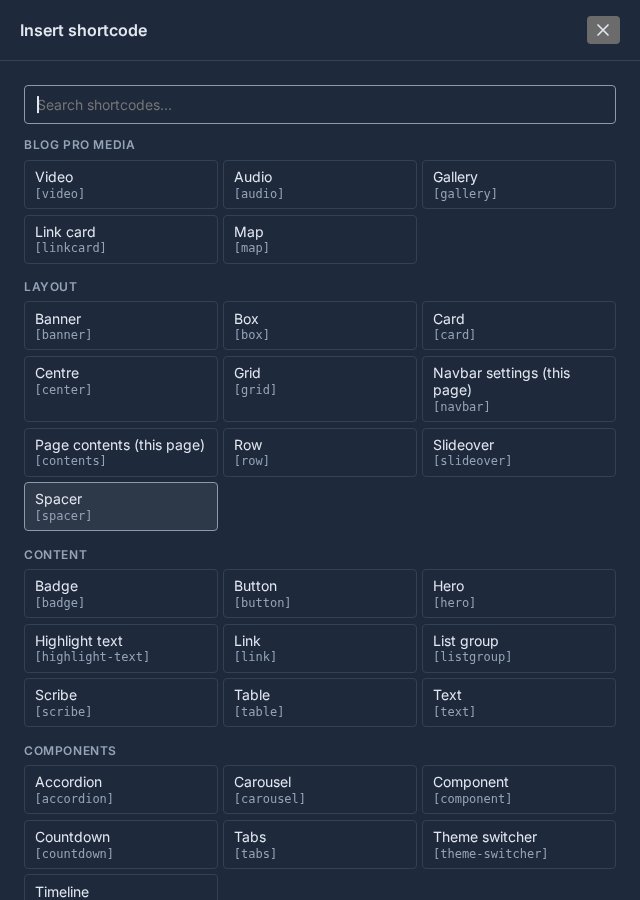
Insert any shortcode into a blog post
Blog Pro's post editor now lists every shortcode your site has - searchable, with the page editor's forms - and right-click edits the shortcode under your cursor.
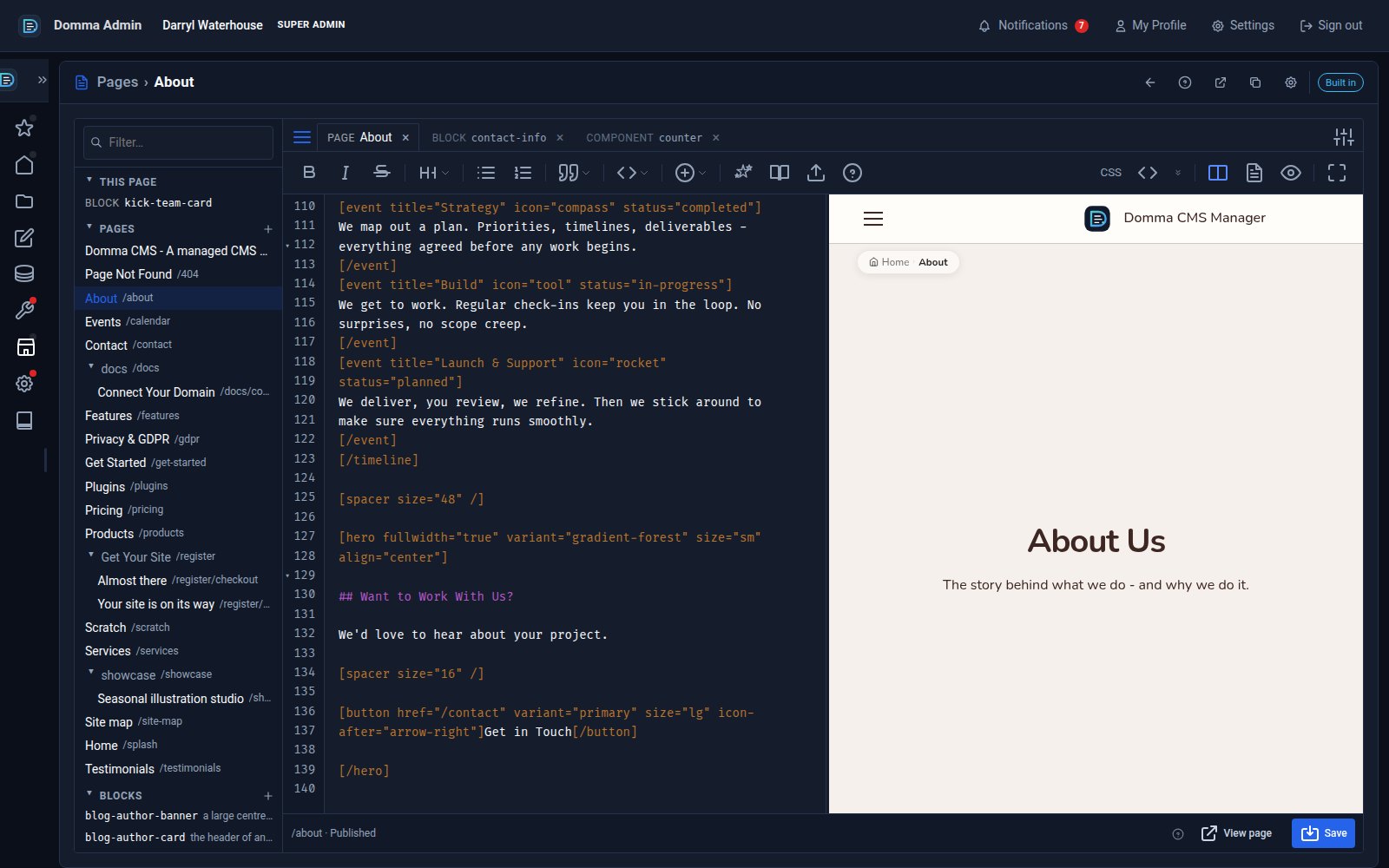
One editor for pages, blocks and components - with colour and smooth typing
Domma CMS 1.8.24 turns the page editor into a workspace: pages, blocks and components as tabs, a live preview three ways, coloured text in your own font, and a caret that glides as you type.
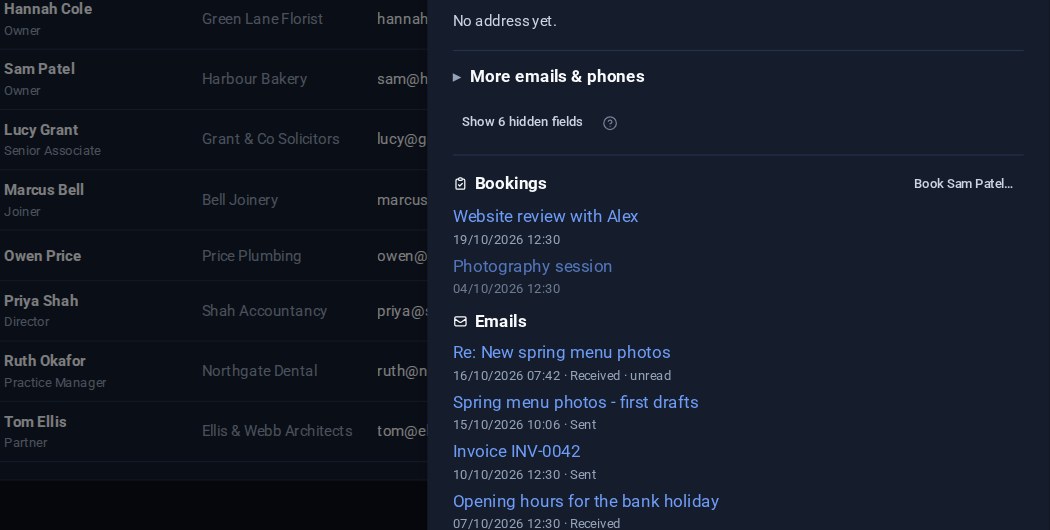
Contacts: your emails on the card, and the fields you choose
Your emails with a contact now show on their card, a click from the message itself. And Contacts Pro lets you choose which fields are columns in the list and which appear in the editor.
Leaving WordPress? Plan the move before you start
A WordPress move is more than an export. Inventory your content, plugins, URLs and forms first, then decide what to move, rebuild and test.
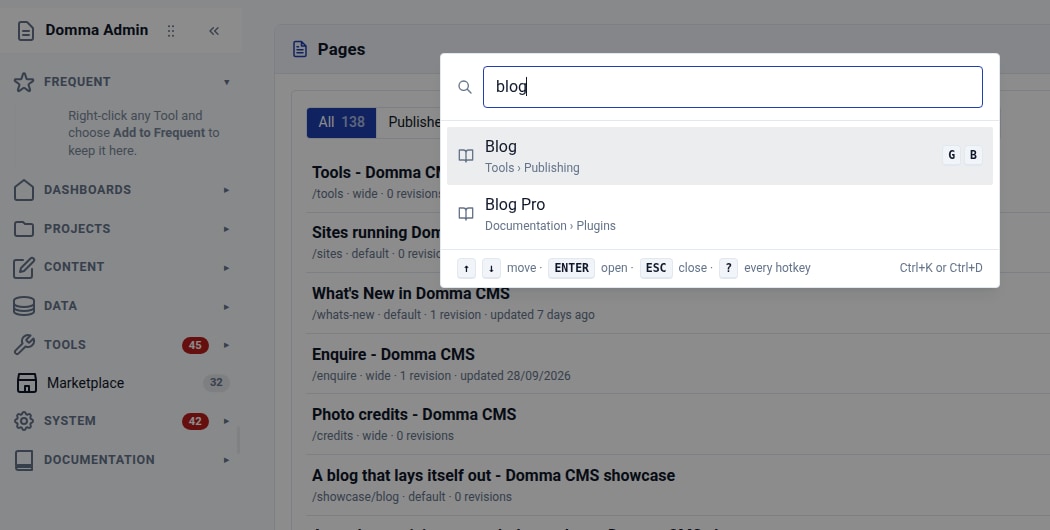
Find your way around: Ctrl+K and favourite Tools
Find any admin Tool with Ctrl+K, then keep your favourites at the top of the sidebar. Two small habits that make a busy Domma CMS admin easier to use.
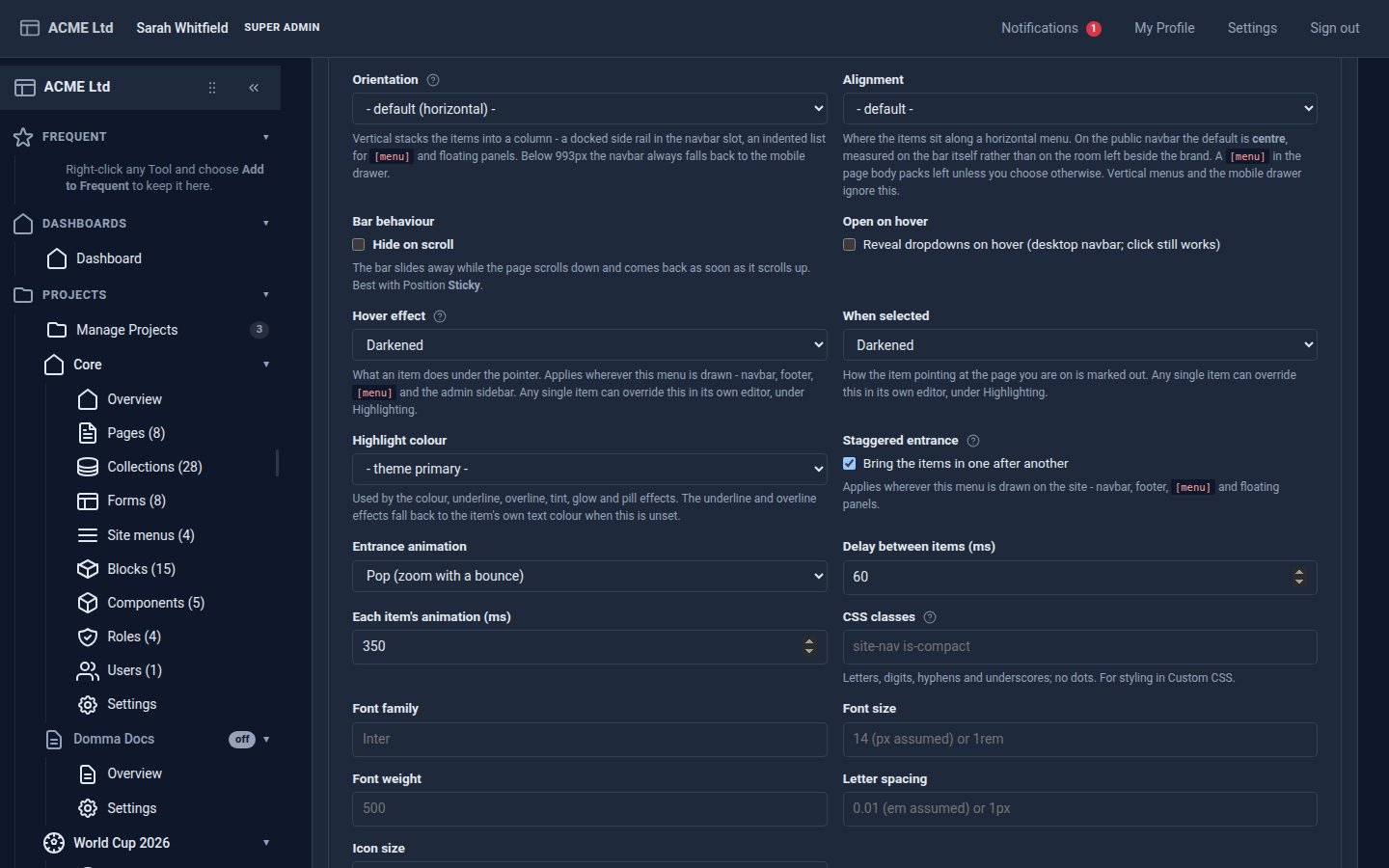
Menus that stagger in, and carousels that line up
Staggered menu entrances, carousel images that share a height, cards that match, and a prompt to reload after an update.
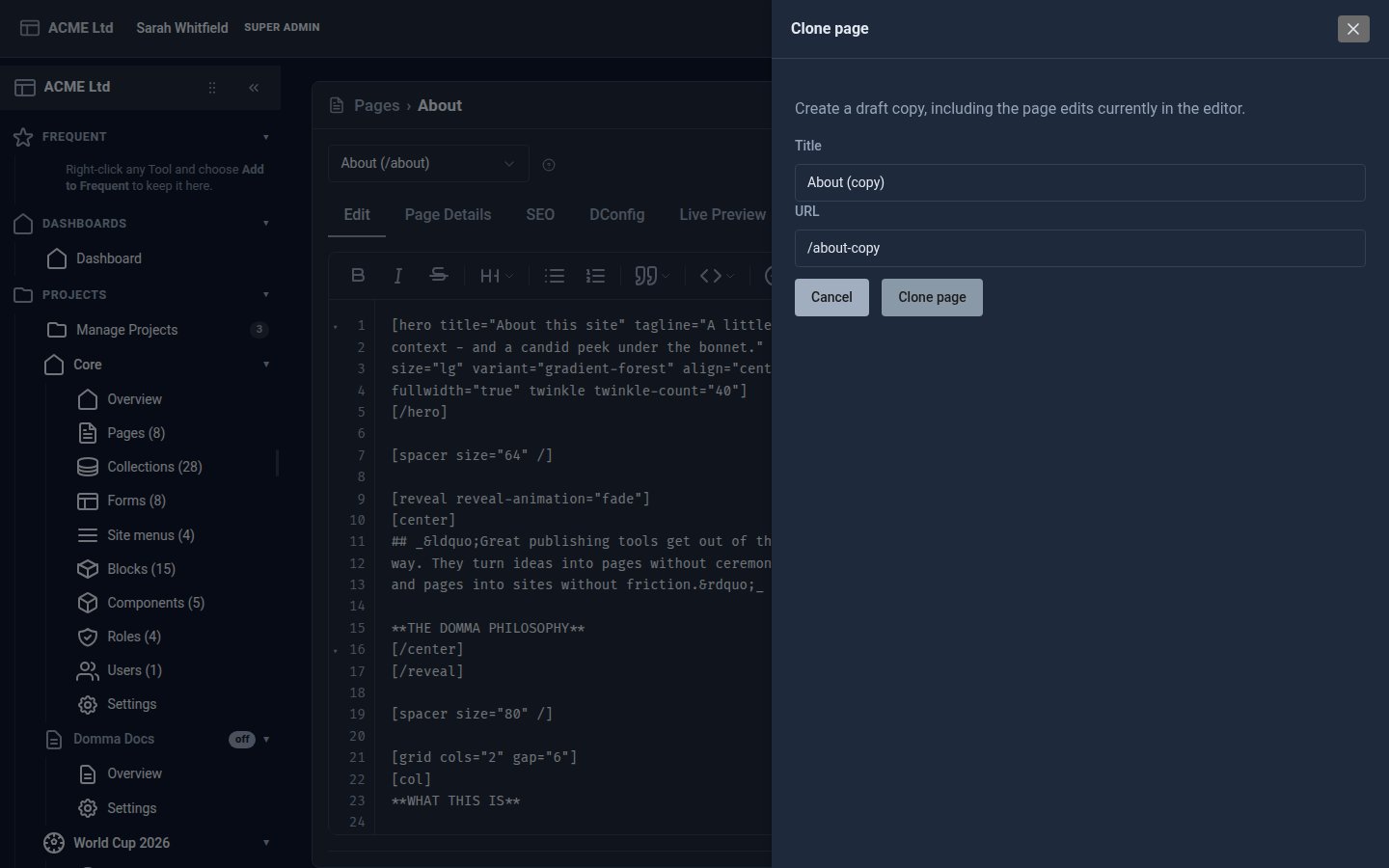
Clone pages, leave yourself notes, and let content expire
A week of page-editor improvements: clone a page, hidden notes with Ctrl+/, a Review status, images from Media, and shortcodes that expire.
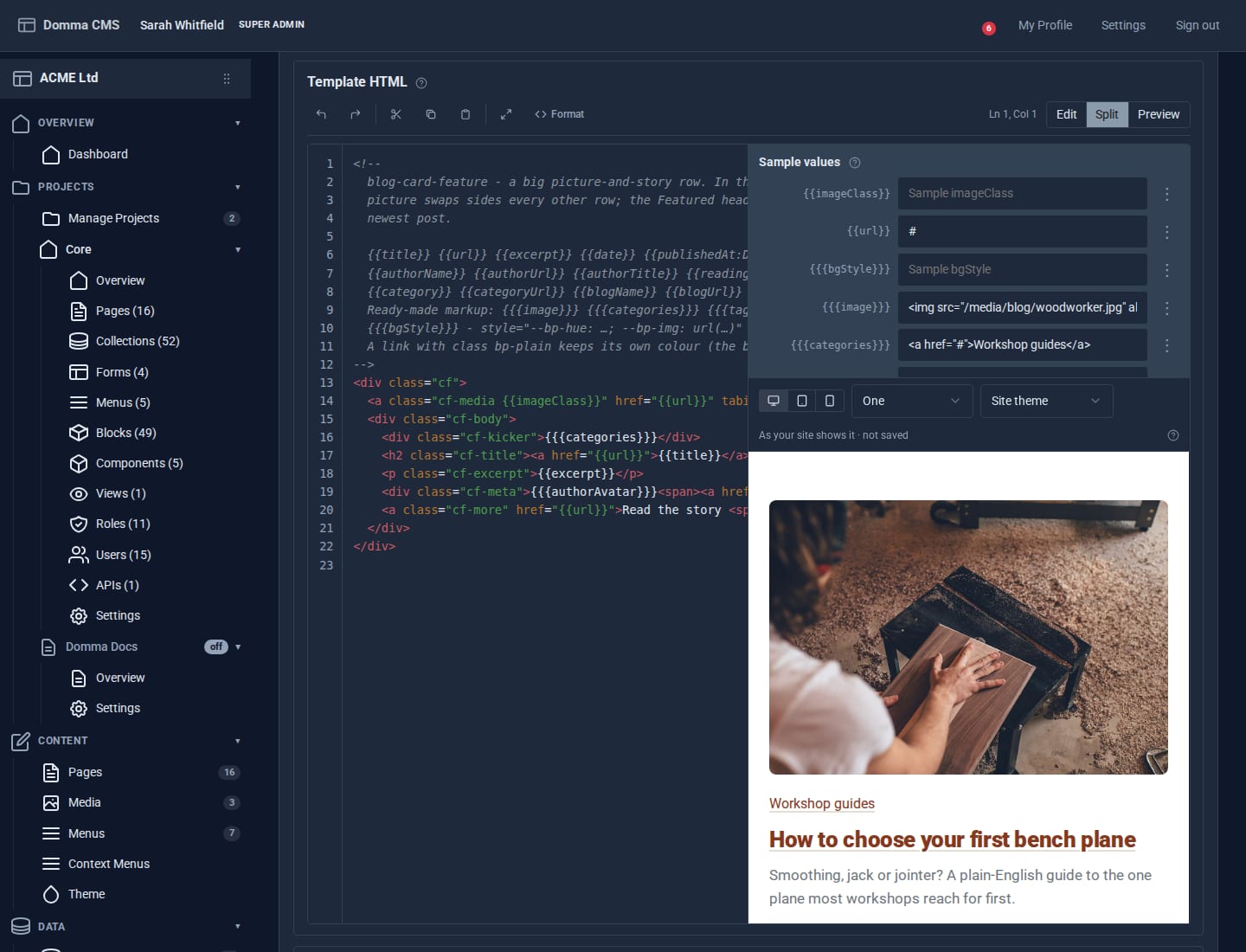
Blocks: your own design for any collection
Write a small piece of HTML once and every entry in a collection is drawn through it. Plus a new Blocks guide, and Writing a Tool.

Customer accounts, a Sales tab, and Takeaway
The free Shopping Cart gains customer accounts, a Sales tab and room for add-ons - and Takeaway turns it into an online ordering site.
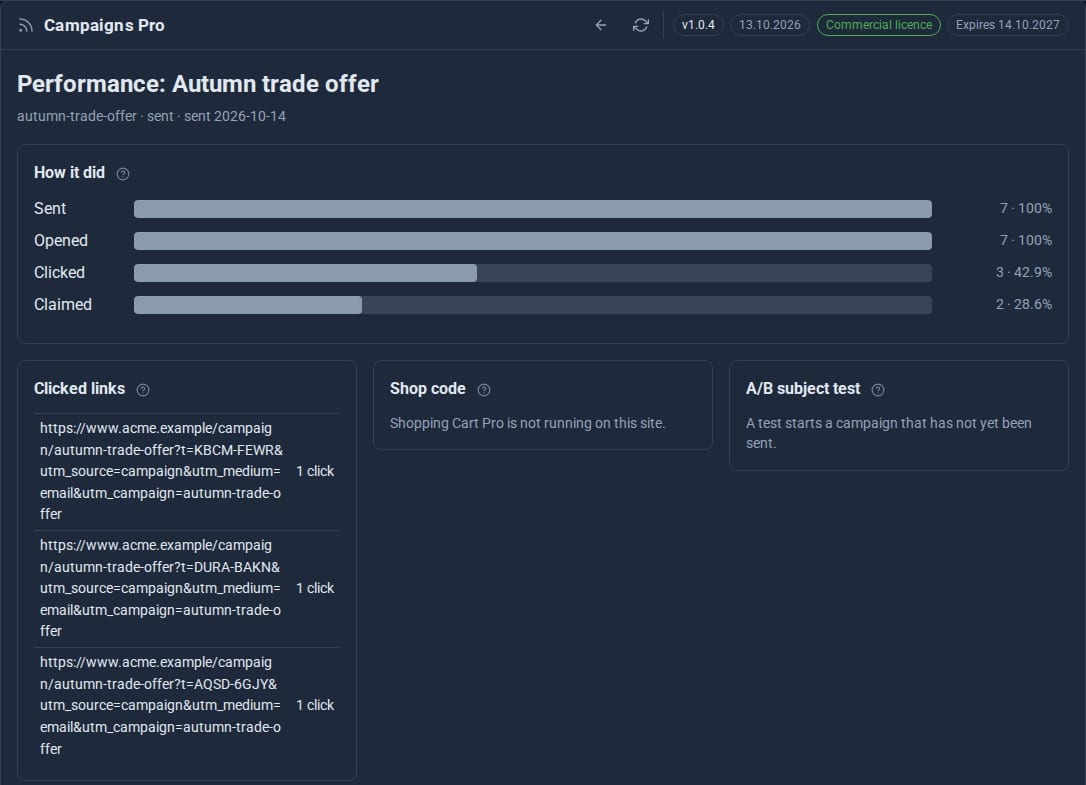
Campaigns Pro, Onboard Pro, Sheets, and quotes in Invoices
Three new Pro Tools - offers people can claim, onboarding journeys and spreadsheets inside your site - and quotes and self-billing in Invoices.

Projects: group your site without moving a thing
A project gathers the pages, collections, forms and people for one job under one name. Nothing moves: every address, file and link stays where it is - the project is a label.

Your pages, anywhere: the Content API
The Content API hands your pages, menus, site settings and search to another app as JSON - exactly what your site would show the same visitor, and only to the callers you choose.
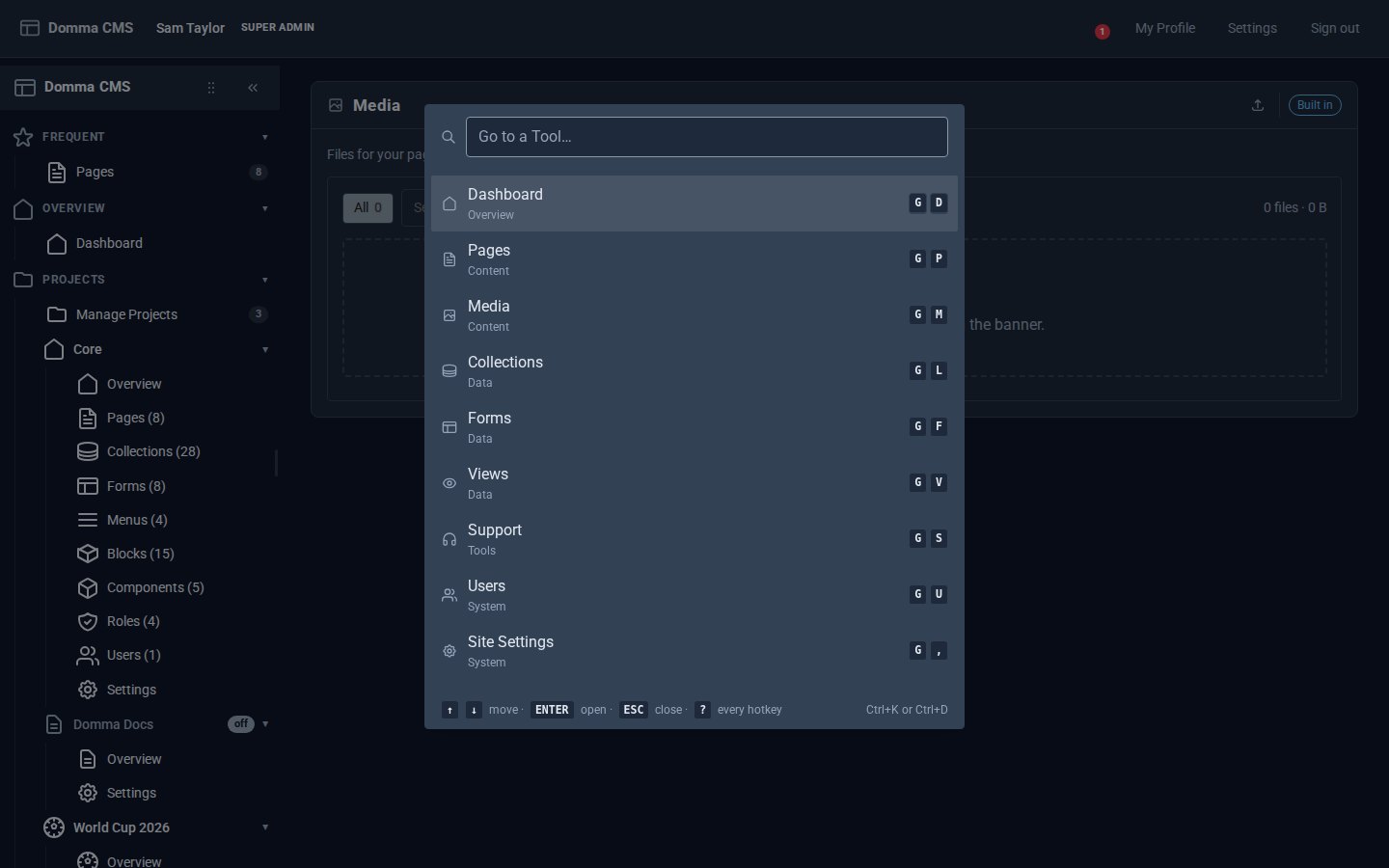
Every Tool, a keystroke away
Domma CMS 1.6: press G then a letter to open any Tool, G then 1-9 for your Frequent ones, Ctrl+K to find anything by name, and ? for the list.
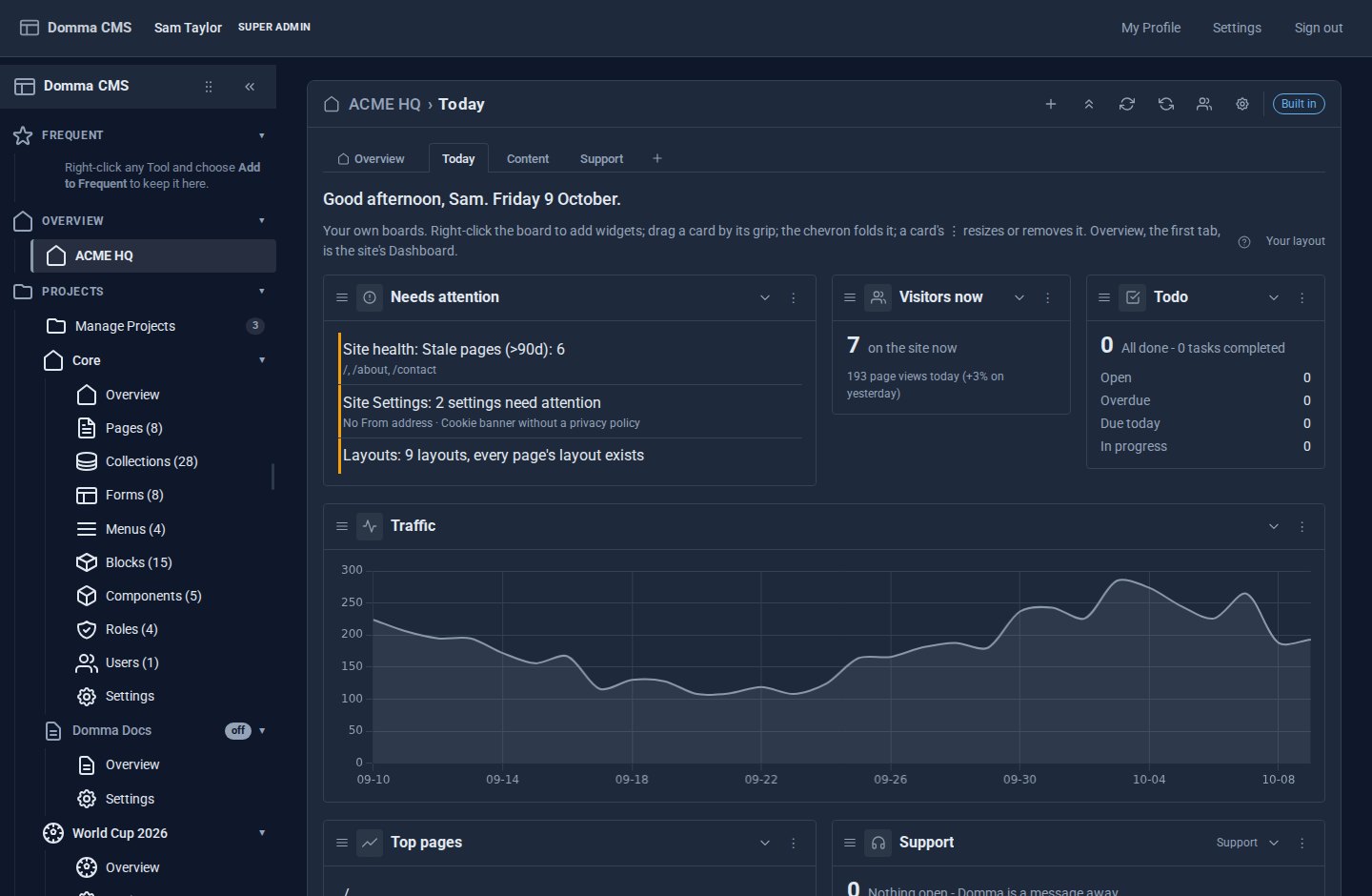
A morning at ACME HQ
A showcase: one morning at ACME Ltd with Dashboard Pro - the Overview first, everyone's own boards after it, and every Tool with widgets in the gallery automatically.
Your Dashboard, your way
You asked for it: Dashboard Pro turns the admin Dashboard into Dashboards - the Overview first, then boards of widgets each person arranges, from every Tool you use.

Domma CMS 1.0
Domma CMS is 1.0. Nothing changes when you update - what changes is the promise that your site and your Tools keep working until a new major version says otherwise.

From a local Domma CMS site to production
A new tutorial takes your Domma CMS site onto a Linux server with PM2, HTTPS, backups and a safe update routine. Here is what changes when you go live.
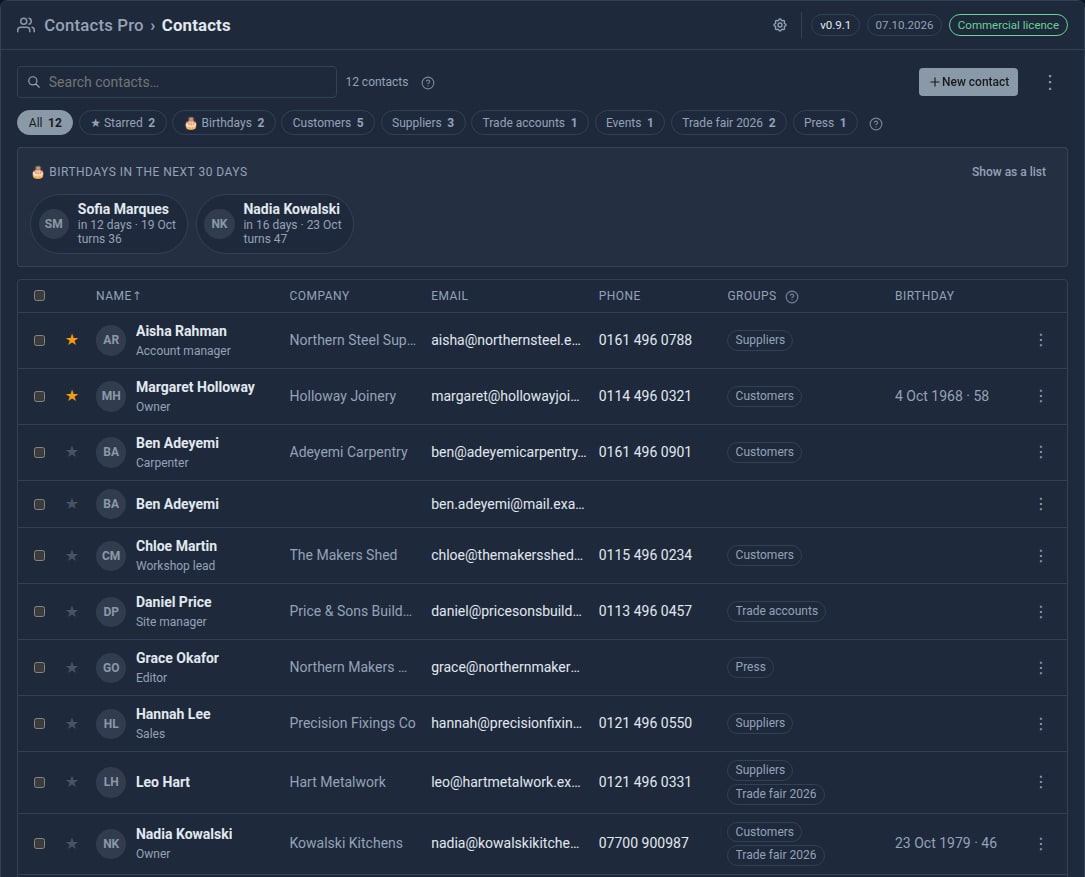
Bring your contacts in from Google
Contacts Pro 0.9 imports your address book from Google, a phone or Outlook - and merges the people you already have instead of doubling them up.
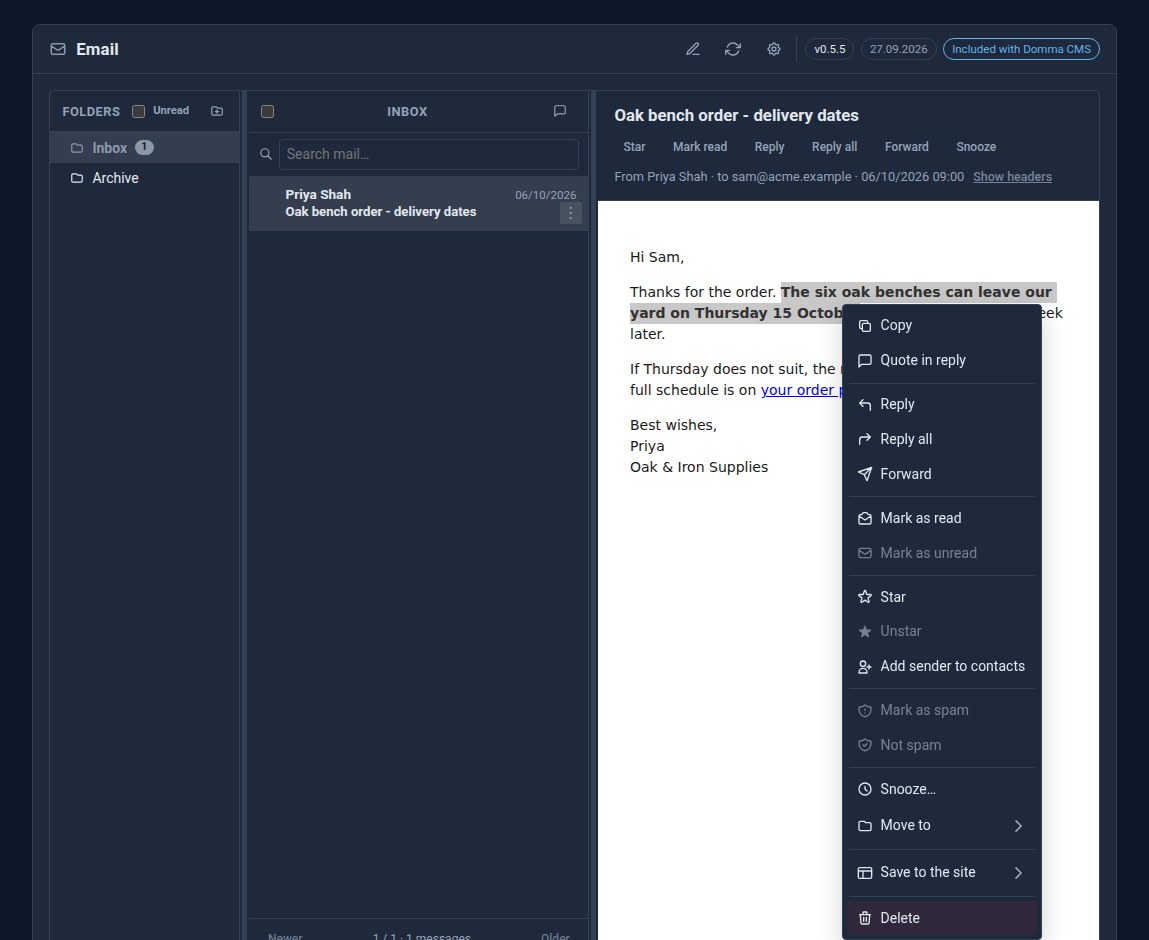
Right-click the email itself
Right-click an open email in Domma CMS for Reply, Reply all, Forward and the message's other actions - or select a sentence and quote just that in your reply.
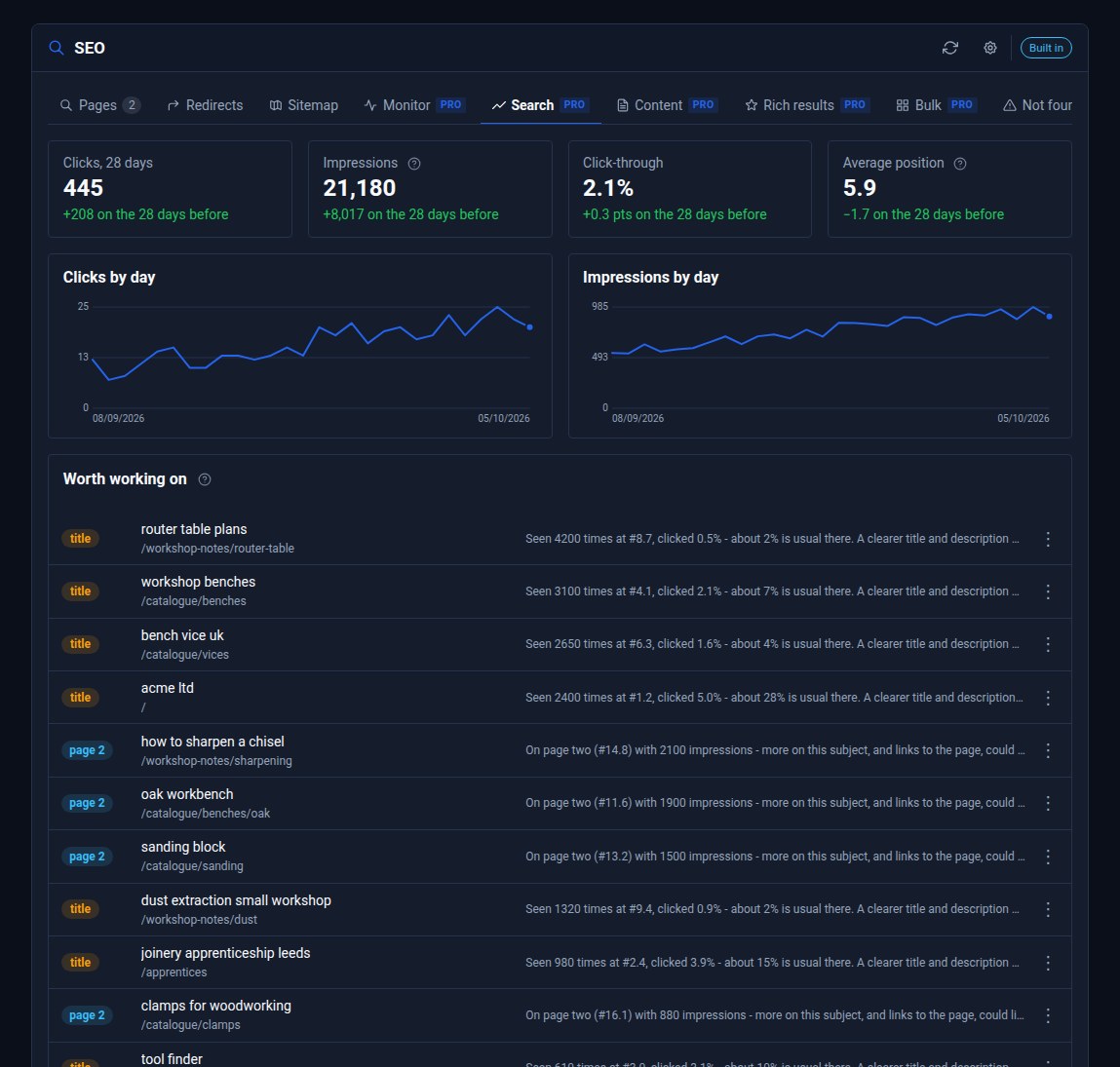
Google Search Console, inside your admin
SEO Pro shows your Google searches, clicks and positions next to the pages they are about - and from 0.6 it sends your sitemap to Google whenever your pages change.

SEO Pro 0.4 to 0.6: indexing, speed, sitemaps and more
IndexNow and verification codes, page speed over time, seven more rich result types and templates, CSV in Bulk, a weekly SEO email, a Sitemaps tab - and your sitemap sent to Google.
Domma CMS 0.102 to 0.116: what changed
Video calls on your own site, the free Booking Tool, Calculator and Support, a resizable sidebar, illustrated celebrations and one-step sample content removal - the highlights of a busy week.
Docs and Docs Pro: your documents, from draft to done
Docs puts a proper document editor in your admin. Docs Pro publishes handbooks with a Kindle-style reader, gets agreements signed, reviews with comments and suggested changes, and starts you off with ready-made templates.
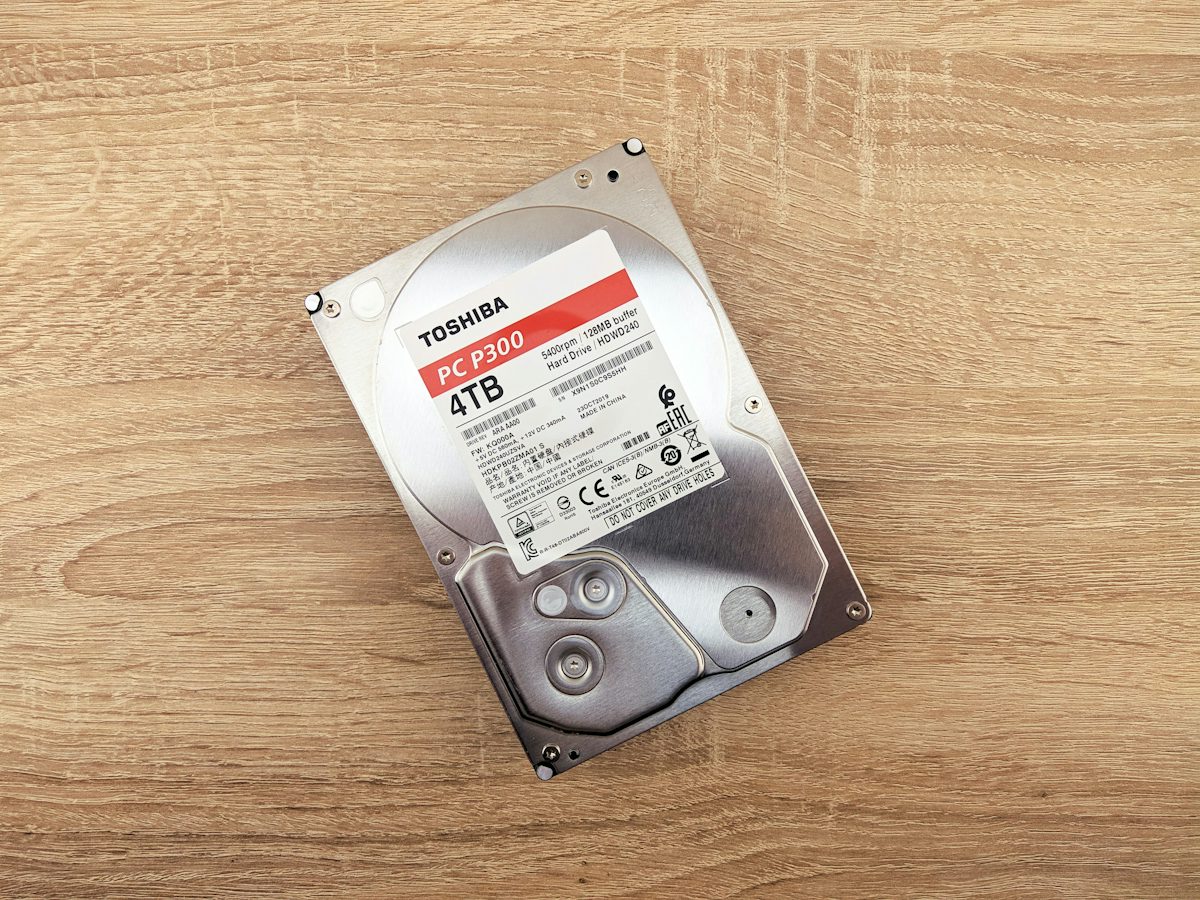
Backup Pro: you always see what Domma did
Scheduled, encrypted backups of every site, restores that are tested in a sealed-off copy - and a record the site owner can read of every backup and every restore, including the ones we started.

Accordions, safer bindings and Domma Reactive 1.2
A fix for accordions that opened to an empty panel, and a reactive core that now fails safe when a binding is handed the wrong thing. Domma JS 0.50.1, Domma Reactive 1.2.0 and Domma CMS 0.101.5.
Domma CMS 0.90 to 0.101: what changed
SEO built in, boxes that follow the theme, forms that greet visitors by name, dates in dd/mm/yyyy, loading placeholders and a sidebar you can rearrange - the highlights of a busy run of releases.

A week with the apprentices in the grinding shop
Priya and Tom are in their second year. We followed them from Monday's safety briefing to Friday's inspection. (Fiction, for the demo.)

Cordless or corded: which drill for a first workshop?
For most first workshops the answer is a cordless combi drill. Here is when it is not.

Sharpening a chisel in ten minutes
Flatten the back once, hone a small secondary bevel, and a blunt chisel is back to shaving end grain before the kettle boils.

Welcome to the ACME workshop blog
Why a tool maker keeps a blog, and what you will find on this one. (A demo post on Domma CMS.)
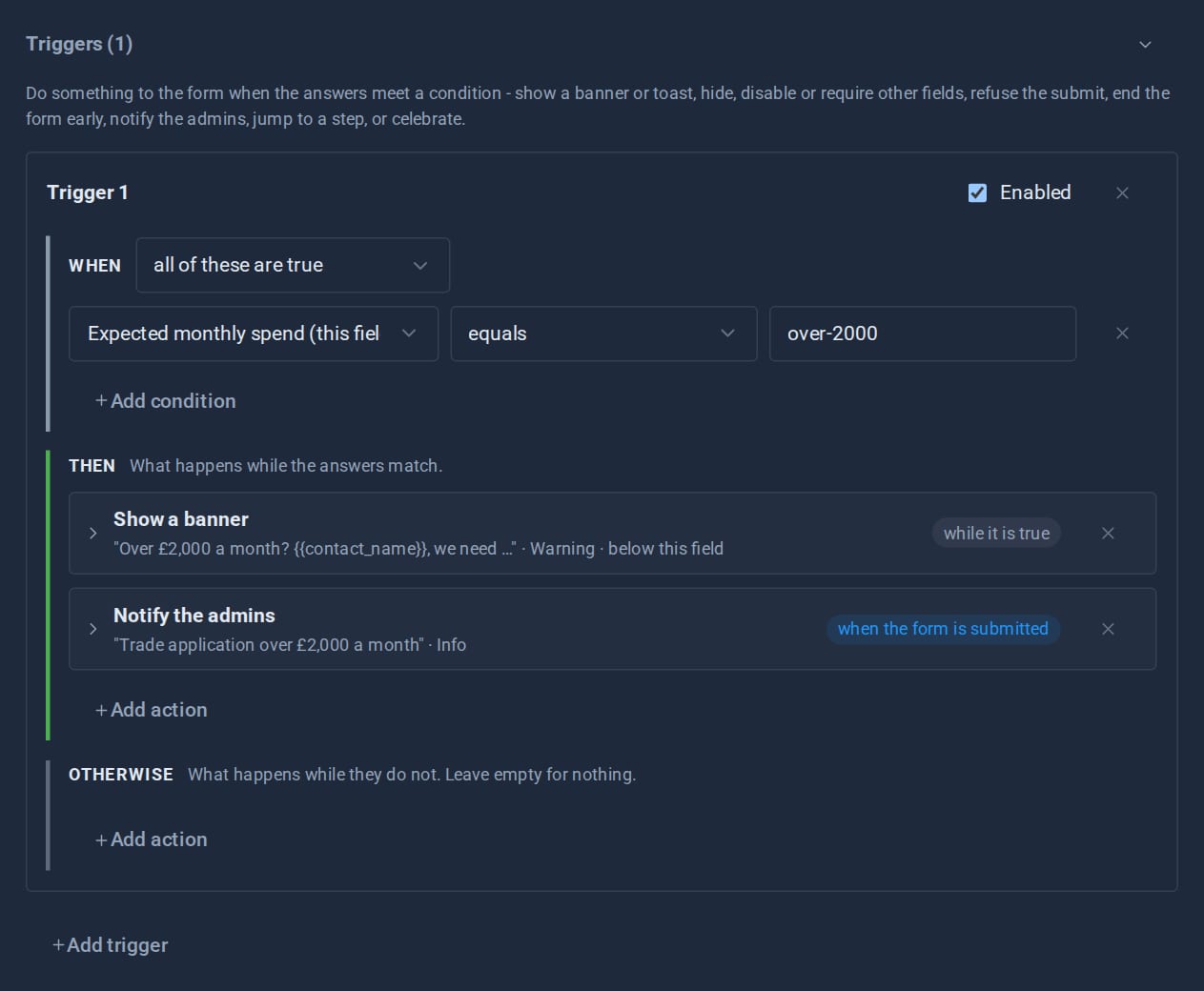
Forms that react: triggers and conditional logic
Show a field only when it matters, warn before a visitor goes further, end a form early, jump a wizard step, tell the admins - all set up in the form editor, and all re-checked on the server.
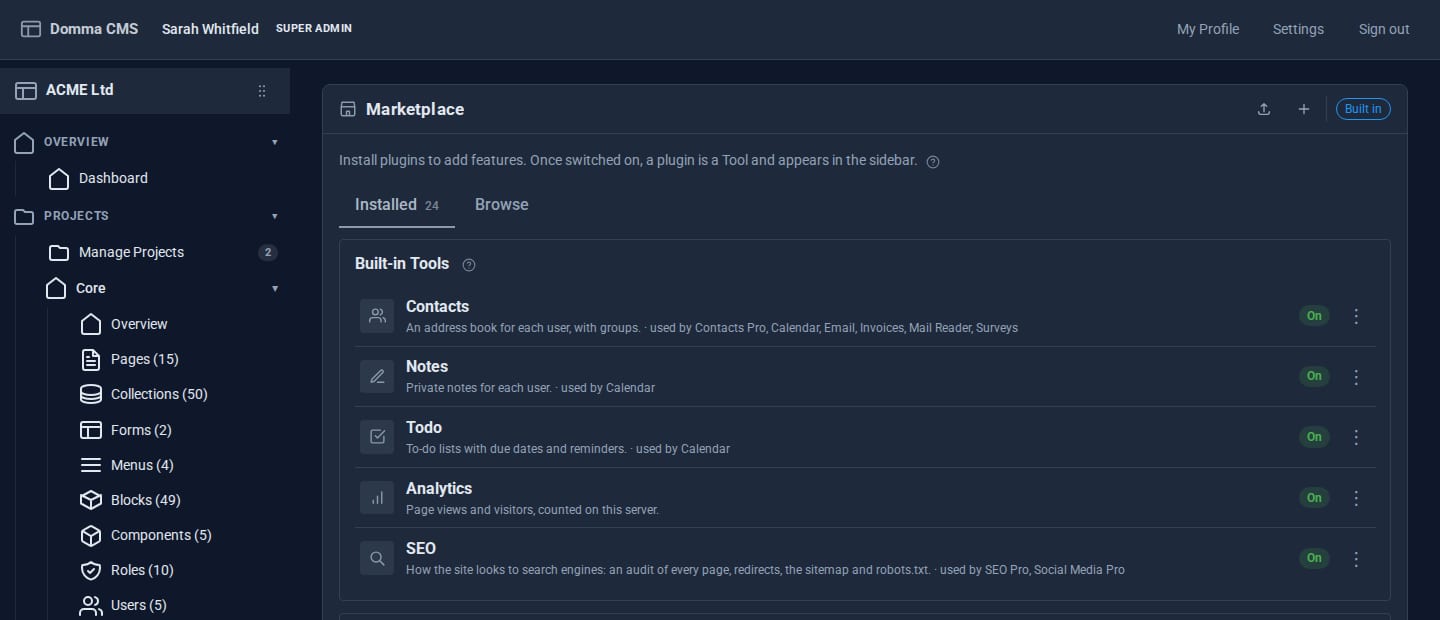
Tools that switch off safely
Since 0.88, the built-in Tools can be switched off - but only through a plan that shows you everything the switch would affect, and never in a way that breaks something else.
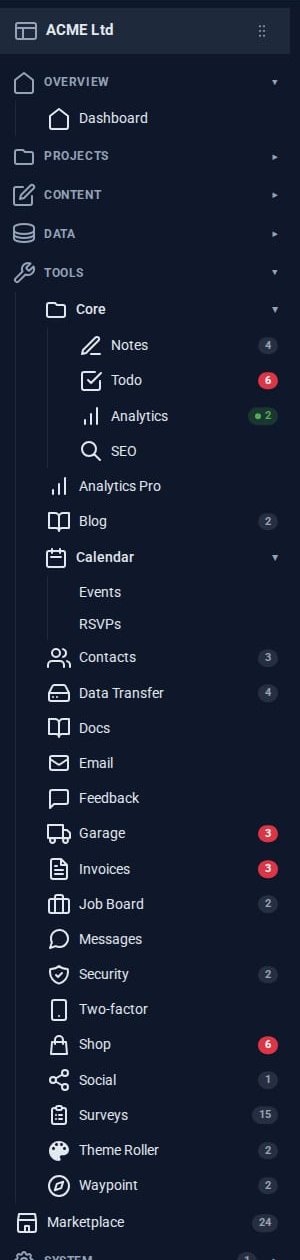
The Pro Suite: your business tools in one admin
A small business usually pays for a mail app, a CRM, an invoicing service, a shop, a project board and a survey tool - and copies data between them. The Pro Tools share one admin instead.

Running nine sites on one server
Every hosted Domma CMS site, this one included, runs on one server under the Domma Manager. What that looks like day to day, and what it has taught us.
Theming a site without a designer
Built-in themes, automatic day and night, re-theming one region of a page, and - with Theme Roller - themes of your own. How far you can take a Domma site's look without writing CSS.

Why Domma never uses eval
Knockout-style bindings usually mean compiling strings into code at runtime. Domma Reactive parses them by hand instead, so it runs under a strict Content Security Policy.
One collection, eight looks
Define your data once, then show it as a table, cards, a list, an accordion, a timeline, a carousel, a list group or your own block template - and let visitors search and filter it.
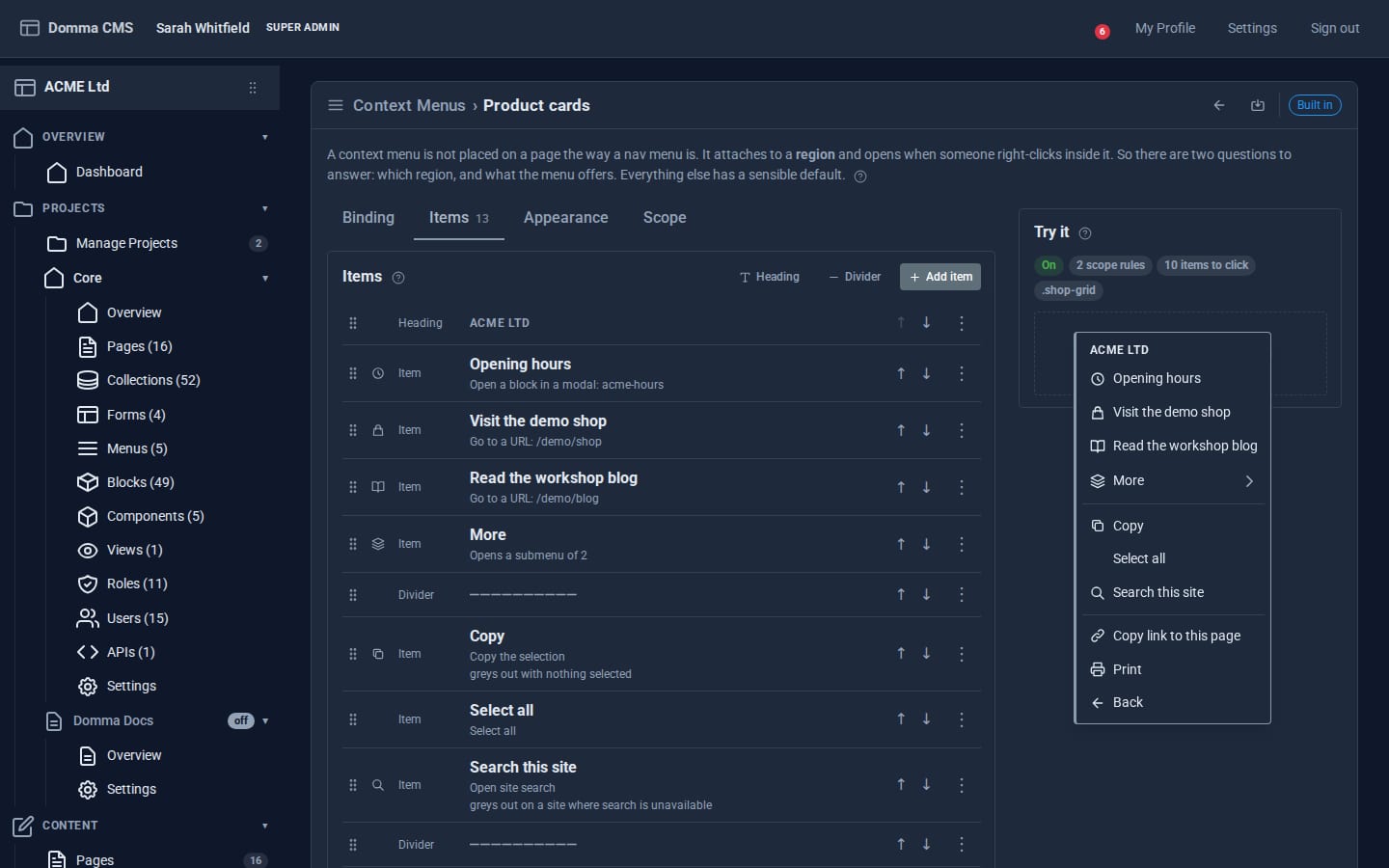
Right-click menus you author yourself
Domma CMS lets you give any region of your public site its own right-click menu - built in the admin, bound by selector, and without a line of JavaScript.

Your first 15 minutes with Domma CMS
One command, a four-question wizard and a dashboard that tells you what still needs doing. Here is what the first quarter of an hour with Domma CMS looks like.
No posts here yet.