Leaving WordPress? Plan the move before you start
A WordPress move is more than an export. Inventory your content, plugins, URLs and forms first, then decide what to move, rebuild and test.

A WordPress export can give you a useful copy of posts and pages. It does not tell you what every plugin does, which old addresses bring visitors, or how your forms and theme fit together. That is why a good migration starts with a list, not a button.
Make an inventory first
List the pages, posts, categories, images and downloads people rely on. Then make a second list of the things that make the site work: the theme, forms, search, memberships, shop, bookings, redirects, analytics and external services. A plugin name is not enough - write down the job it performs.
Protect the addresses
Record the current URLs before building the new site. Keep an address where the same content will live. For every address that changes, choose the most relevant replacement and plan a redirect. This protects bookmarks and links from other sites as well as search traffic.
Decide what moves and what is rebuilt
Pages and posts may transfer as content, while layouts, shortcodes and plugin behaviour often need a new implementation. Some features may fit a Domma CMS Tool; others may be better left with an external service. Check the decision page by page and feature by feature.
Test before changing the domain
Build on a staging address. Check the site on a phone and desktop, submit forms, test sign-in and checkout if you use them, open downloads, follow internal links and visit every redirect from your URL list. Keep the old site and a backup until the replacement is stable.
Get help with the parts that vary
We offer paid migration help. We review the current site, agree the scope and send a price before work starts. The number of posts is only one part of the estimate; a custom theme, plugin features and integrations can change the work considerably.
If you would rather plan it yourself, follow the free WordPress migration tutorial and use the migration guide as a checklist.
Keep reading
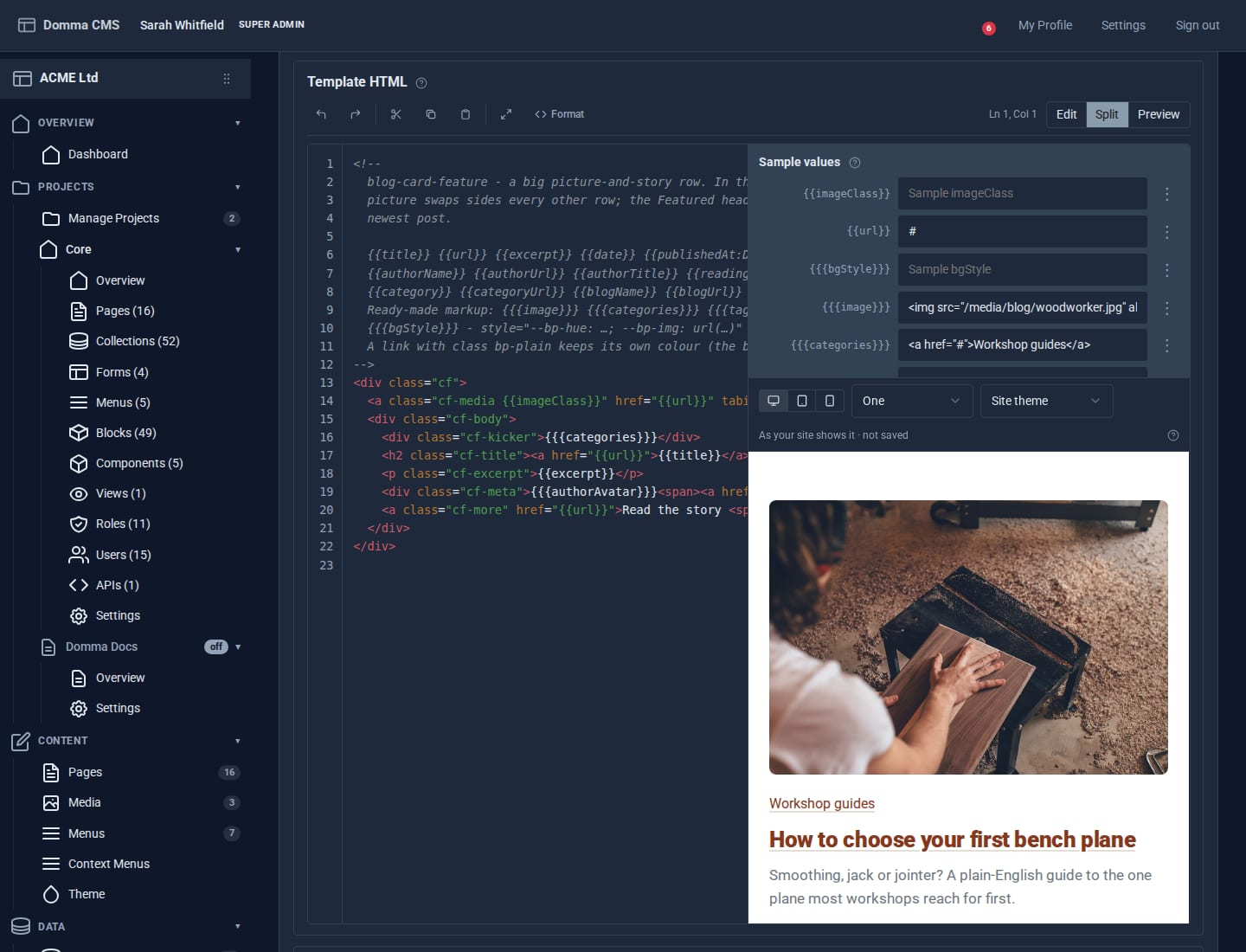
Blocks: your own design for any collection
Write a small piece of HTML once and every entry in a collection is drawn through it. Plus a new Blocks guide, and Writing a Tool.
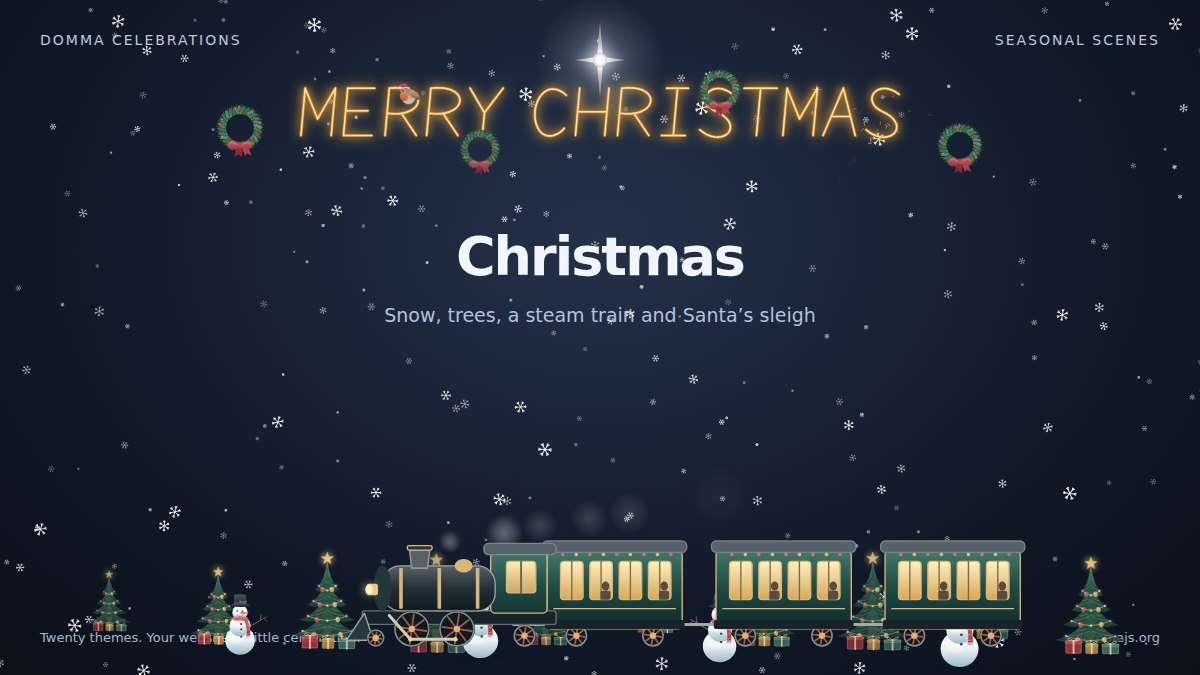
Meet Domma Celebrations: twenty ways to bring your website to life
Take a visual tour of all twenty Domma Celebrations themes, from Christmas and Halloween to summer gardens and personal sparkler greetings, with screenshots and a quick setup guide.
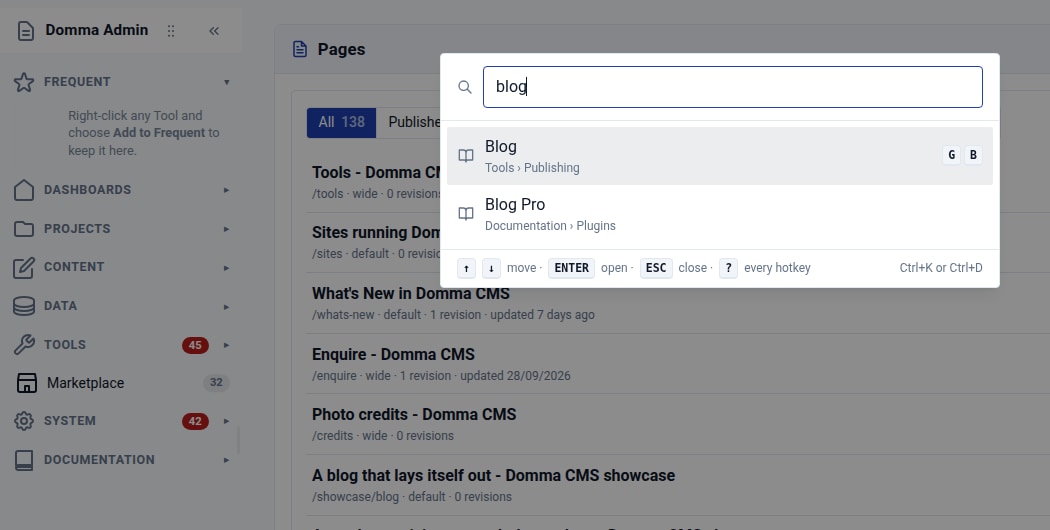
Find your way around: Ctrl+K and favourite Tools
Find any admin Tool with Ctrl+K, then keep your favourites at the top of the sidebar. Two small habits that make a busy Domma CMS admin easier to use.