Tools
One install. Switch on what you need.
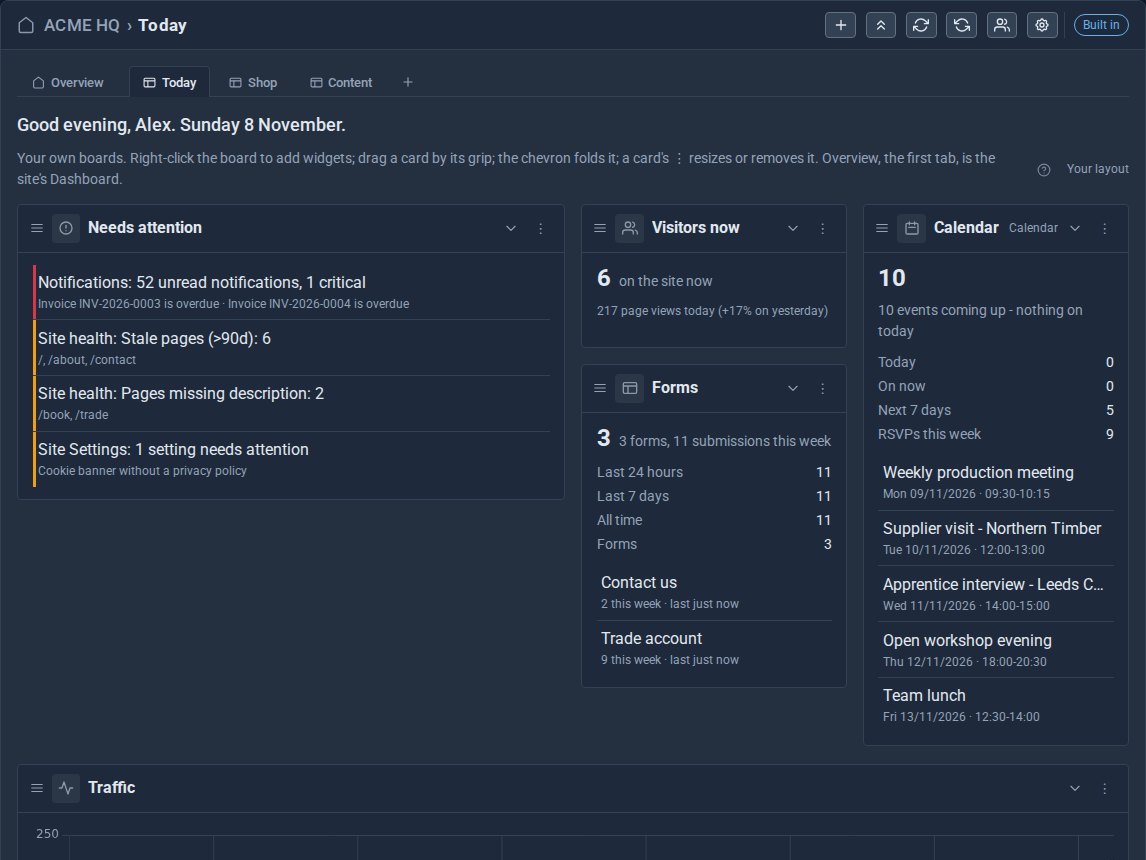
Every Domma CMS site comes with a set of Tools already built in, a handful more you can switch on for free, and Pro Tools for when the business grows. They share one admin, one sign-in, one set of users and roles, so nothing needs gluing together.

Two Tools that build for you. Meet Dot and Daisy.
Site Builder and Tool Builder are AI helpers for sites Domma hosts only: Dot comes with the Pro plan, and Daisy is £59 a month. And when nothing in the list below quite fits your business, Daisy makes the Tool you need. Both say plainly that they are AI, and both stick to their jobs.
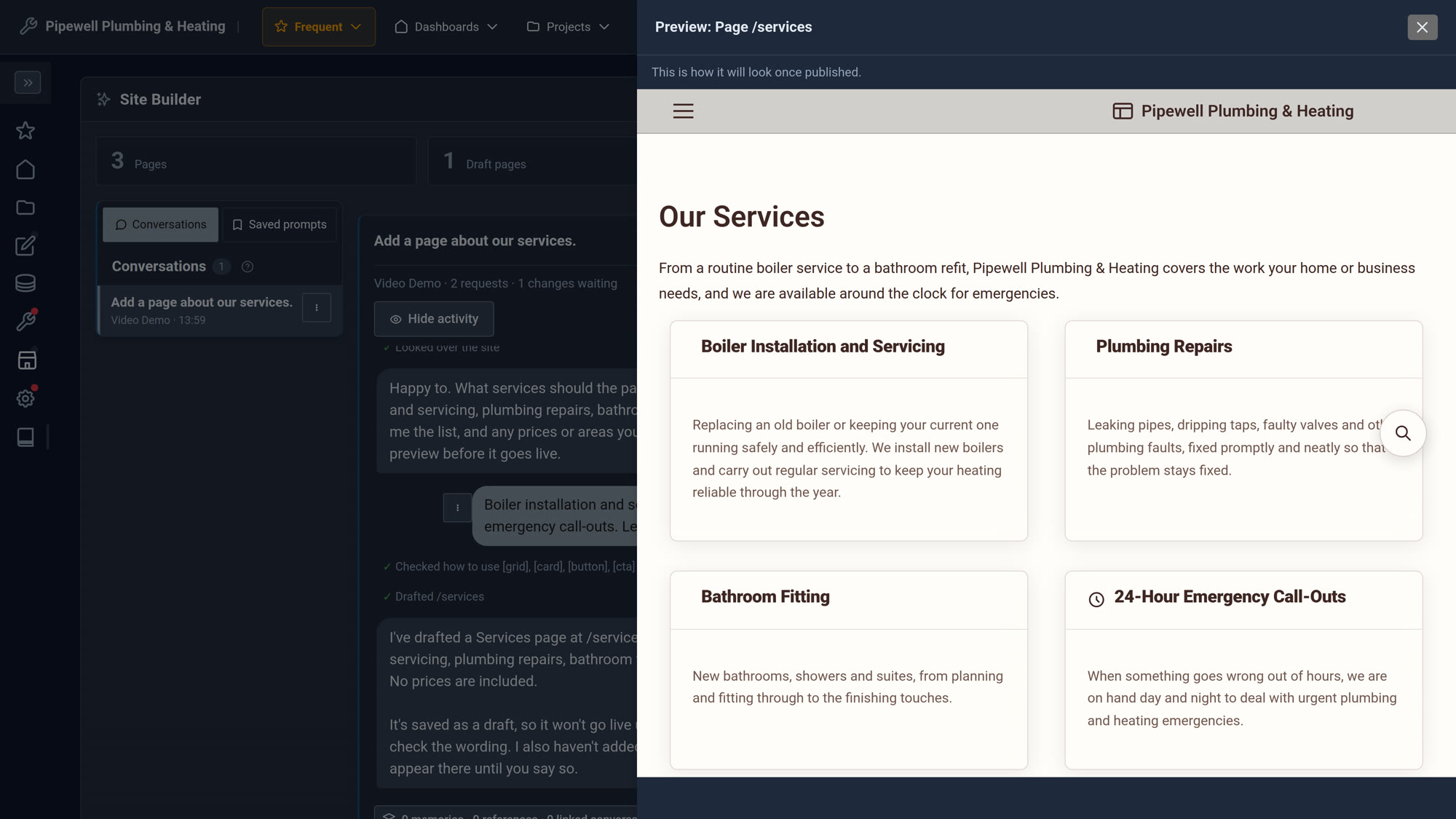
Dot, your Site Builder
Ask for a new page, a rewrite, a warmer look or a menu change. Dot uses your own pages, blocks, menus and themes, and every change waits as a draft until you publish it.
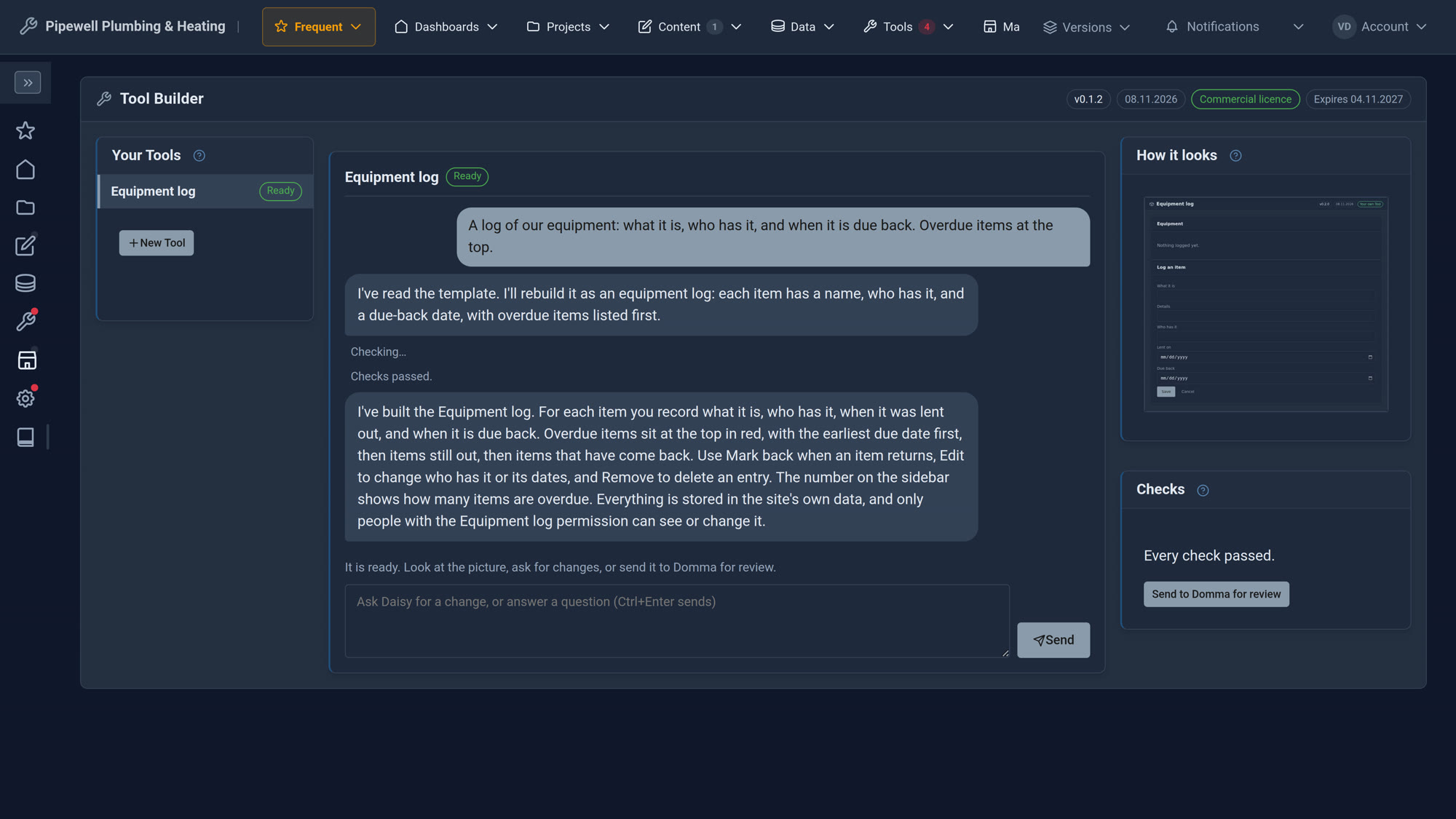
Daisy, your Tool Builder
Describe a Tool your business needs and Daisy writes it, checks it on a test copy of a site and sends it to a person at Domma for review. It never copies a Tool Domma already has.
Browse every Tool
Narrow the list by tier or category. Each card opens that Tool's own page, with what it does, how it looks and how to start.















































Built-in, free and Pro
Built-in
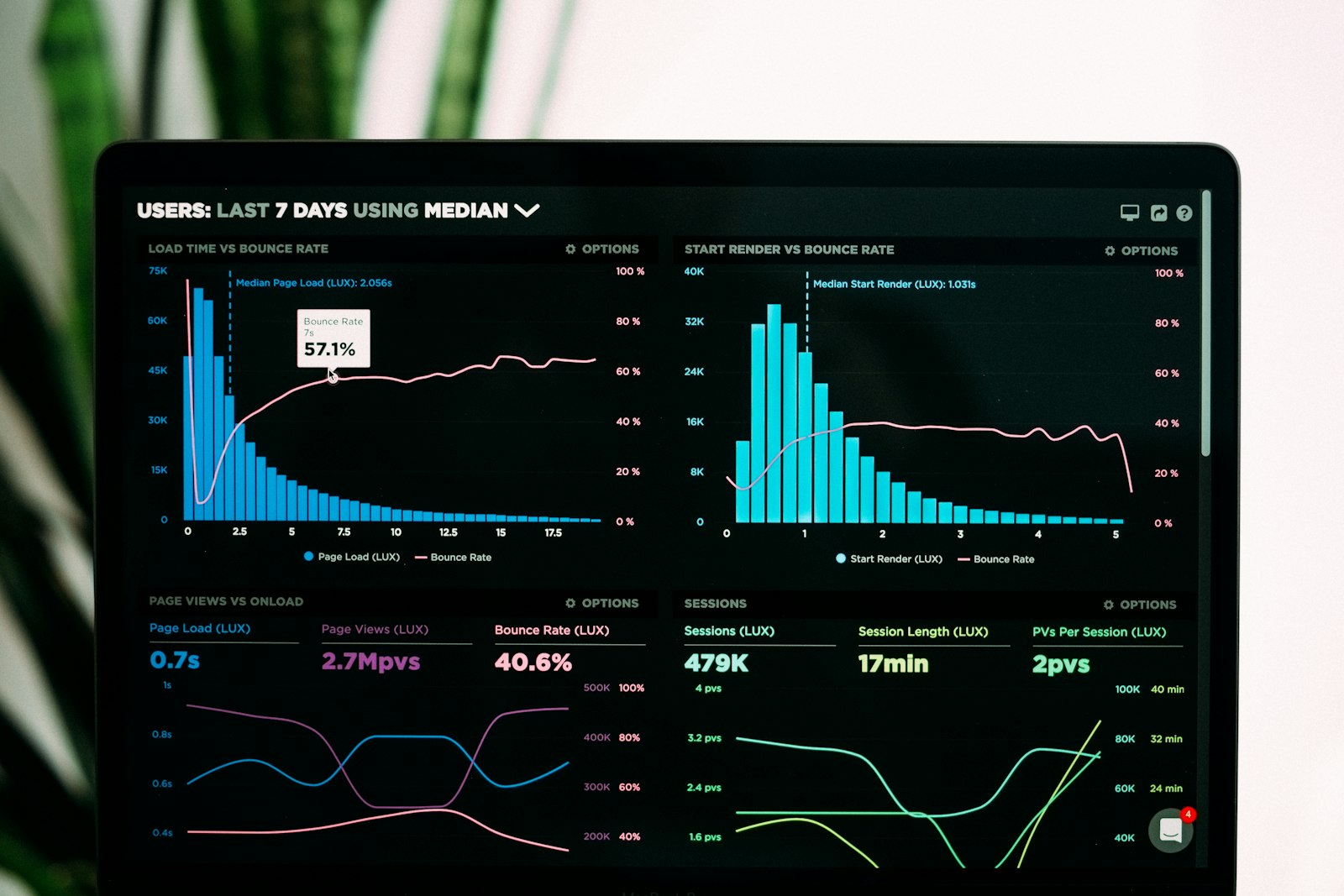
Part of Domma CMS itself and on from the first run: Analytics, Contacts, Notes, Todo, Calculator, SEO, Forms, Site Search and the Theme Switcher. Don't need one? Switch it off and its data is kept for when you want it back.
Free
Blog, Shopping Cart, Security, Feedback and Mail Reader ship with every install. Switch them on in the Marketplace when you need them. No account, no licence, no fee. Support ships with every install too, and is on from the start.
Pro
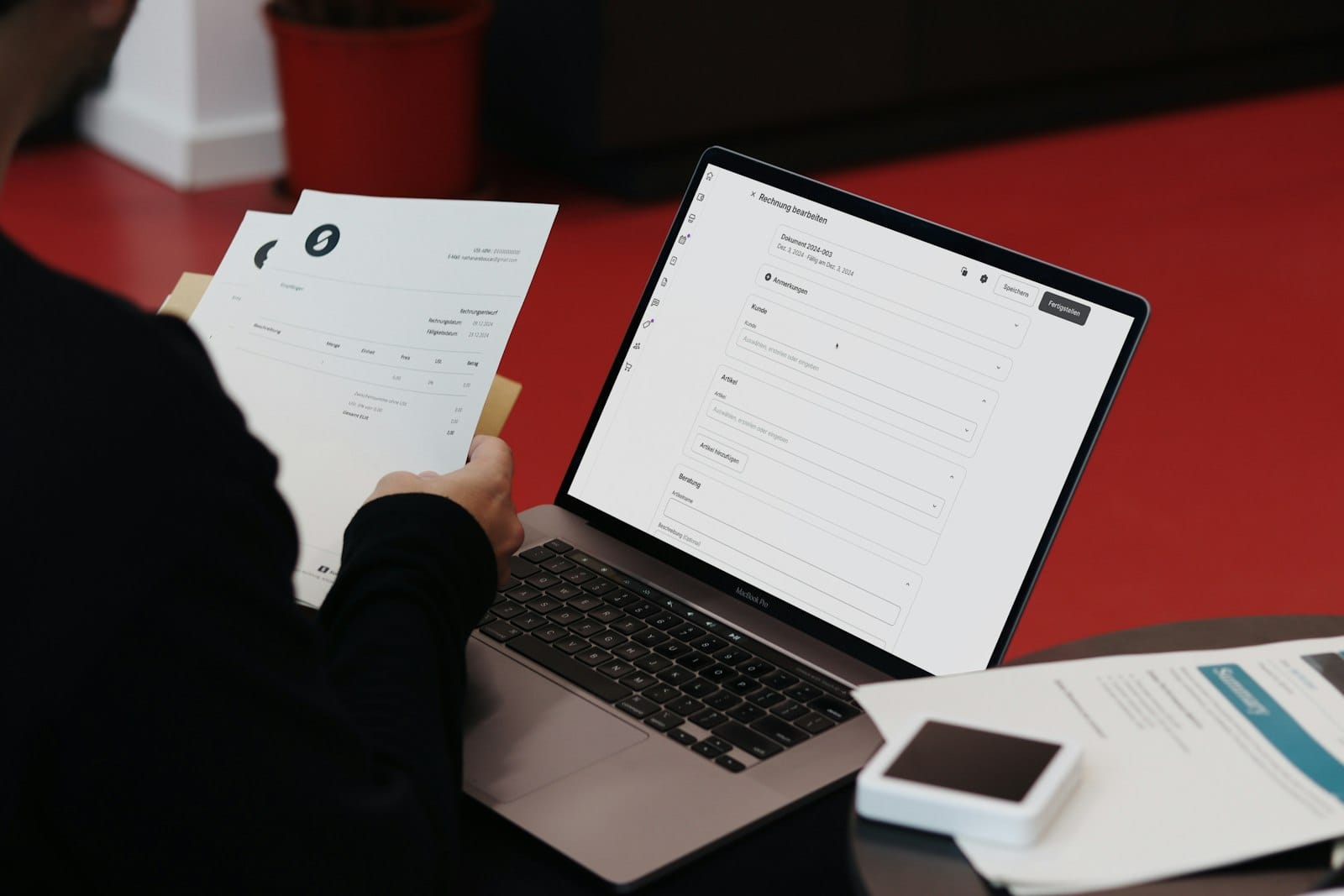
Tools for when you need more: several blogs, full email, a calendar, classes and waiting lists, invoices, recruitment, e-cards, two-factor sign-in, Search Console and more. Each is licensed per site. We install it on managed sites; self-hosted customers install it on their own server.
Pro never locks you in
A Pro Tool adds to your site; it never holds your content hostage. If a licence lapses, the Pro Tool stops loading and everything it stored stays on your site, untouched. Renew, and it picks up where it left off.
Where a Pro Tool has a free sibling, the free one steps back in on its own:
Monthly licences on managed sites have a seven-day grace period before anything changes. A licence bought outright for a self-hosted site never stops working; when its support period ends, it simply stops receiving updates.
Here if you need us.
Questions about Domma CMS? Find help and guidance.