Clone pages, leave yourself notes, and let content expire
A week of page-editor improvements: clone a page, hidden notes with Ctrl+/, a Review status, images from Media, and shortcodes that expire.
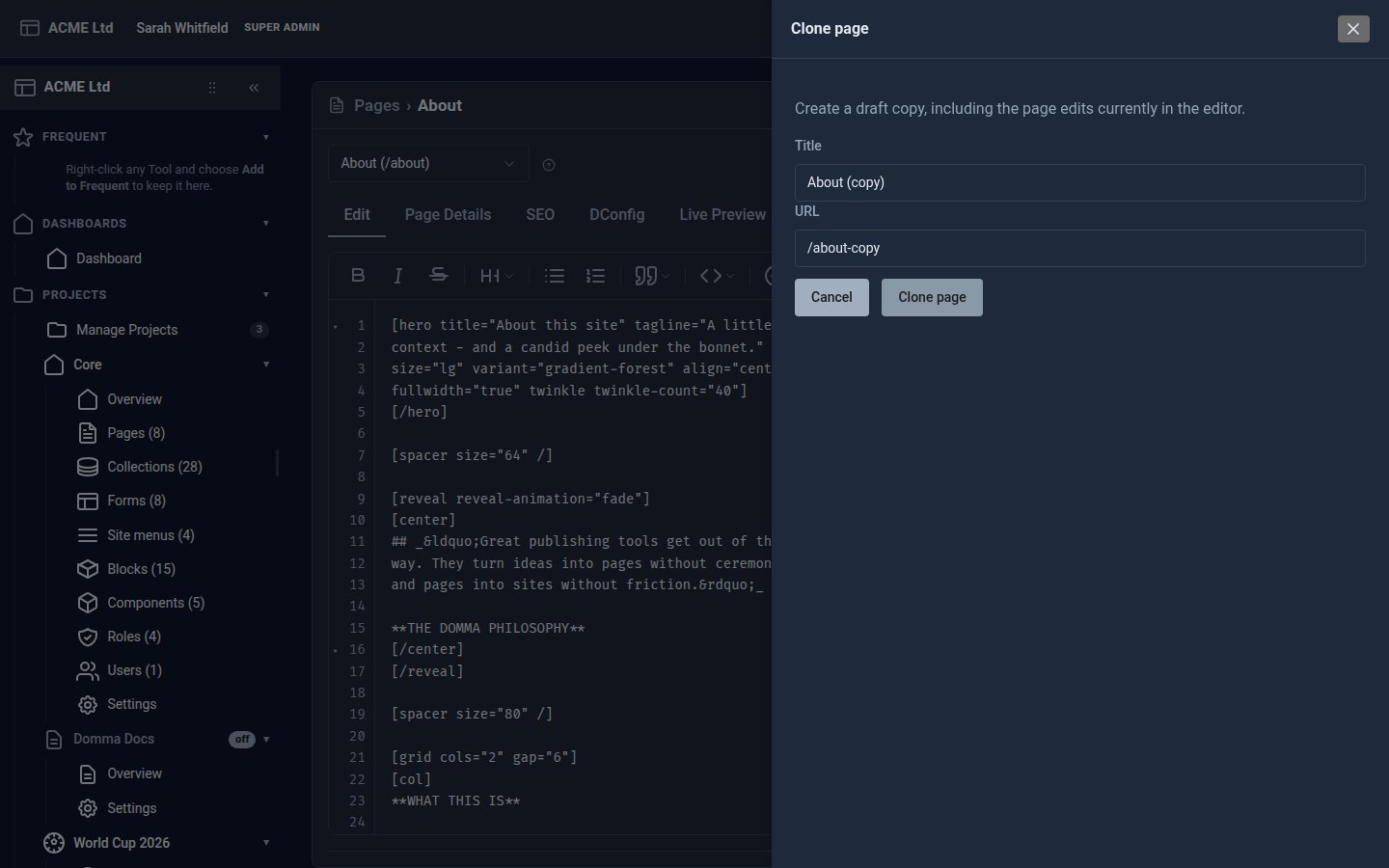
A run of page-editor improvements from the last week, all in Domma CMS 1.6.30 to 1.6.35.
Writing pages
- Clone a page from the editor. The small icon beside Save is now Clone. Give the copy a title and address, and it is saved as a draft with everything you have changed so far. Save and Ctrl+S work as before.
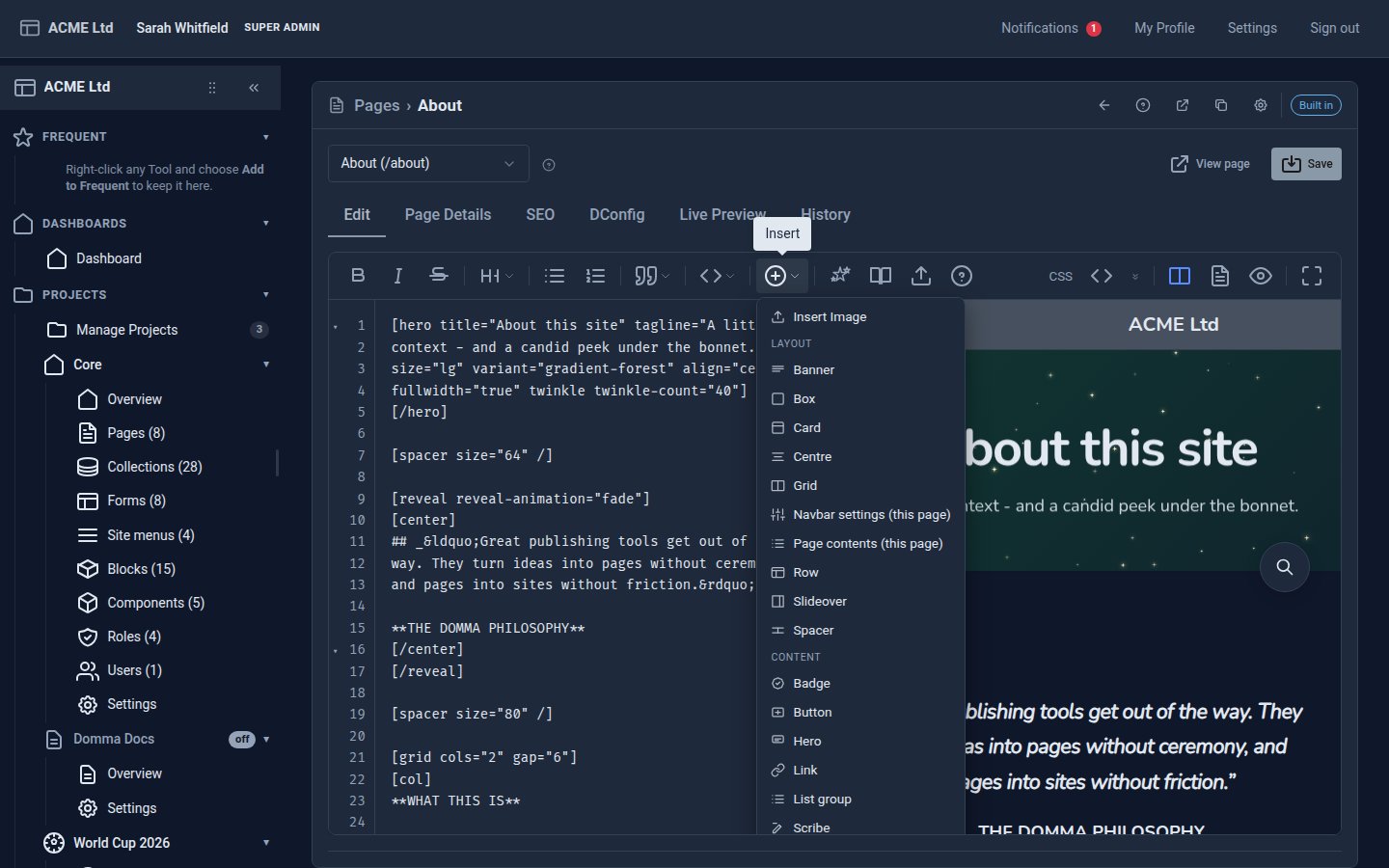
- Images from Media, straight in. Insert Image is now first in the editor's Insert menu, and carousel slides and hero backgrounds have a button that opens Media to choose or upload a picture.
- Notes to yourself. HTML comments, and lines starting with
//, are hidden from visitors. Ctrl+/ (Cmd+/ on a Mac) comments out the selection or the current paragraph, and pressing it again brings it back. - The editor's title follows the page, in the banner and in the browser tab, as you type.
- Page history names who saved. Every save, named version and restore point records the person who made it.
- A Review status. Right-click a page in the list for Transition to Published, Draft or Review. A page in review stays hidden from visitors until it is published.
Content that expires
Any shortcode can now hide itself, either after a date or after a visitor has seen it enough times:
[card expire-after="60" expire-scope="ip"]Shown for an hour after the first view.[/card]
[text expire-views="1" expire-scope="session"]Shown once in this browser session.[/text]
Use expires-at for a date and time, and expire-ip to show something only to certain addresses. Editor previews never use up a visitor's views.
Smaller things
- A favicon generator. Site Settings has a Favicon tab that turns any Media image into an icon file with all the usual sizes.
- Carousels take background and arrow colours, with arrows at the top, middle or bottom.
- Typewriter text (
[scribe]) takes the theme's web fonts, plus size, weight, colour, alignment and spacing. - Timelines keep their event icons and show Completed, Planned, In progress and Blocked badges.
- Admin themes preview instantly in Content > Theme. Save to keep one, or leave the screen to go back.
Keep reading
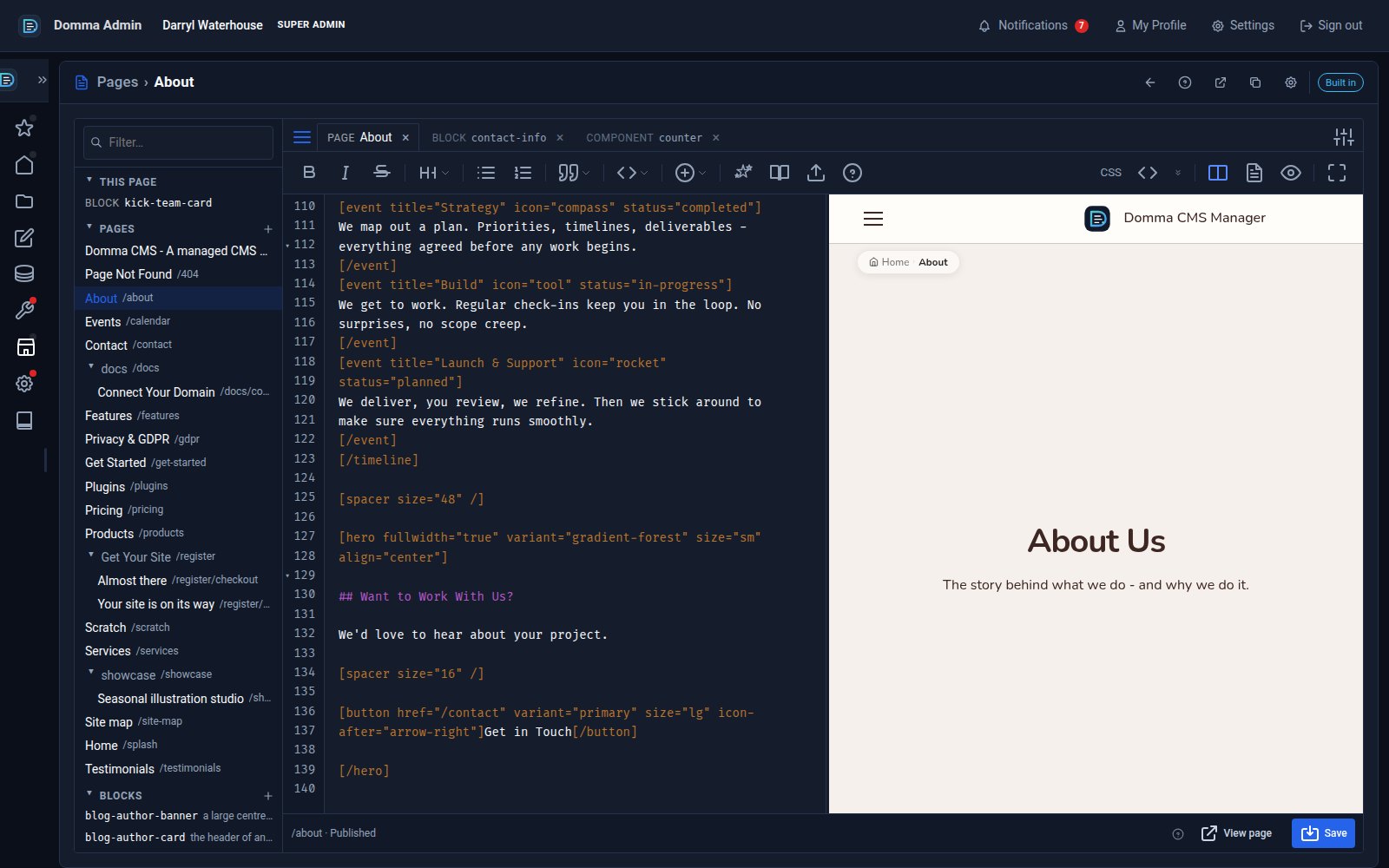
One editor for pages, blocks and components - with colour and smooth typing
Domma CMS 1.8.24 turns the page editor into a workspace: pages, blocks and components as tabs, a live preview three ways, coloured text in your own font, and a caret that glides as you type.
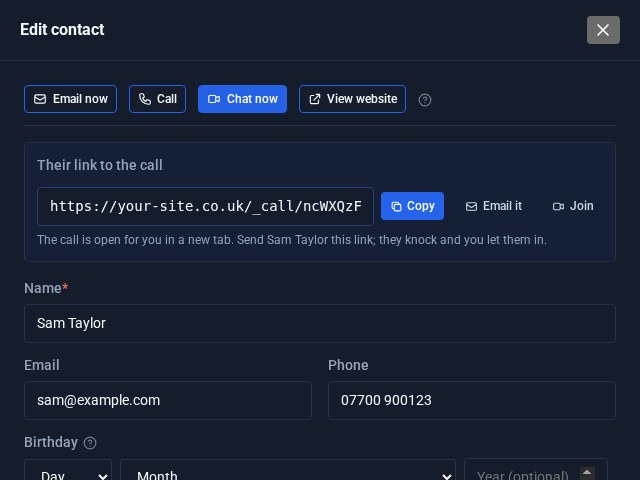
Contacts Pro: email, call or video chat in one click
Open a contact in Contacts Pro and the buttons are waiting at the top: Email now, Call, Chat now and View website. Chat now starts a video call on your own site and hands you the link to send.
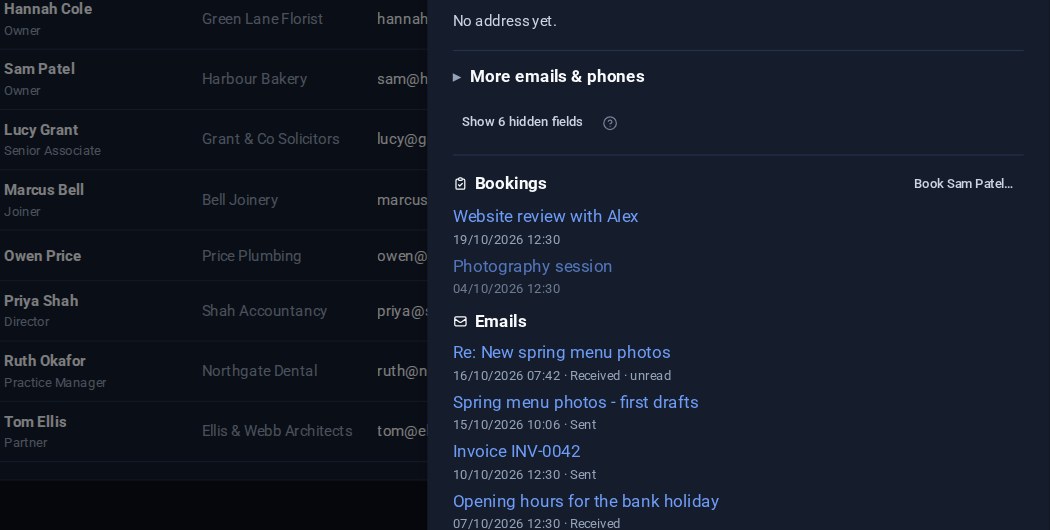
Contacts: your emails on the card, and the fields you choose
Your emails with a contact now show on their card, a click from the message itself. And Contacts Pro lets you choose which fields are columns in the list and which appear in the editor.