Media Pro: folders, safe moves and alt text from Claude
Media Pro brings folders inside folders, moves that never break a page, and alt text written by Claude for you to check. It comes with the Pro plan.

Your media library should not be one long pile of files. Media Pro is a new Pro Tool for Domma CMS: folders inside folders, moves that never break a page, and alt text written by Claude for you to check. It comes with the Pro plan.
It works on the files you already have, so nothing moves when you switch it on.
Folders inside folders
Make a folder for each product range, year or client, and drag files onto it. A dropped folder keeps its shape, and every "choose an image" box in your admin now shows the same folders.
Tidy up without breaking anything
Moving a picture normally breaks every page that uses it. With Media Pro, pages, collections and site settings are updated for you, and the old address leads to the new one, so links from other websites and old emails keep working.
Before you delete something, each file shows where it is used. Tidy up reads your whole site and lists files nothing uses, exact duplicates, big pictures and pictures with no alt text. Anything you delete waits in Trash for 30 days.
Alt text from Claude
Alt text describes a picture for people who cannot see it, and helps search engines too. It is also the job everyone puts off.
Select some pictures, or use No alt text in Tidy up, and Claude suggests a sentence for each. You read them, change what you like, and press Save. Nothing is saved without you. It is included in the plan, with no key to set up.
Faster pages on phones
Phones and tablets are now offered smaller copies of your pictures, so pages load faster. There is nothing to change on your pages, and your originals stay as they are. Big pictures can also be shrunk, one or many, and upload rules can keep phone photos a sensible size and remove their location data.
The right part of the picture
Click the part of a picture that matters most. When a card, banner or gallery crops it, that part stays in view.
A folder as a gallery
Right-click a folder, choose Copy gallery shortcode, and paste it into a page:
[media-gallery folder="products/shoes" /]
Getting it
Media Pro is part of the Pro plan and needs Domma CMS 1.36 or later. See Media Pro for the details.
Keep reading

Post to Facebook and X from your Domma CMS site
Social Media Pro now publishes to Facebook Pages and X, alongside LinkedIn, Bluesky and Mastodon. Draft, schedule or send posts from your Domma CMS admin.
Email a whole group, from Contacts or your own mailbox
Campaigns can now go straight to your Contacts groups - read when they send, nothing to import - and a small one can go out from your own mailbox.
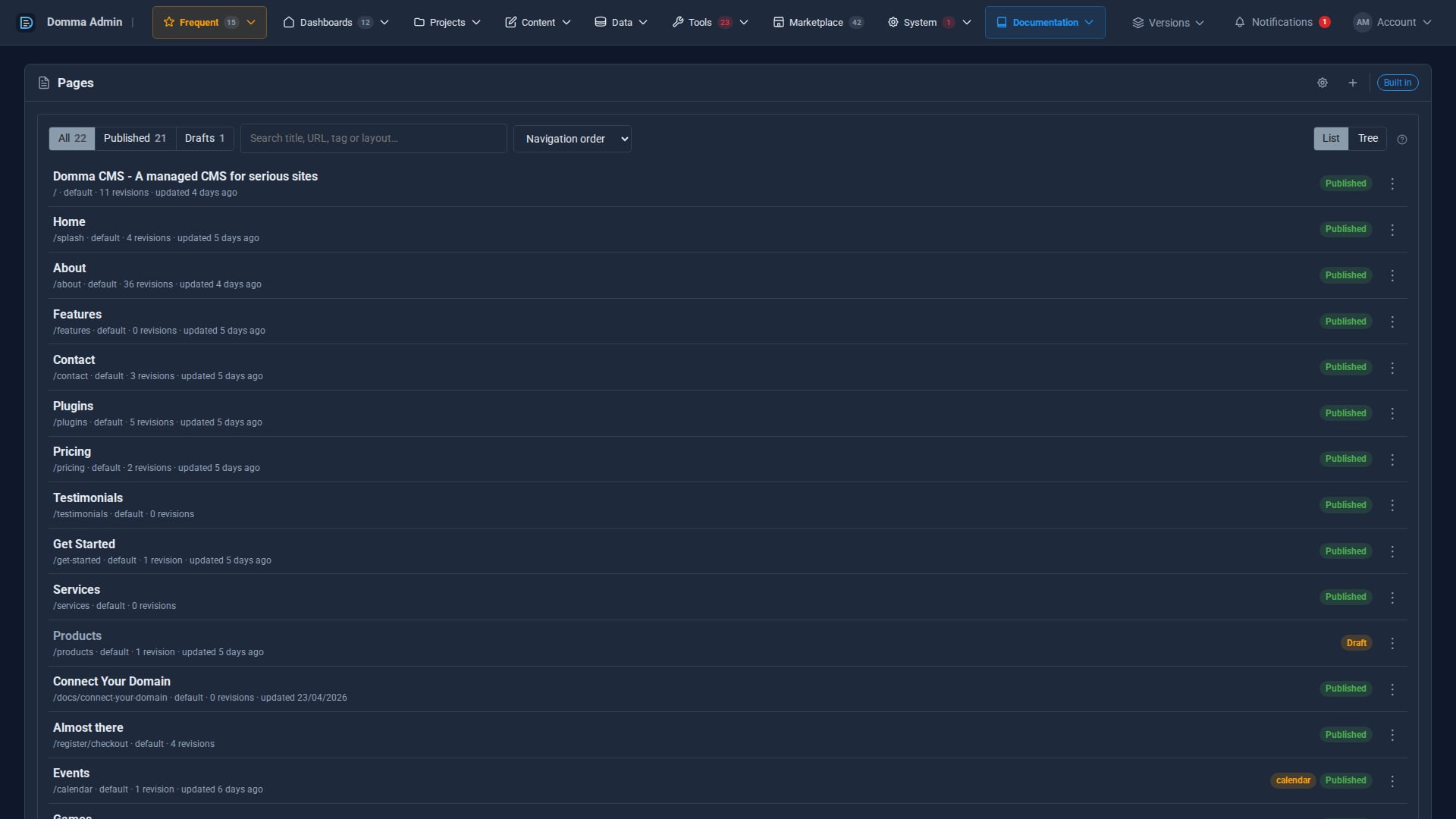
A cleaner admin: the new top menu
Every admin section now sits in one menu bar across the top, with your Frequent shortcuts, live counts and account menu, so your work gets the full width of the screen. The side menu is now a switch.