The Pro Suite: one umbrella, not nineteen apps
A small business usually pays for a mail app, a CRM, an invoicing service, a shop, a project board and a survey tool - and copies data between them. The Pro Tools share one admin instead.
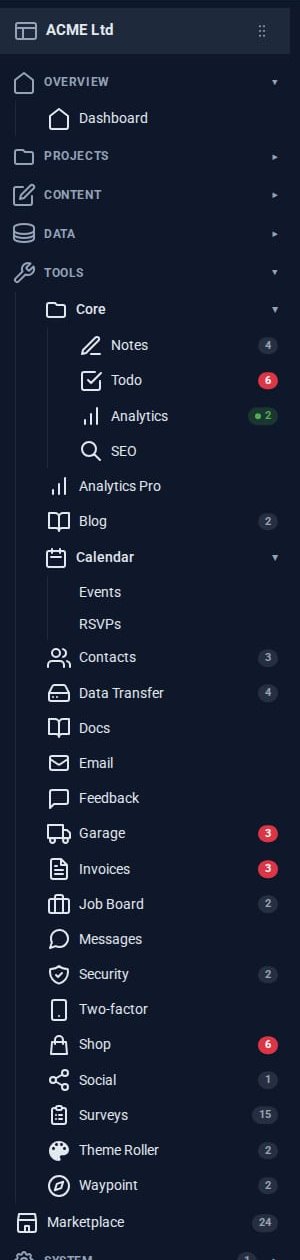
Walk into most small businesses and you will find the same stack of subscriptions: a website builder, a mailbox, a customer list, an invoicing service, a shop, a booking calendar, a project board, a survey tool, something for social posts. Each has its own login and its own copy of your customers, and a surprising amount of the working week goes on keeping those copies in step.
Domma CMS takes the other route. Its Pro Tools are separate pieces you switch on one at a time, but they live in the same admin and work over the same data. We call that the Pro Suite, and the Pro Suite showcase follows ACME Ltd, our demo company, running its whole business on it.
One of everything that matters
- One admin. Every Tool appears in the same sidebar, with a count on each item when something needs you.
- One sign-in. Users, roles and permissions are the site's own; a Tool adds its permissions to the role editor rather than bringing its own user list. Security Pro - two-factor sign-in, lockouts, per-route rate limits, sessions - covers every Tool at once.
- One notification centre. Anything that needs a person - a comment waiting, an invoice overdue, a backup that failed - raises a notice in the same place.
- One calendar. Calendar shows events, and other Tools add layers to it: to-dos on their due days, birthdays, scheduled social posts.
- One contacts book. The built-in Contacts (or Contacts Pro, with custom fields and shared groups) is the customer list every other Tool reads.
What flows between them
The showcase has a map of every connection. A few of the useful ones:
- Contacts to Invoices, Email Pro and Surveys. Invoice receivers are imported from contacts; Email Pro suggests recipients and groups as you type; Surveys build their audiences from contact groups.
- Contacts and Calendar. Invite contacts or whole groups to an event; people who RSVP join the organiser's contacts. Contacts Pro puts birthdays on the calendar.
- Blog Pro to Social Media Pro. A new blog post can have a social post drafted for it automatically, and share cards start from each page's SEO title, description and image.
- Social Media Pro to Analytics Pro. Links in posts are tagged, so the visits they bring show up as a campaign.
- Docs to the rest of the site. A document can be sent on as a draft blog post, a draft page or an email.
- Data Transfer and every Tool. Any Tool's collections can be backed up, restored or moved to MongoDB, keeping every entry's id.
None of that needs an integration service, an API key or a nightly sync, because there is nothing to sync: it is the same data.
Still one at a time
"Suite" does not mean all or nothing. Each Pro Tool is licensed for a site on its own, declares which other Tools it needs and which it merely makes use of, and the admin shows what would change before anything is switched on or off. If a Pro licence lapses, the free Tool it replaced - Blog for Blog Pro, Contacts for Contacts Pro, Security for Security Pro - comes back with the data intact.
Where to start
The Tools directory lists every Pro Tool with its own page and screenshots. If you would like to talk through which ones fit your business, ask us about the Pro Suite.
Keep reading
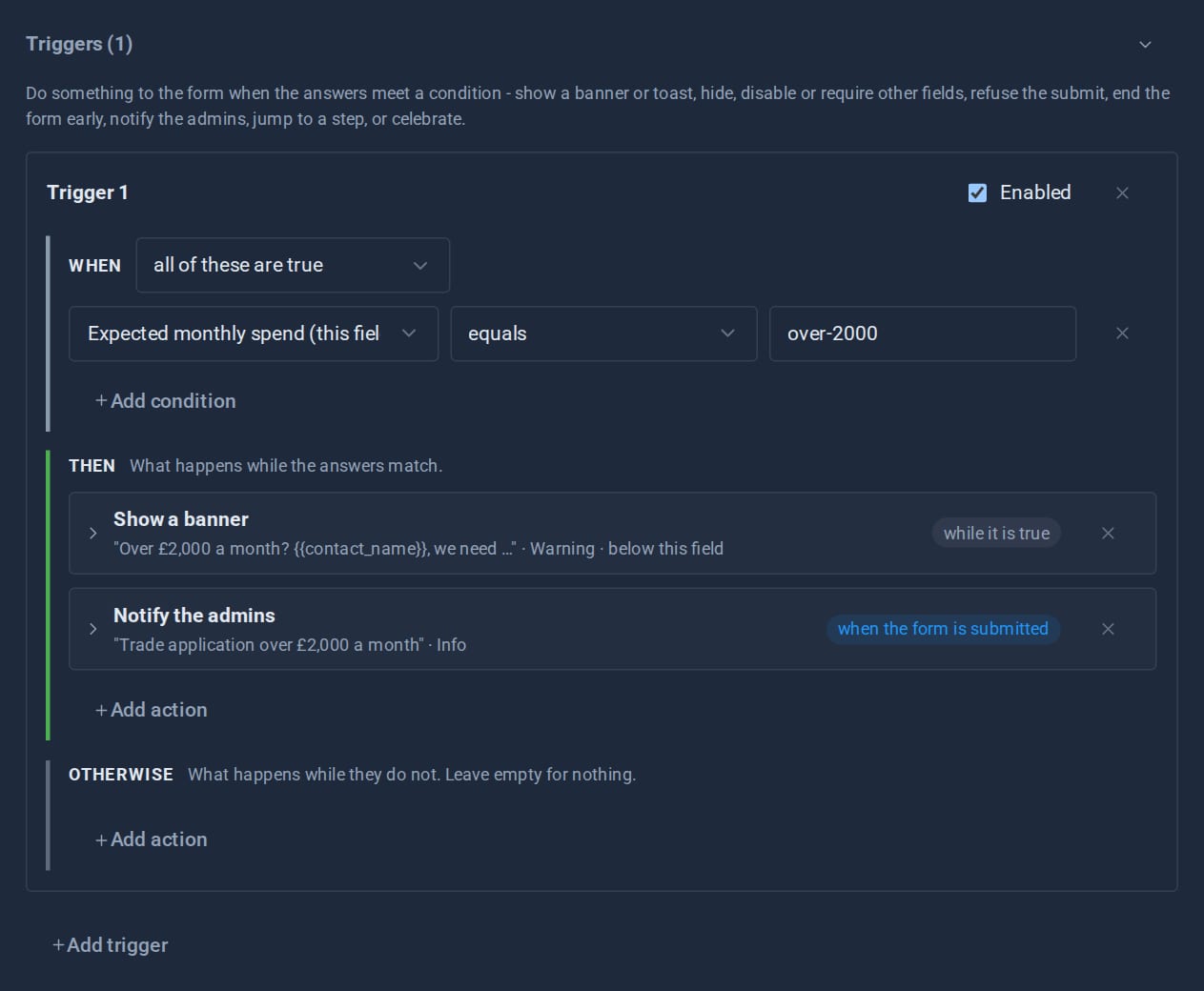
Forms that react: triggers and conditional logic
Show a field only when it matters, warn before a visitor goes further, end a form early, jump a wizard step, tell the admins - all set up in the form editor, and all re-checked on the server.

Theming a site without a designer
Built-in themes, automatic day and night, re-theming one region of a page, and - with Theme Roller - themes of your own. How far you can take a Domma site's look without writing CSS.

Why Domma never uses eval
Knockout-style bindings usually mean compiling strings into code at runtime. Domma Reactive parses them by hand instead, so it runs under a strict Content Security Policy.