How fast is Domma CMS? Sign-up to a working site in 5m 45s
One real session with a true clock: sign up, edit your pages, add a contact form and show your work with a collection. 5 minutes 45 seconds from the first click to a working site.
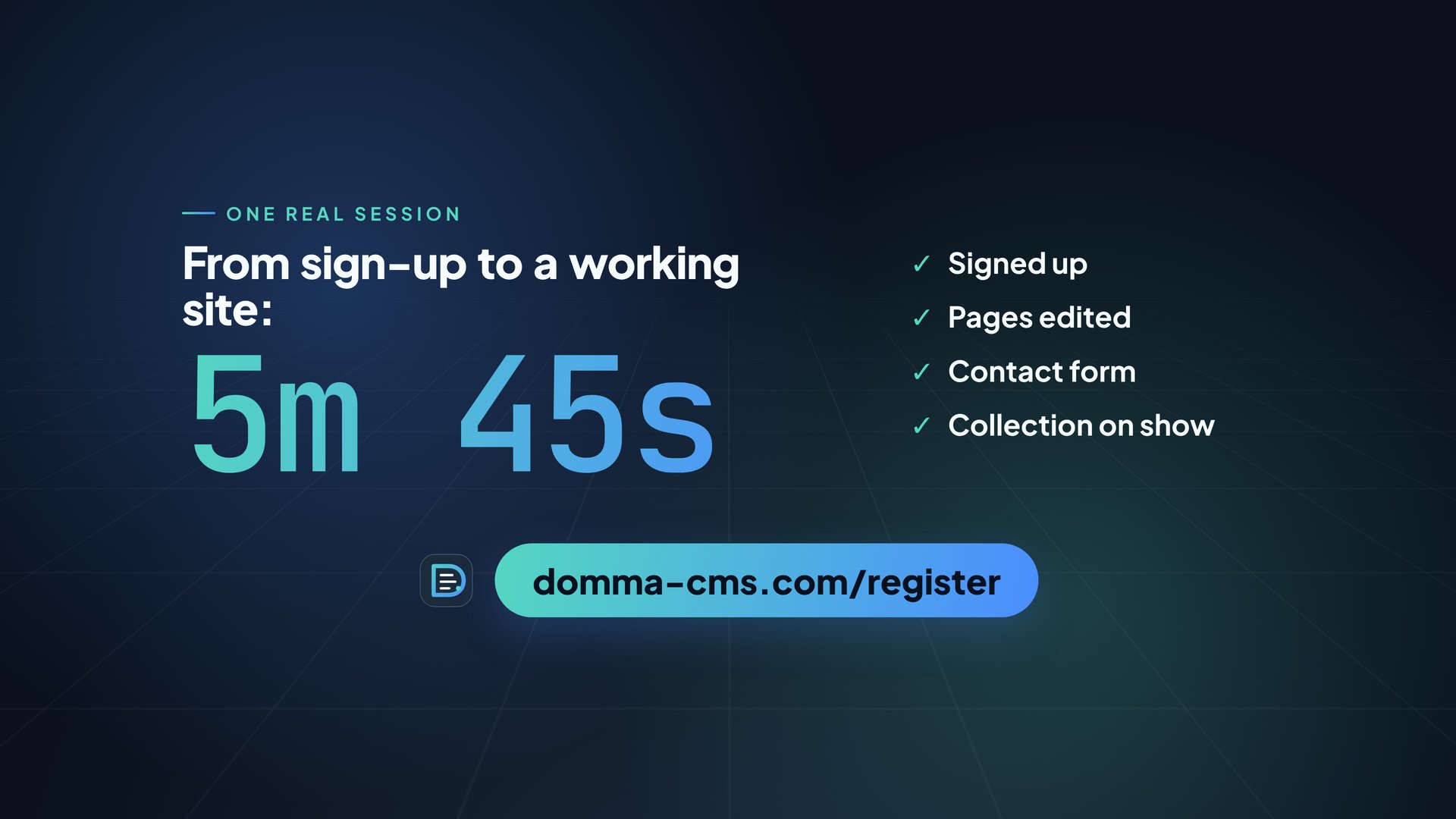
How fast is Domma CMS? We timed it. One real session, start to finish, with a true clock in the corner: 5 minutes 45 seconds from the first click on Sign up to a working site.
The video runs for 2 minutes 45 seconds. Some stretches are sped up, and each one is marked, but the clock always shows the real time. It counts typing at a person's pace, page loads and waits, so 5m 45s is what it really took.
What happens in the video
The business is Pipewell Plumbing & Heating, a plumbing firm we made up for the video.
- Sign up (00:00). Pick a plan, or start with a gift code, then name the site. It is built straight away, in under three seconds, on its own address. There is nothing to install.
- Edit your pages (01:21). Open the home page, click into the words and type over them: a new tagline and three highlight cards. Save it, and it is live.
- Add a contact form (02:31). Build a "Request a quote" form with four fields and put it on the Contact page. A test enquiry lands straight in the admin.
- Show your work (04:00). Make a "Recent jobs" collection, add three jobs and show them as cards on a new "Our work" page. The clock stops at 05:45.
Forms and Collections are built in to every Domma CMS site, so everything in the timed run comes in the box. At the end there is a short clip of Dot, the Site Builder, which drafts pages from plain words. Dot is a paid Tool and is not part of the timed run. Meet Dot and Daisy.
Try it yourself
Start your site: pick a plan and it is built straight away. If you would rather run Domma CMS on your own server, see Get started. The showcase page has the video and every step.
Keep reading
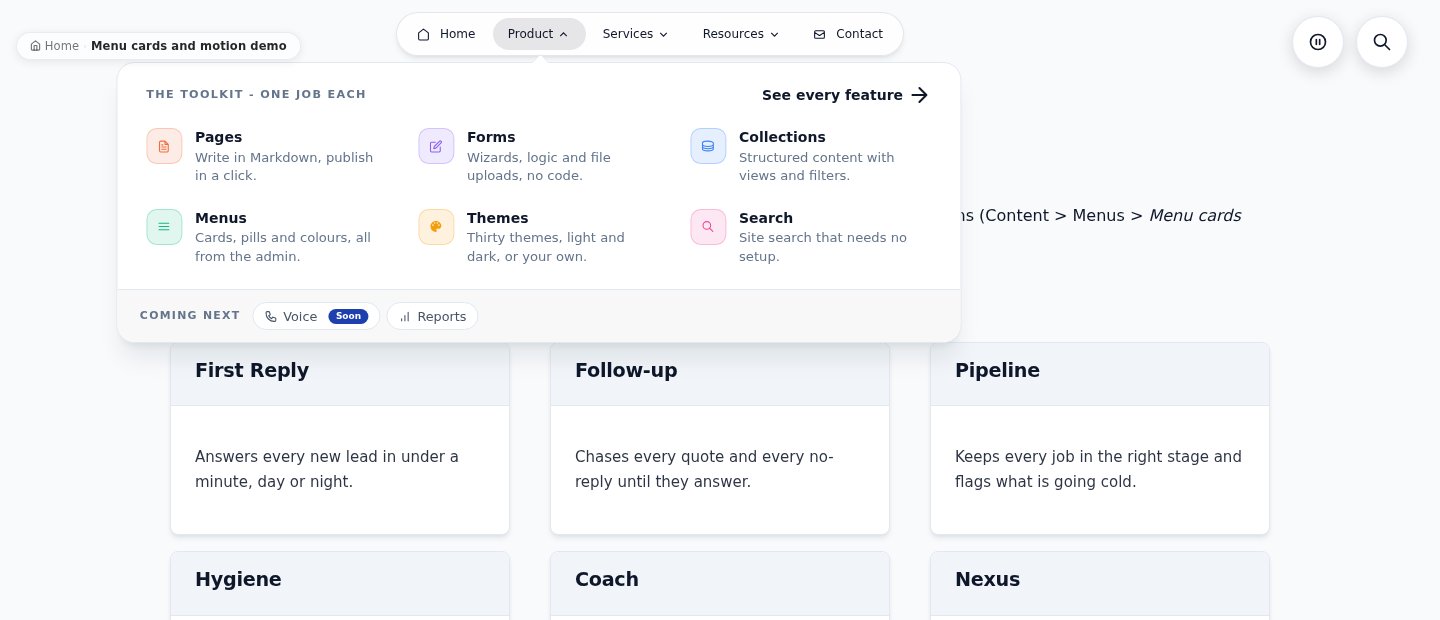
Card menus, a showcase footer and text that moves
A navbar that opens into colourful cards, a footer that finishes the page with a flourish, and text and cards that move as you scroll. Built in, free, and off until you switch them on.

How to handle returns with an online form
A step-by-step guide to a returns form with Forms: ask only what matters, ask for a photo only when the item is faulty, get every return by email and in one inbox, and keep spam out.
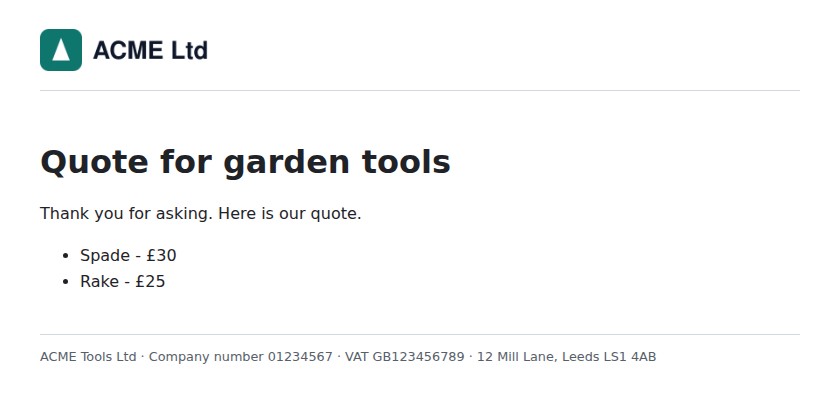
Your Brand Kit in six more Tools
Job Board, Surveys, Campaigns, Ecards, Docs and Invoices now take their name, logo and details from your Brand Kit, including a letterhead in Docs.