Every email your site sends, in your brand
Password resets, bookings, orders, invoices and Tool notifications now go out in one layout with your name, logo and colour. Set it up under Site Settings > SMTP in two minutes.
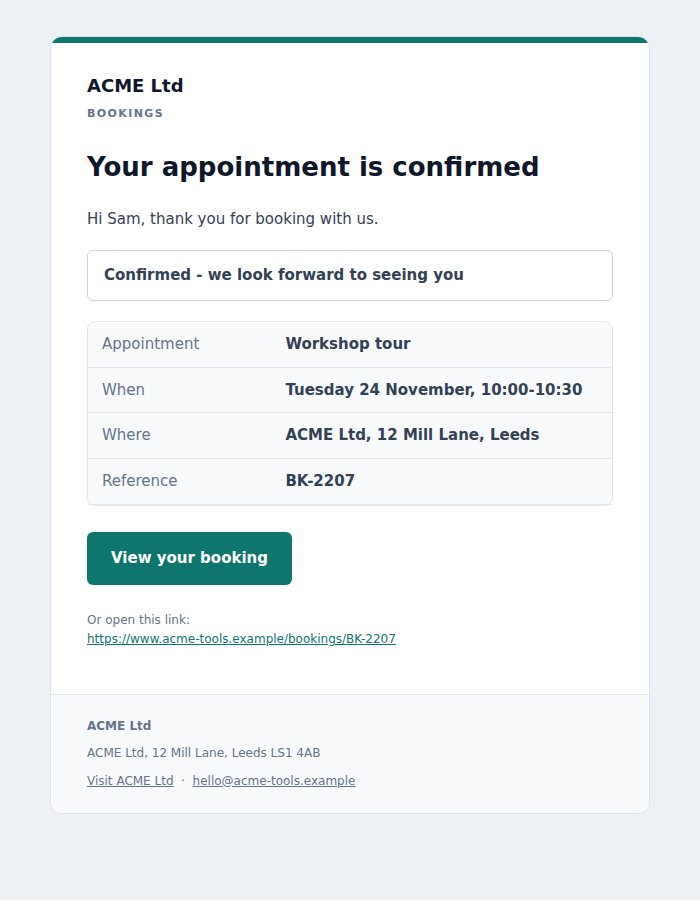
Every email your site sends by itself now looks like it came from you. Password resets, booking confirmations, order emails, invoices, survey invitations and Tool notifications all go out in one tidy layout with your name, your logo and your colour.
What changes
Until now, each Tool built its own emails, and plenty of them went out plain. From Domma CMS 1.78.0 they share one layout:
- Your name and logo at the top, with a short label saying what the email is about: Your account, Bookings, Your order, Invoices and quotes, and so on.
- Buttons and the top line in your accent colour. The button text turns black or white so it stays readable.
- A footer with your support address, a line of your own and a link back to your site.
- A plain-text version of every email, for mail programs that prefer it.
It works on phones and in dark mode, and nothing about what the emails say has changed.
Set it up in two minutes
- Open Site Settings > SMTP. At the top is Email identity.
- It already uses your site's name and logo. To give email its own, fill in the Email brand name, choose a PNG or JPEG logo from Media, set an Accent colour, a Support email and a short Email footer. (Many mail programs do not show SVG pictures, so an SVG site logo is replaced by your name.)
- Save, then open the Email preview gallery underneath. Pick an example to see it with sample details, and send yourself a test.
What it covers
Account invitations, password resets and sign-in alerts, form notifications, automations, call invites, bookings and calendar emails, shop orders and accounts, invoices and quotes, Support, Docs and document signing, Waypoint Pro, the Job Board, Surveys, Onboard Pro, Ecards, prize and game emails, SEO reports and Wiki updates.
Email you write yourself is never changed. Messages in Email and the campaigns you design keep exactly the look you gave them.
With Email Pro
If you use Email Pro, your own brandings still come first:
- Away replies are branded now too. An automatic away reply goes out in the brand for that sender, or your mailbox's brand, or your default, just like a reply you write by hand.
- Invoices in a brand stay in that brand. An invoice or quote sent in one of your Email brandings is never wrapped twice. Send one with no brand and it gets your site's email look instead. Preview shows whichever it will use.
Emails from us
The emails Domma sends you are in the new look too: your welcome when you sign up, gift and discount codes, and licence keys for Tools.
Questions? Tell us - we read every one.
Keep reading
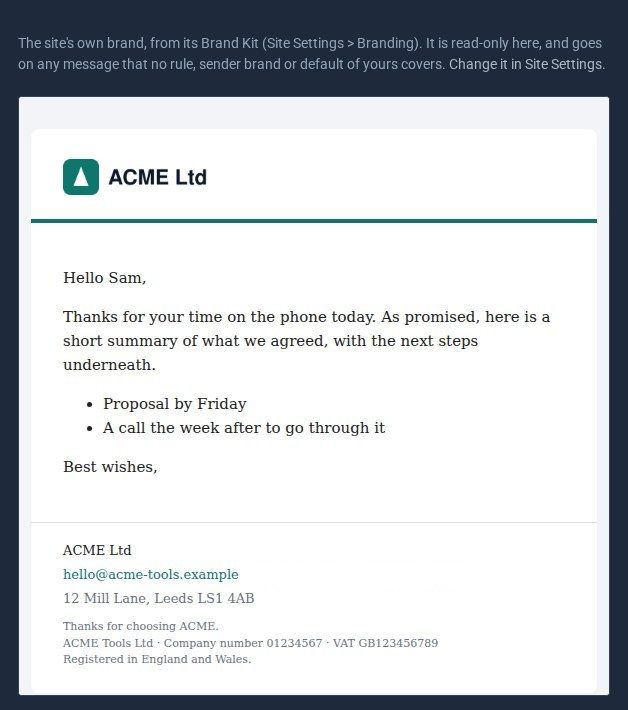
Your Brand Kit in Email and Invoices
A read-only Site brand from your Brand Kit, as the last choice for your mail and invoices, and Use as site brand to turn any Email branding into the site's own.
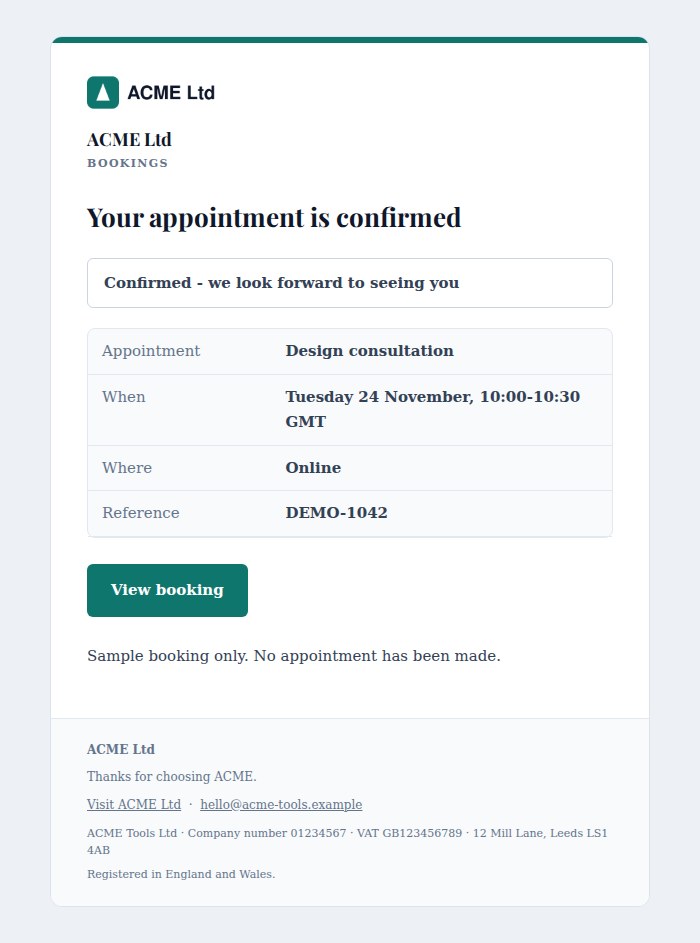
One Brand Kit for your whole site
Your name, logo, colours, fonts and contact details in one place under Site Settings > Branding. Every email picks it up, SVG logos included.
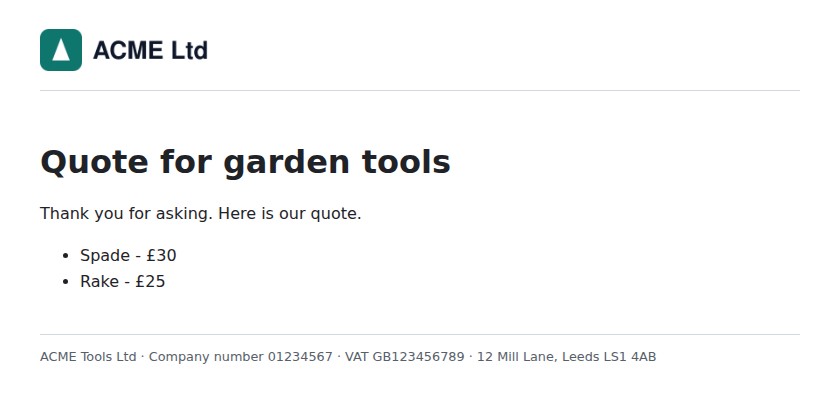
Your Brand Kit in six more Tools
Job Board, Surveys, Campaigns, Ecards, Docs and Invoices now take their name, logo and details from your Brand Kit, including a letterhead in Docs.