Count the leads your LinkedIn ads bring in
Social Media Pro can now tell LinkedIn when someone who saw your ads fills in one of your forms, so Campaign Manager counts the lead against the campaign that earned it.

If you pay for LinkedIn ads, the question that matters is simple: which campaigns bring in enquiries? Until now LinkedIn could only guess. Social Media Pro can now tell it, straight from your site.
What it does
Choose the forms that count - your enquiry form, a quote request, a booking form - and say what each one is to LinkedIn: a lead, a quote request, an appointment. When a visitor sends one, your site reports it to LinkedIn's Conversions API. Campaign Manager then counts it against the campaign that brought them, and LinkedIn can show your ads to more people like them.
It goes from your site's server straight to LinkedIn. There is no extra LinkedIn script on your pages for it, so nothing slows them down and ad blockers do not lose you the count.
Your visitors' privacy comes first
- Only with consent. A form is reported only when the visitor has accepted marketing cookies. While conversions are on, your cookie banner shows, offers Marketing cookies and asks every visitor again.
- Scrambled before it leaves. LinkedIn matches the person by their email address and name, which are hashed (turned into a code that cannot be read back) before they leave your site, and by the LinkedIn ad they clicked, if they came from one.
- Nothing more than needed. Sending the visitor's IP address is off unless you switch it on, and the activity list on your admin keeps no email addresses or names.
Remember to say in your privacy policy that you share form details with LinkedIn for advertising.
Setting it up
- In LinkedIn Campaign Manager, open your ad account, then Data › Signals Manager › Direct API, and press Generate access token. No developer app or approval is needed, and the token does not run out.
- In your admin, open Social › Conversions and paste the token. Your ad account is found for you.
- Under What counts, choose a form and the conversion it counts as. No suitable conversion yet? Press New rule… and make one from there - it can attach itself to your campaigns that suit it. Add a value if you like, so LinkedIn can show the return on your ads.
- Switch it On.
The Recent list then shows each form that counted: sent to LinkedIn, or skipped and why (for example, the visitor said no to marketing cookies). If LinkedIn cannot be reached, nothing is lost - it tries again every minute.
Getting it
LinkedIn conversions are part of Social Media Pro 0.4, which comes included with SEO Pro, and need Domma CMS 1.29.1 or later. Every site we look after has been updated. Want it on your site? Tell us about it and we will set it up with you.
Keep reading
Email a whole group, from Contacts or your own mailbox
Campaigns can now go straight to your Contacts groups - read when they send, nothing to import - and a small one can go out from your own mailbox.
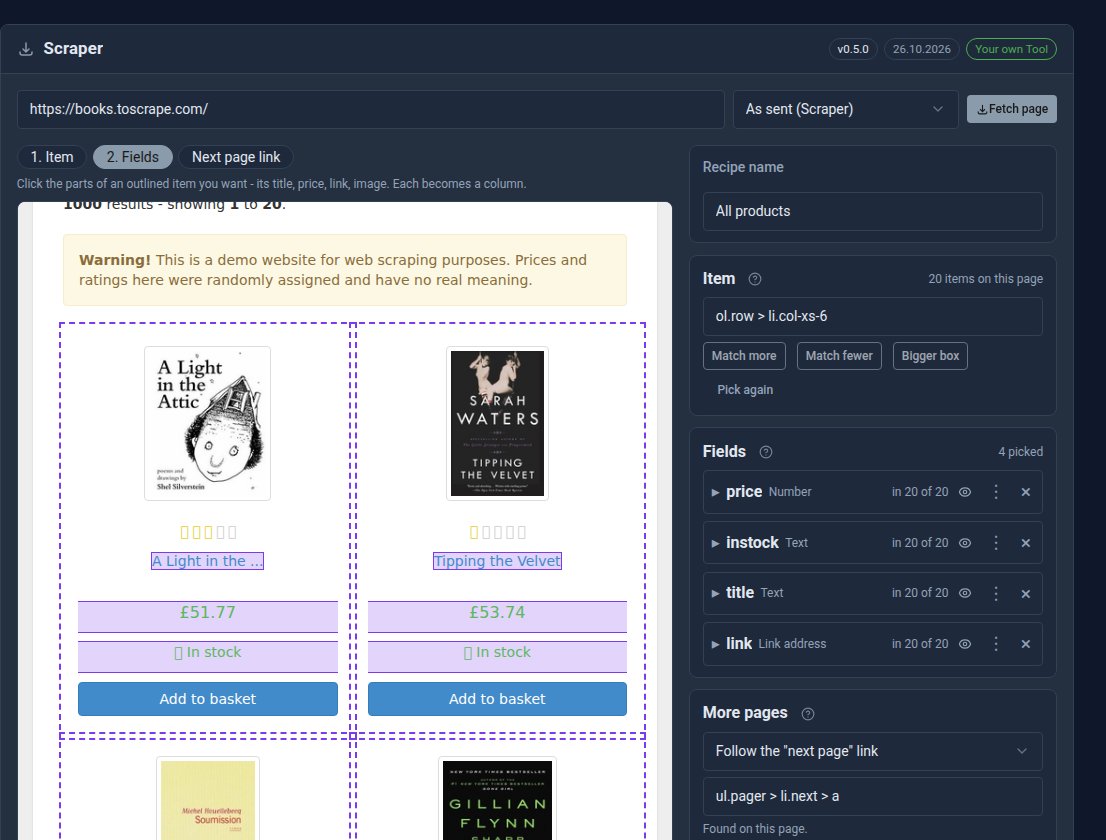
Your first Scraper recipe, step by step
Build a working Scraper recipe in about ten minutes: pick the items, choose the columns, follow the pages, and show the results on your site.
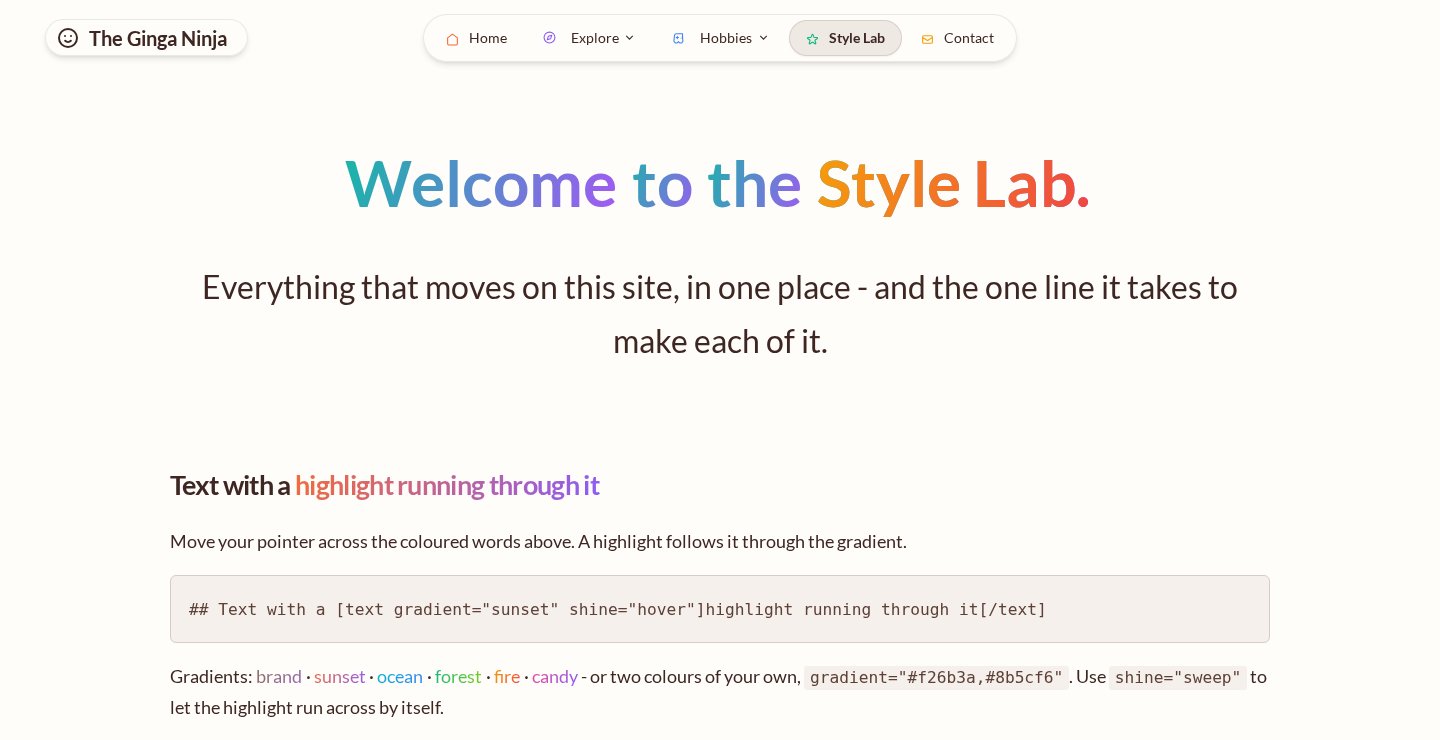
Make a page move: a five-minute recipe
Gradient words with a shine, text that lights up as you read, and cards that swoosh in. Here is how to put all three on one page, with the shortcodes to copy.