Your pages, anywhere: the Content API
The Content API hands your pages, menus, site settings and search to another app as JSON - exactly what your site would show the same visitor, and only to the callers you choose.
Your pages live in Domma CMS. Sometimes you want them somewhere else as well: in a mobile app, a static site, a kiosk in reception, or a front end your developer has built in their favourite framework. From 0.117 the Content API hands them over as JSON - and it is part of what 1.0 promises to keep stable.
What it serves
Five addresses, all under /api/content/v1, all read-only:
/pages- the list of your pages, with titles, descriptions, tags and dates. Filter it by path (?prefix=/services), tag, category or project, and sort it./pages/about- one page, as HTML, as Markdown or both. The HTML is the page body with your shortcodes already rendered./menus/navbar- the menu at a location, so another app can build the same navigation./site- your title, logo, footer, social links and SEO defaults./search?q=- your site's own search.
Collection data already has its own API at /api/v1. The Content API is for the pages themselves.
Exactly what your site would show
The Content API makes the same decision about a page as your site does - the same code, and a test that holds the two together. So:
- A draft or scheduled page is not served.
- A page only a role can see is refused to anyone without that role.
- A page in a switched-off project is not there.
If you want a page on your site but not in the API, add api: false to its front matter.
It never hands over more than it should, either. Each page comes with a fixed set of fields - no custom front matter, no mail settings, nothing from the admin. And each page says which Domma parts its HTML relies on (tabs, accordions, forms and so on), so the app showing it knows what to load.
You decide who calls it
The Content API is off until you switch it on at System > Content API. There you choose who may call it:
- Anyone - for public content. Responses can be cached for a minute.
- An API token - the default. A token reads only the pages of its own project, and you can narrow it further with content scopes:
@pages,@menus,@siteor@search. - A role - for signed-in users of your own app, who see what that user would see on the site.
The same screen sets which parts are served and in which formats, and has a Try it console: type a path and see what an anonymous caller would get - before you switch anything on.
Try it
With the API on and open to anyone:
curl 'https://example.com/api/content/v1/pages?prefix=/blog&limit=10'
With a token:
curl -H 'Authorization: Bearer dcms_…' \
  'https://example.com/api/content/v1/pages/about?format=both'
Calling from a browser on another domain? Add that domain to cors.origin in config/server.json first.
Get it
The Content API is in Domma CMS 0.117 and later, free on every site. Already running Domma? npx domma-cms@latest update brings your site up to date in place. The full reference - every parameter, status code and caching rule - is under API Reference > Content API in your admin, and the rest of what Domma offers developers is on the API features page.
Keep reading
Can AI read your website? How Domma CMS serves every page as plain HTML
Many AI crawlers read only the HTML a server sends, without running JavaScript. Here is what Domma CMS sends them, what 1.8.36 added (menus, collections, forms, calendars, /llms.txt) and how to check your own pages.
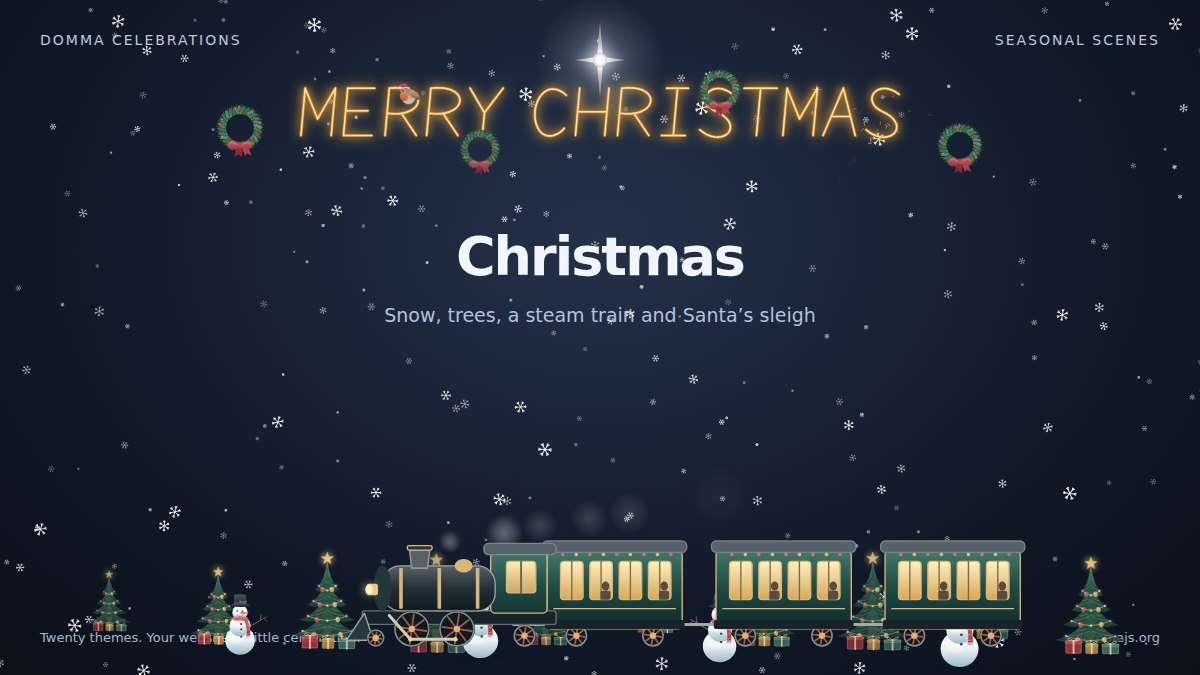
Meet Domma Celebrations: twenty ways to bring your website to life
Take a visual tour of all twenty Domma Celebrations themes, from Christmas and Halloween to summer gardens and personal sparkler greetings, with screenshots and a quick setup guide.
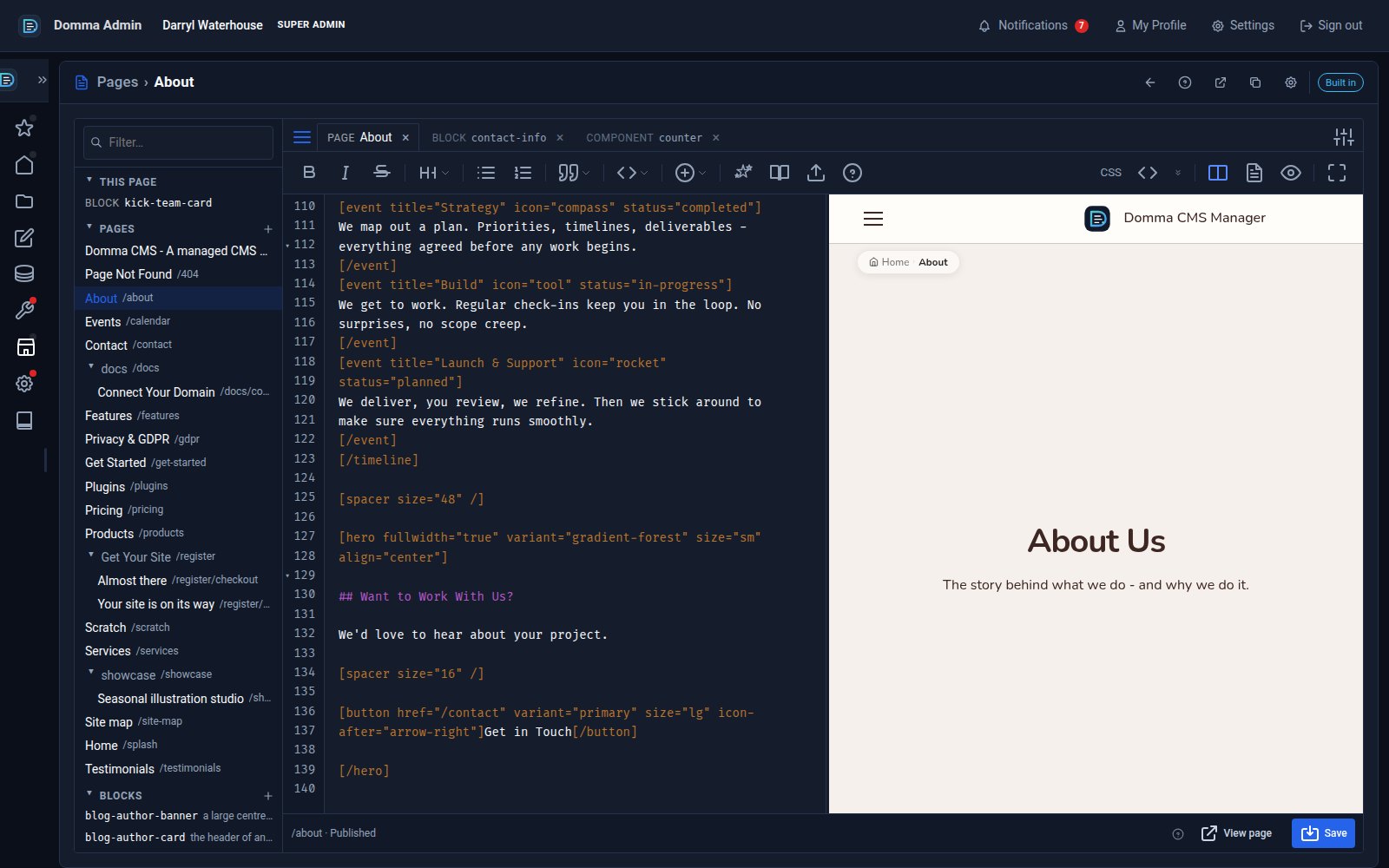
One editor for pages, blocks and components - with colour and smooth typing
Domma CMS 1.8.24 turns the page editor into a workspace: pages, blocks and components as tabs, a live preview three ways, coloured text in your own font, and a caret that glides as you type.