Projects: group your site without moving a thing
A project gathers the pages, collections, forms and people for one job under one name. Nothing moves: every address, file and link stays where it is - the project is a label.
A site grows in pieces. The members' area brings pages, a collection of members, a join form, a renewal email and a role for the secretary. The shop brings its own. A year later the admin lists forty pages, a dozen collections and twenty forms, and nobody can say which belong together. Projects are how Domma CMS keeps them together.
A project is a label
A project is a name - ACME Members, Shop, Client: Riverside - that the things built for one job hang off:
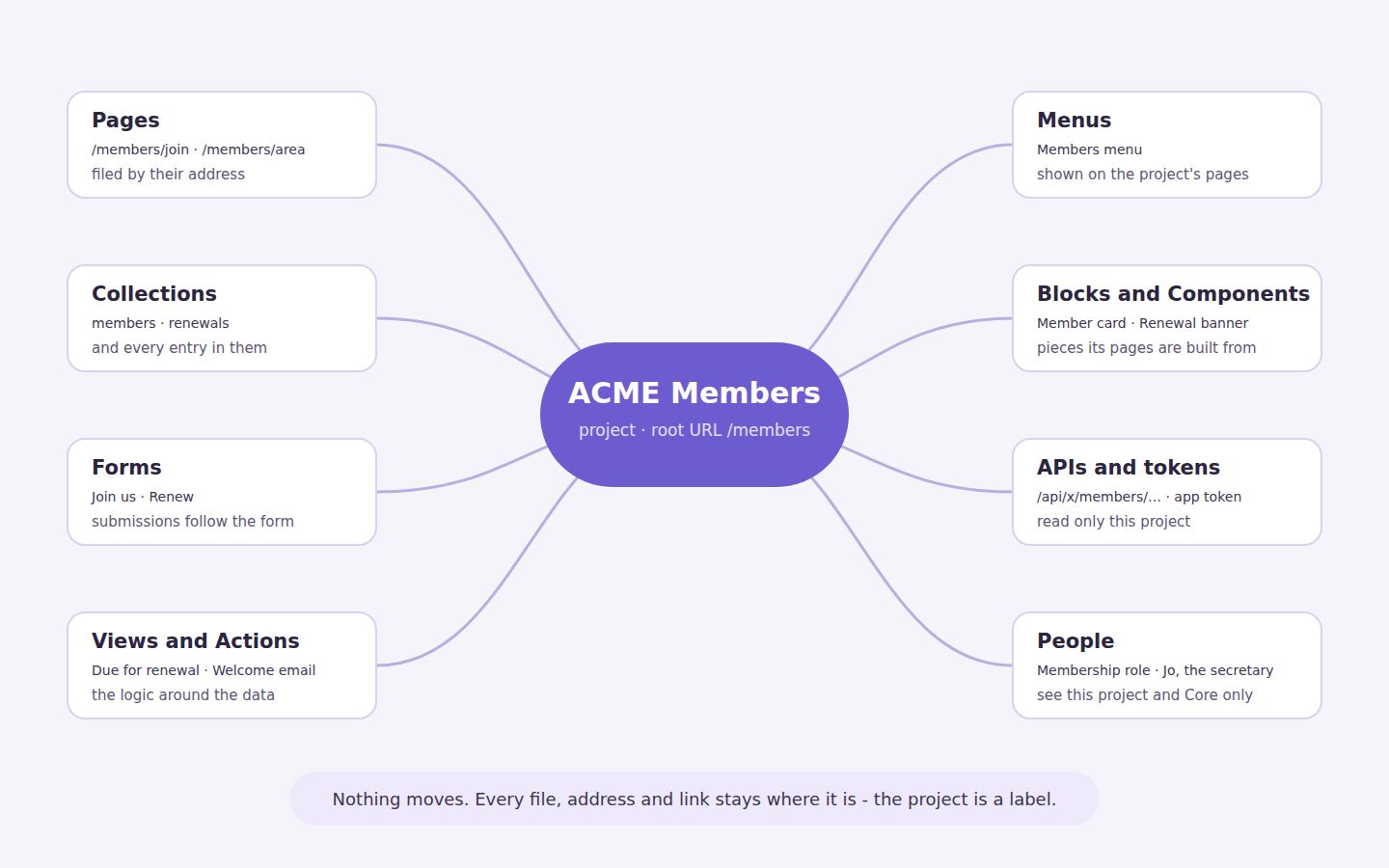
Pages, collections and their entries, forms, views, actions, menus, blocks, components, API endpoints, API tokens, roles and users can all be filed under one.
Nothing moves when you do it. A page keeps its address and its file. A collection keeps its entries. Links, menus and shortcodes that point at them carry on working. Filing something under a project adds a label and changes nothing else - so you can adopt projects on a site that has been running for years, and take them away again, without a single broken link.
Everything else belongs to Core
Every site has one project from the start: Core. Anything not filed elsewhere belongs to it - not because it was stamped, but because nothing else claimed it. Core cannot be deleted, owns the address /, and is always visible to everyone who can sign in.
So turning projects on is not a migration. Make one project and file three things under it; the rest stays in Core, exactly as it was.
Pages file themselves
A project can have a root URL. Give ACME Members /members, and every page under it - /members/join, /members/area, any page you add there next year - is filed under the project without being tagged.
A page somewhere else can still join: its Project setting can name any project. Left on Inherit from URL, it goes wherever its address says.
One place to work from
Each project has its own section in the sidebar and an overview: a tile for each kind of thing, with how many the project holds. Click a tile for the list, or + to make a new one already filed under the project. Nothing to remember, nothing to tag afterwards.
People see their project and stop there
This is where projects earn their keep on a shared site. Each user has Project access: choose ACME Members, and that person sees that project's pages, collections and forms - and Core - and nothing else. Lists leave the rest out, and opening one by its address is refused.
Leave Project access empty and the user is unrestricted, as before. Separately, Owned by project decides where a user is filed in the sidebar; it does not limit them.
An API token is bound to its project in the same way: it reads that project's collections, and through the Content API, its pages - never another project's.
Project access is applied from Domma CMS 1.6.4. Before it, the setting was saved but not enforced - if you limited someone on an older version, update and it takes effect at once.
A switch for the whole project
Switch a project off and its public pages answer 404 and its API stops answering, while you carry on editing in the admin. Switch it on and everything is back, untouched. Useful for a section that is not ready, or a season that is over.
When you are done with one
- Untag all sends everything filed by hand back to Core. It all stays where it is; only the label goes. Pages that belong by their address stay with the project until you clear its root URL.
- Delete with contents removes the project and everything filed under it - pages, collections and entries, forms, menus, endpoints and tokens. It shows exactly what will go, and asks you to type the project's slug back. It refuses while a person or role still belongs to the project: people are never deleted with content.
- A starter's example pages arrive as a sample project, so Remove sample content clears them in one step.
Try it
Projects are in every Domma CMS site, free. The tutorial Group your site with projects builds the ACME Members project above in twenty minutes, and Projects and roles has the bigger picture.
ACME Ltd is our made-up demo company.
Keep reading

Meet Domma Celebrations: twenty ways to bring your website to life
Take a visual tour of all twenty Domma Celebrations themes, from Christmas and Halloween to summer gardens and personal sparkler greetings, with screenshots and a quick setup guide.
Blocks: your own design for any collection
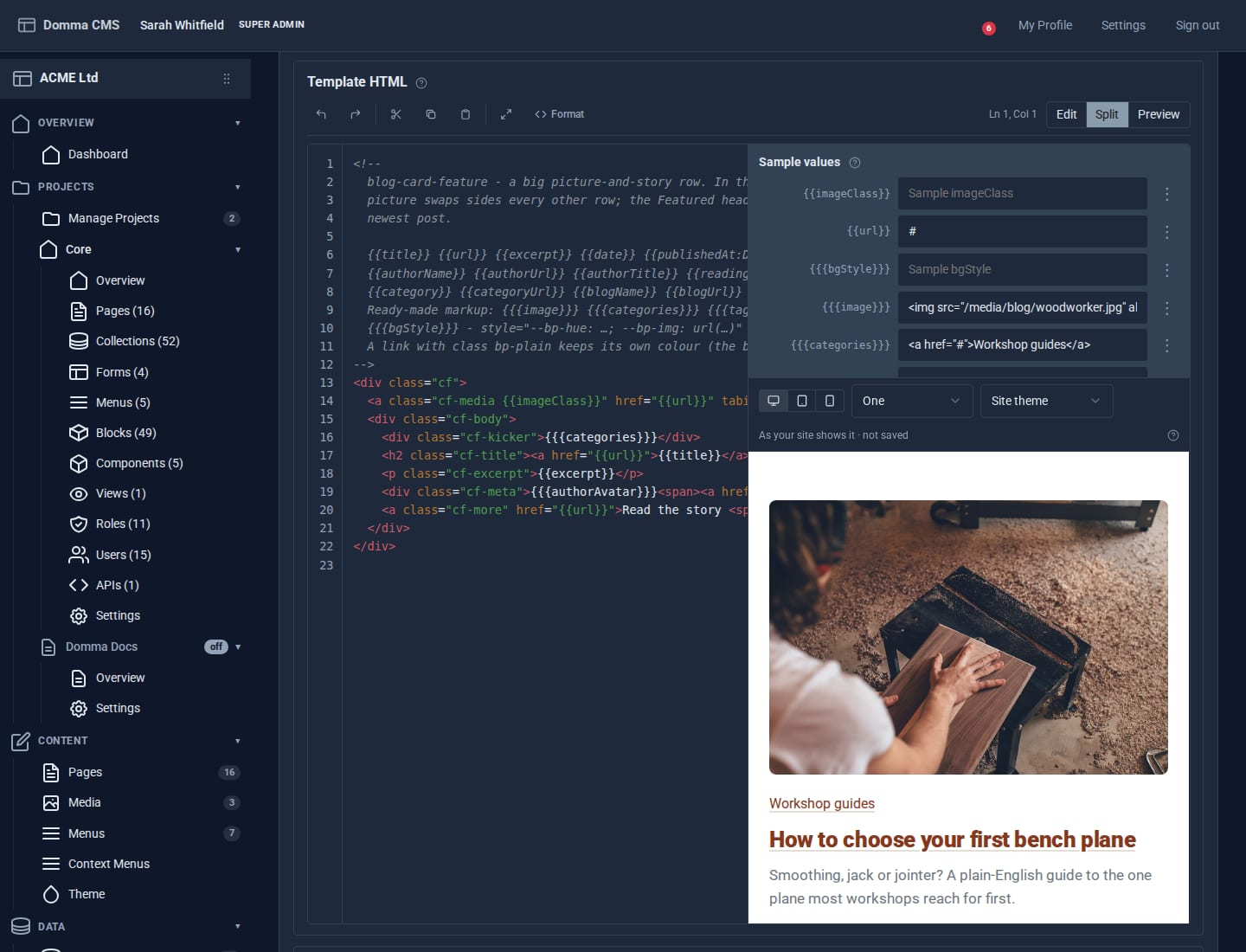
Write a small piece of HTML once and every entry in a collection is drawn through it. Plus a new Blocks guide, and Writing a Tool.
A morning at ACME HQ
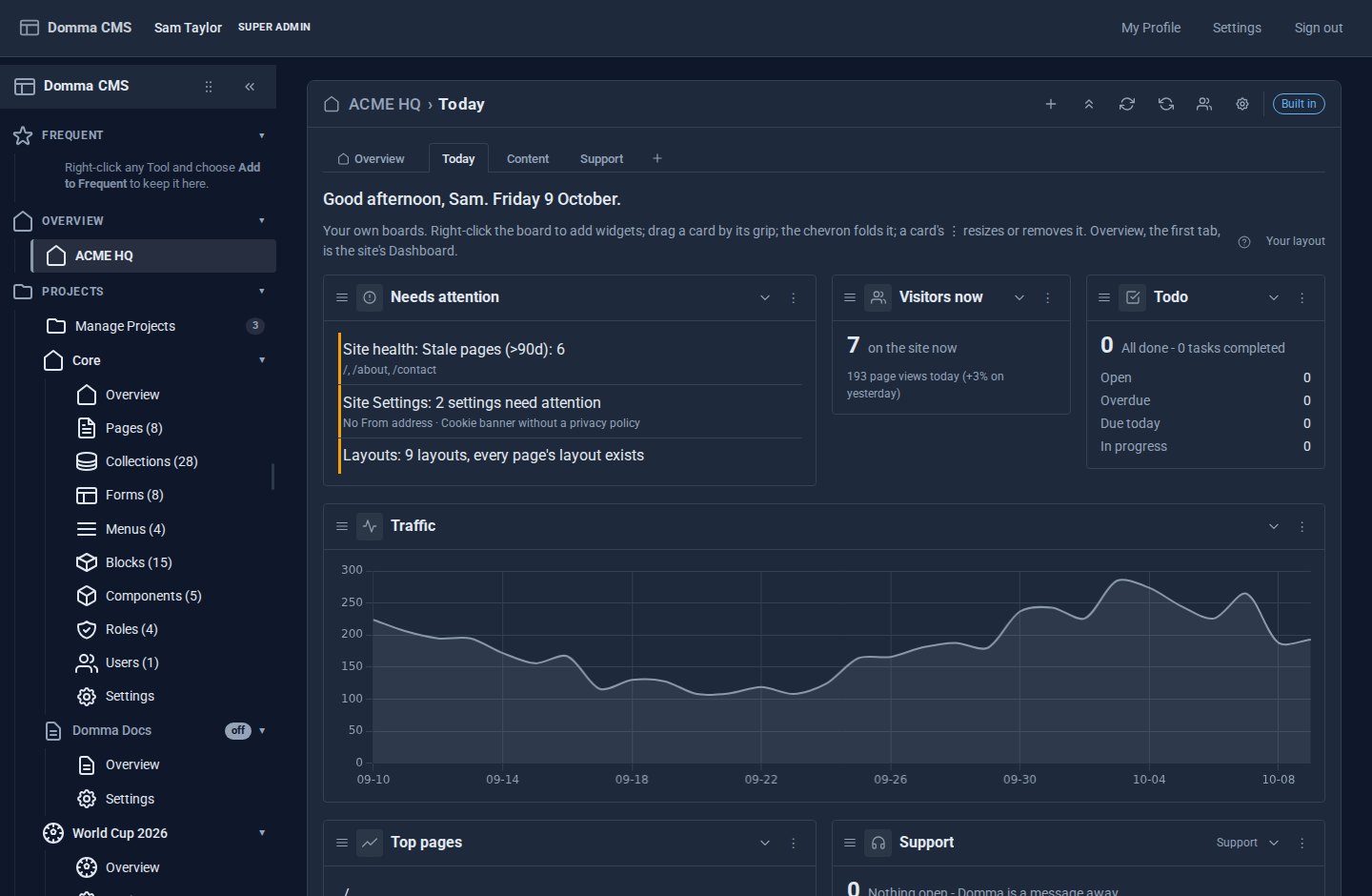
A showcase: one morning at ACME Ltd with Dashboard Pro - the Overview first, everyone's own boards after it, and every Tool with widgets in the gallery automatically.