How-to
Short, practical guides - each links to a full tutorial.
Your Brand Kit in six more Tools
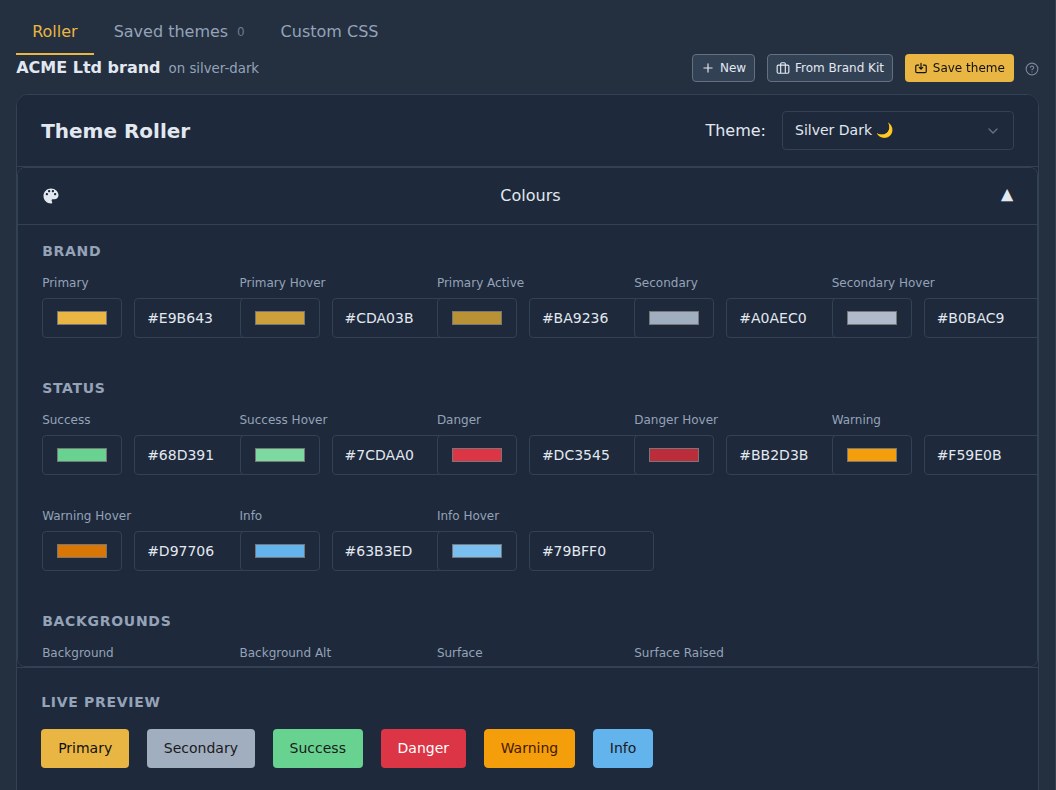
Your Brand Kit on your website
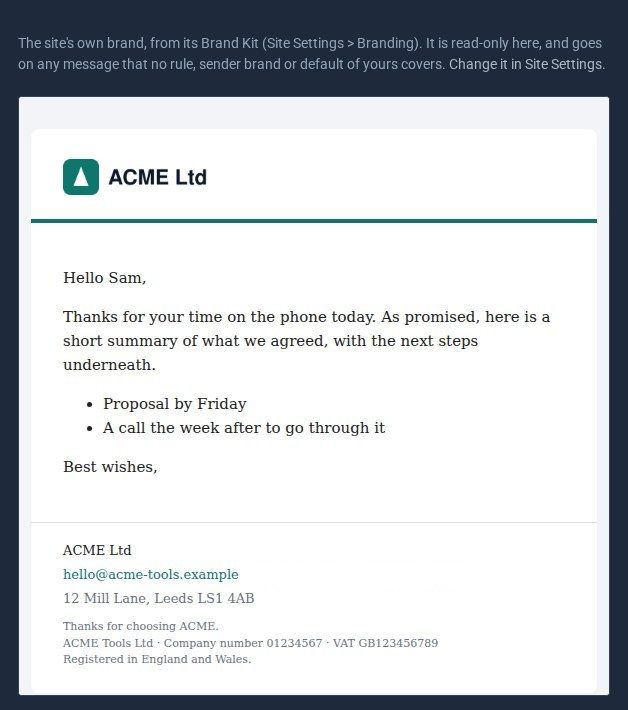
Your Brand Kit in Email and Invoices
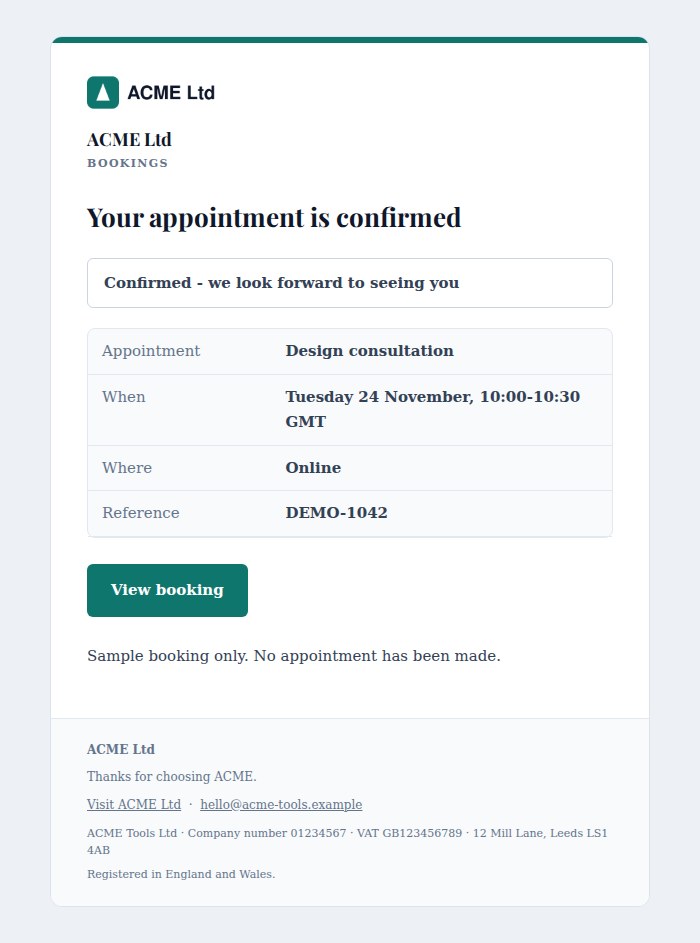
One Brand Kit for your whole site
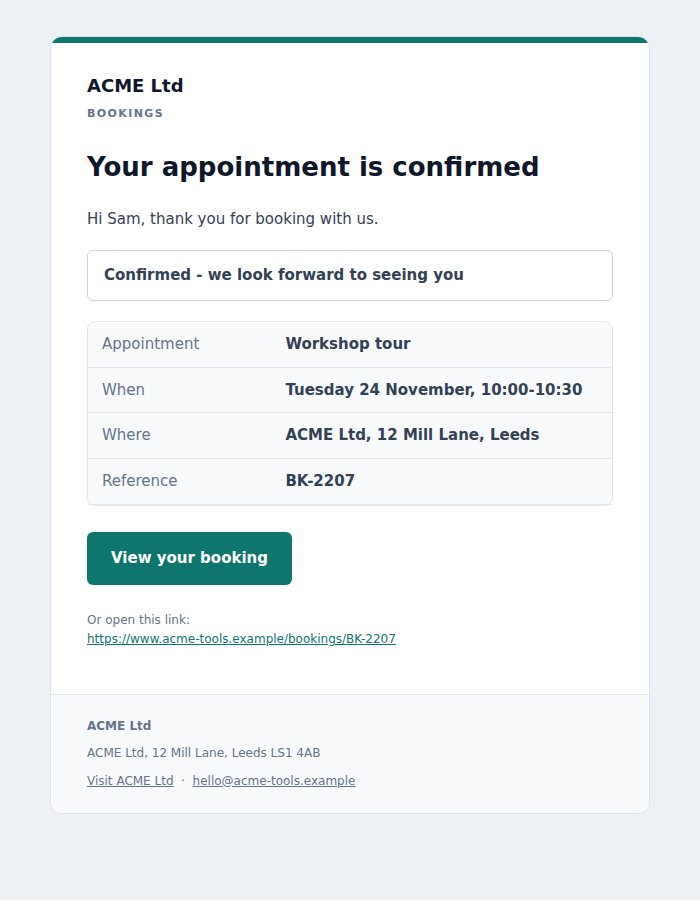
Every email your site sends, in your brand
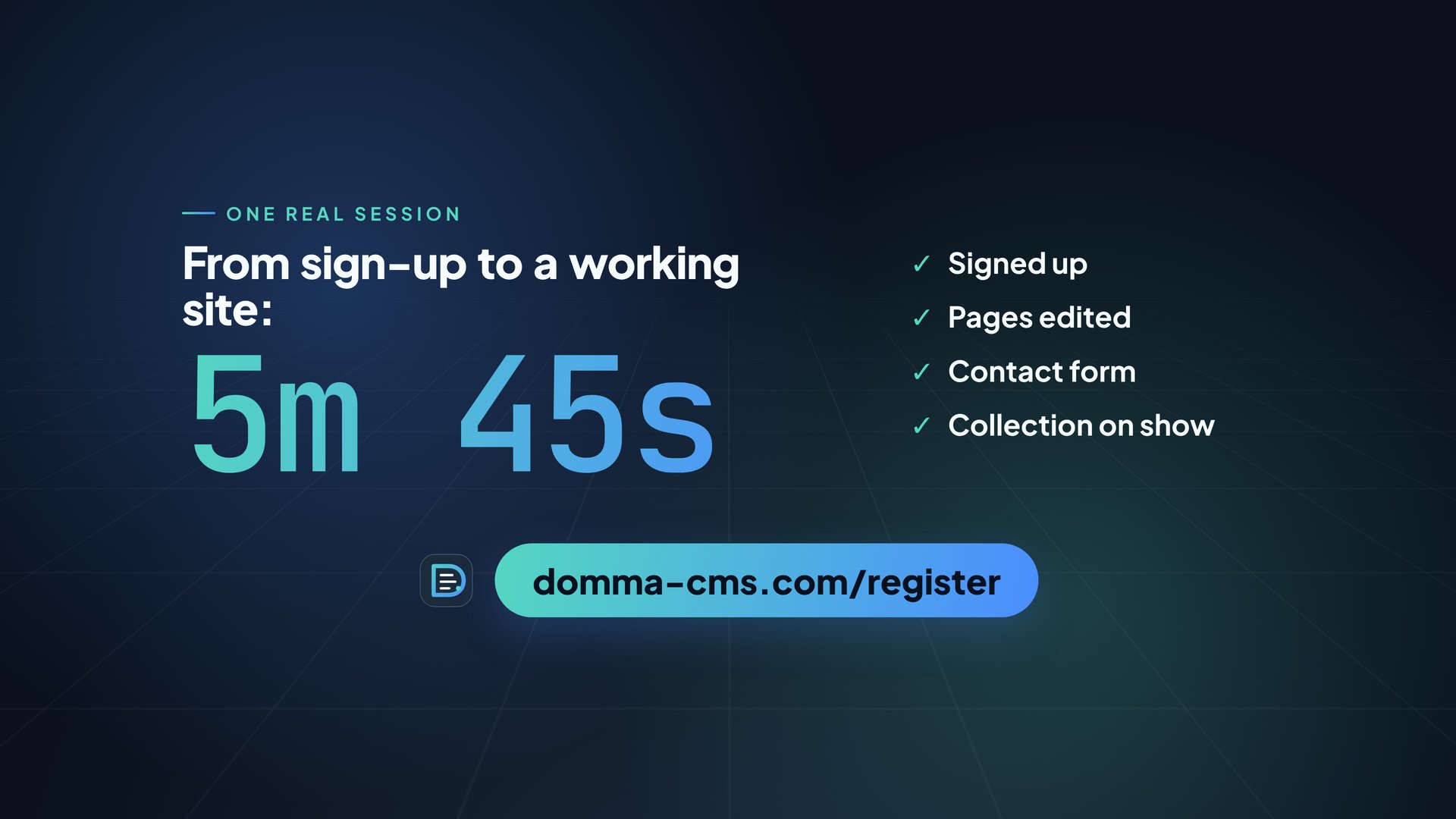
How fast is Domma CMS? Sign-up to a working site in 5m 45s

AI Assist now helps you write in Campaigns, Email, SEO and Docs

Import a site now brings your old redirects with it
Surveys can now summarise your answers with AI

Surveys get NPS, quizzes and a QR code

End your survey with a celebration

Make your survey wider
Backdrops, button links and fonts in your campaign emails
Copy whole folders between Media and the File Store

Put your own header and footer on a survey

Copy files between Media and the File Store

Upload whole folders to the File Store

What happens when you sign up for a Domma CMS site
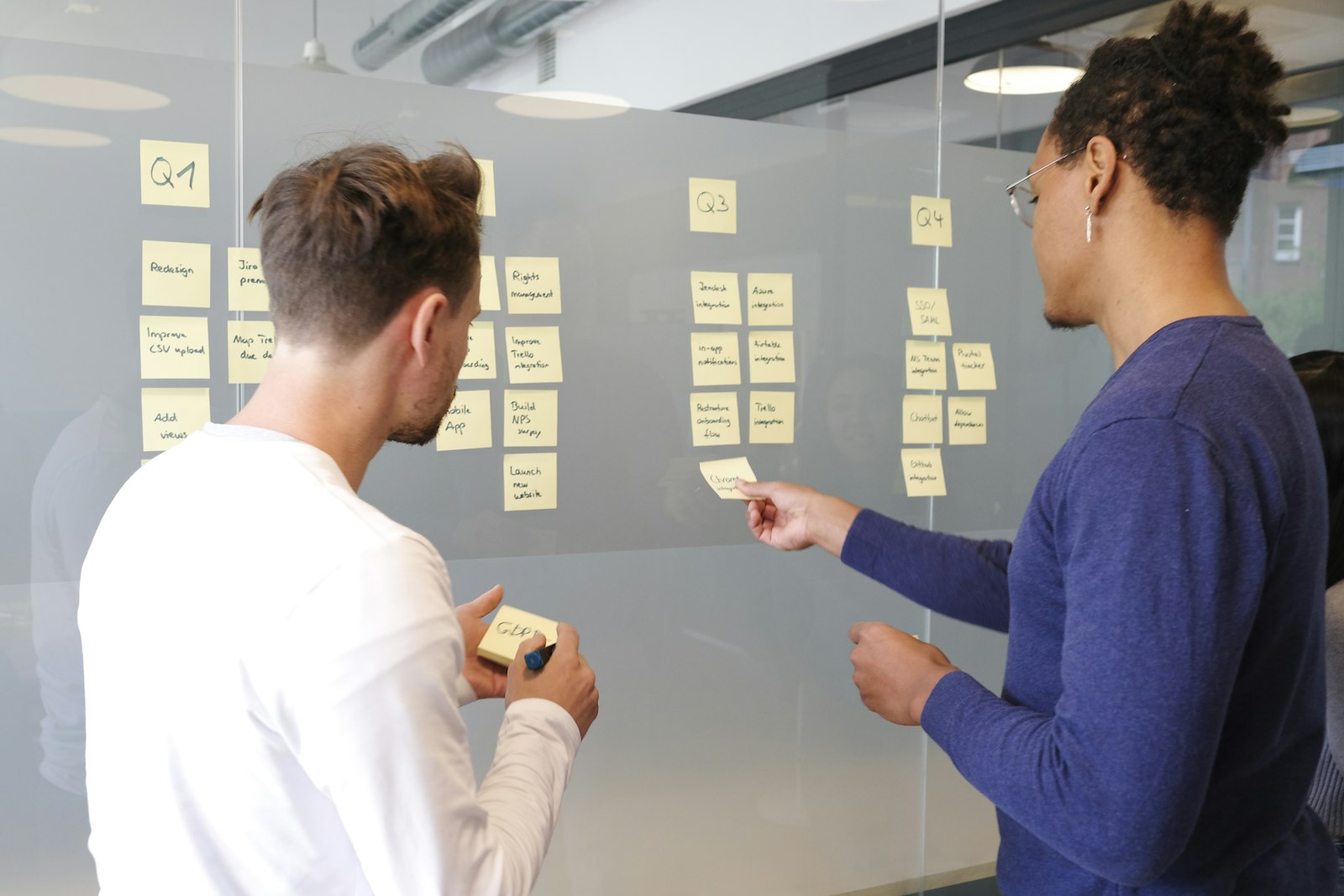
How to run a project with your client in the loop

How to get your news shared and posted without logging in to five networks

How to welcome a new starter without the paperwork chase

Your first online order, from product to parcel

How to handle returns with an online form
How to run your business email from your own site
How to take bookings and RSVPs without the back-and-forth
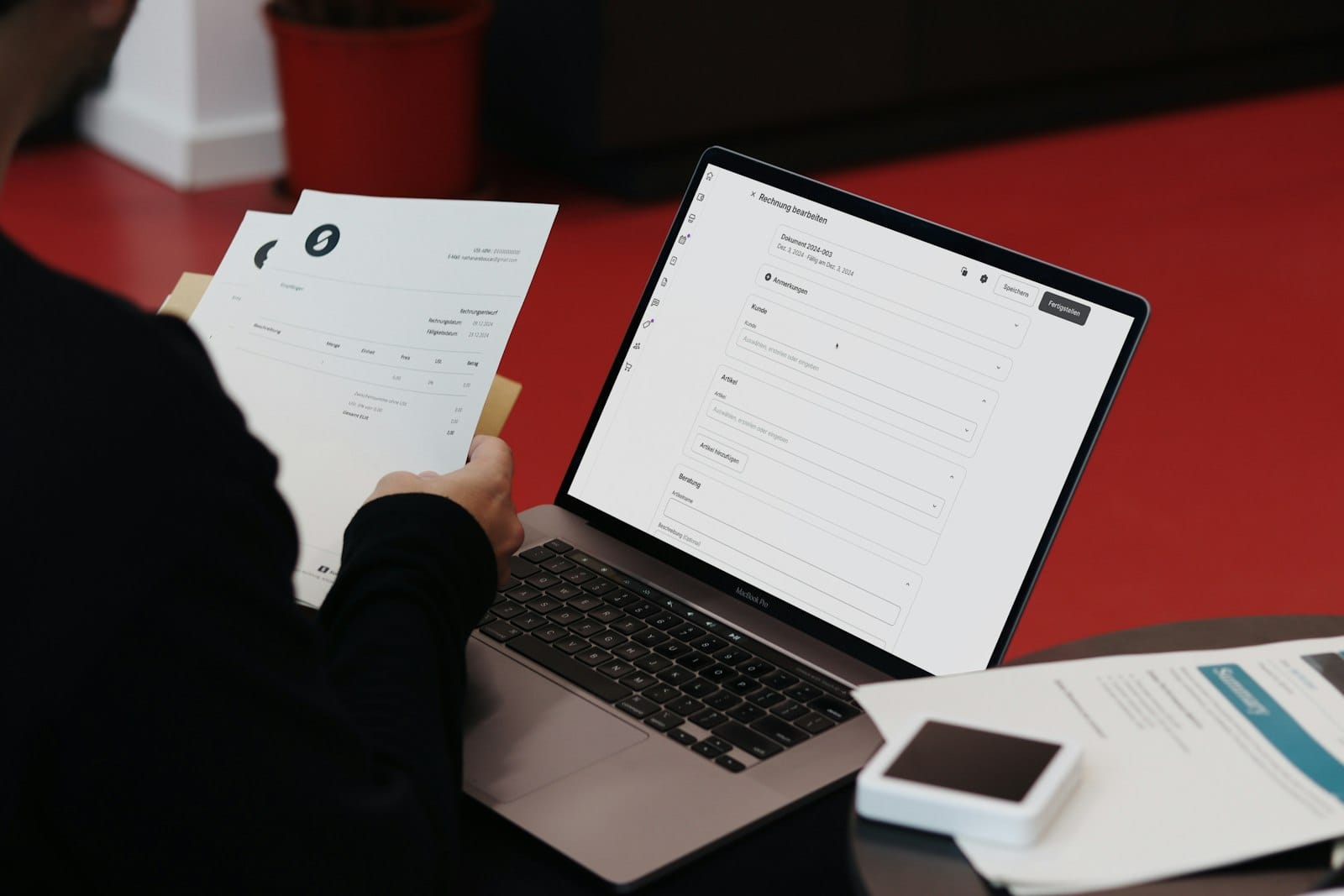
How to send an invoice and get paid, from your own site
How to sell downloads and licence keys from your shop
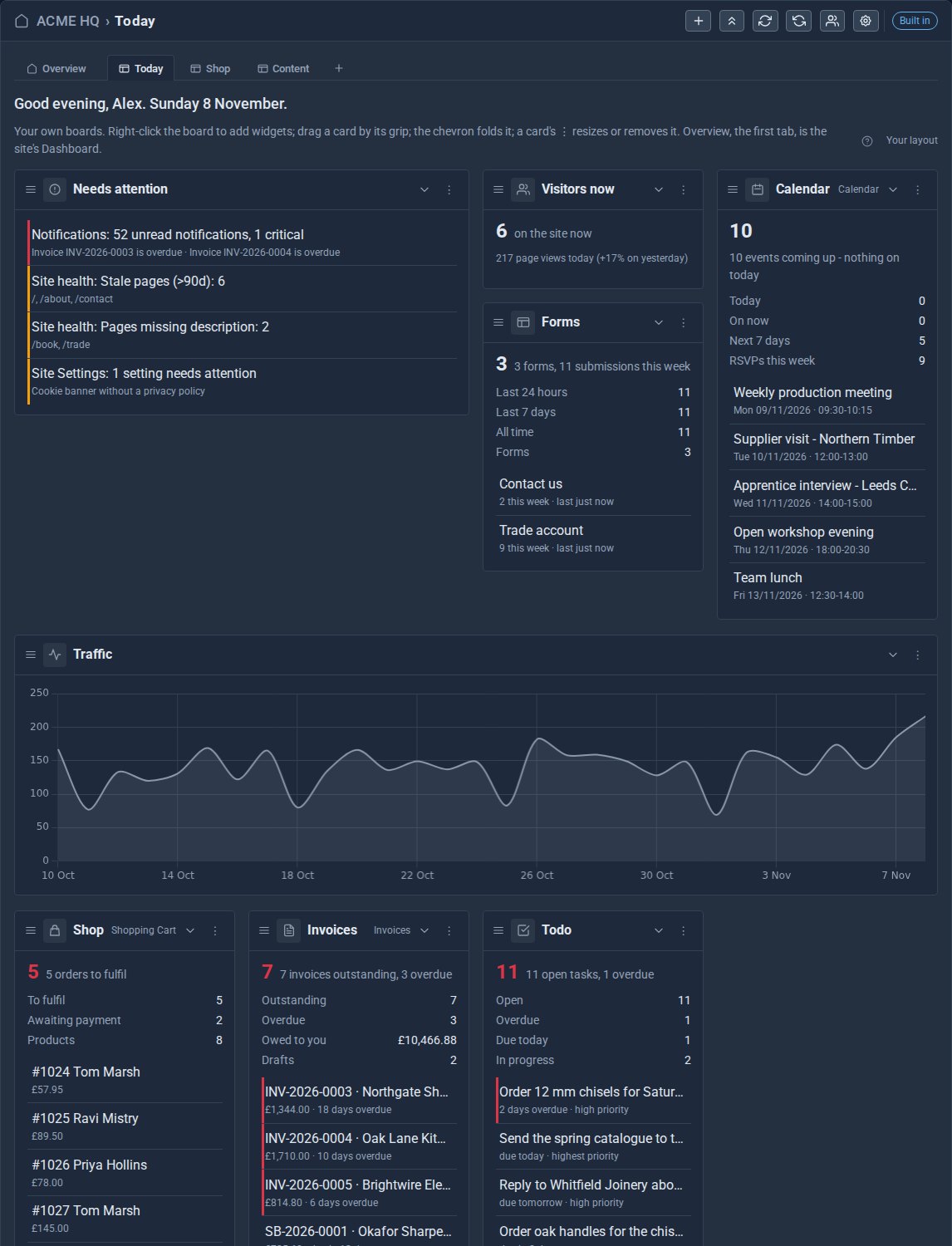
How to give a client a Dashboard that stays the way you built it

How to publish a staff handbook your team will actually read
How to turn your address book into a customer list with Contacts Pro
How to run a customer feedback survey that people finish

Leaving Wix: a move you can trust, step by step
Media Pro: folders, safe moves and alt text from Claude

Post to Facebook and X from your Domma CMS site
Count the leads your LinkedIn ads bring in
Email a whole group, from Contacts or your own mailbox
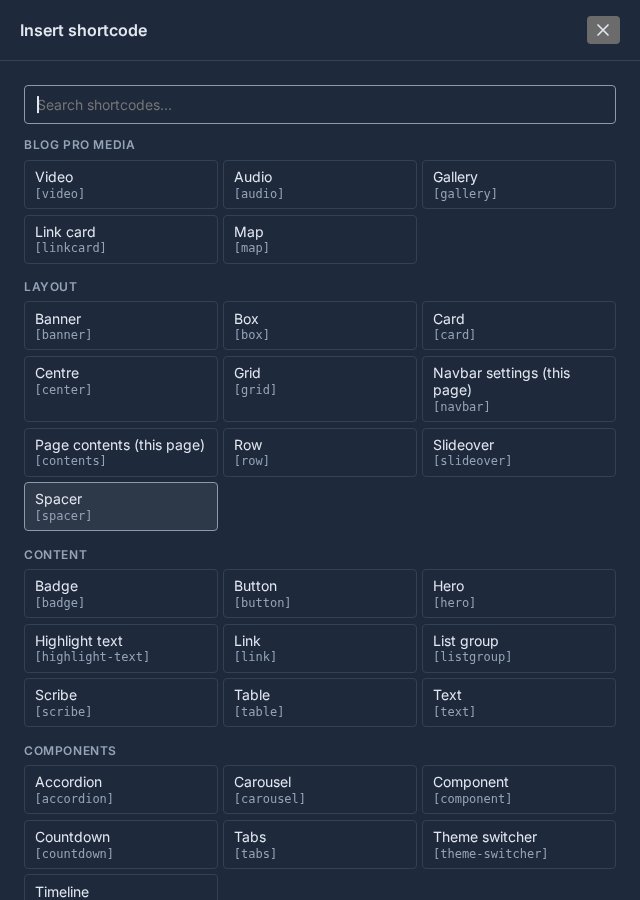
Insert any shortcode into a blog post
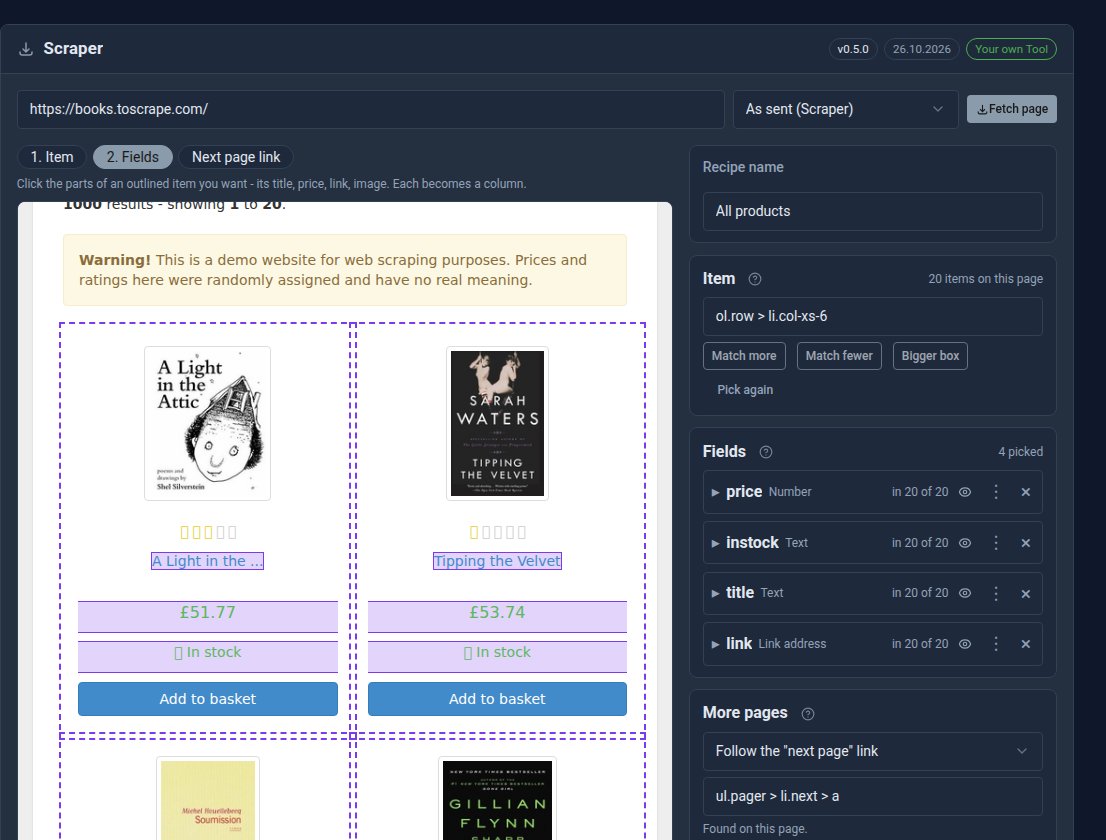
Your first Scraper recipe, step by step
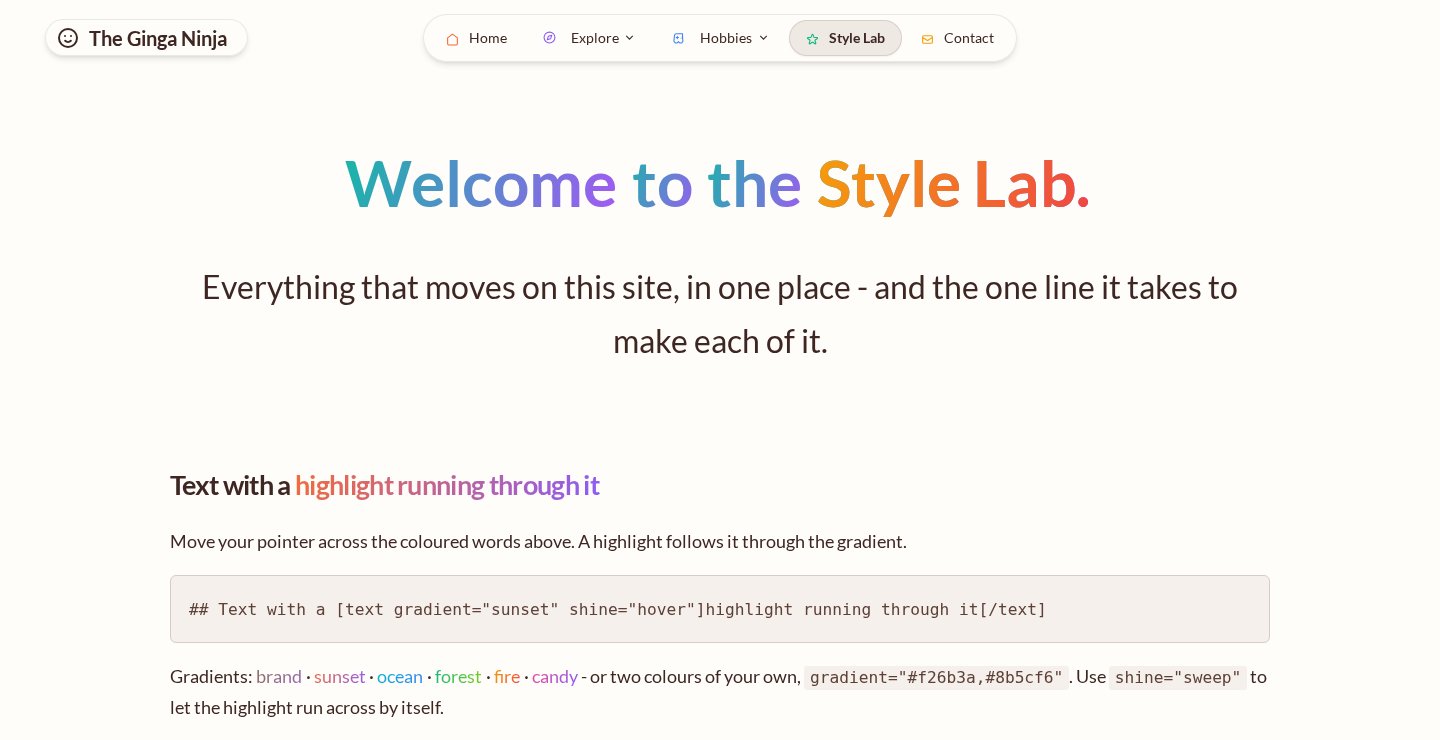
Make a page move: a five-minute recipe
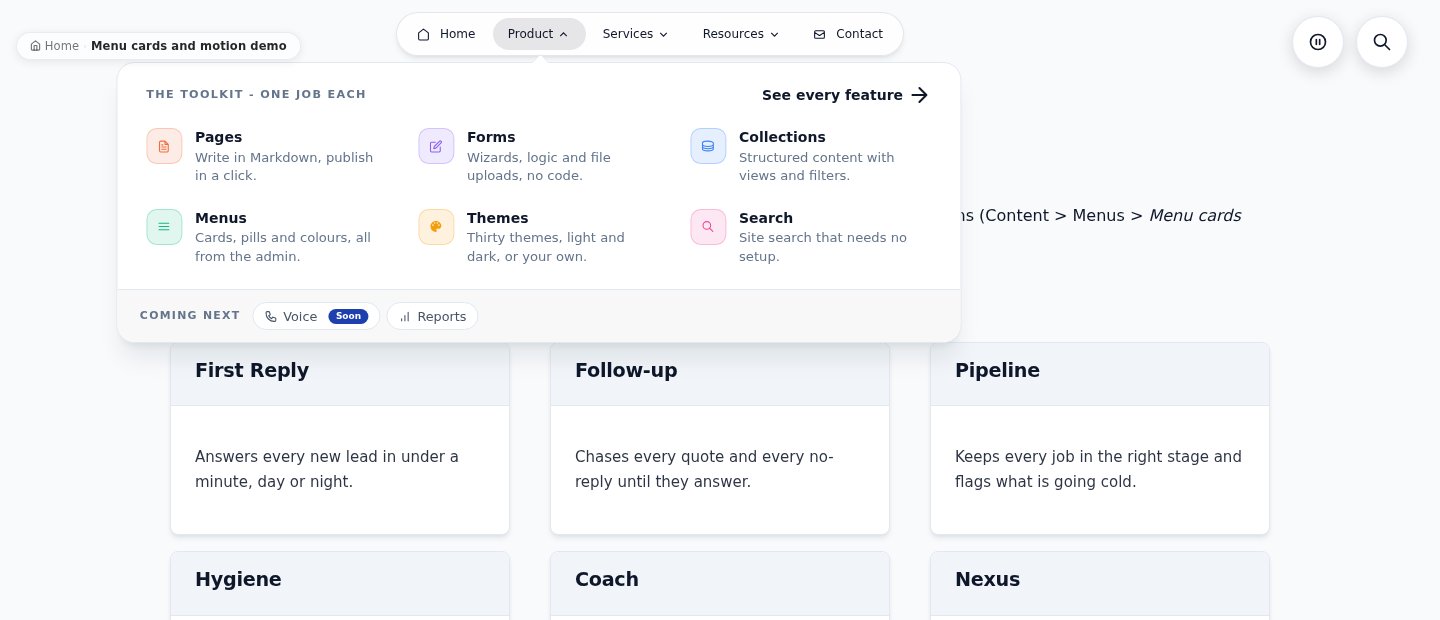
Card menus, a showcase footer and text that moves
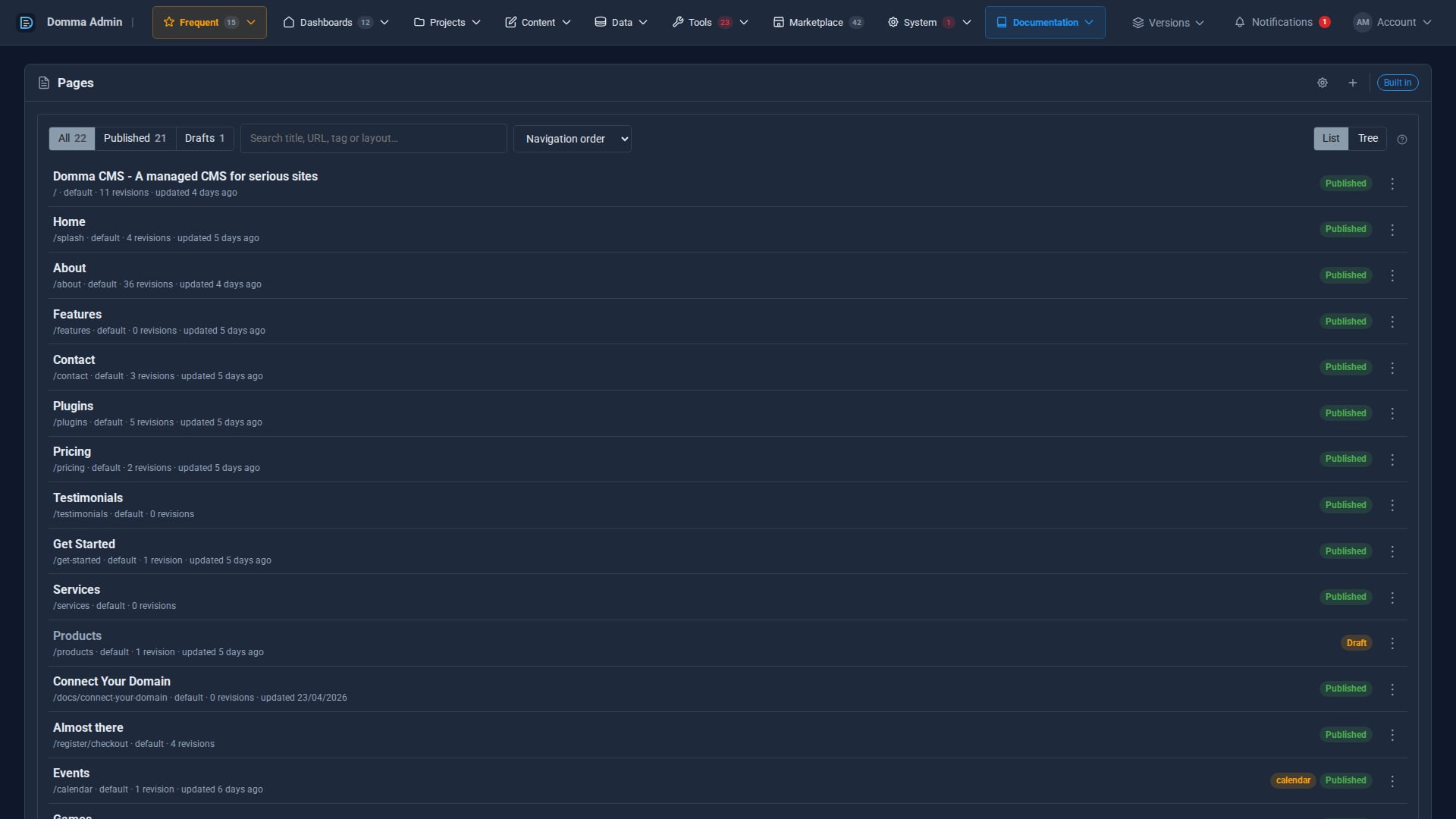
A cleaner admin: the new top menu
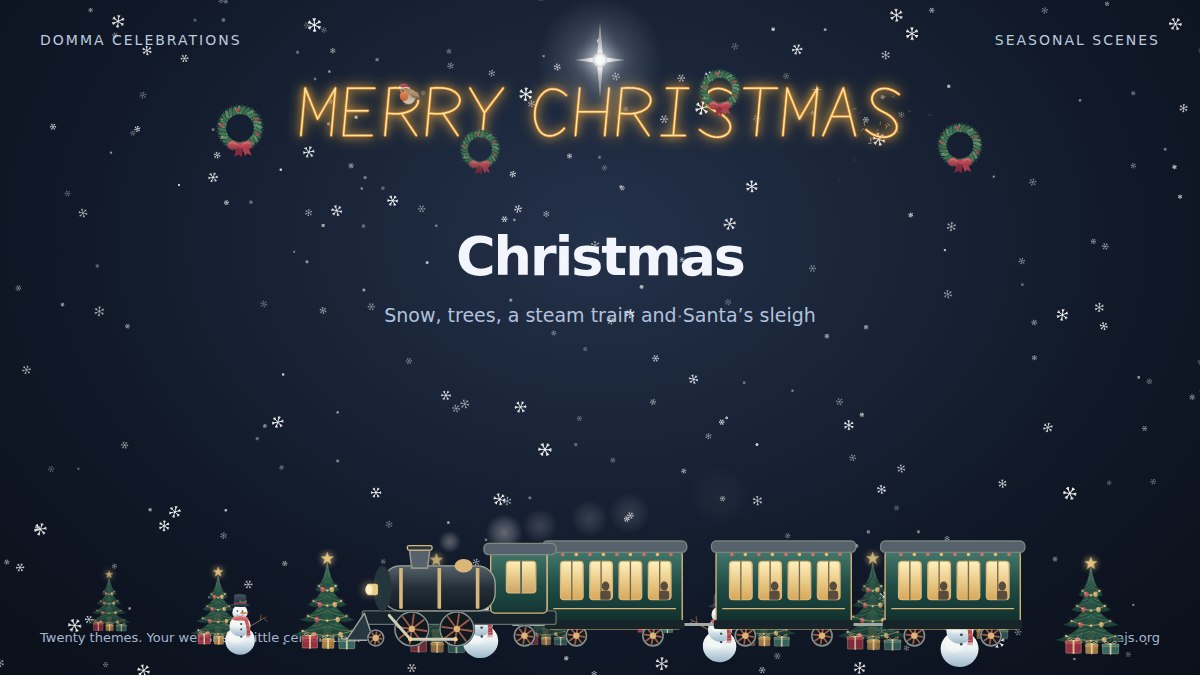
Meet Domma Celebrations: twenty ways to bring your website to life
Leaving WordPress? Plan the move before you start
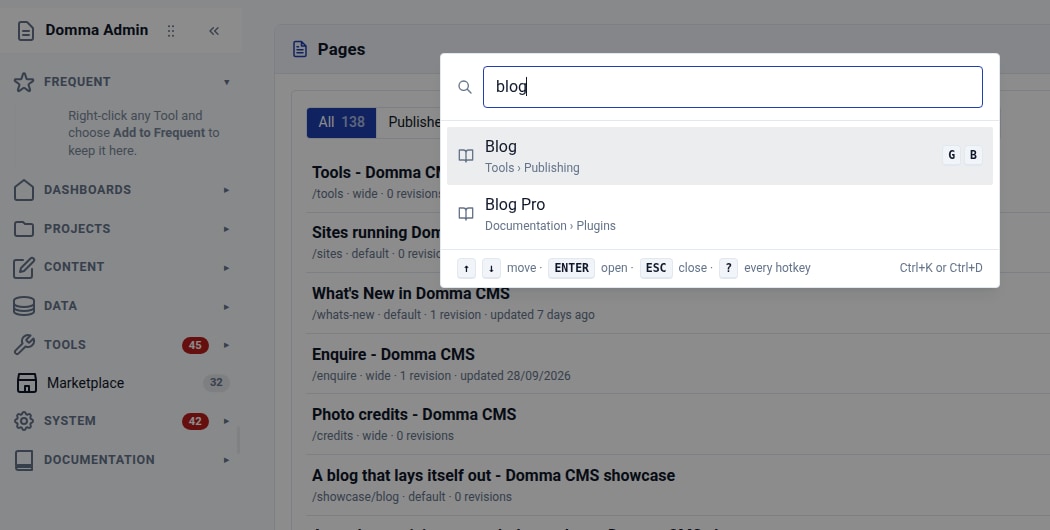
Find your way around: Ctrl+K and favourite Tools
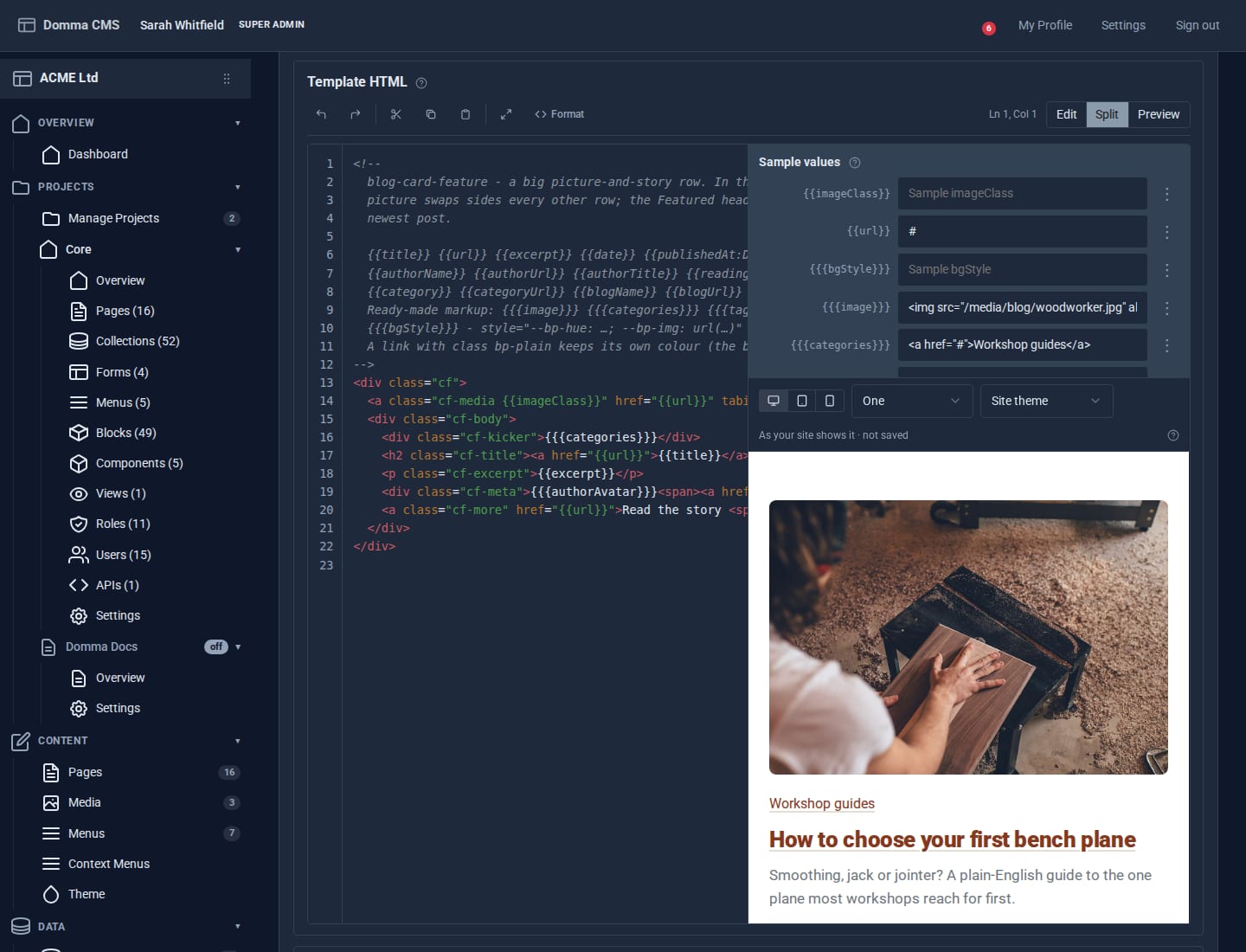
Blocks: your own design for any collection
Projects: group your site without moving a thing
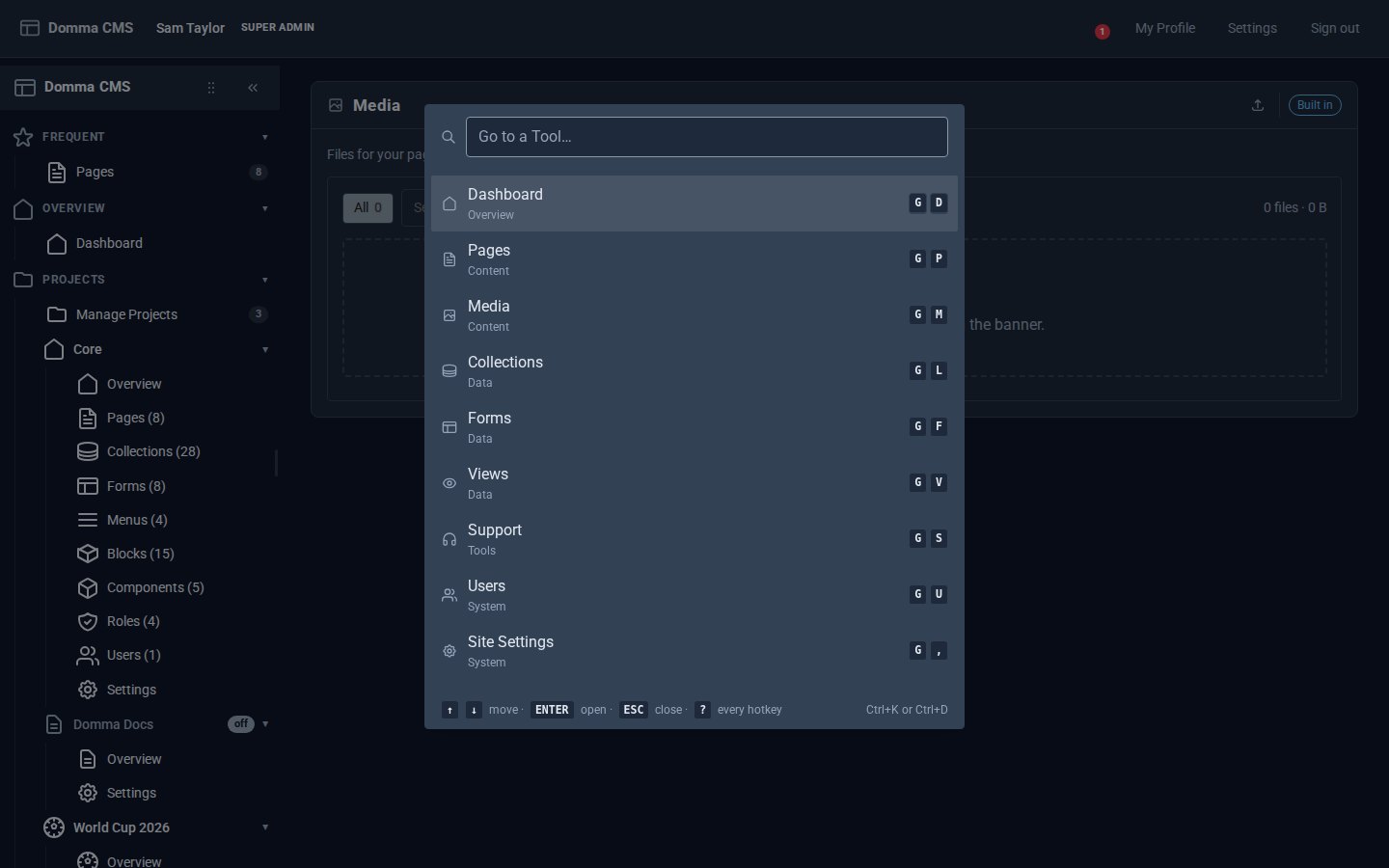
Every Tool, a keystroke away
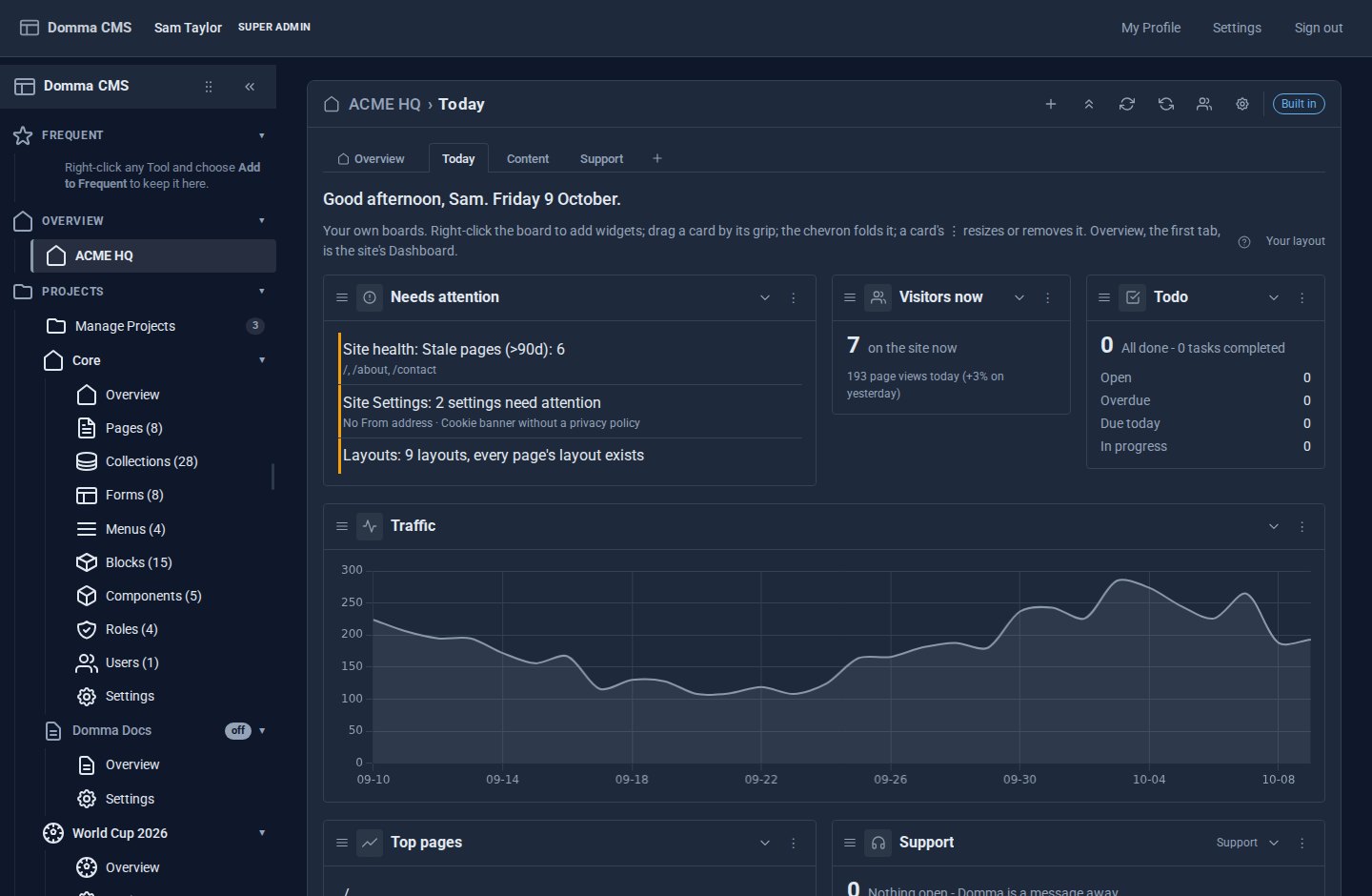
A morning at ACME HQ

From a local Domma CMS site to production
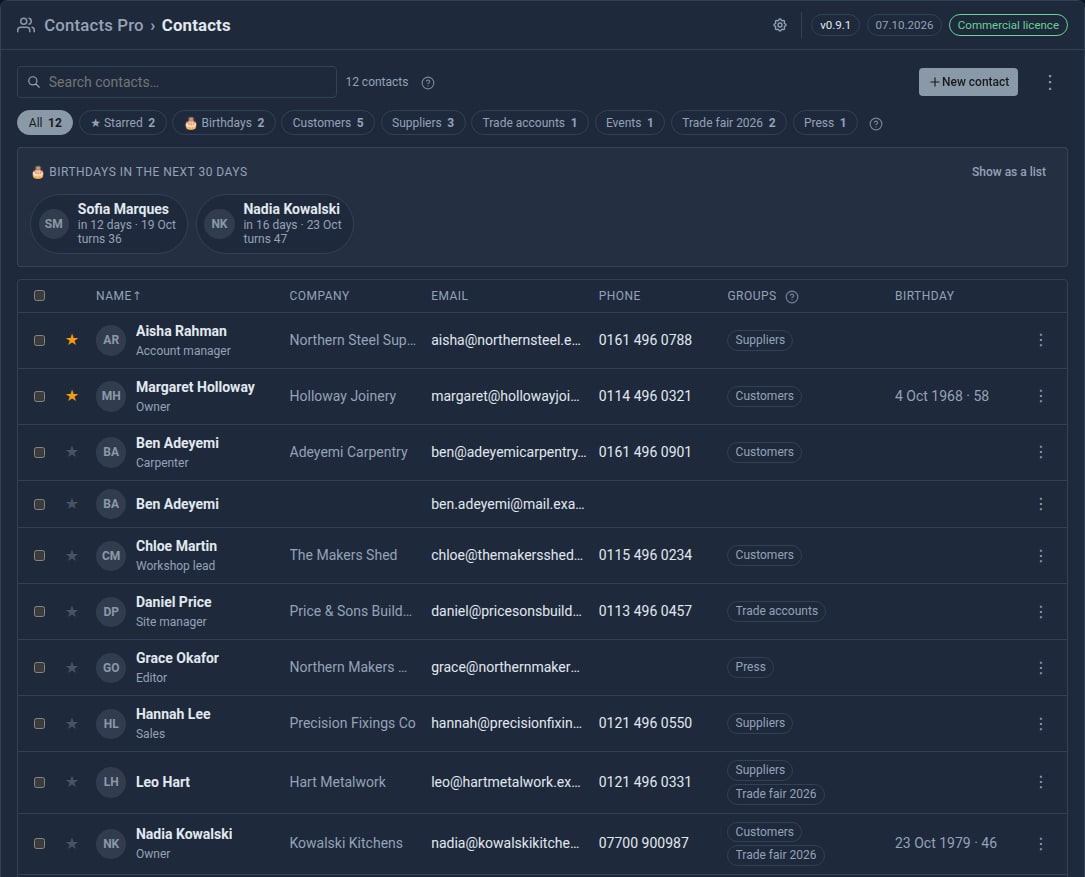
Bring your contacts in from Google
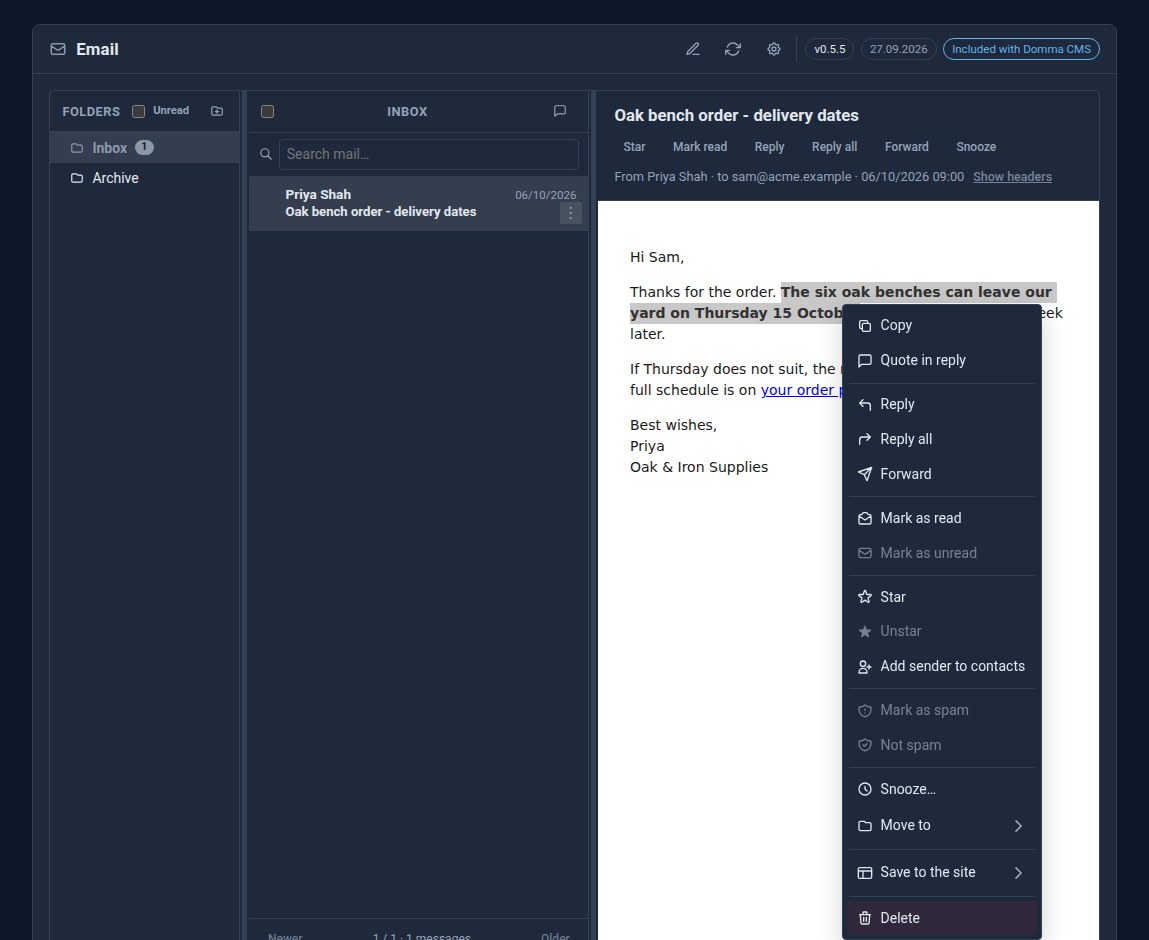
Right-click the email itself
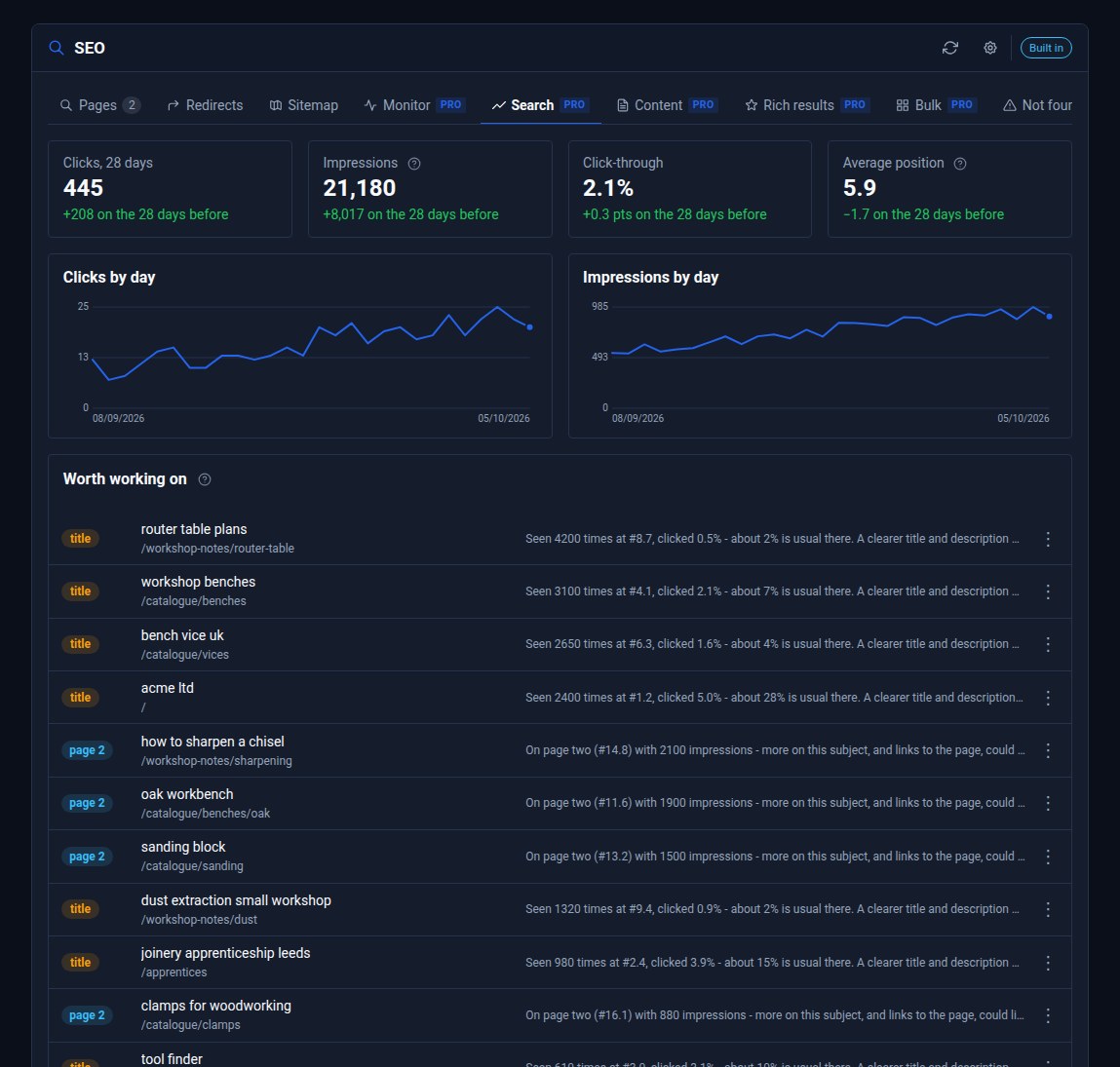
Google Search Console, inside your admin

Your first 15 minutes with Domma CMS
No posts here yet.