Your Brand Kit in Email and Invoices
A read-only Site brand from your Brand Kit, as the last choice for your mail and invoices, and Use as site brand to turn any Email branding into the site's own.
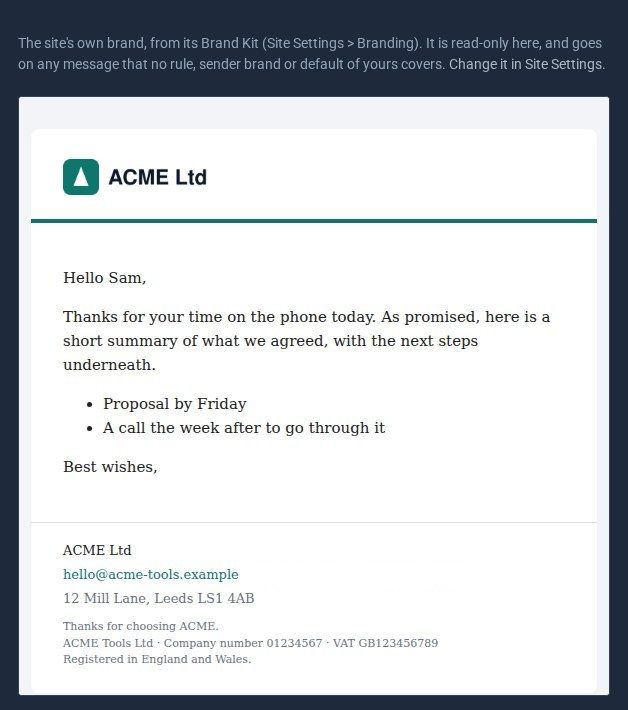
Your Brand Kit now reaches Email and Invoices. Mail you have not branded yourself goes out in the site's own brand, and any branding you have made in Email can become the site brand in one click.
The Brand Kit gives your site one place for its name, logo, colours, fonts and contact details, and every automated email uses it. This update brings it into two Pro Tools: Email and Invoices.
The Site brand in Email
Open Email > Settings > Branding. Once your site has saved its Brand Kit, a read-only Site brand sits at the top of the list. Click it to see a preview: your logo, accent colour and fonts, with the site's contact details in the footer.
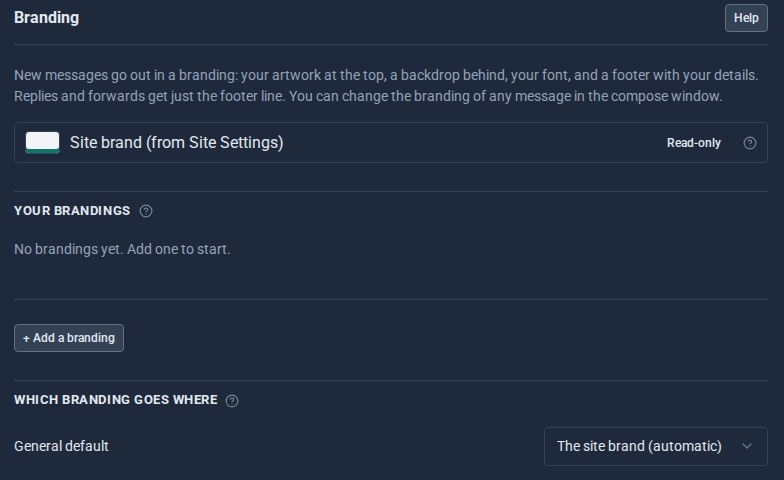
It is the last choice, so it never overrides anything you have already set up. A message gets, in order:
- the branding you pick in the compose window;
- a rule for the recipient, their domain or their company;
- the brand of the identity you send as;
- your general default;
- the Site brand.
So mail that nothing else covers now looks like your business instead of going out plain. If you would rather that mail stayed plain, set the General default to No branding. You can also pick the Site brand by hand: in the compose window, in a recipient rule, or as an identity's brand.
Use as site brand
Already made a branding in Email that you like? Open it and choose Use as site brand. After you confirm, its logo, accent colour, colours and fonts are copied into the Brand Kit, and every automated email and the Site brand use them from then on. Your names and contact details stay as they are.
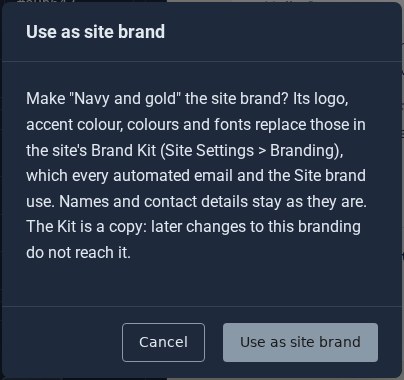
It is a copy, not a link: change the branding later and the Kit stays as it was. Only people who can change Site Settings see the button.
Invoices
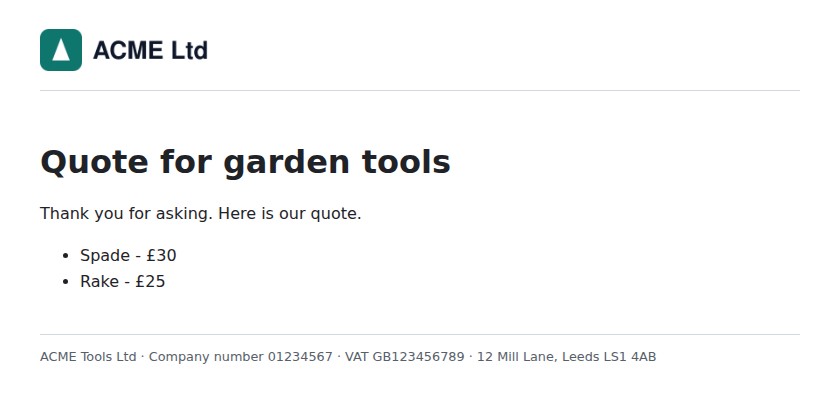
With Email Pro on, Invoices offers the Site brand everywhere it offers a brand: on an issuer, as the Default brand in Settings, and in the Send dialog. An invoice or quote with no brand chosen anywhere now uses it, so the email goes out in your site's look and the printout and PDF take its colour and font.
Your house logo still prints in place of the Kit's logo there, so printouts keep the logo you chose for them. To keep invoices plain, set the Default brand to None.
Getting it
Email Pro 0.24.0 and Invoices 1.11.0 are rolling out now, on Domma CMS 1.81.0 or later. Nothing changes until your site saves its Brand Kit under Site Settings > Branding.
Keep reading
Your Brand Kit in six more Tools
Job Board, Surveys, Campaigns, Ecards, Docs and Invoices now take their name, logo and details from your Brand Kit, including a letterhead in Docs.
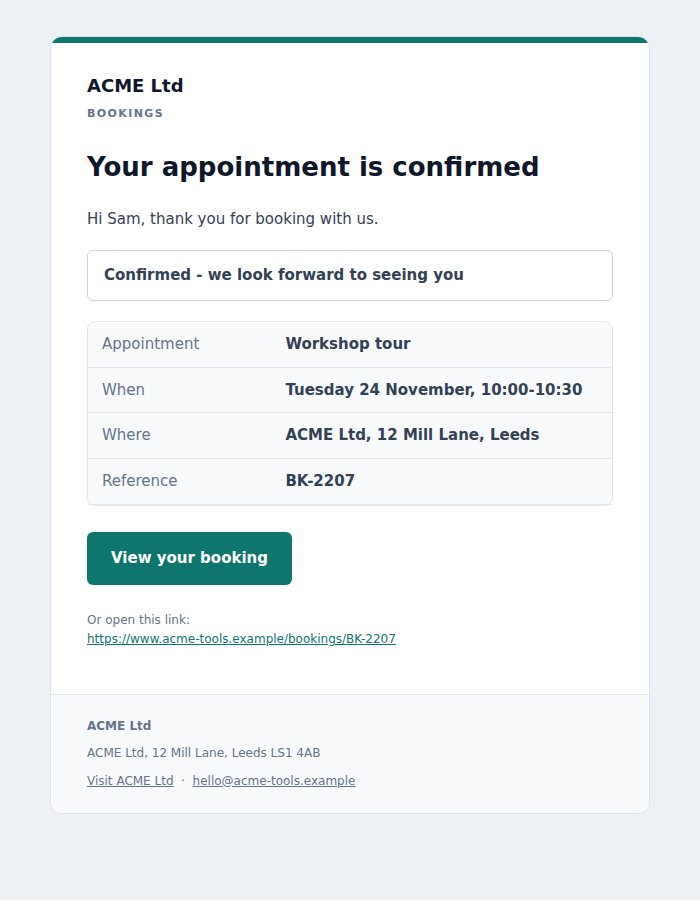
Every email your site sends, in your brand
Password resets, bookings, orders, invoices and Tool notifications now go out in one layout with your name, logo and colour. Set it up under Site Settings > SMTP in two minutes.
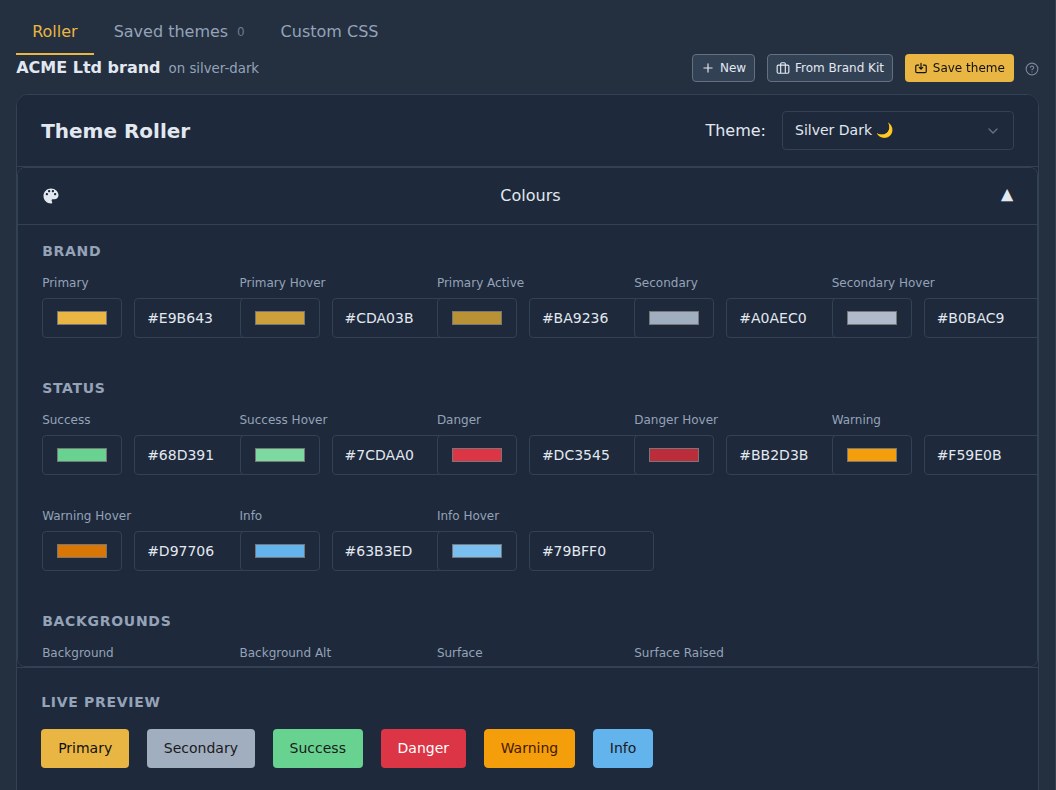
Your Brand Kit on your website
Once your Brand Kit is saved, the browser icon, navbar, sign-in screen, chat and link previews fill their gaps from it, and Theme Roller can start a theme in your colours.