Your Brand Kit on your website
Once your Brand Kit is saved, the browser icon, navbar, sign-in screen, chat and link previews fill their gaps from it, and Theme Roller can start a theme in your colours.
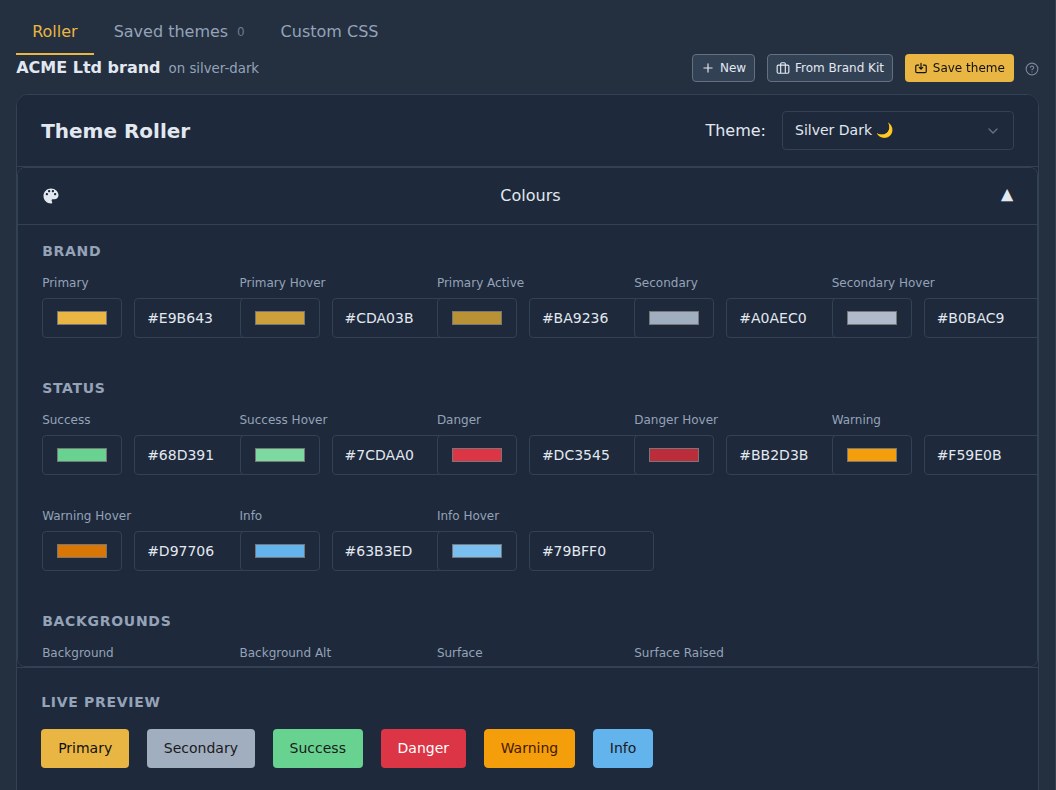
Save your Brand Kit once and your website and admin fill their own gaps from it: the browser icon, the navbar, the sign-in screen, chat and link previews. Nothing you have already set changes.
The Brand Kit keeps your business name, logo, colours, fonts and contact details in one place under Site Settings > Branding. It already brands your emails, and Email and Invoices can use it too. Domma CMS 1.82.0 takes it onto the site itself.
It fills gaps, it never overwrites
Once you have saved your Kit, it is used wherever the site's own settings are empty:
- The browser icon. With no favicon of your own, the tab shows the Kit's square mark, or its logo. The letter icon takes the Kit's accent colour.
- The navbar. A navbar brand with no name, logo or icon shows the Kit's logo, or its name.
- The admin and the sign-in screen. An empty admin name and logo take the Kit's, so your team signs in to your brand.
- Chat. A chat launcher with no colour or picture of its own takes the Kit's accent, and its mark unless the chat has a character.
- Link previews. When your pages are shared, the site name in the preview is the Kit's business name.
Anything you have set yourself still wins. A site that has never saved its Kit looks exactly as it did.
Your theme is left alone
The Kit never changes your theme, or offers to. If you want a theme in your brand colours, ask for one: in Theme Roller, choose From Brand Kit. It starts a new theme from the Kit's accent, colours and fonts. Change anything you like, then save it; nothing is used until you pick it as your theme.
Share images too
With Social Media Pro, the share images it draws for your pages use the Kit's business name, and its logo when neither your SEO settings nor the navbar has one.
Getting it
It comes with Domma CMS 1.82.0 and Theme Roller 1.4.0, now on every site. The Brand Kit comes with the Pro plan: fill in and save your Kit under Site Settings > Branding to switch it on.
Keep reading
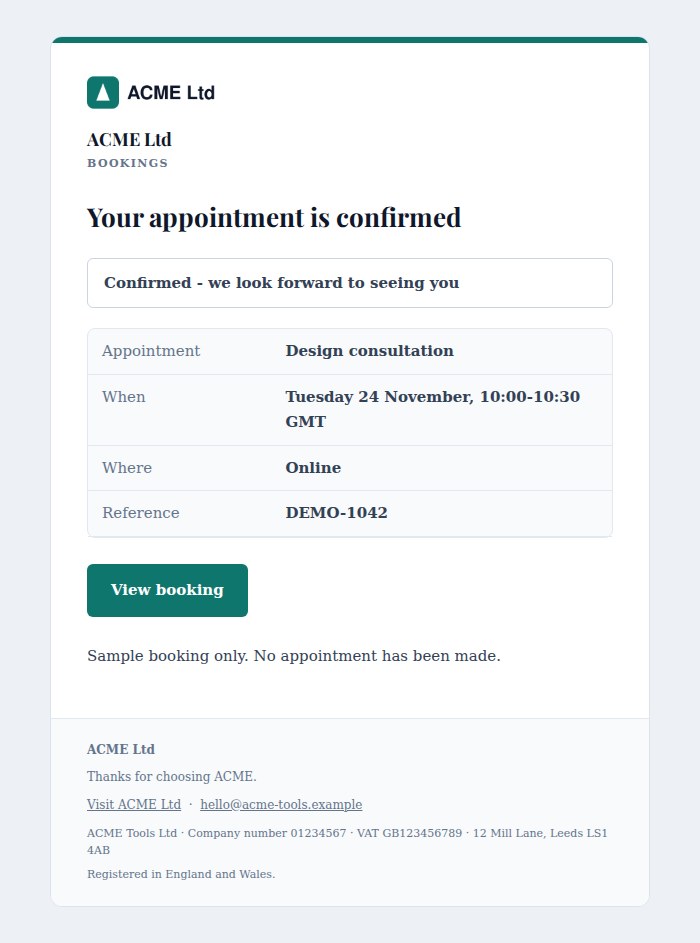
One Brand Kit for your whole site
Your name, logo, colours, fonts and contact details in one place under Site Settings > Branding. Every email picks it up, SVG logos included.
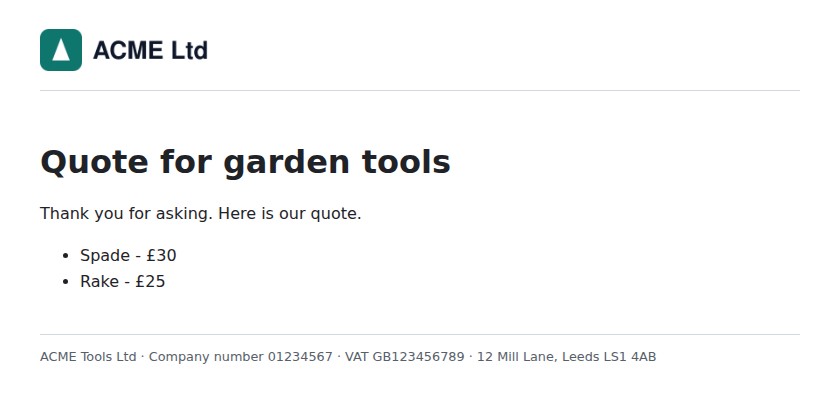
Your Brand Kit in six more Tools
Job Board, Surveys, Campaigns, Ecards, Docs and Invoices now take their name, logo and details from your Brand Kit, including a letterhead in Docs.
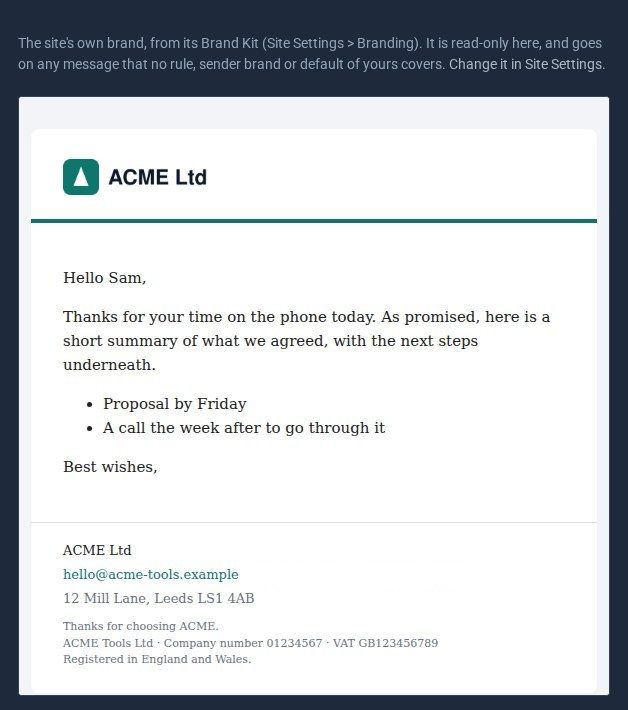
Your Brand Kit in Email and Invoices
A read-only Site brand from your Brand Kit, as the last choice for your mail and invoices, and Use as site brand to turn any Email branding into the site's own.