Meet Domma Celebrations: twenty ways to bring your website to life
Take a visual tour of all twenty Domma Celebrations themes, from Christmas and Halloween to summer gardens and personal sparkler greetings, with screenshots and a quick setup guide.

A little snow in December. A dragon weaving through lanterns for Chinese New Year. A summer garden with bees moving between the flowers. Or a birthday message written in sparks.
Domma Celebrations brings these moments to a website through domma-celebrate, a standalone JavaScript package with twenty themes. In Domma CMS, add a celebration straight from the page editor or with a shortcode. The same engine also works with Domma JS and as a standalone package.
Here is a tour of every theme, followed by the few lines needed to get started. These are real captures of the canvas engine on a simple demo backdrop, using heavy intensity to show the artwork. The live scenes move: snow falls, characters cross the page and sparklers write their messages.
Try every celebration in the live showcase.
The big seasonal scenes
Christmas
Christmas has snowflakes, decorated trees, wreaths, snowmen and a north star, with a steam train, elves, robins and Santa's sleigh bringing movement to the scene. You can keep the quiet snowfall and turn off individual characters whenever the page needs a lighter touch.
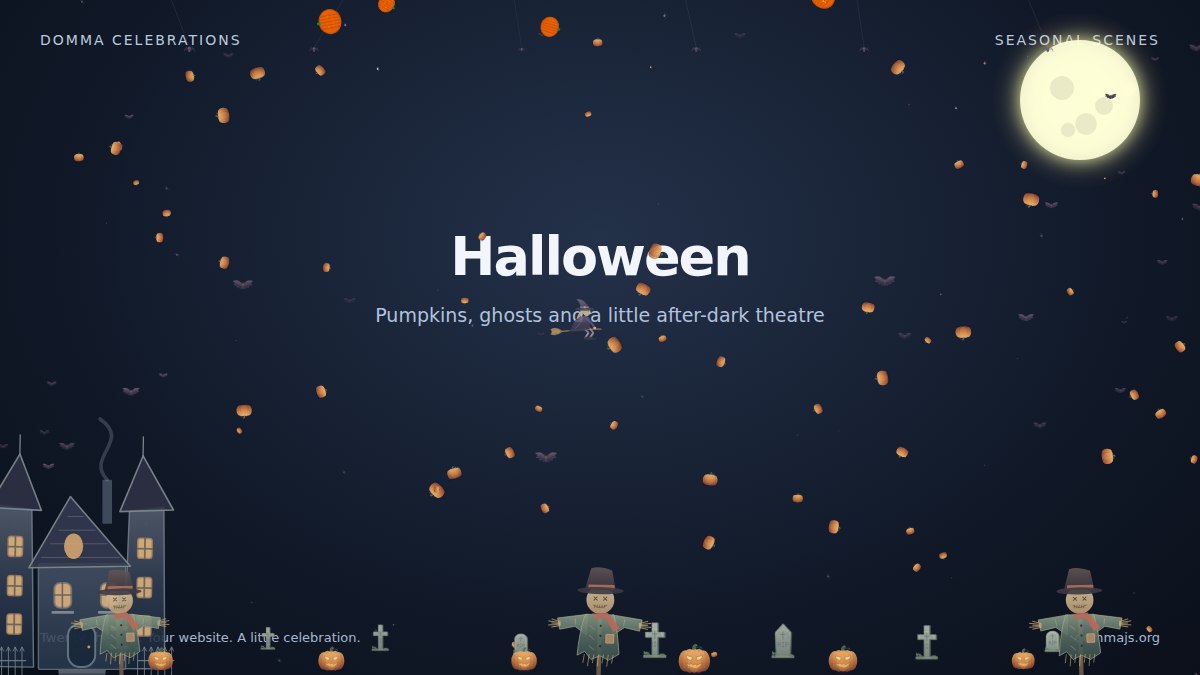
Halloween
Pumpkins, ghosts, bats and spiders set the mood, joined by a haunted house, a cauldron, scarecrows, witches and lightning. It is a good example of how much atmosphere a transparent canvas can add around a page's existing content.
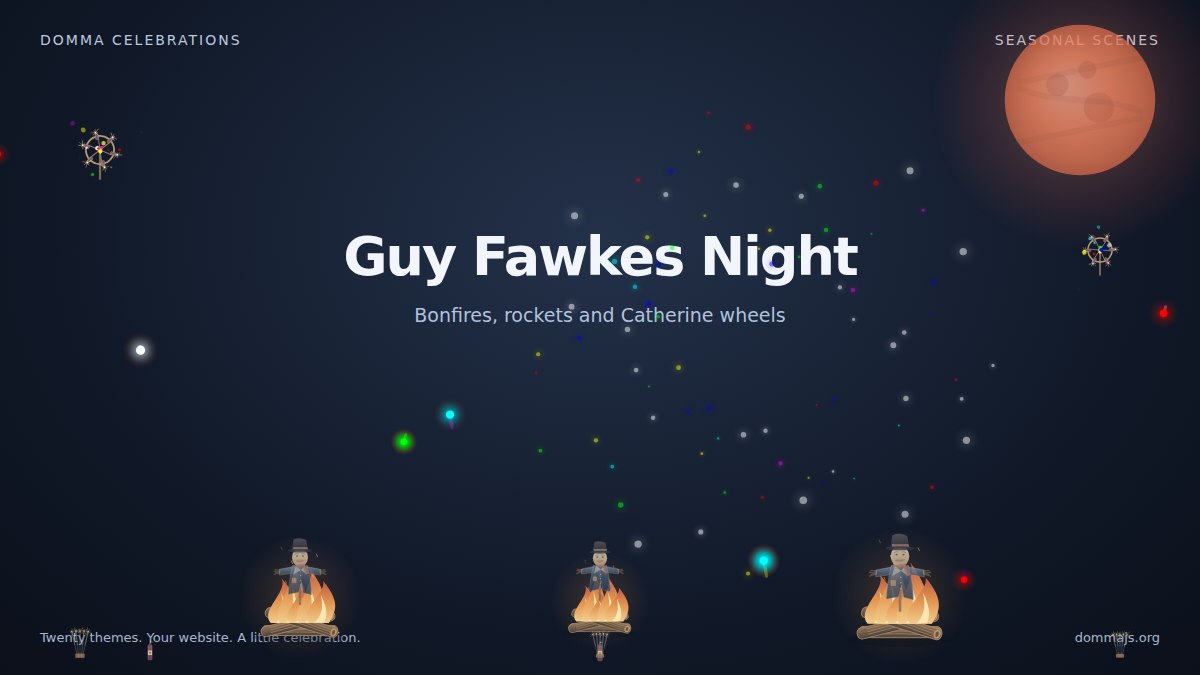
Guy Fawkes Night
Bonfires, embers and sparks sit alongside Catherine wheels, Roman candles, rockets and fireworks. This one is built for a night-time backdrop.
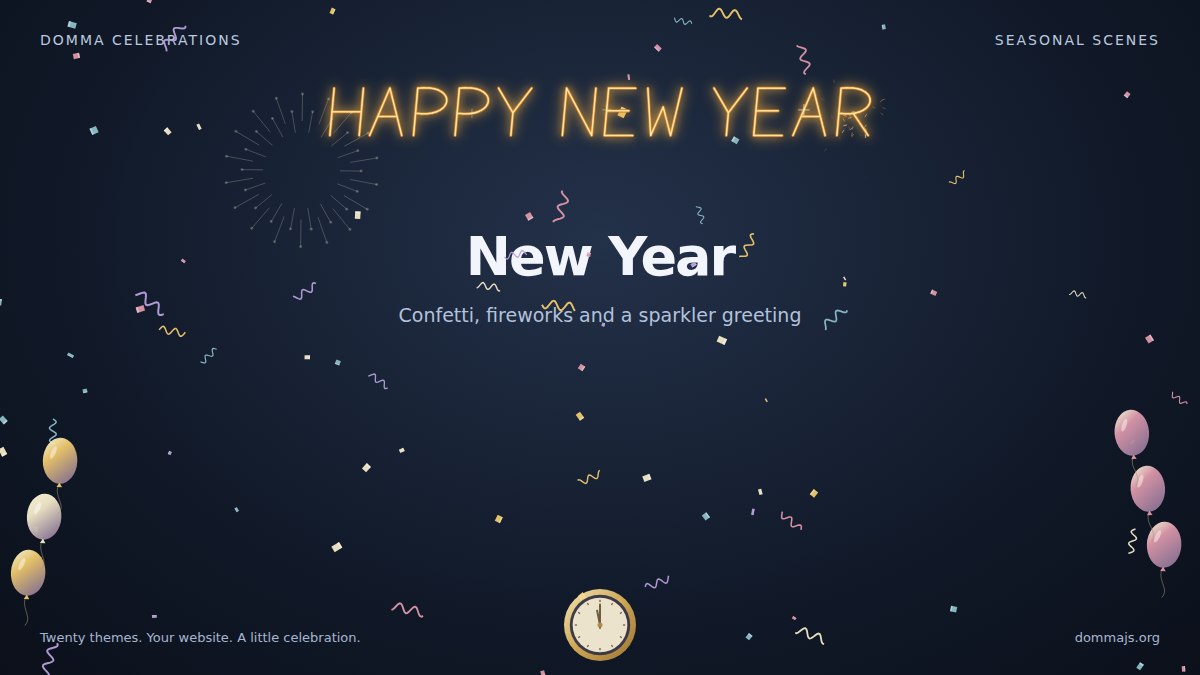
New Year
Confetti, curled streamers, balloons, fireworks and a midnight clock welcome the new year. A sparkler greeting adds lettering to the celebration.
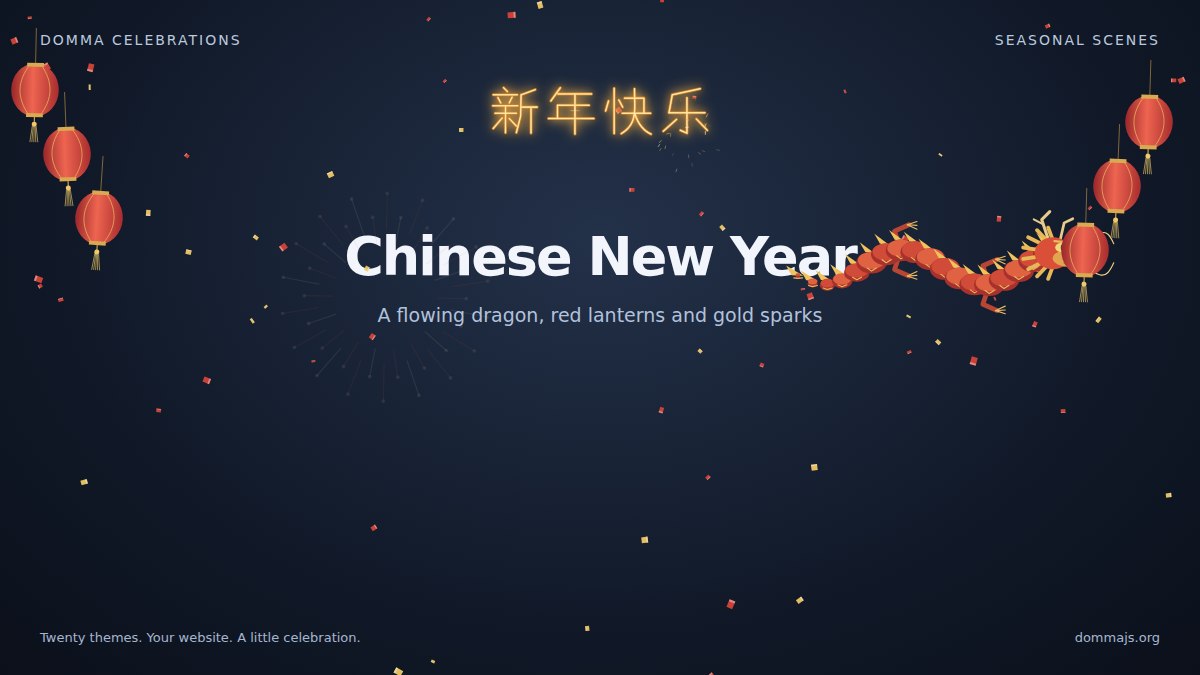
Chinese New Year
A flowing Chinese dragon moves through red lanterns, red and gold confetti and fireworks. The default sparkler greeting writes 新年快乐. The automatic season follows Chinese New Year for seven local calendar days.
Through the rest of the year
Winter
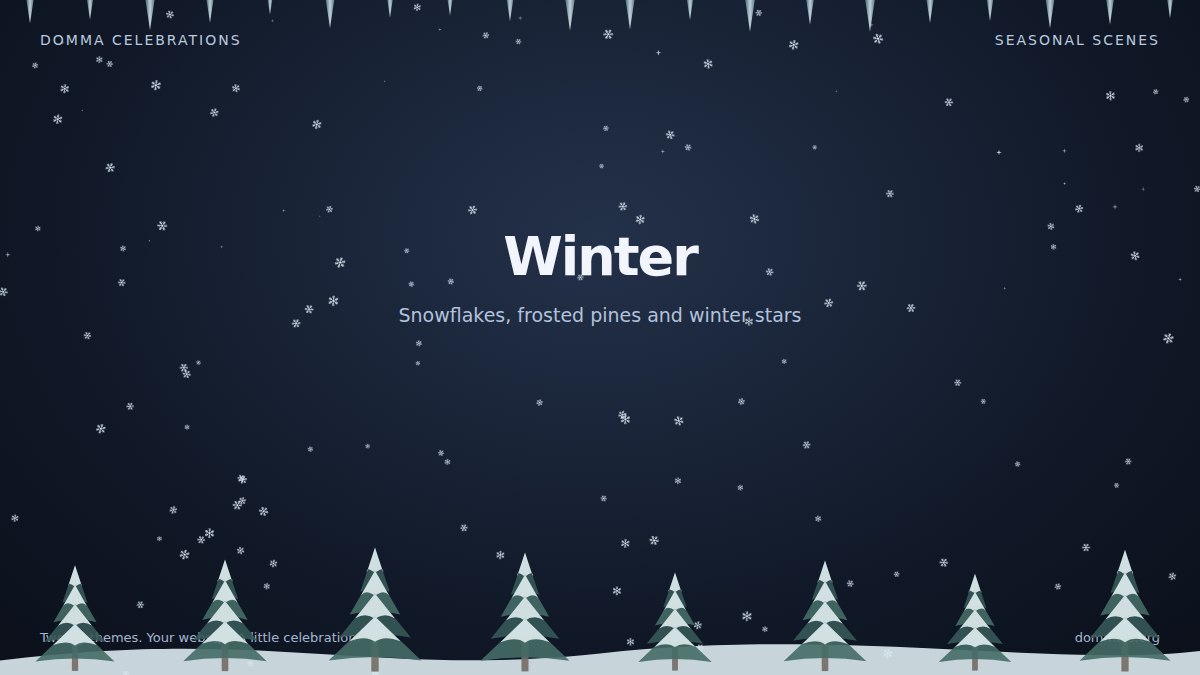
Winter keeps things wintry with snowflakes, frosted pines, snowdrifts, icicles and stars. Automatic selection uses it during December to February when a more specific celebration does not take priority.
Valentine's Day
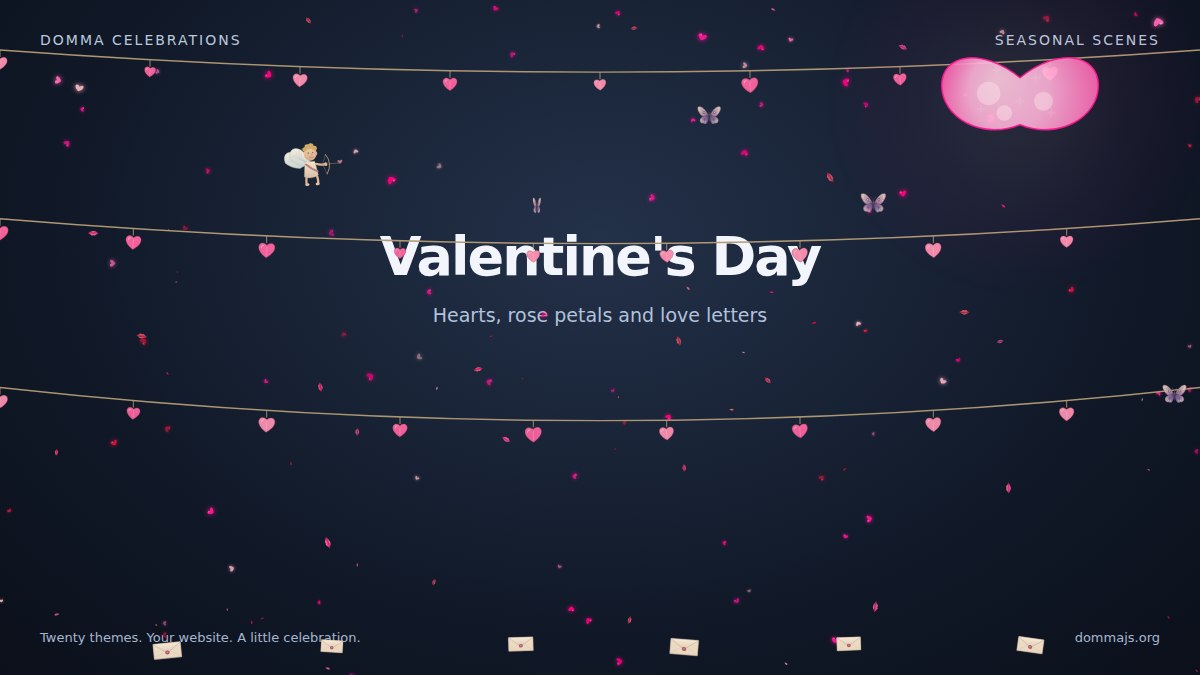
Hearts and rose petals drift through a scene of love letters, envelopes, butterflies, Cupid and a heart-shaped moon.
Easter
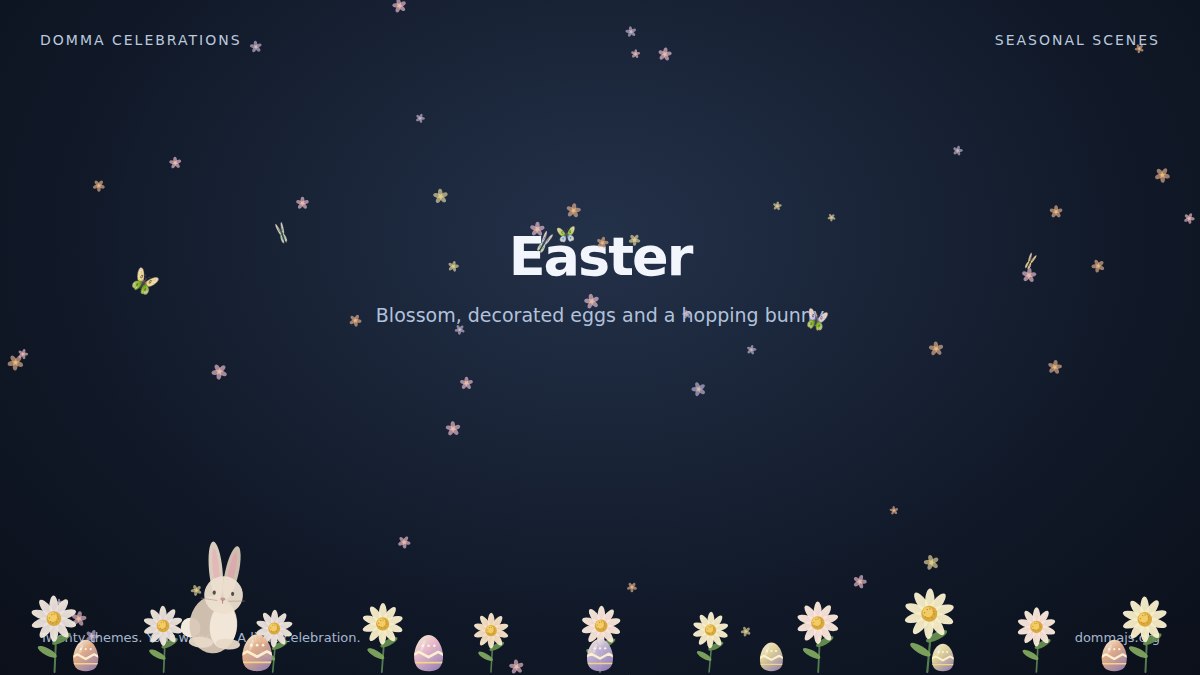
Decorated eggs, blossom, flowers and butterflies surround a bunny that rests between short hops. Easter's automatic window follows Gregorian Easter Sunday each year, starting five days before Sunday and finishing on Easter Monday.
Summer Garden
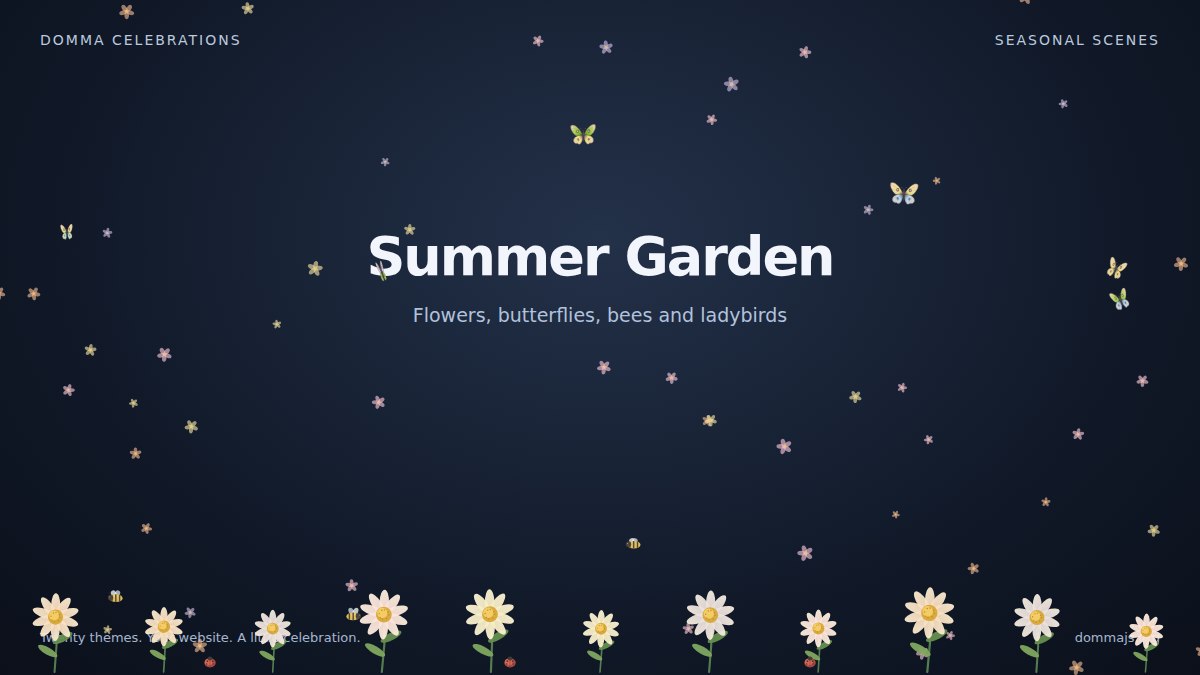
Flowers, drifting petals, butterflies, bumblebees and ladybirds turn the page into a summer garden. Bees visit the enabled flower heads, hover briefly and move to the next bloom. Its automatic season is June to August, matching the UK summer; you can select it manually for other climates.
Autumn
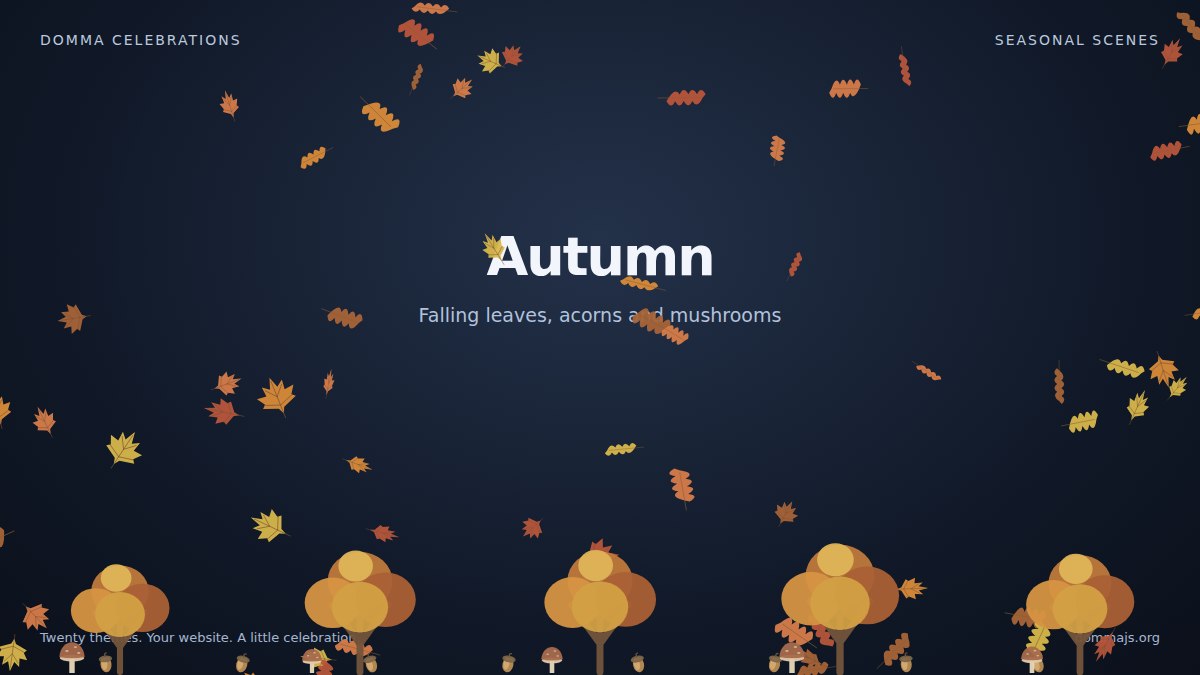
Falling leaves, acorns and mushrooms bring autumn colour to September through November, with specific holidays taking priority in automatic mode.
Four patron saint celebrations
Each patron saint theme has its own plants, characters and scenery.
St David's Day
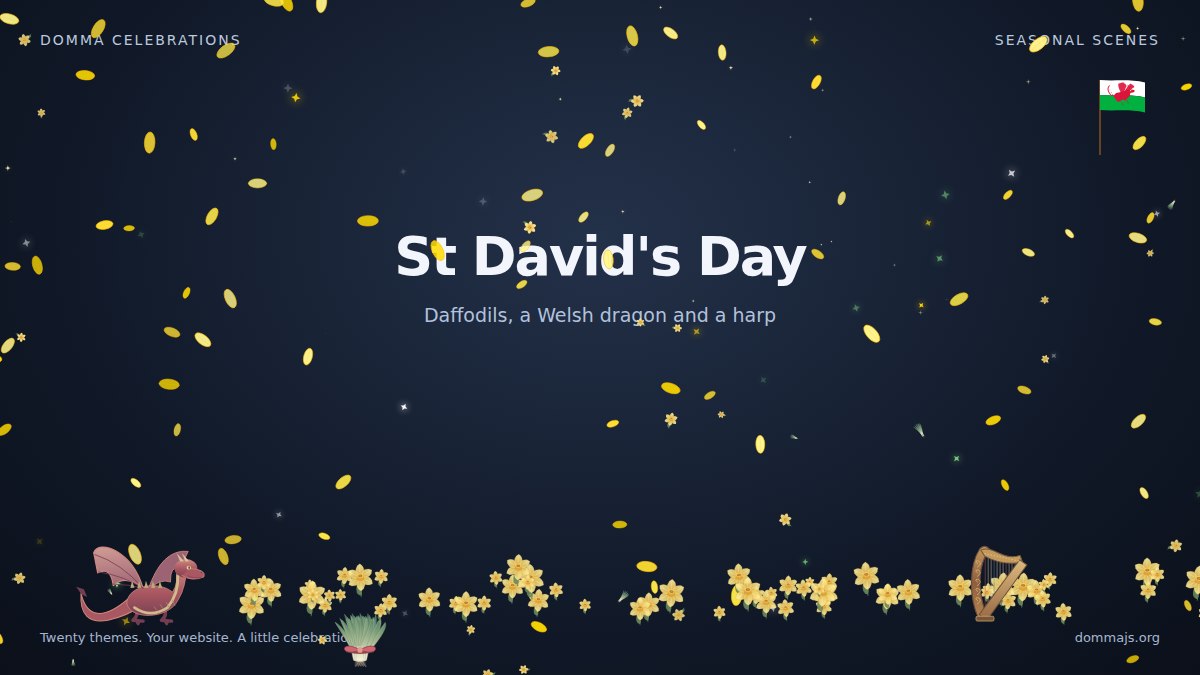
Daffodils, leeks, a harp, the Welsh flag and a Welsh dragon celebrate St David's Day.
St Patrick's Day
Shamrocks, gold coins, pots of gold, a rainbow and leprechauns fill the St Patrick's Day scene.

St George's Day
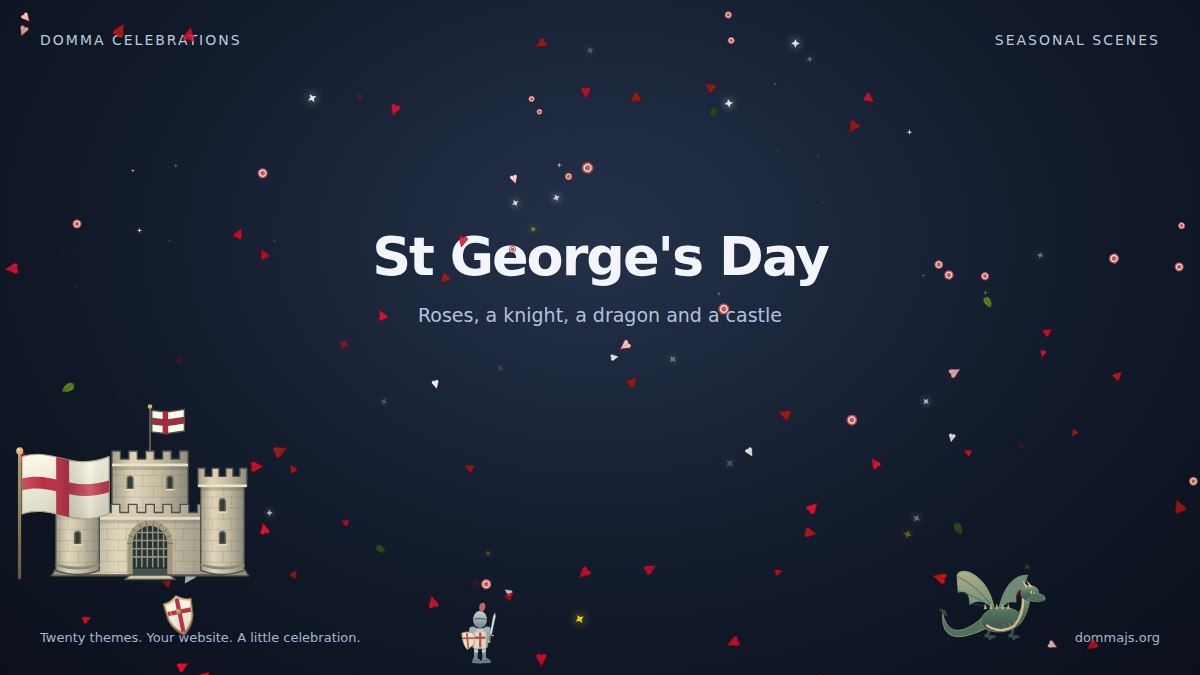
Roses and oak leaves share the scene with a knight, a dragon, a castle, shields and St George's cross.
St Andrew's Day
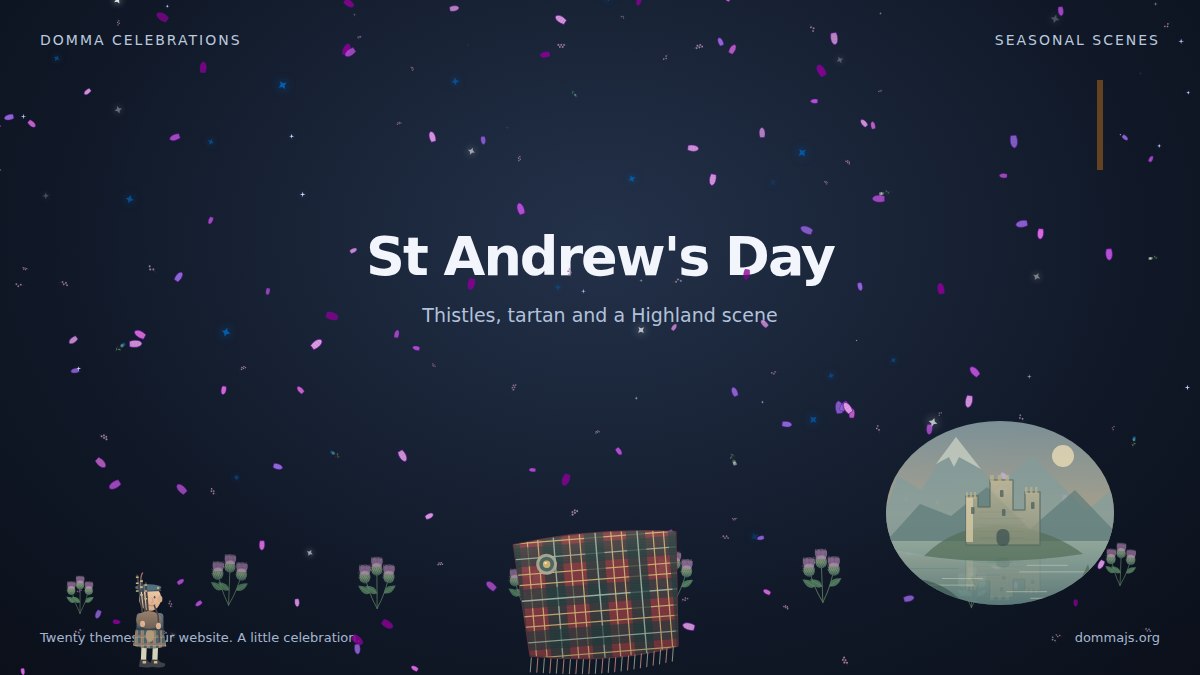
Thistles, heather, tartan, the saltire and a bagpiper bring a Highland scene to the page.
Make it personal
Birthdays, anniversaries and graduations do not share a date across every visitor. These themes are selected explicitly, so your site can start them for the right person or occasion.
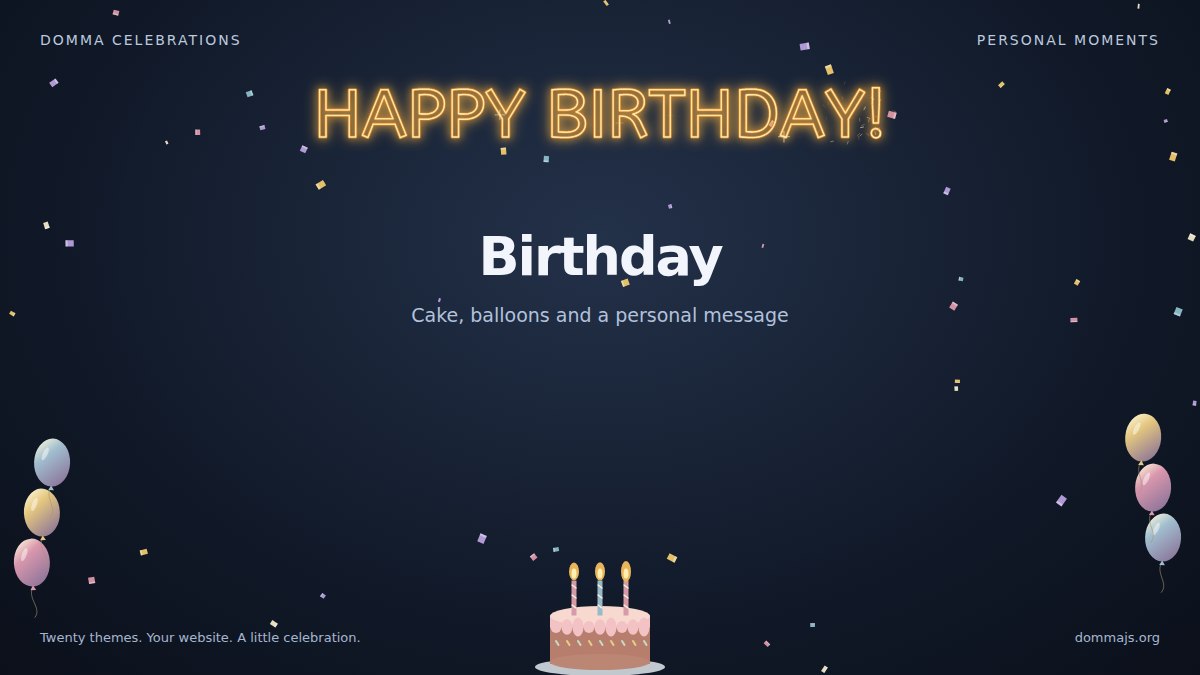
Birthday
Cake, balloons and a personalised greeting make a birthday page or message feel like an occasion.
Anniversary
Rings, hearts and sparkler lettering mark a shared milestone.

Graduation
Tossed caps, diplomas and a personalised greeting celebrate an achievement.

Your own sparkler greeting
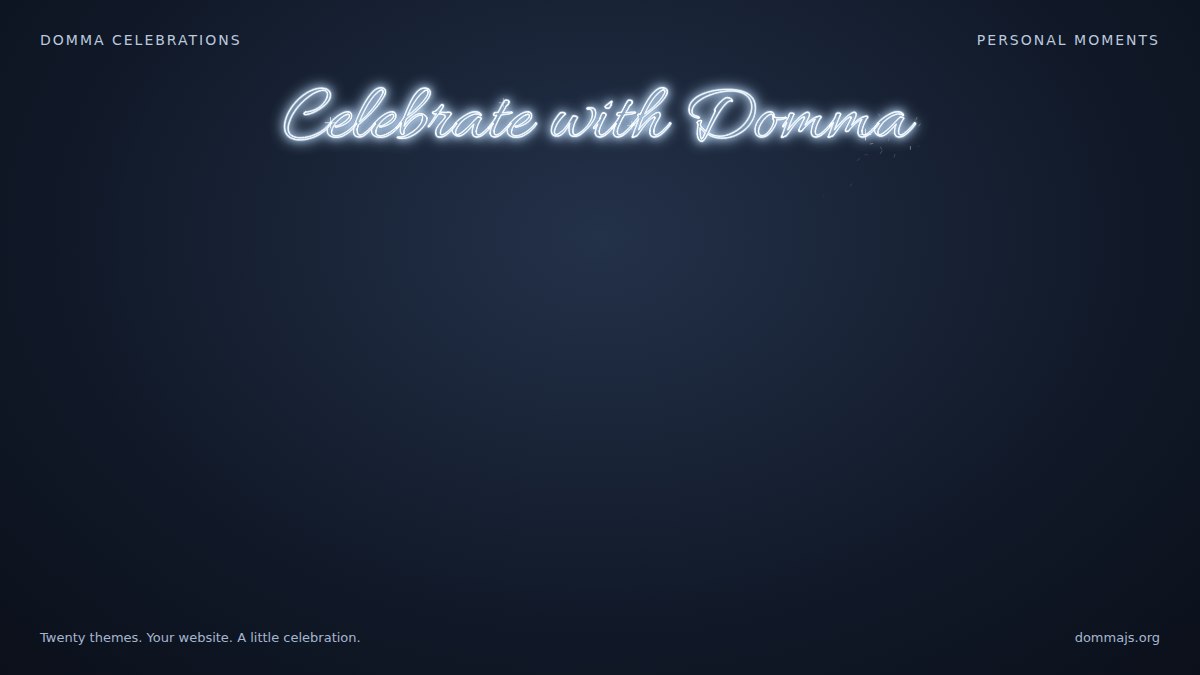
The standalone greeting theme writes your message in sparks. Choose stroke or cursive lettering, gold or silver, and the words that suit the moment. Custom messages also work with Christmas, New Year, Chinese New Year, birthday, anniversary and graduation.
Two more ways to make it rain
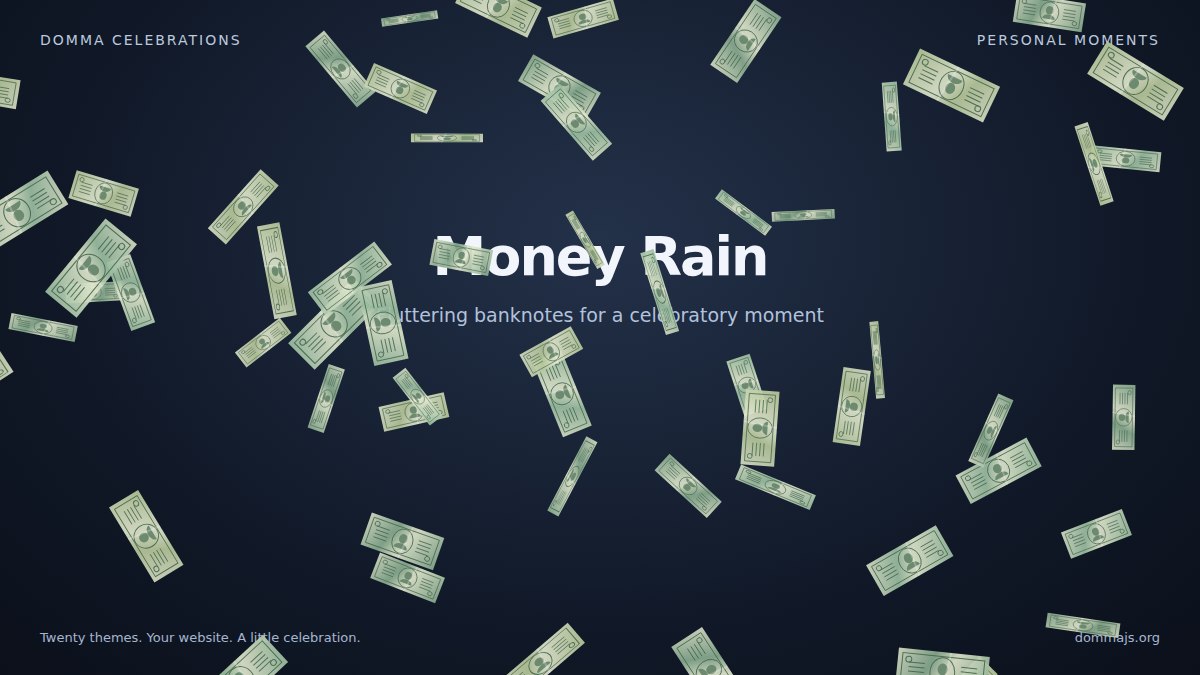
Money Rain
Fluttering banknotes give a special offer, a reward or a celebratory moment a playful visual flourish. This theme is started manually.
Make it rain
For actual rain, this theme adds falling water and splashes along the ground. It is also selected manually.

Add a celebration in Domma CMS
In the page editor, open Insert > Effects > Celebrate, choose a theme and set its intensity. The editor also offers switches for the individual decorations. You can use the Celebrations submenu from the editor's context menu, too.
For a scene that follows the calendar, add this shortcode to your page:
[celebrate theme="auto" intensity="light" /]
To show a specific theme at any time, use its named shortcode. For example, keep Christmas gentle and leave out the train and elves:
[christmas intensity="light" train="off" elf="off" /]
Or add a personal greeting:
[birthday message="Happy Birthday, Sarah!" sparkler-style="cursive" sparkler-colour="silver" /]
You can also use the lettering on its own:
[celebrate message="Celebrate with Domma" sparkler-style="cursive" sparkler-colour="silver" /]
These examples use features included in Domma CMS. See the editor's effects tools and the effects showcase for more ways to use them.
Use it outside Domma CMS
The standalone package has zero dependencies. Install it with npm:
npm install domma-celebrate
For automatic seasonal selection with the visitor controls included:
import { autoInit } from 'domma-celebrate';

await autoInit({ intensity: 'light' });
Or serve the package's dist/domma-celebrate.min.js file beside your page and add one script tag:
<script src="domma-celebrate.min.js" data-celebrate></script>
Automatic mode uses the visitor's local calendar. It chooses the celebration in season and creates nothing when none applies. Personal occasions and the rain themes need an explicit selection.
To choose a theme yourself and control its decorations:
import { Celebrations } from 'domma-celebrate';

const scene = new Celebrations({
    theme: 'christmas',
    intensity: 'light',
    traits: { train: false, elf: false, tree: 0.5 }
});

await scene.init();
Traits let you turn individual decorations off or adjust their density. A value of false disables a trait; a number such as 0.5 reduces its density. You can change them while the scene runs:
scene.setTrait('sleigh', false);
scene.setIntensity('medium');
scene.pause();
scene.start();
// When the page or component is finished with it:
scene.destroy();
For your own message, select the greeting theme:
const greeting = new Celebrations({
    theme: 'greeting',
    sparkler: {
        message: 'Celebrate with Domma',
        style: 'cursive',
        colour: 'silver'
    }
});

await greeting.init();
You can also scope a scene to a hero or another element with container: '#hero'. Give that element a height so the canvas has somewhere to draw. The engine-only examples leave controls and preference storage to your application; autoInit() provides them for you.
Give visitors control
The automatic integration includes a keyboard-operable control widget. Visitors can turn the celebration off, change intensity and switch individual traits. Their choices are remembered when browser storage is available.
Reduced-motion preferences are respected by default: when a visitor requests reduced motion, no canvas is created. The decorative canvas is hidden from assistive technology and lets pointer events through, so links, forms and buttons remain usable.
The ESM build loads theme chunks as needed. If you host it yourself, copy its dist/chunks/ directory alongside the ESM entry. The plain script build includes all twenty themes in one file.
Pick your favourite
Screenshots show the artwork; the live showcase shows how it behaves. Try the themes, adjust the intensity and switch individual decorations to find the balance that suits your site.
Explore Domma Celebrations or read the full package usage reference.
Keep reading
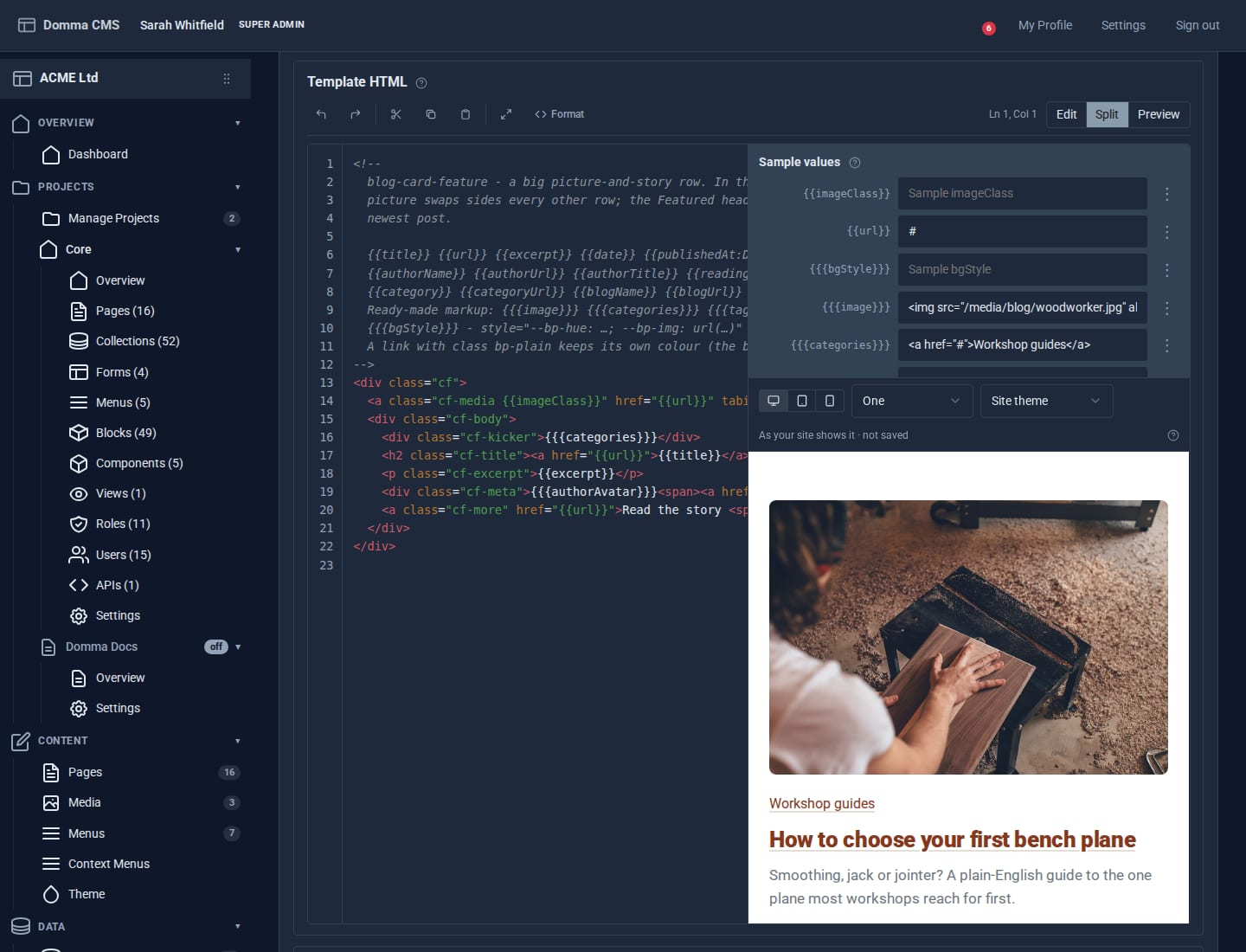
Blocks: your own design for any collection
Write a small piece of HTML once and every entry in a collection is drawn through it. Plus a new Blocks guide, and Writing a Tool.
Projects: group your site without moving a thing
A project gathers the pages, collections, forms and people for one job under one name. Nothing moves: every address, file and link stays where it is - the project is a label.
A morning at ACME HQ
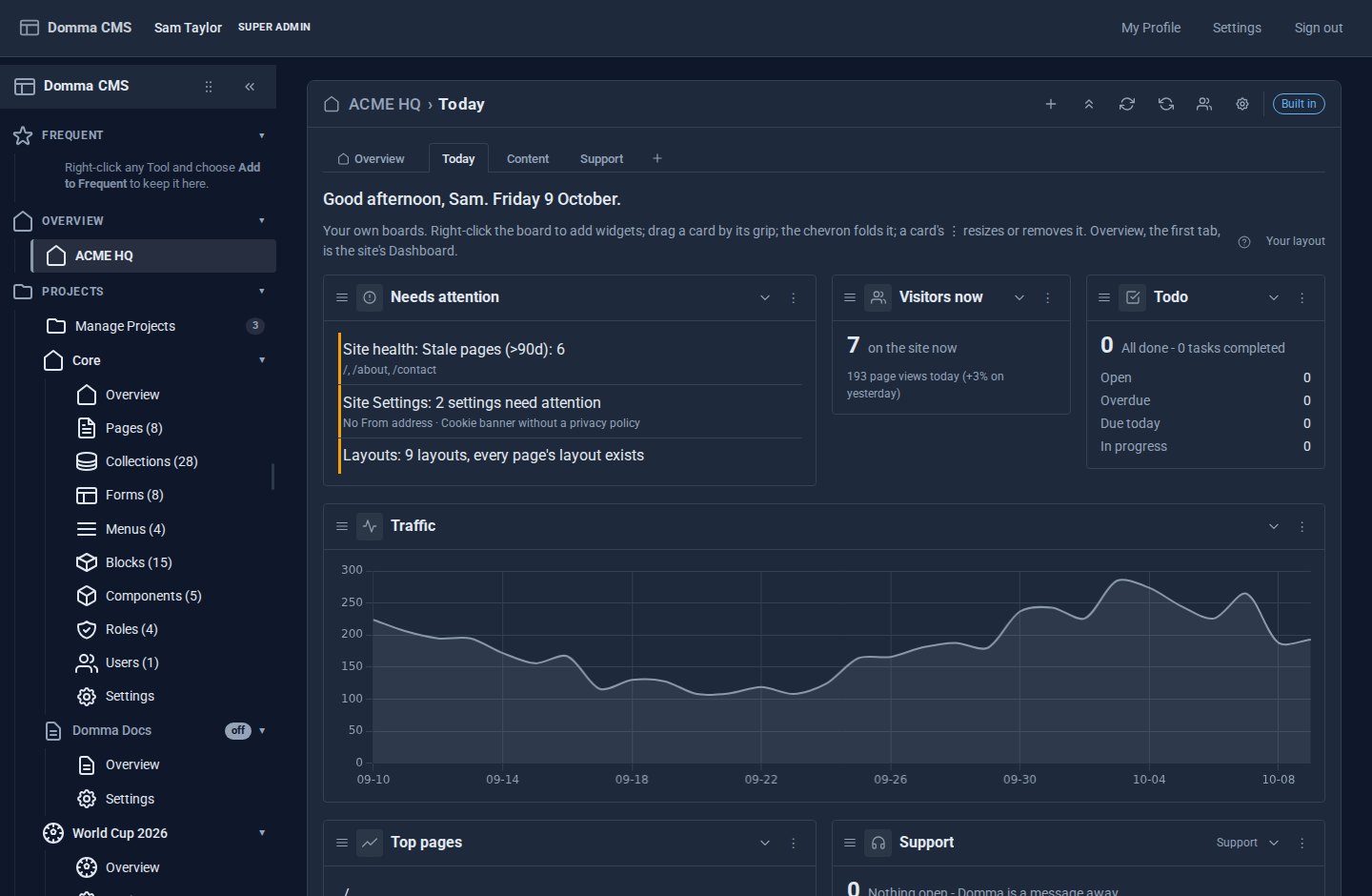
A showcase: one morning at ACME Ltd with Dashboard Pro - the Overview first, everyone's own boards after it, and every Tool with widgets in the gallery automatically.