Sell from your own site.
Shopping Cart adds products, a storefront and a basket that follows shoppers from page to page. Checkout takes Stripe, PayPal or payment offline, and paid orders wait for you in the sidebar.

What Shopping Cart does for you
Products with options
Prices and was-prices, SKUs, stock, pictures and options such as size or colour, each with its own price and stock.
A storefront
A product grid with categories, search and sorting, and a page for each product. Works without JavaScript.
A basket that follows
A floating basket on every page and a one-page checkout.
Stripe, PayPal or offline
Hosted Stripe Checkout, PayPal, or bank transfer with your own instructions. Test buttons for each.
Orders to fulfil
Fulfil with tracking, refund, cancel, add a note and print a packing slip. Stock is taken when an order is paid.
Prices you can trust
Totals are worked out on the server, and checkout re-quotes if something sold out meanwhile.
See it
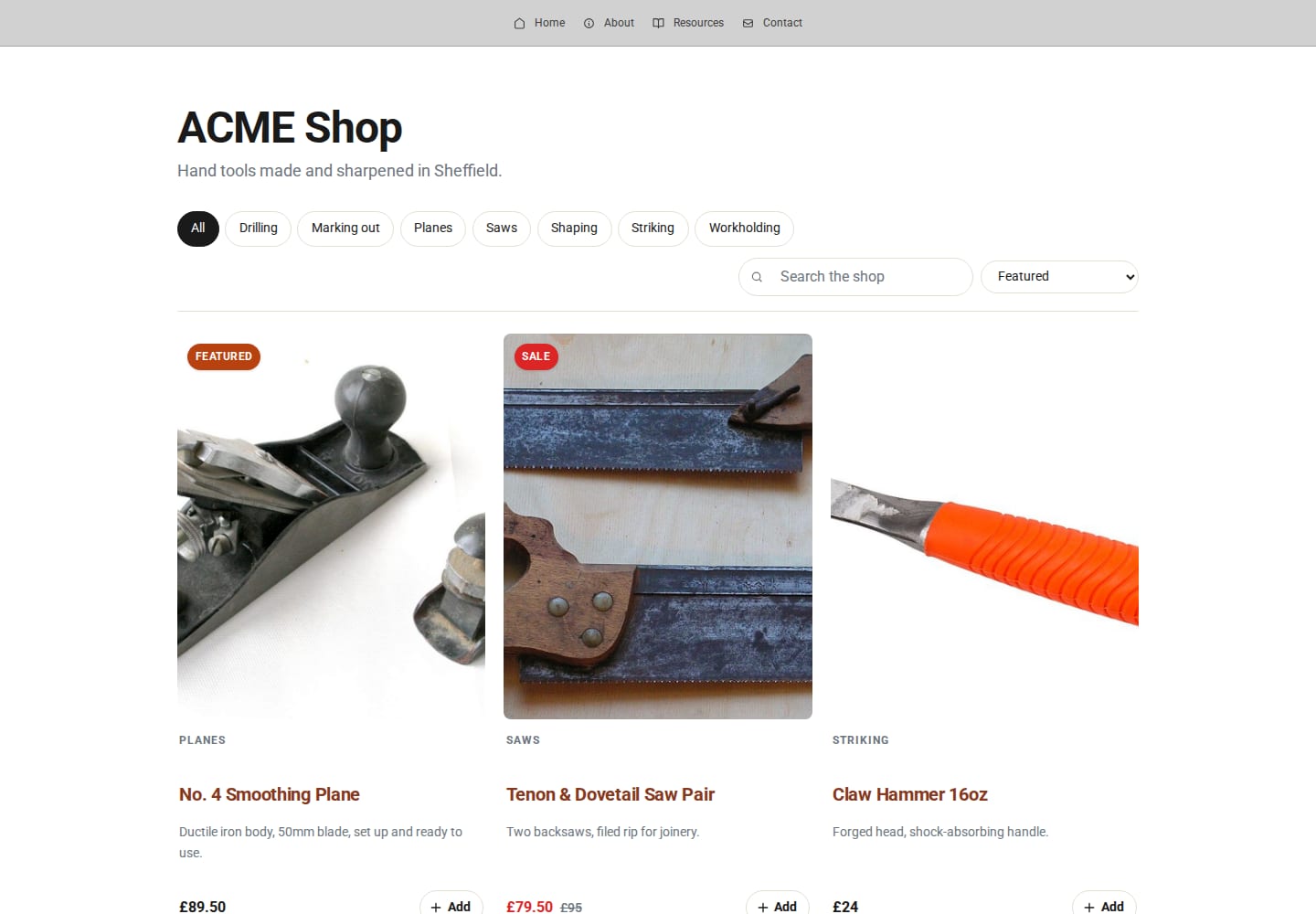
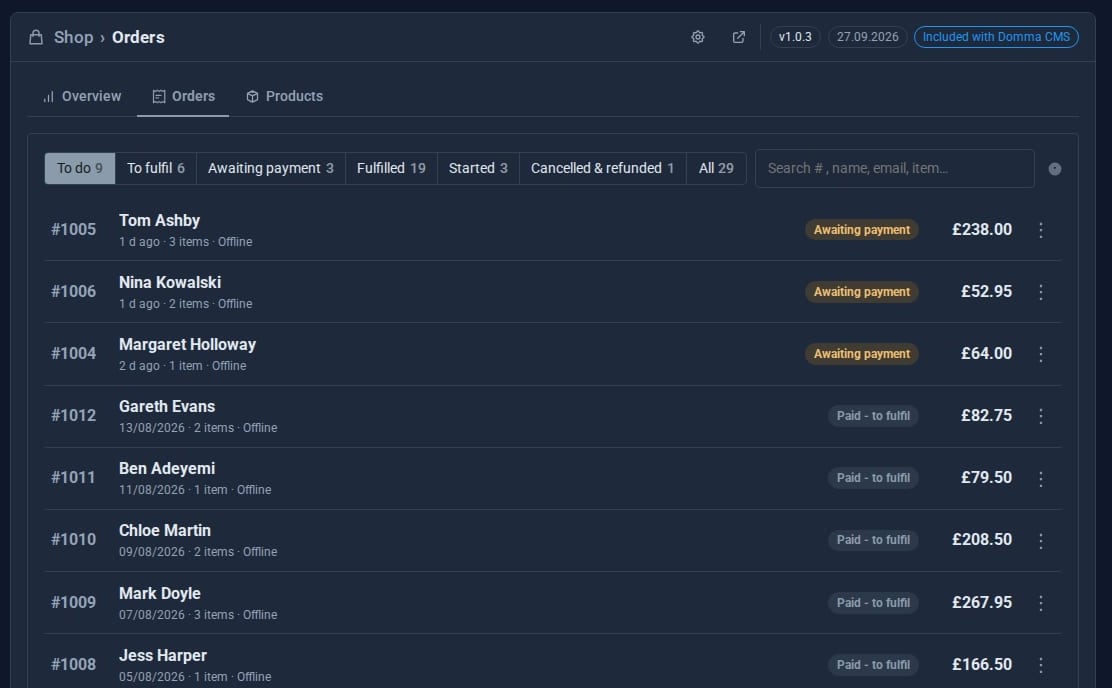
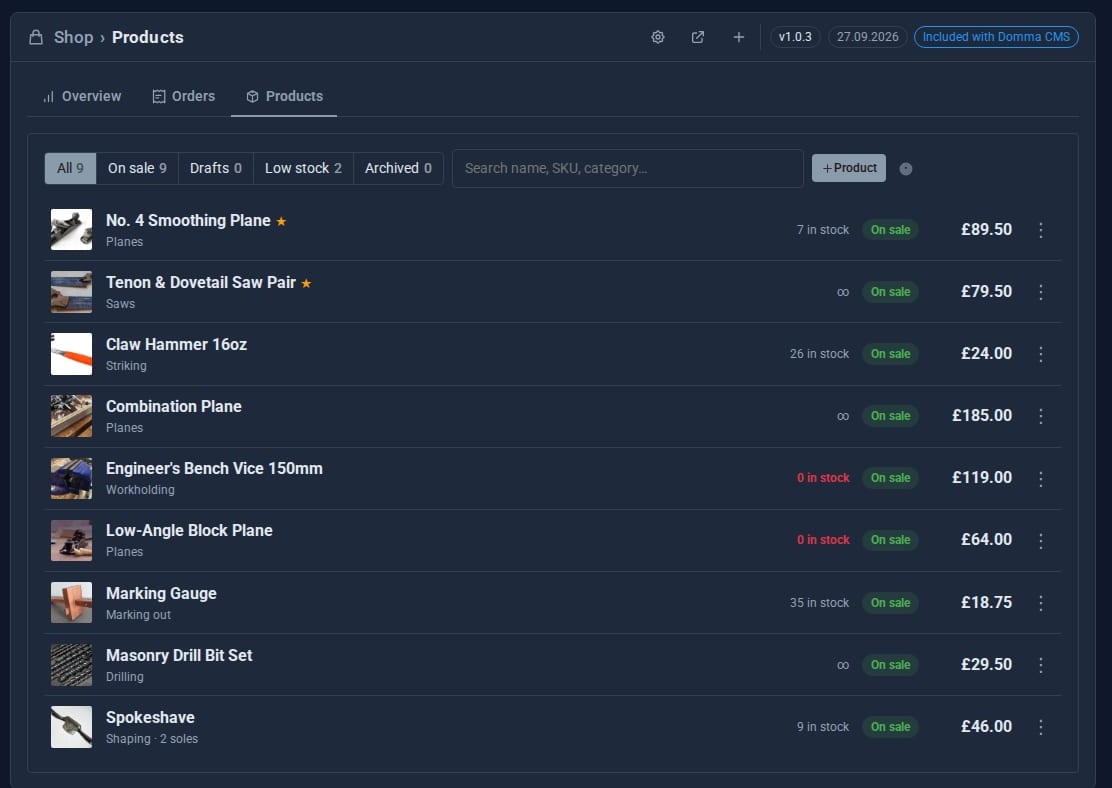
See it live: A working shop - ACME Ltd's demo shop running on the free Shopping Cart. Nothing is charged or sent.
Try it in 5 minutes
- Enable Shopping Cart in the Marketplace and open Shop in the sidebar.
- On the Products tab, choose Load sample products.
- Open the cog, set your currency and switch on Offline payment with bank transfer instructions.
- Visit
/shop, add something to the basket and check out. - Back in the admin, open the order, choose Mark paid when the transfer arrives, then fulfil it with a tracking number.
Growing? Shopping Cart Pro
Shopping Cart Free
- Products, options, stock and pictures
- Storefront, basket and one-page checkout
- Stripe, PayPal and offline payment
- Flat shipping, free-over threshold, click and collect
- One tax rate
- Fulfilment, refunds, packing slips
Shopping Cart Pro Pro adds
- Discount codes: percentage, amount or free delivery
- Shipping zones priced by weight or order value
- Tax by country and product class
- Branded order emails from confirmation to dispatch
- Insights: takings, best sellers, repeat customers
- Abandoned checkouts you can nudge
Works with the rest of your site
Any page
Show products on ordinary pages with [shop-products], [shop-product] and [buy-button].
Notifications
A notice for every paid order, and a sidebar badge for orders waiting to be sent.
Good to know
Payment secrets are masked and never sent to the browser. Order details stay private: the shop's collections have no public API.
What it needs
Nothing to start. A Stripe or PayPal account when you want to take card payments.
Questions
No. Payments go straight to your own Stripe or PayPal account.
The free Cart and every order carry on exactly as before; only the Pro extras stop.
Learn it step by step
Goes well with
Shopping Cart is free with every site
Install Domma CMS, enable Shopping Cart and load the sample products to see a working shop in minutes.