Their list, in your collection.
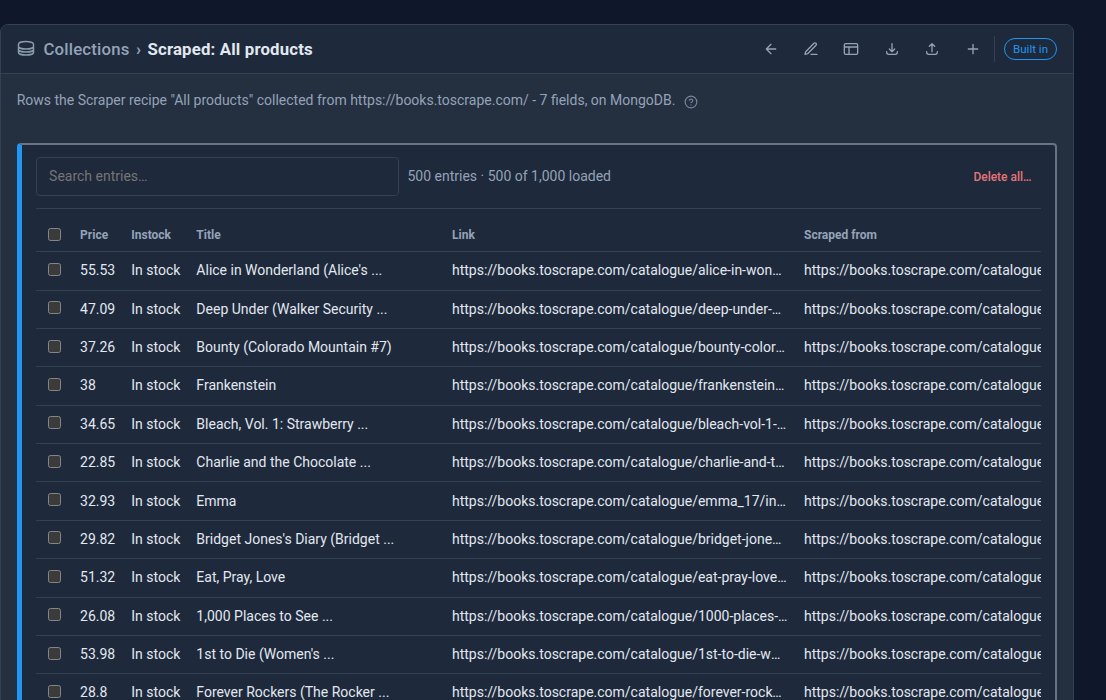
A supplier's price list, a page of local events, a competitor's range. The Scraper copies the things you want from another website into a collection on yours. Show it one page, click a product and its title and price, and it reads every page after that one too. Run it now, or every hour, day or week.

Click what you want. It does the rest.
Point and click
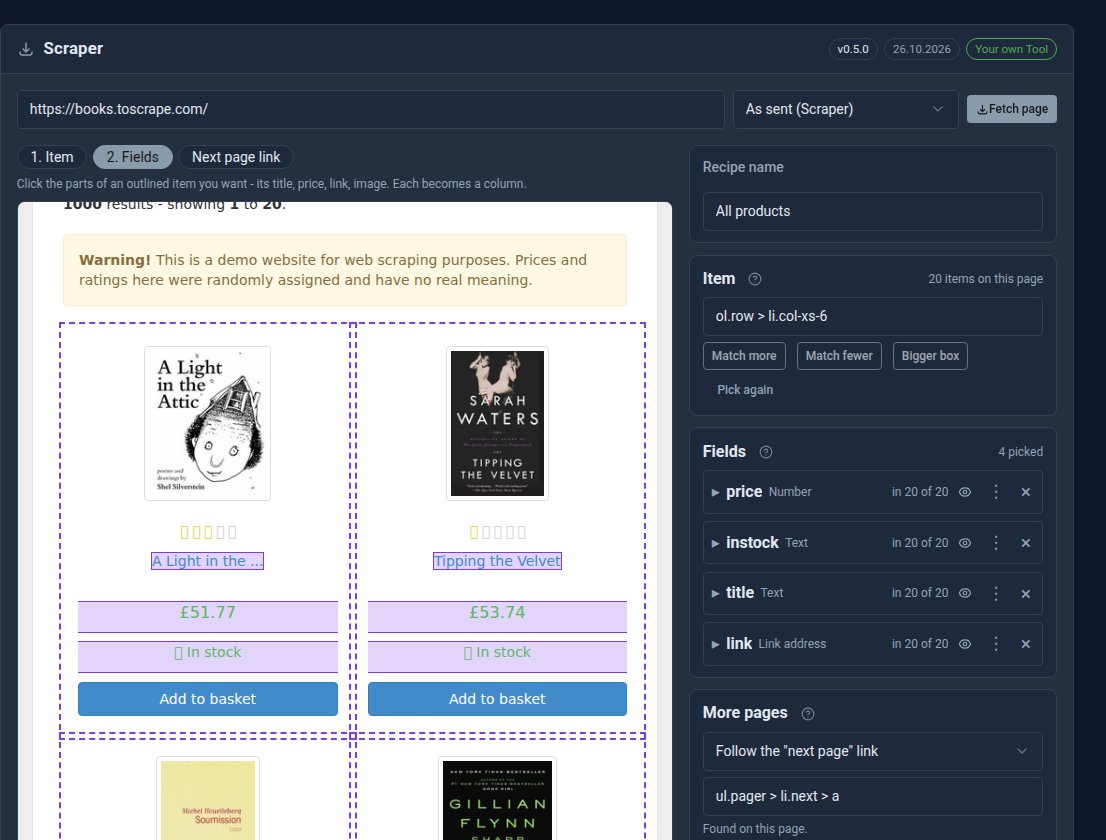
No code. Click one of the things that repeat on a page, then click its parts. Each part becomes a column.
See it before you save
The preview shows exactly what a run will store, row by row, before anything is written.
Every page, not just one
Follow the site's "next page" link, or count through page numbers in the address.
Runs by itself
Start a run and leave the screen, or let it run every hour, day or week. Each run leaves a report of what changed.
No duplicates
Running again updates the rows it already has. Or keep only new rows, or replace the lot.
Polite by default
It honours each site's robots.txt, waits between pages and reads one site at a time.
See it at work
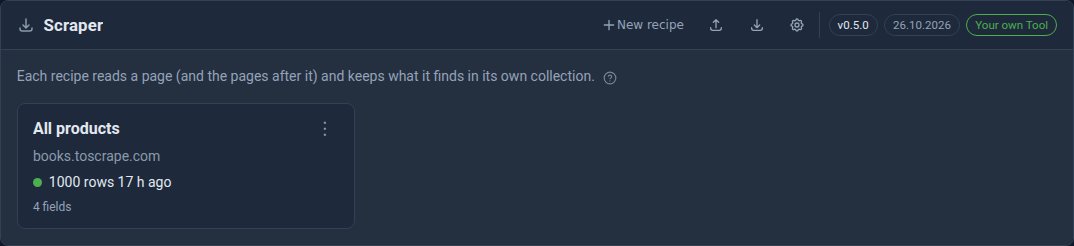
Screens from our own site, reading books.toscrape.com, a practice shop made for trying scrapers on. Its books and prices are made up.
See it in 5 minutes
A product list from another site, in a collection on yours.
- Open Scraper in the sidebar and click New recipe.
- Type the page's address and click Fetch page.
- Item: click one product. Every product on the page is outlined.
- Fields: click its title, price and link. Each becomes a column.
- Optional: click Next page link, then the site's "next" link.
- Check the Preview, name the recipe and click Save and run.
What Scraper Pro adds
Scraper Free
- Pages as the site sends them
- Point-and-click recipes, preview and paging
- Schedules, run reports, import and export
- Rows kept in files on your site
Scraper Pro Pro adds
- Pages as a browser shows them, for sites built with JavaScript
- Rows kept in MongoDB, moved with their ids
Straight answers.
- Some sites build their pages with JavaScript after they load. The Scraper reads pages as they are sent, so on those it may find nothing. Scraper Pro reads them as a browser shows them.
- Deleting a recipe keeps the rows it collected.
- On our hosting, robots.txt is always honoured and the wait between pages is at least one second.
- Only collect what you are allowed to. Check a site's terms before scraping it.
What it needs
Nothing else. The rows go into an ordinary collection, so its own permissions decide who sees them.
Goes well with
Stop copying and pasting.
Scraper is free when you run Domma CMS yourself - install it from the Marketplace. On our hosting it is included with Hosted (£79/month) and Pro.