Your brand, not a close match.
Domma CMS ships with dozens of themes. Theme Roller lets you make your own: start from any of them, change the colours, fonts, spacing and borders while you watch, and save it. Your theme then sits beside the built-in ones everywhere a theme is chosen.

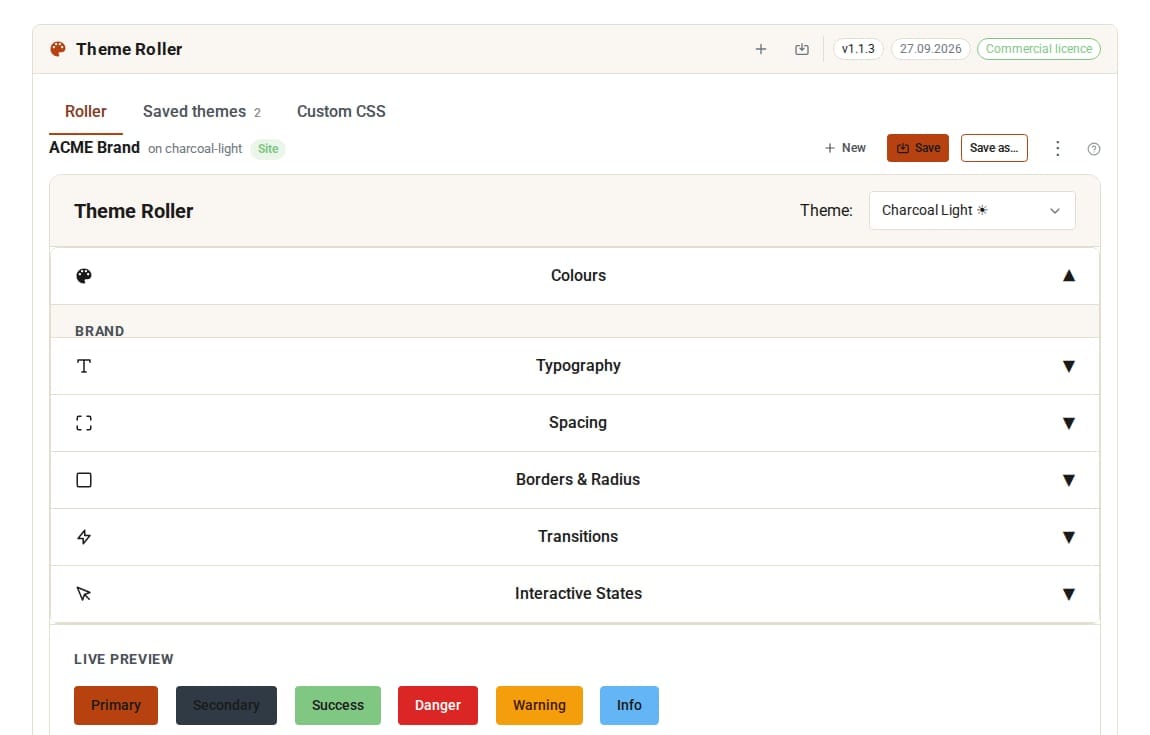
Change a colour. See the whole admin change.
Live preview
Every change shows across the whole admin as you make it. Leave the screen and the admin returns to its own theme.
Everywhere a theme goes
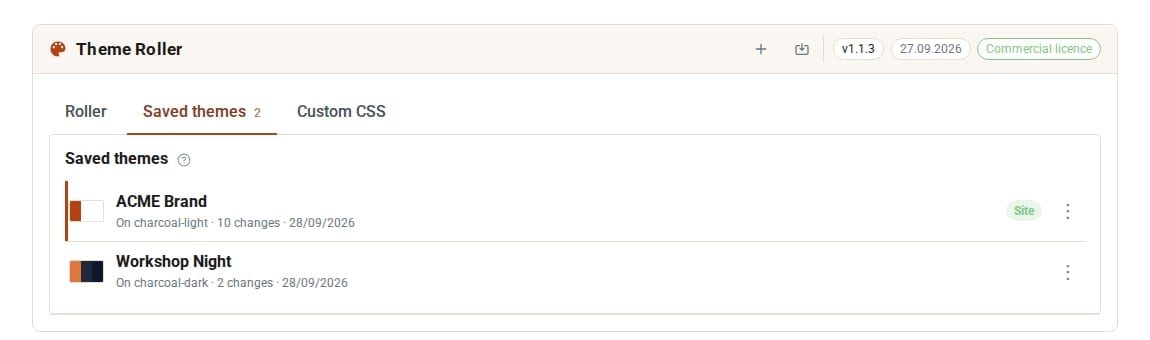
Use your theme on the site, in the admin, as the day or night theme, or for a single region of a page.
Only what you change
A custom theme stores just your changes over its base, so improvements to the base theme in later versions still reach you.
Never lose work
Unsaved changes are offered back the next time you open Theme Roller. Duplicate a theme before a big experiment.
Export the CSS
Download any theme as a CSS file to use elsewhere.
Custom CSS in the same place
Edit your site's own CSS on the next tab, with Ctrl+S to save.
See it at work
Screens from our demo company, ACME Ltd. Every name and figure in them is made up.
See it in 5 minutes
A brand theme, live on your site.
- Open Theme Roller in the sidebar. It opens on the theme your site shows now.
- Pick a base theme close to your brand.
- Change the colours, fonts, spacing and borders. The admin changes as you go.
- Press Save and name it, for example "Brand".
- On Saved themes, right-click it and choose Use on the site.
What Theme Roller adds
Theme (built-in)
- Built-in themes for site and admin
- Day and night switching
- A different theme for one region of a page
Theme Roller Pro adds
- Your own themes, with a live preview
- Export a theme as CSS
Straight answers.
- Using a custom theme on the site turns day and night switching off; you are asked first.
- Deleting a theme that is in use puts each place back on its base theme.
- The visitor theme switcher offers the built-in themes only.
Learn it step by step
Goes well with
Make it unmistakably yours.
Theme Roller is a Pro Tool. Tell us about your site and we will set it up for you.