Ask the right people. Hear back from them.
Surveys turns any form on your site into a targeted survey. Choose an audience from your contacts, send each person a personal invitation, remind the ones who have not answered, and watch the results come in question by question.

Built on the form builder you already know.
Any form, any question
Build the questions in Forms, with conditional logic and steps. Surveys adds the audience, the invitations and the results.
Personal invitations
Each person gets their own code by email, good for one response. Codes are stored hashed, never in plain text.
Reminders
Send a reminder to everyone who has not answered yet, with one click or on a schedule.
Identified or anonymous
In anonymous mode the link between a person and their answers is never stored on the response.
Results per question
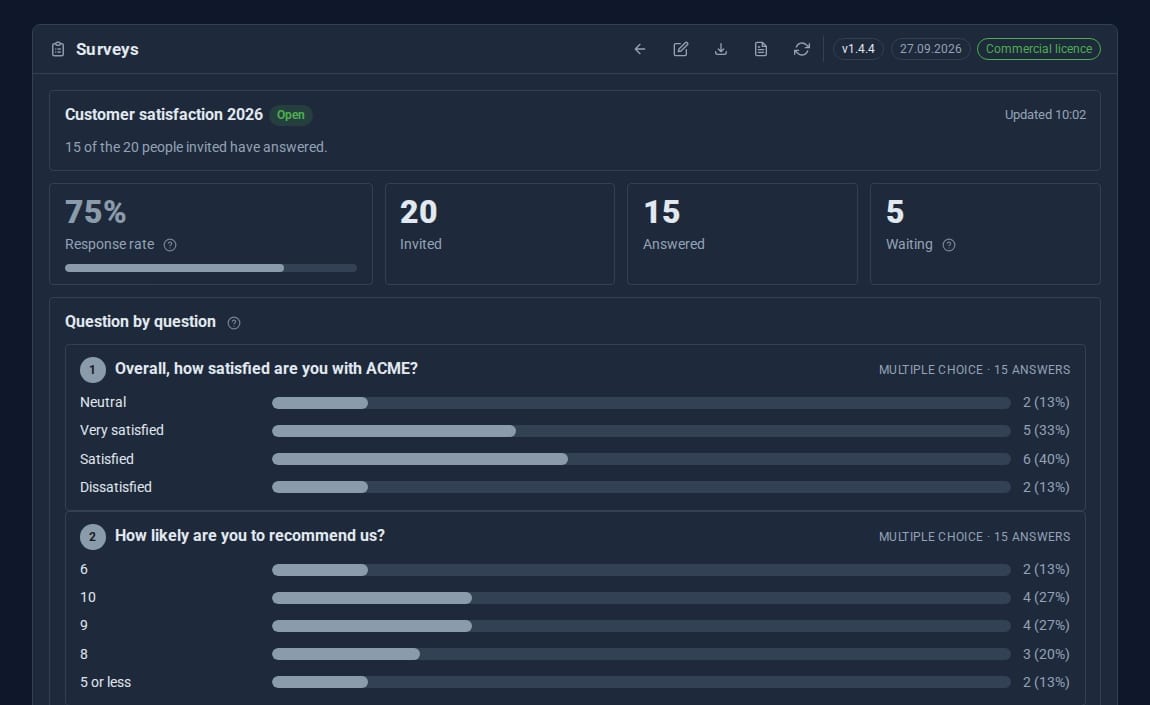
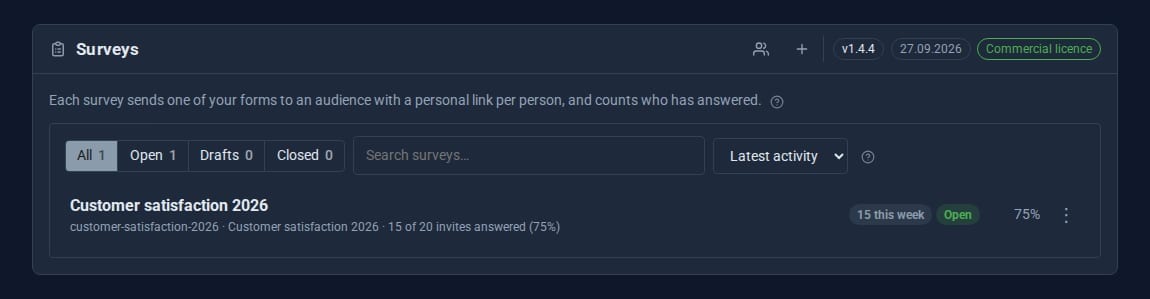
Invited, answered and response rate, with totals for every question. Export a labelled spreadsheet or a complete JSON file.
Hosted or embedded
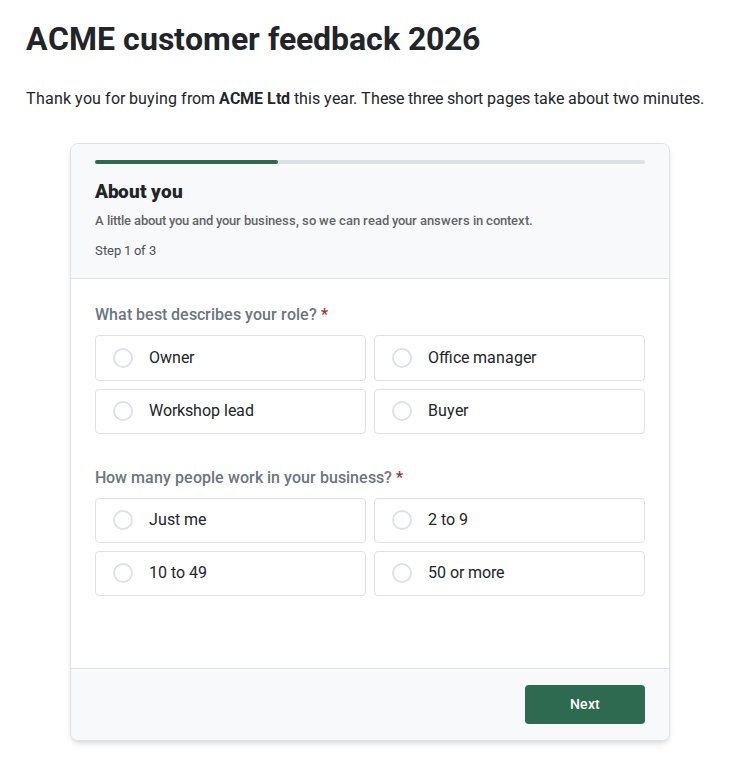
Send people to the survey's own page, or place it on any page of your site with one shortcode.
Your look, survey by survey
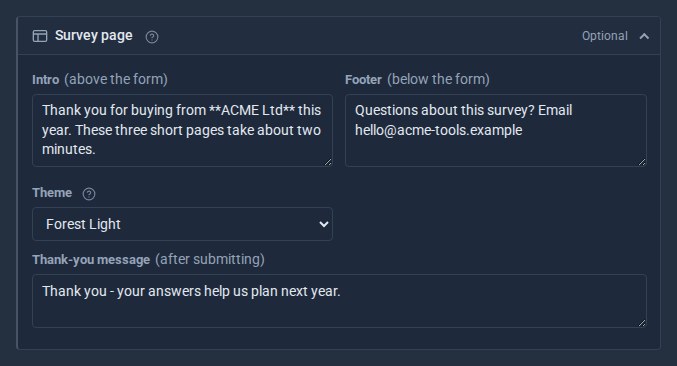
Survey pages follow your site's theme. Give any survey a theme of its own, including your custom themes, so a seasonal or client survey looks the part.
Results by section
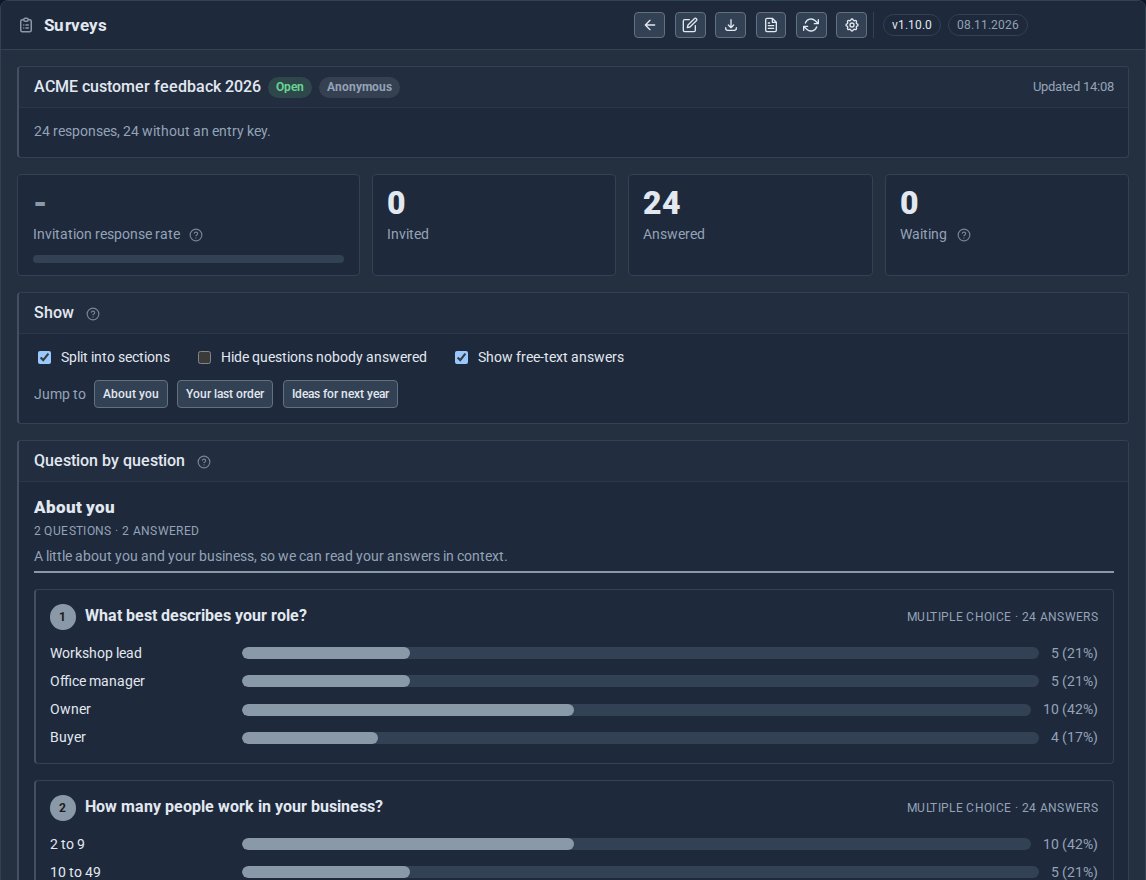
A survey split into pages reads back the same way, with answer counts for each section and buttons to jump between them.
Invited or open to all
Keep a survey to the people you invite, or share one link that anyone can answer.
See it at work
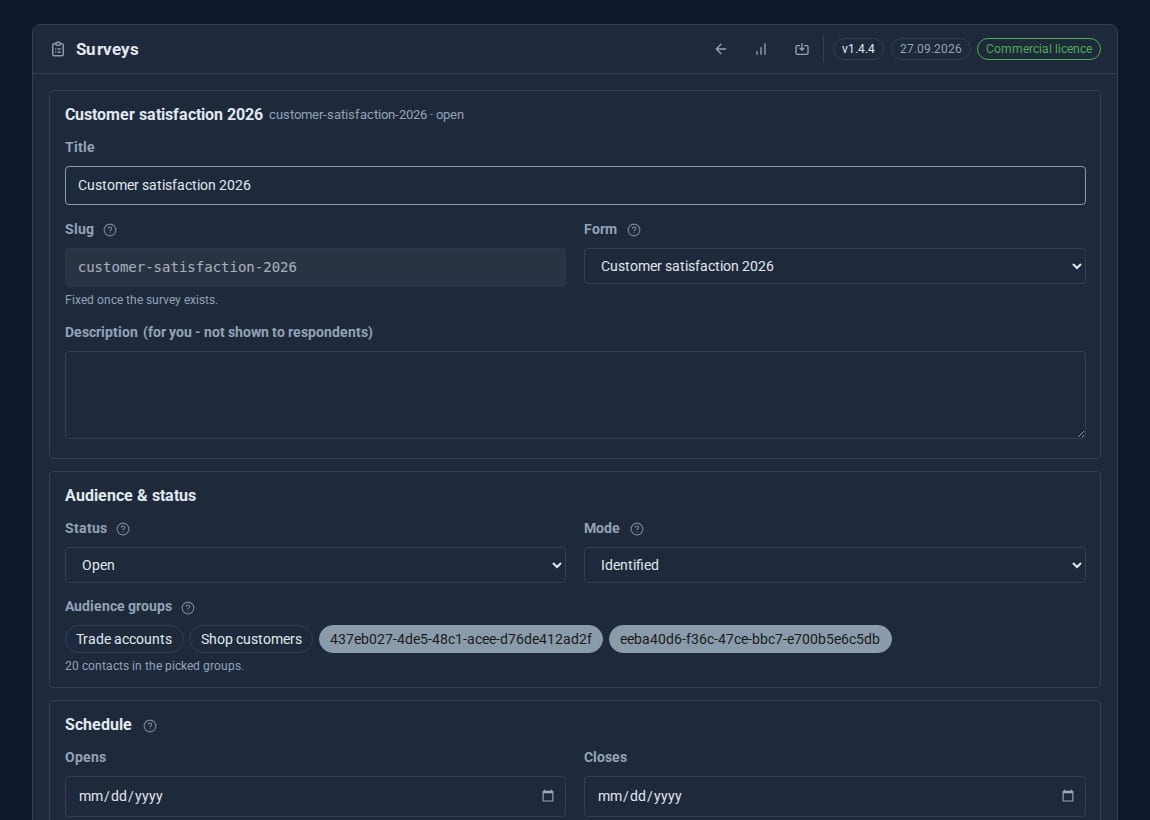
Screens from our demo company, ACME Ltd. Every name and figure in them is made up.
See it in 5 minutes
A customer-satisfaction survey, from questions to results.
- Build the questions as a form in Data > Forms.
- Open Surveys, press Audience and create a group such as
customers. Add people, or Import from Contacts. - Press New survey, give it a title and choose your form.
- Tick your group under Audience groups, set Status to Open and write the invitation email.
- Save, then press Send invitations. Results appear as answers arrive.
Opens and closes on time.
- Opens and Closes are whole days in your time zone: answers are taken from the start of the opening day to the end of the closing day.
- A notice when responses arrive, and another when an open survey closes within three days.
- A sidebar badge with the last week's responses, and a popover of open and closing-soon surveys.
- Separate permissions to view, create, send and delete, so a colleague can run surveys without full admin rights.
Good to know.
- Invitations are sent by email, so the site needs email set up.
- Invitation-only surveys need each person's code; open surveys take answers from anyone with the link, within the site's usual limits on repeat submissions.
- Automatic reminders need a scheduler calling the site; otherwise send them with one click.
- Keeps its data in MongoDB when the site has it, and in files when it does not.
Goes well with
Ask Daisy for a Tool of your own, or Dot to build the pages around it.
Meet Dot and DaisyTool Builder, £59 a monthSite Builder, in Pro
Find out what people really think.
Surveys is a Pro Tool. Tell us about your site and we will set it up for you.