Your figures, next to the rest of your business.
Sheets is a spreadsheet in your admin. Keep workbooks of sheets with formulas, sorting and filters, bring in Excel or CSV files, and share them with your team. A sheet can also be fed live from your contacts, forms, orders and other Tools, so your sums always work on real numbers.

What Sheets does for you
A proper grid
Type, copy and paste to and from Excel, fill down, undo, and keyboard shortcuts that work the way you expect.
Formulas
SUM, AVERAGE, IF, ROUND and friends, across sheets too. A cell that cannot be worked out says why.
Sort, filter, format
Sort and filter any column, and show it as text, numbers, currency, percentages, dates or tick boxes.
Fed live from your Tools
Fill a sheet from Contacts, a collection, a form's answers, Surveys, Campaigns, Analytics or the Shop, and refresh it whenever you like.
Excel and CSV
Import an Excel workbook, a CSV or a JSON file. Export to Excel with your formulas, or to CSV, and print a clean table.
Shared with care
Share a workbook to view or to edit. One person edits at a time, and deleted workbooks wait in Trash.
A look inside
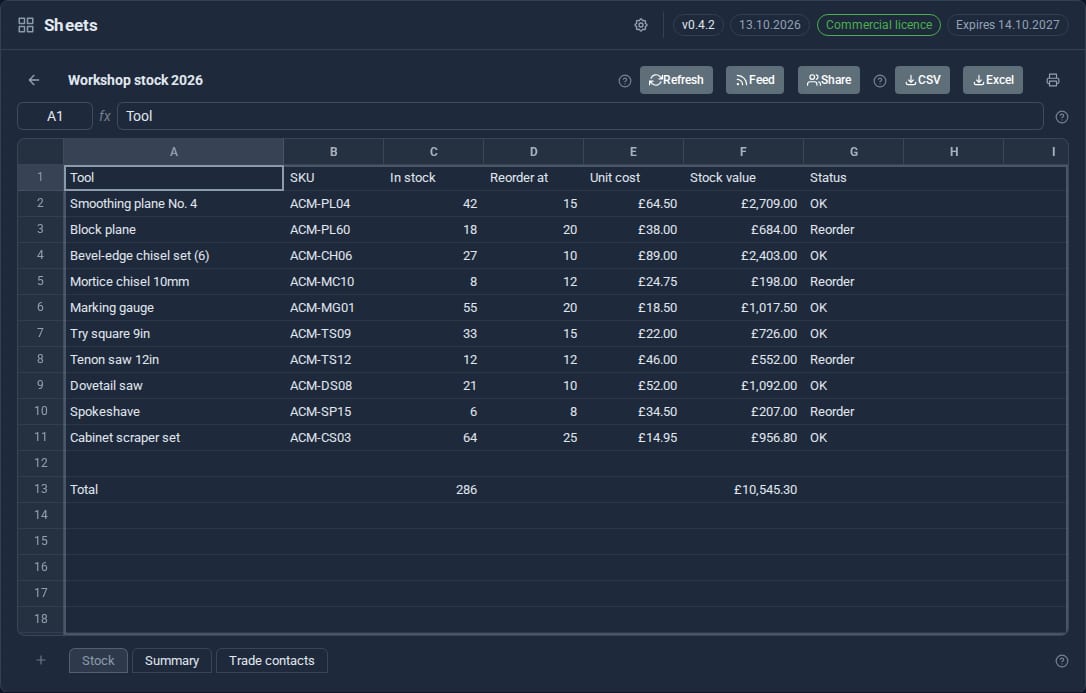
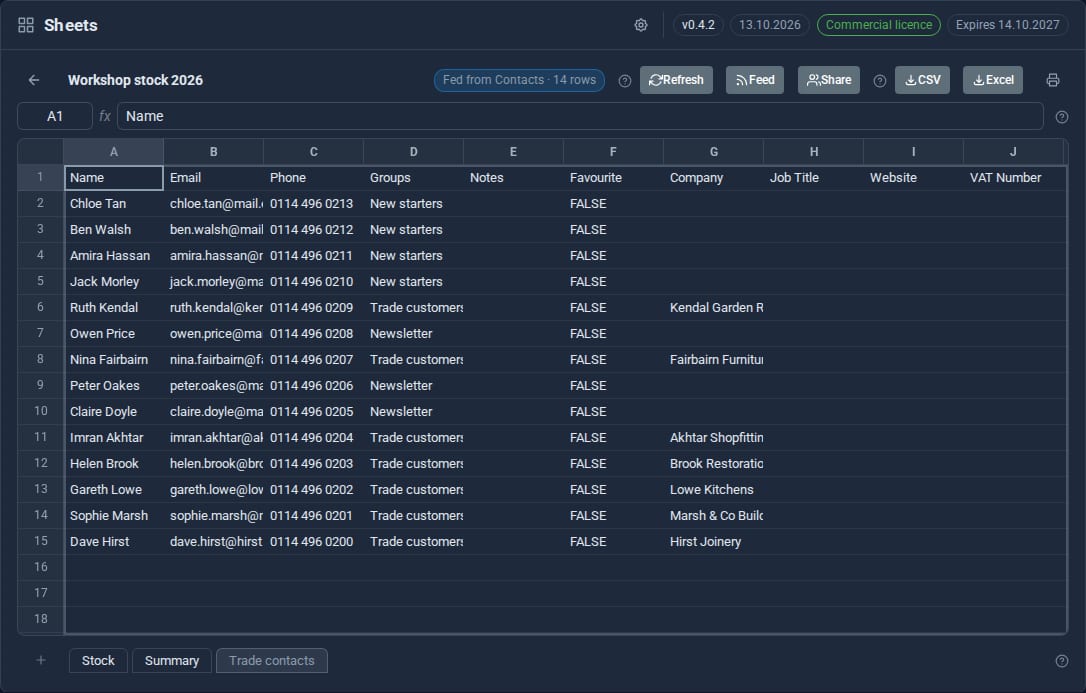
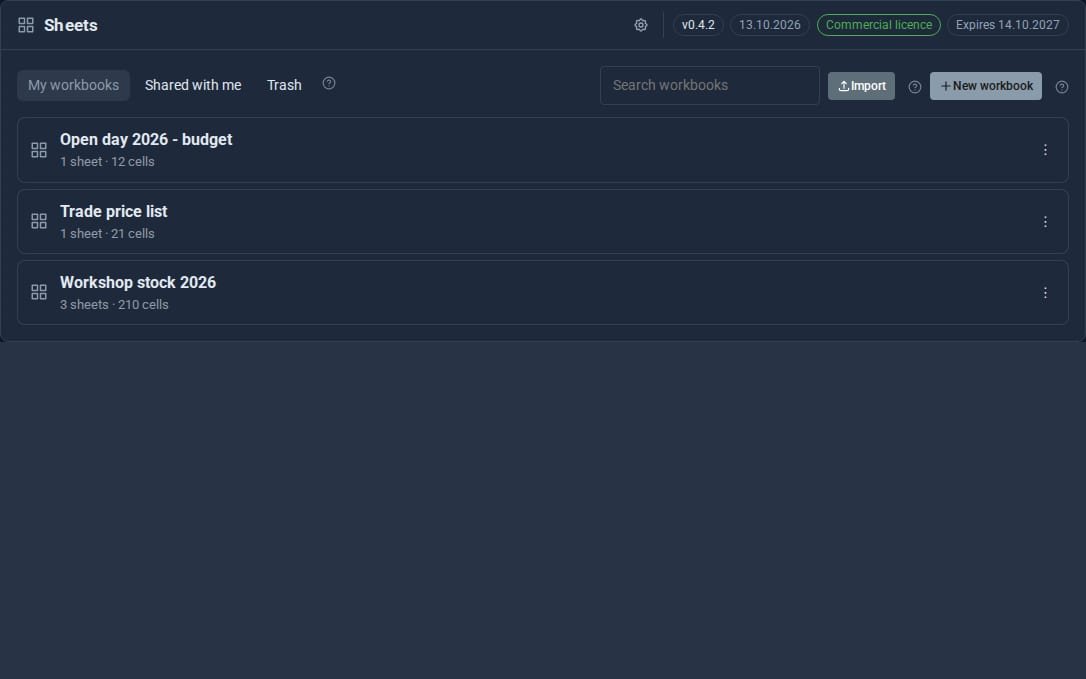
Screens from our ACME Ltd demo site. Every name in them is made up.
See it in 5 minutes
- Open Sheets in the admin sidebar and press New workbook - or Import an Excel or CSV file you already have.
- Type your figures, then a formula such as
=SUM(B2:B10)under them. - Right-click a column heading to sort it, filter it or show it as currency.
- Add a sheet, press Feed and choose Contacts or the Shop's orders. Its rows arrive, and your other sheets can add them up.
- Press Share to let a colleague view or edit, or Excel to take a copy away.
Straight answers.
- Formulas work on cell values only. They never run scripts and never reach outside the workbook.
- A fed sheet keeps its rows even if the Tool it came from is switched off.
- Sharing a fed workbook shares its rows too, so share contacts or orders only with people who should see them.
- Charts, pivot tables and macros are not part of Sheets.
What it needs
Nothing else. Each feed needs the Tool it reads from, and you can only feed a sheet from something you are allowed to see.
Goes well with
Keep your numbers where your work is.
Sheets is a Pro Tool. Tell us about your site and we will set it up with you.