A recruitment site where everyone sees only what concerns them.
Job Board runs a jobs site on your Domma CMS: anyone can search your open jobs on a public list, companies post jobs and manage applications, recruitment agents work for the companies that invite them, and candidates sign up, keep a profile and apply. Everything behind the list is scoped, so a candidate never sees another candidate and a company never sees a rival's applicants.

What Job Board does for you
Public job listings
Anyone can search your open jobs by type, IR35, pay and where the work is, and each job has its own page search engines can show. A confidential role says Confidential client.
Companies
Set up by your staff, or signed up and approved, they post jobs, move applications along and invite agents.
Agents
Recruiters who work for every company whose invitation they accept.
Candidates
Find a job on the public list, sign up and confirm by email, keep a profile and CV link, apply once per job and withdraw.
Your staff
Approve, suspend or reinstate companies and change the settings.
Everyone kept informed
Emails and notices for new applications, status changes, invitations and approvals.
Safe sign-up
Rate-limited, spam-trapped, and it never reveals whether an address already has an account.
A look inside
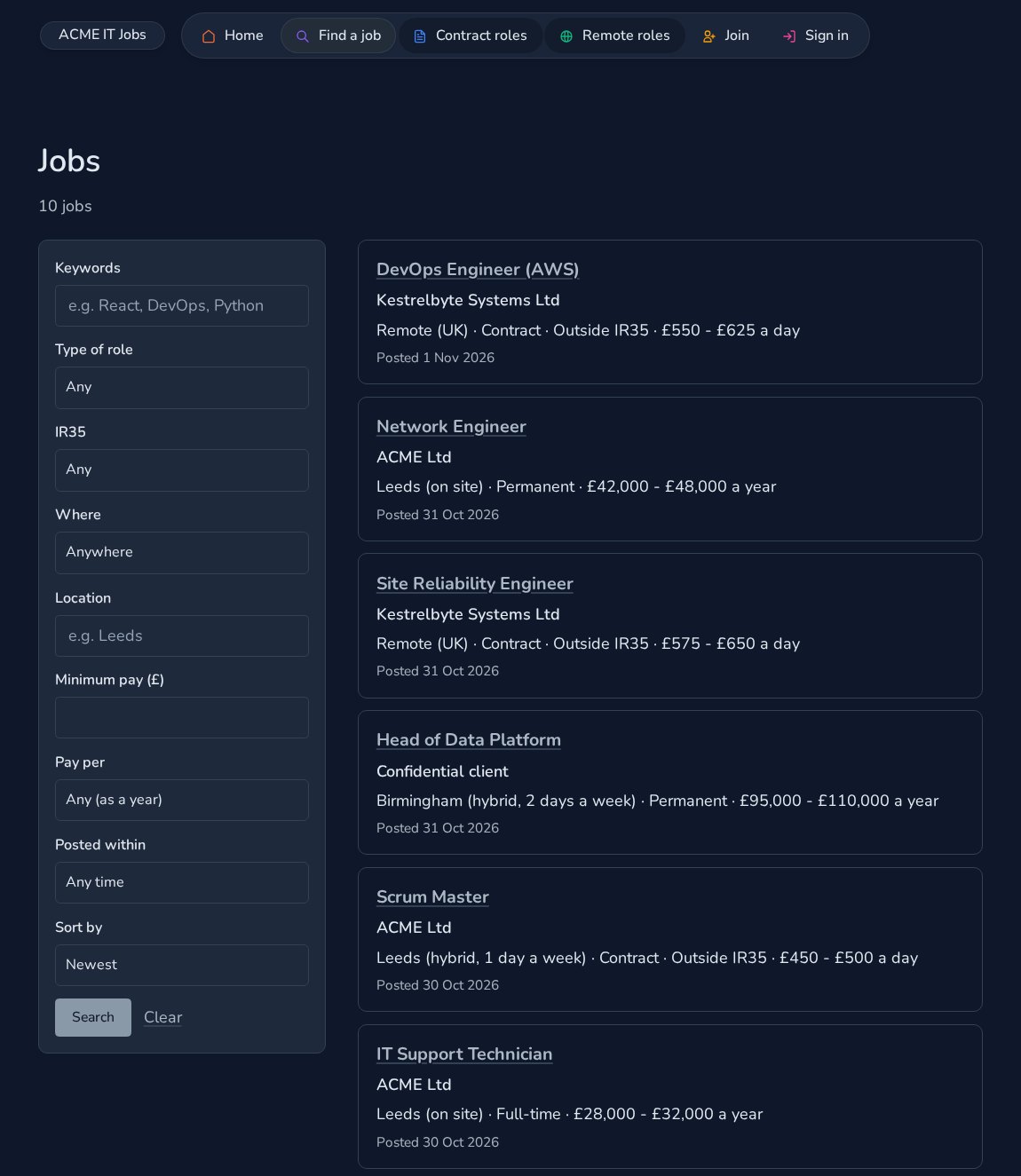
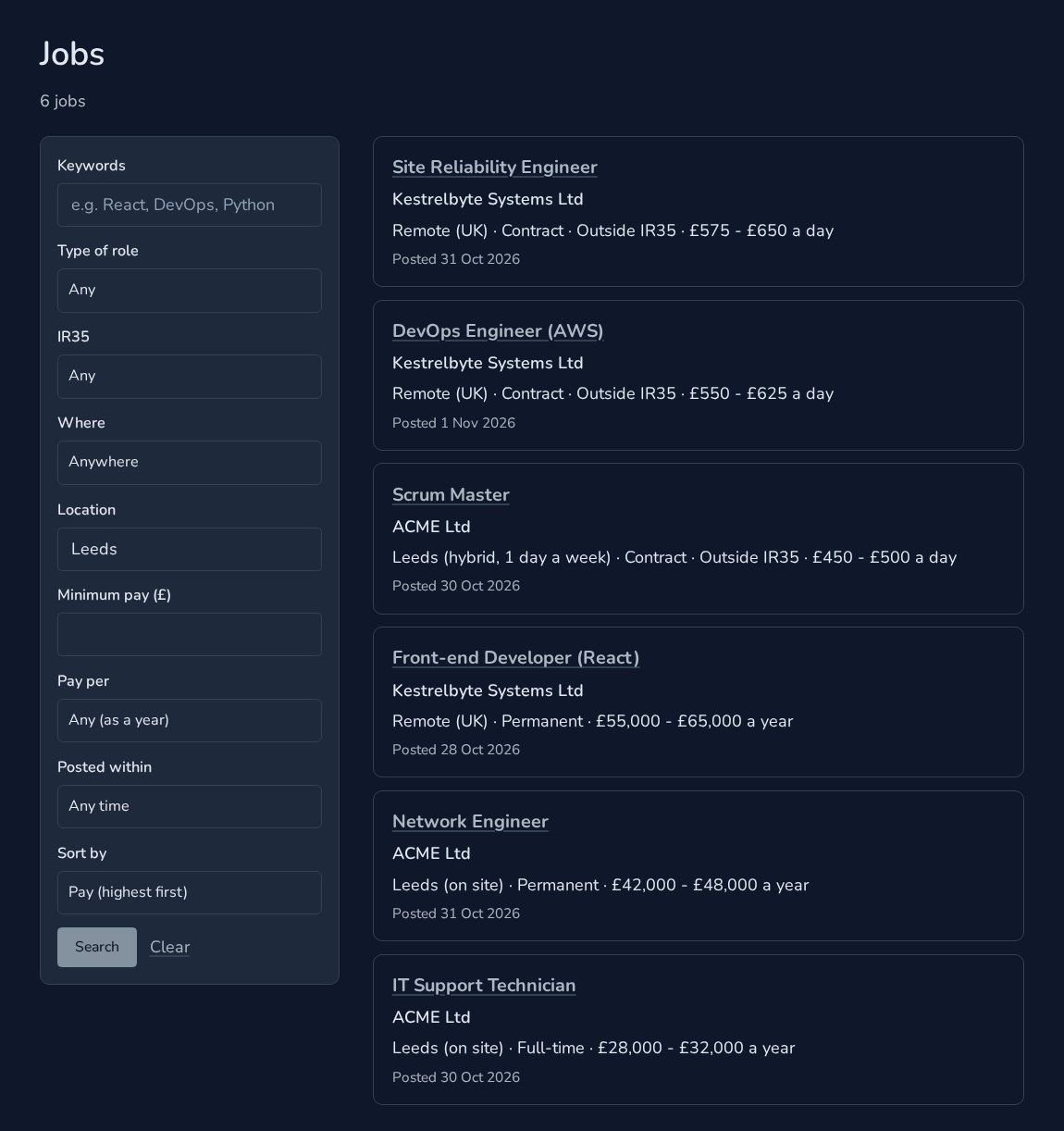
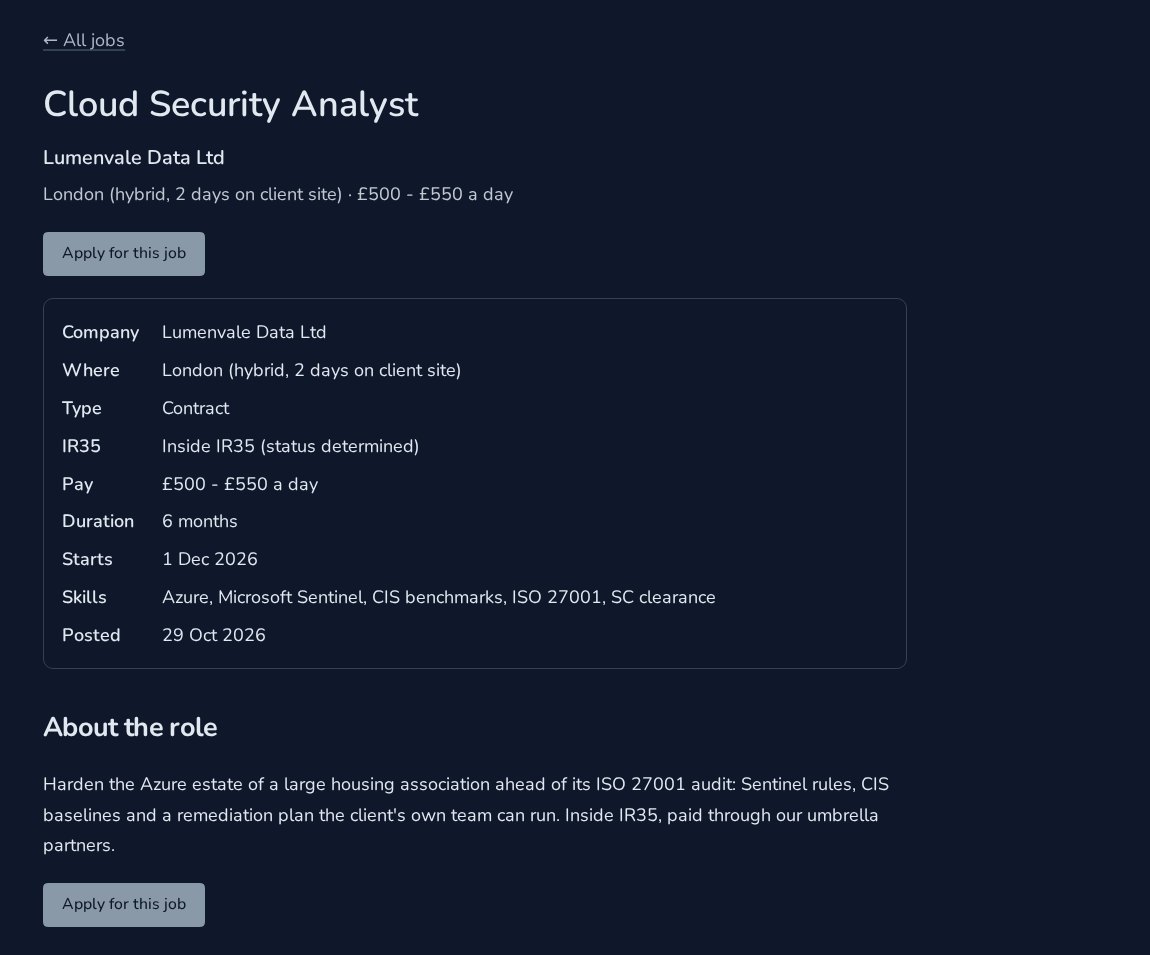
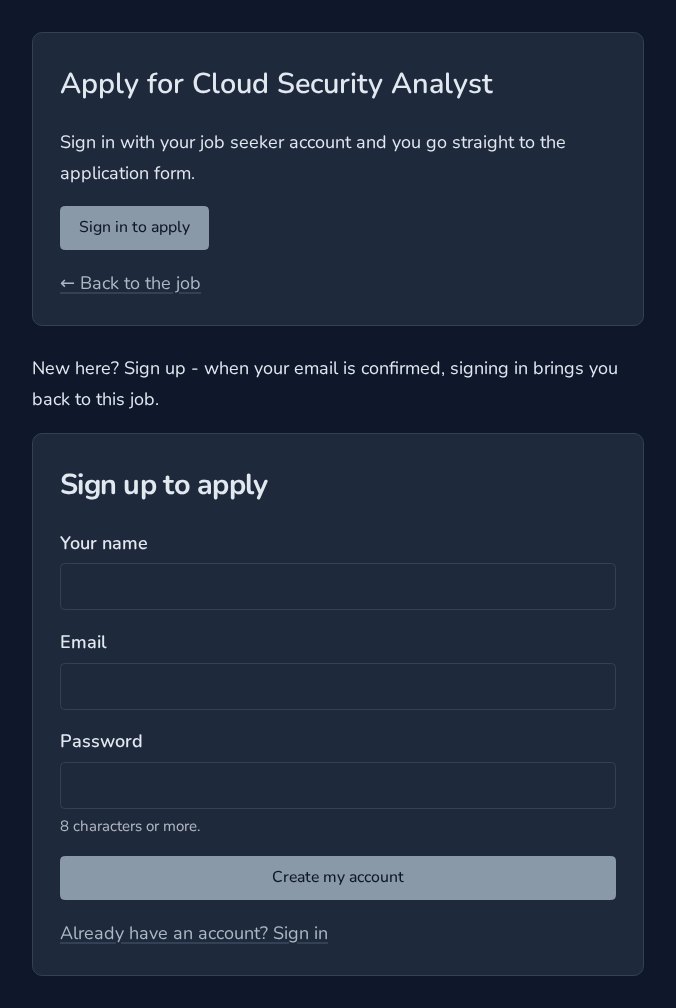
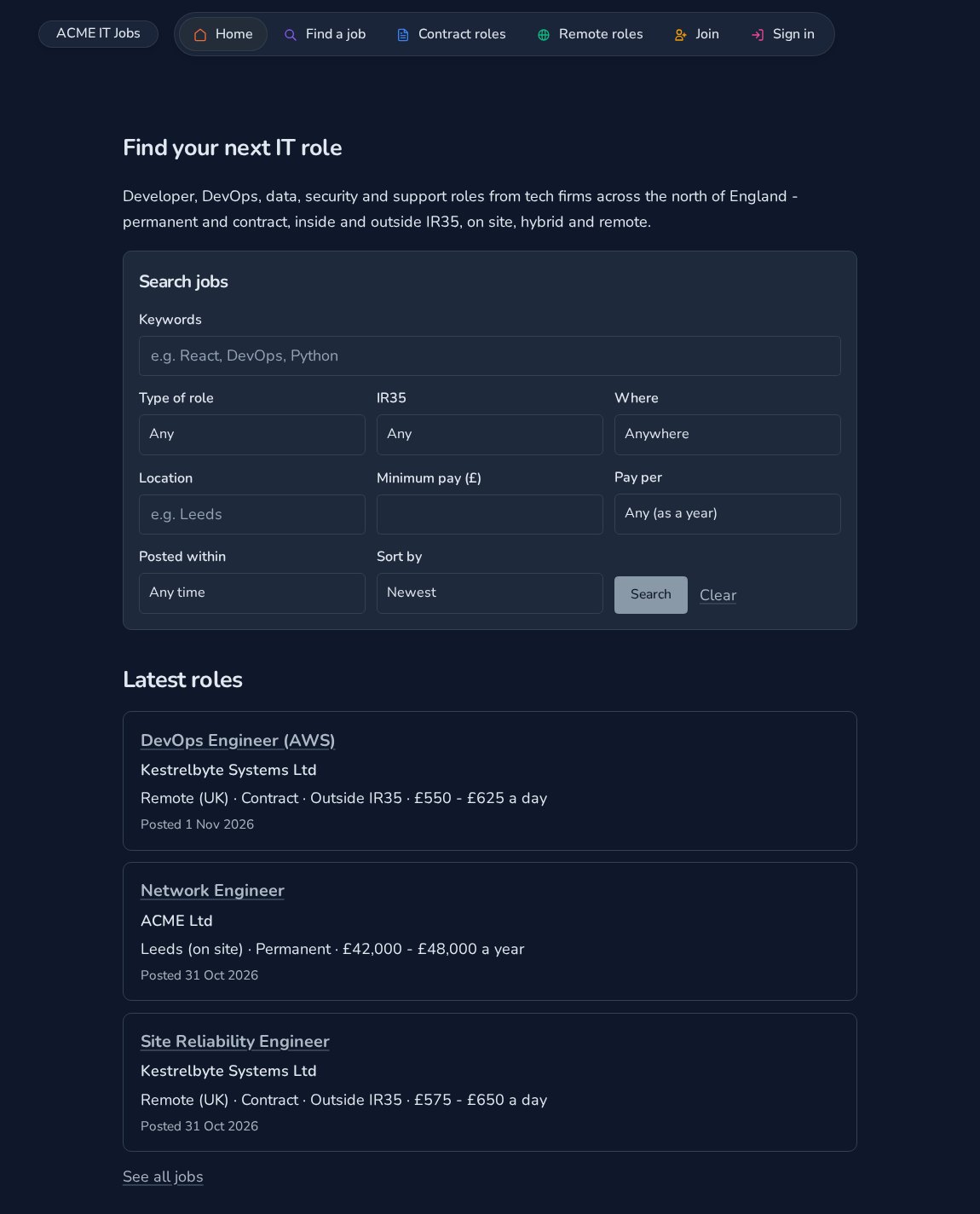
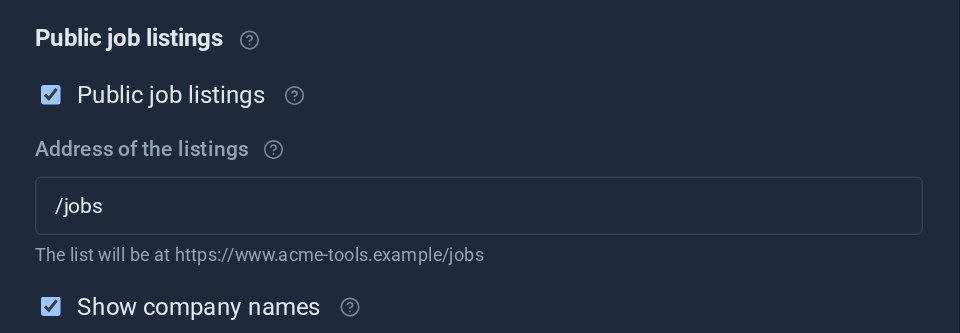
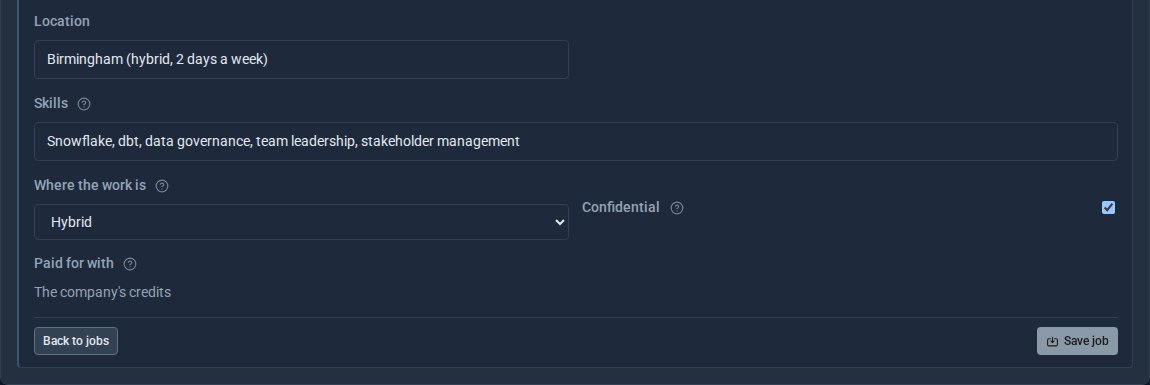
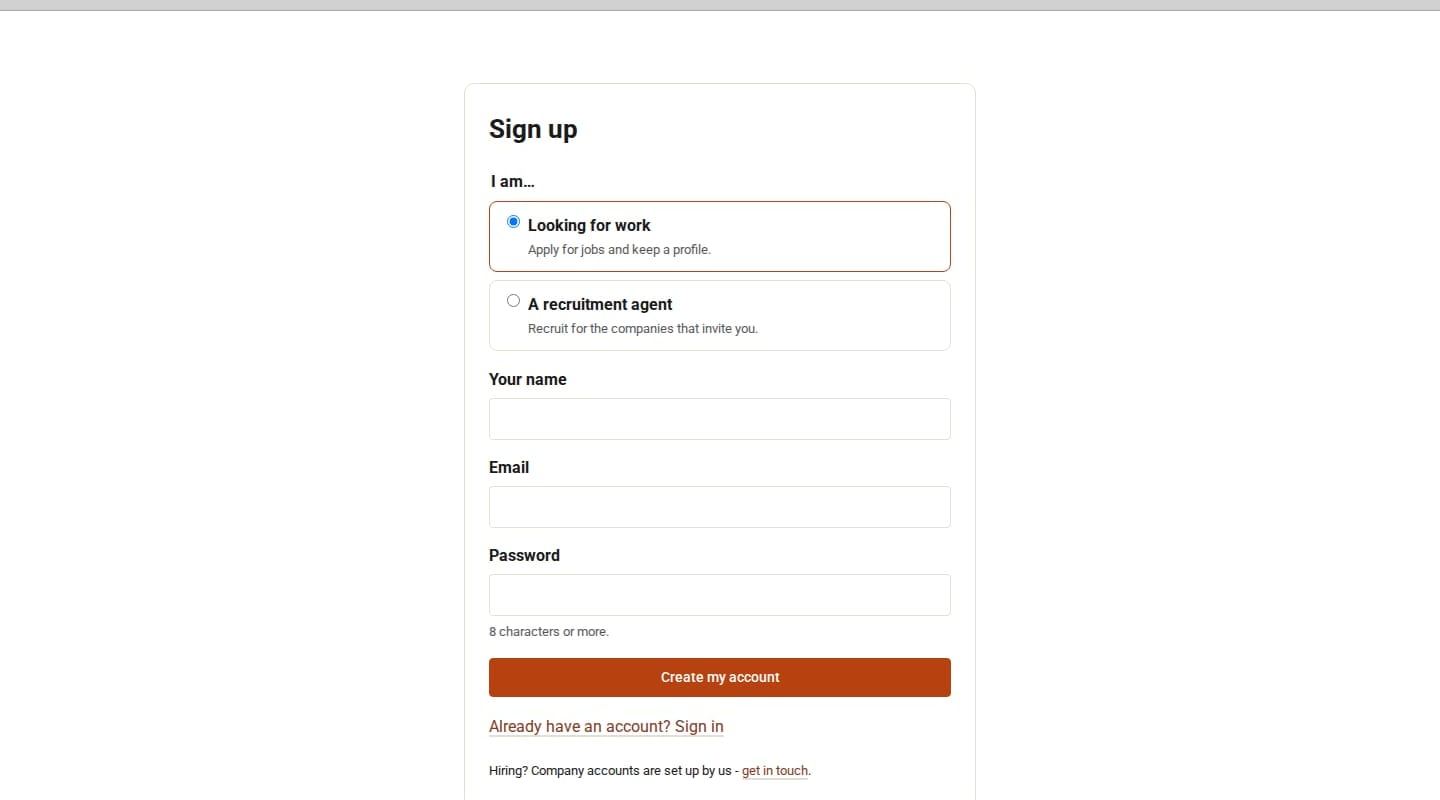
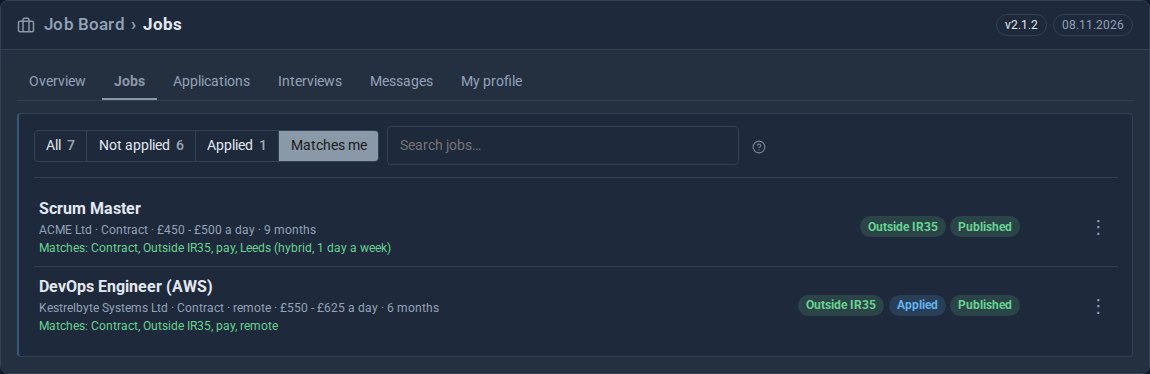
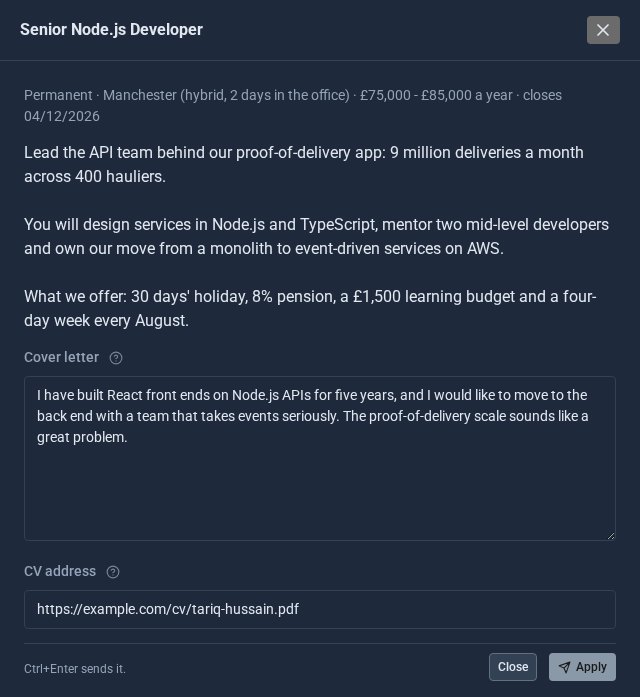
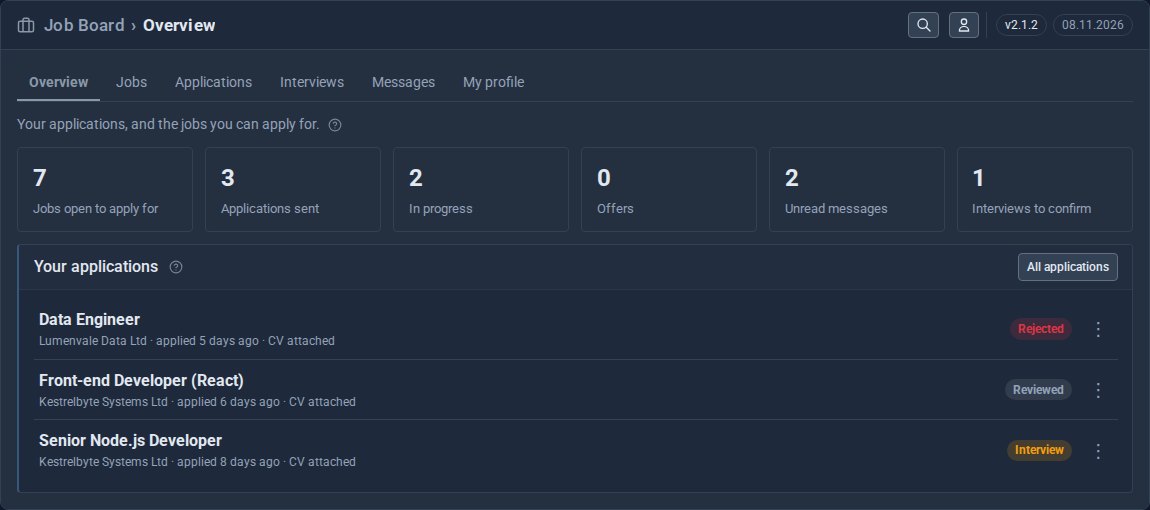
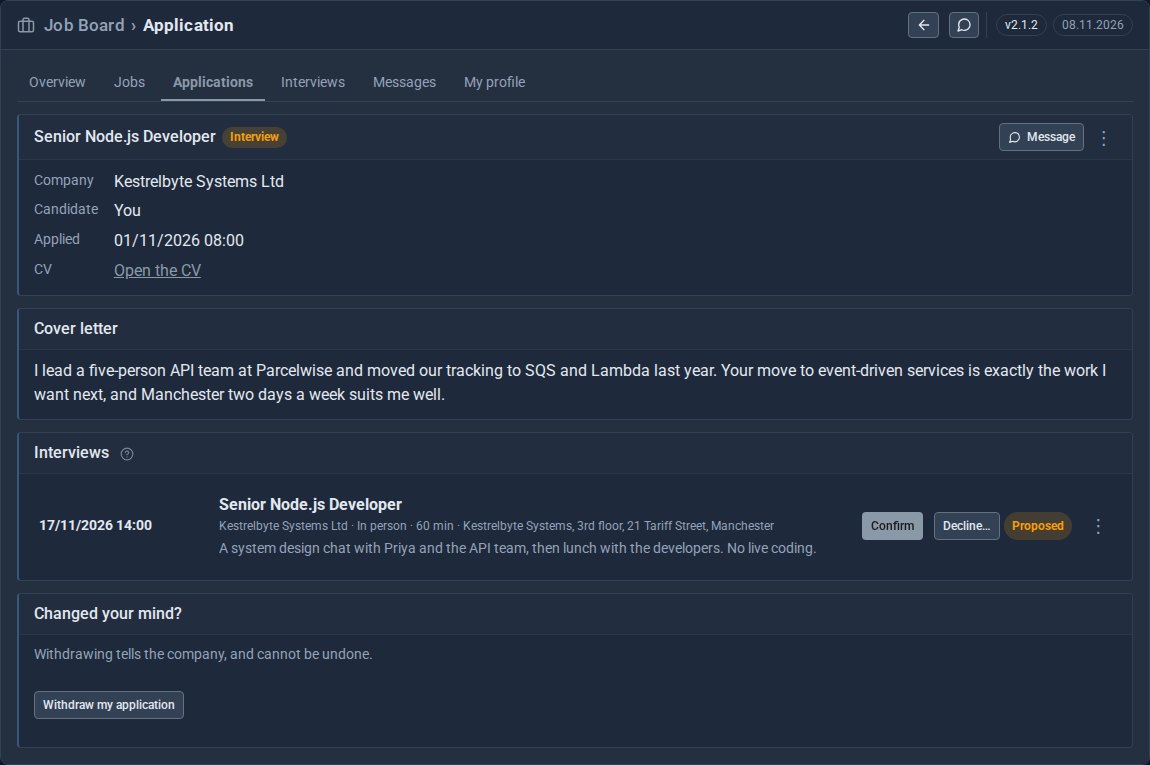
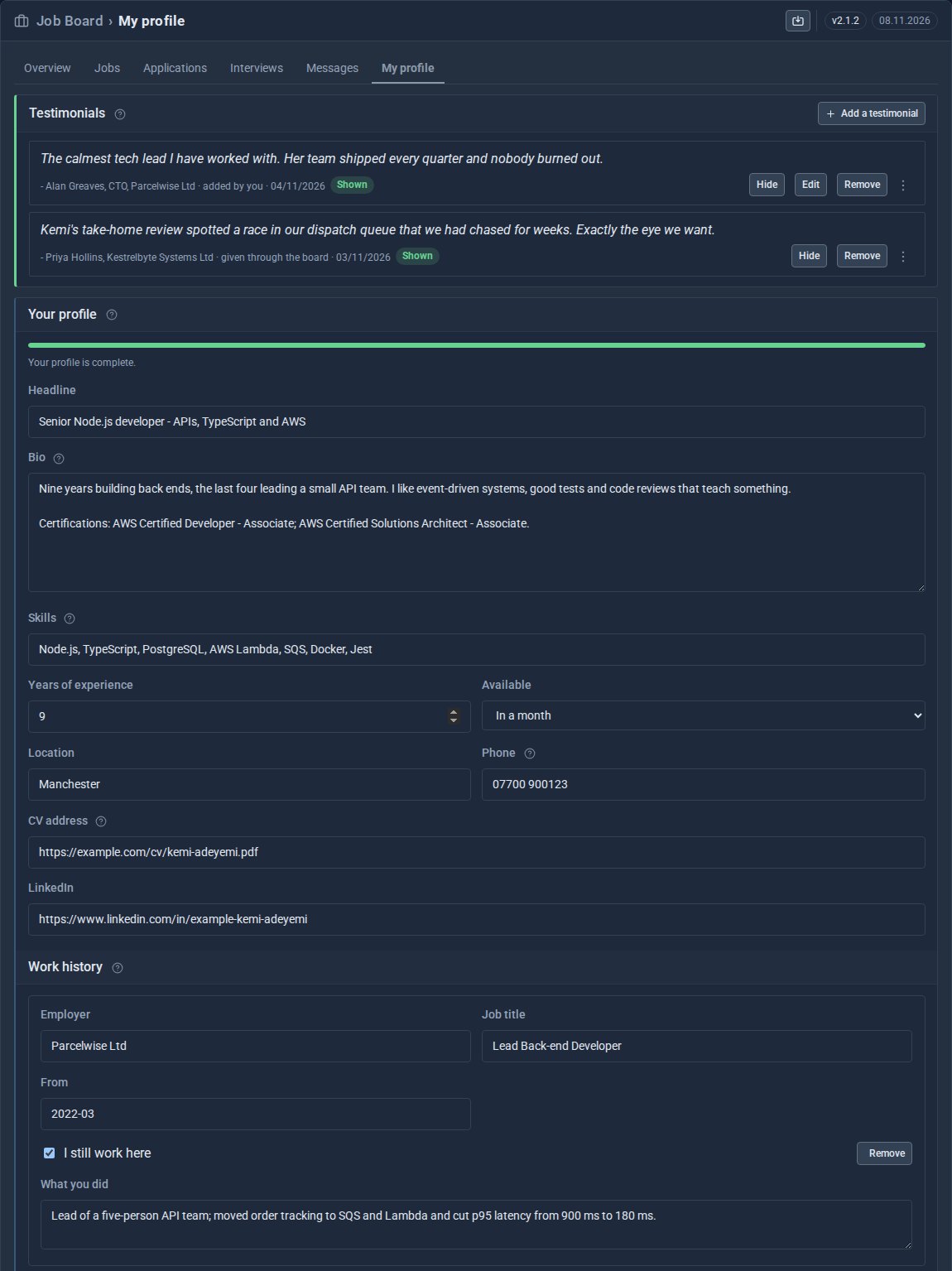
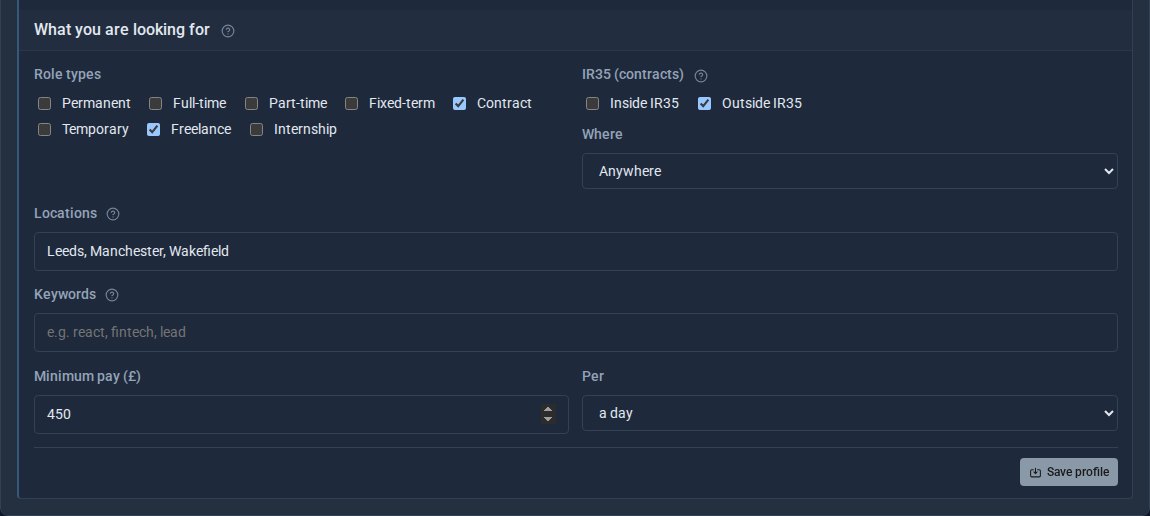
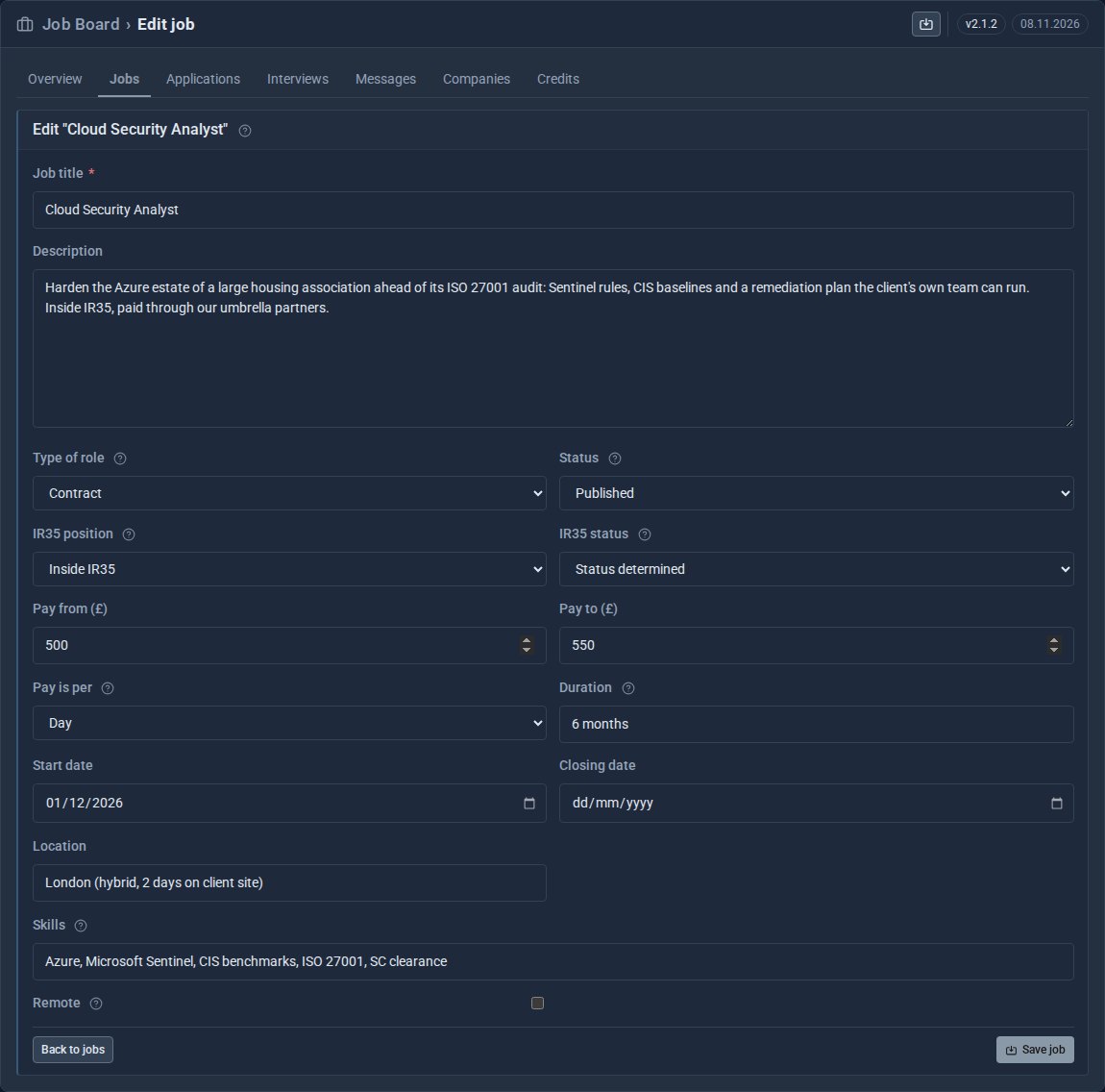
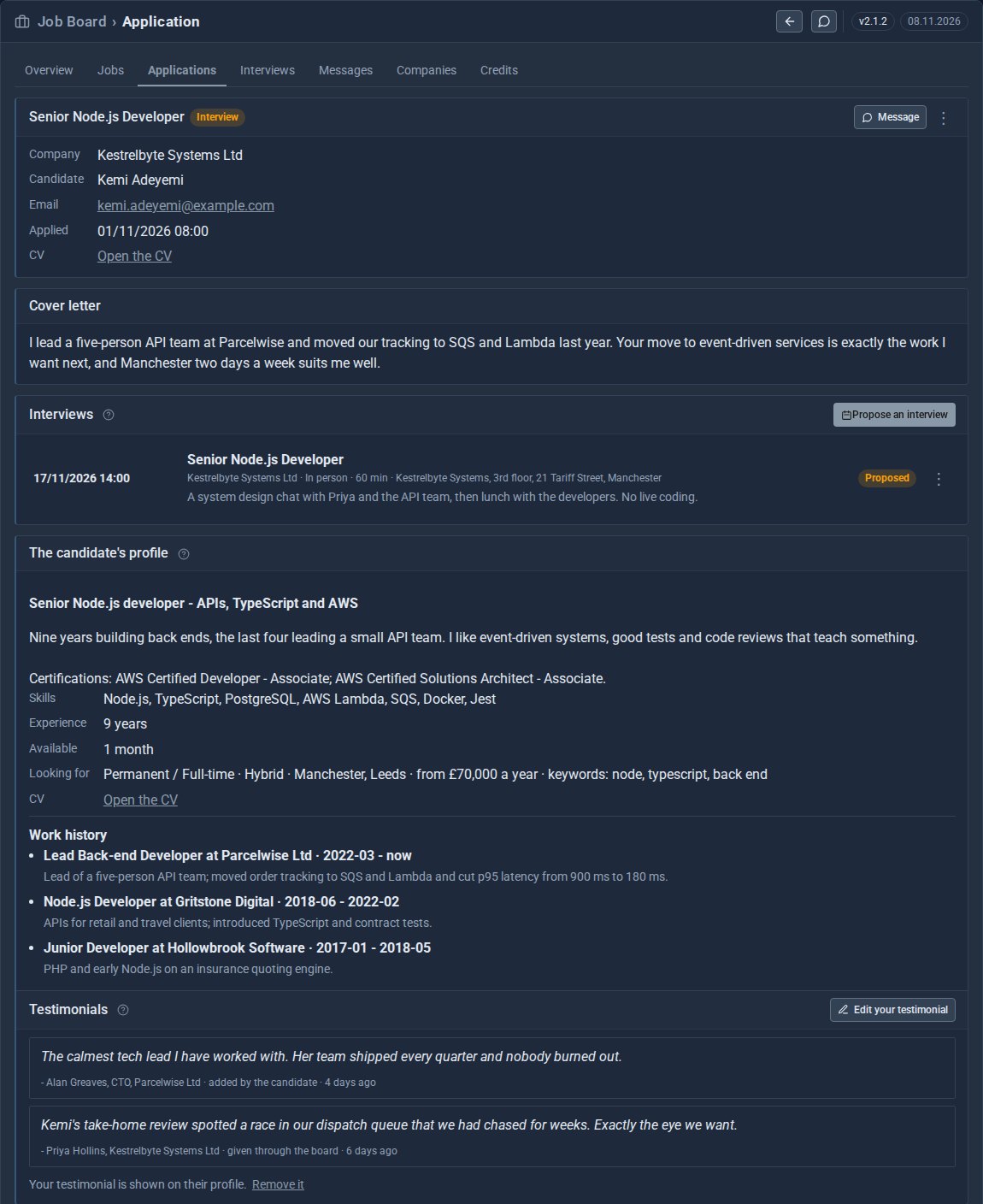
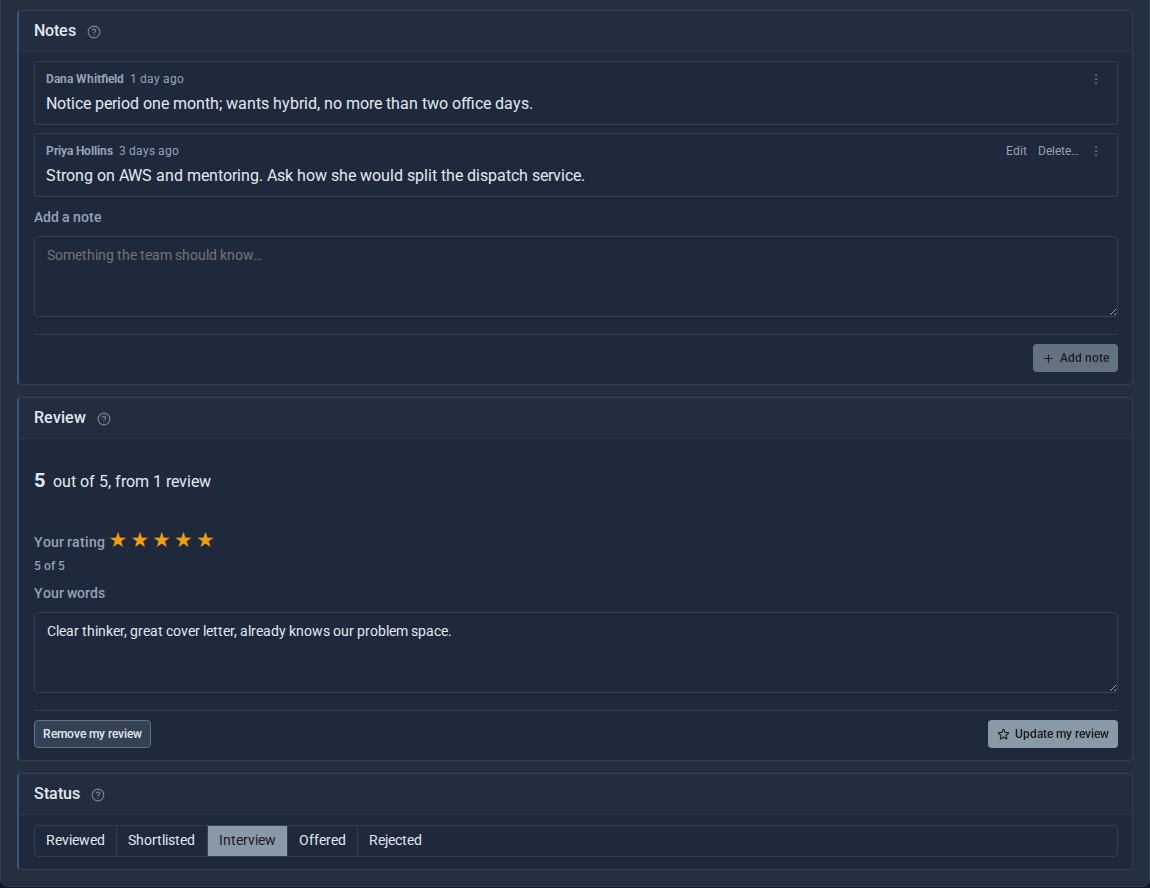
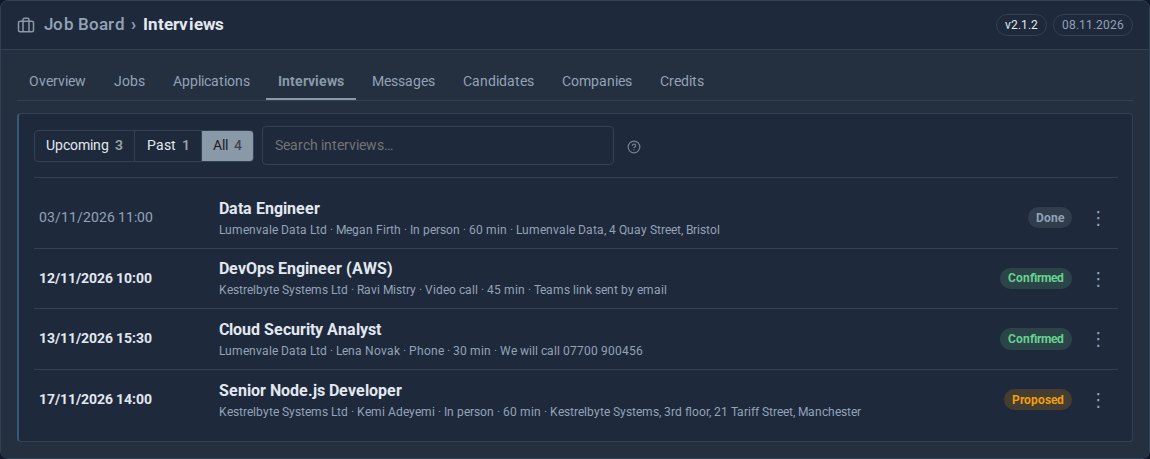
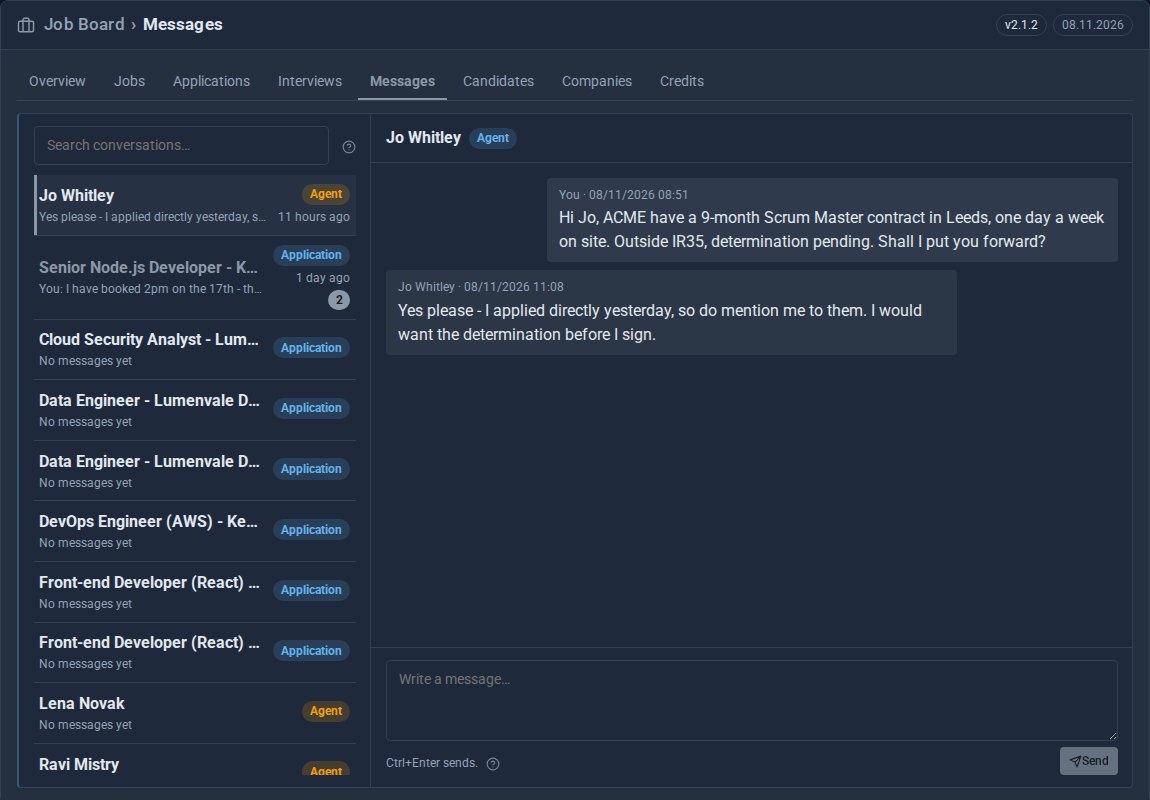
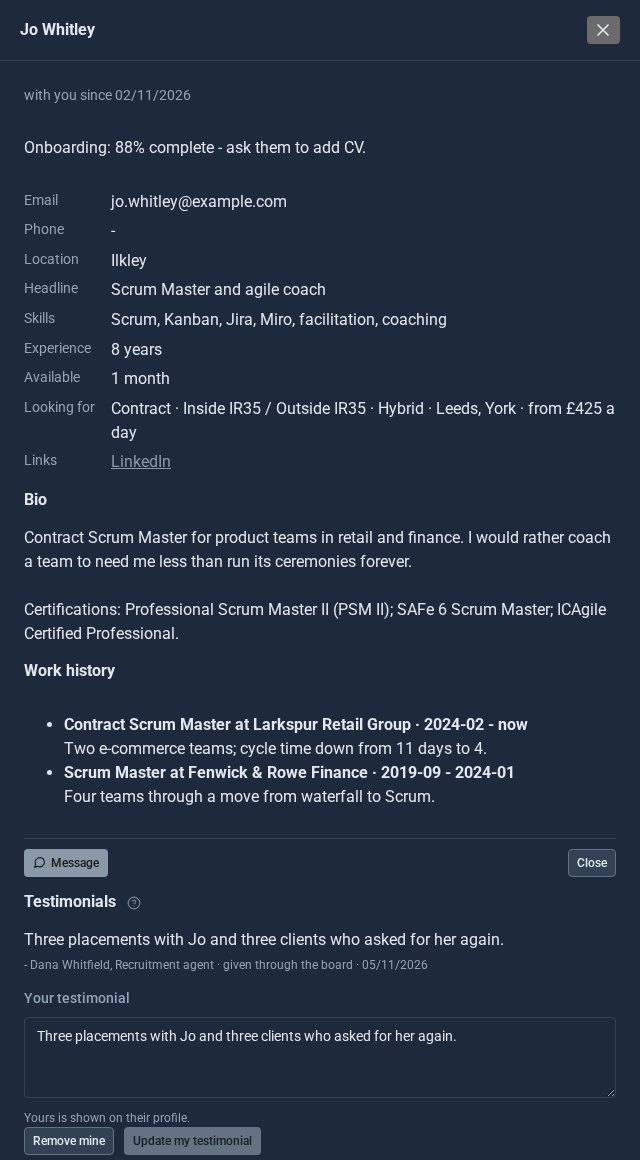
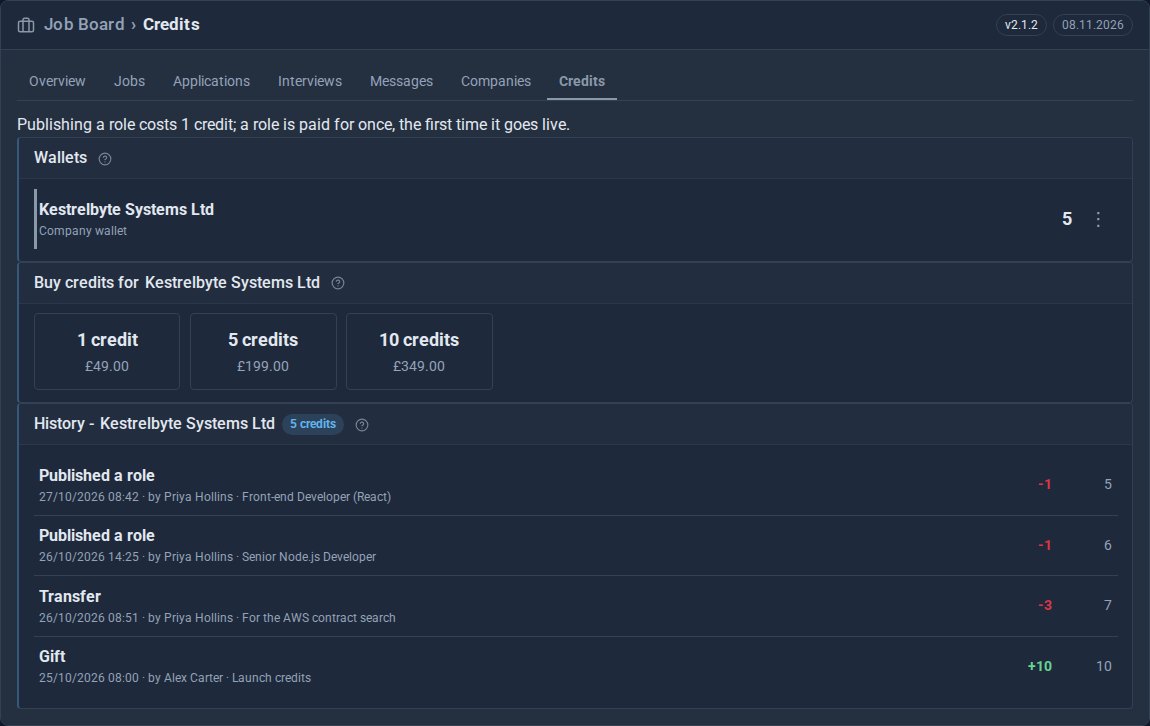
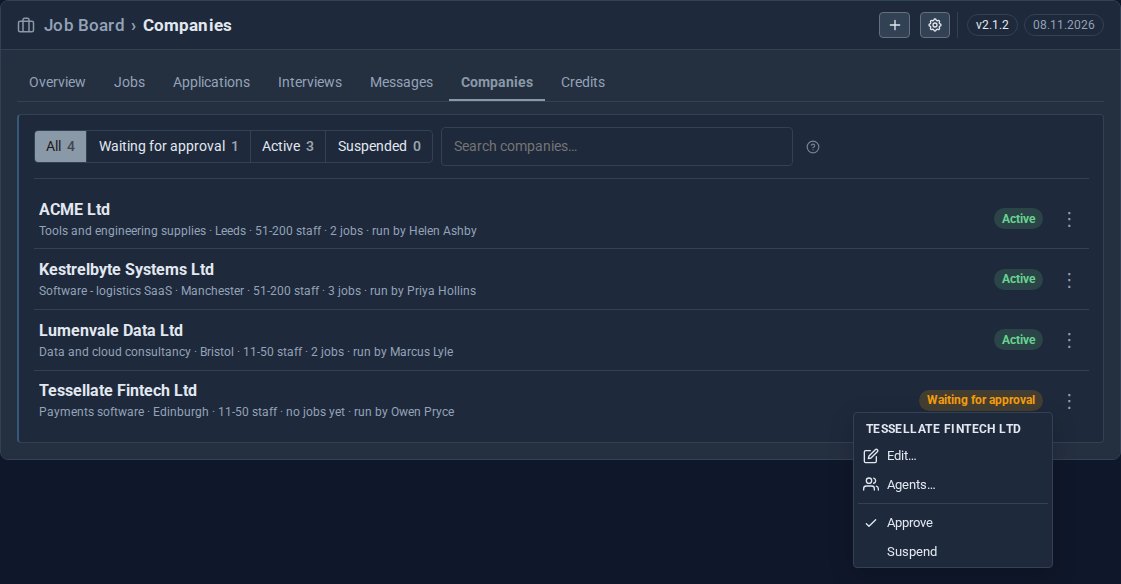
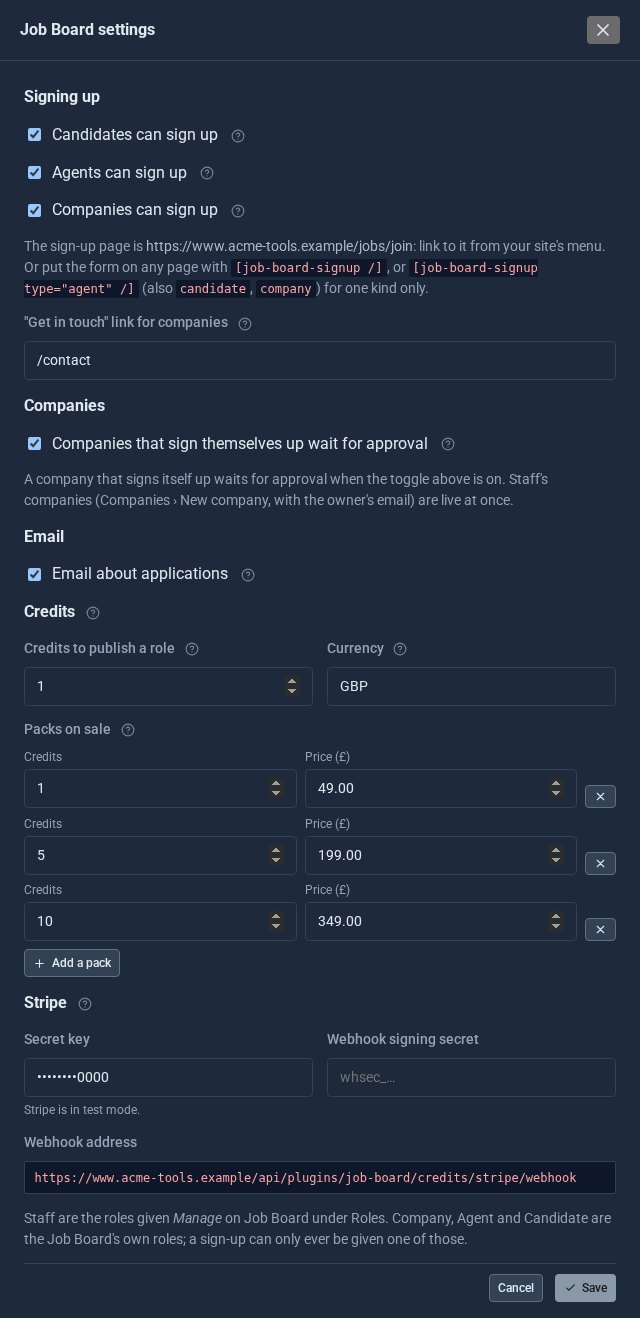
Screens from our demo site. ACME Ltd and every other company, agency and person in them are made up.
Check it before you open it
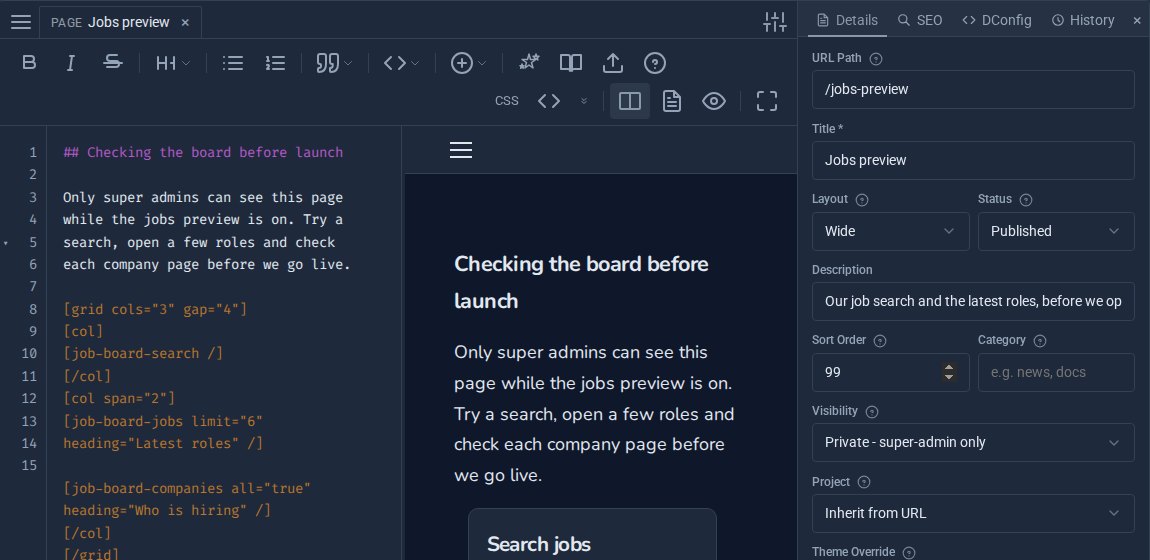
Building a jobs site? Switch on Preview: super admins only under Public job listings. You then see the list, every job, project and company page and the search box exactly as visitors will, while everyone else, admins included, gets a not-found page. Nothing goes into the sitemap or search engines and visitors cannot ask for job alerts. When it all looks right, switch the preview off and the board is open to everyone.
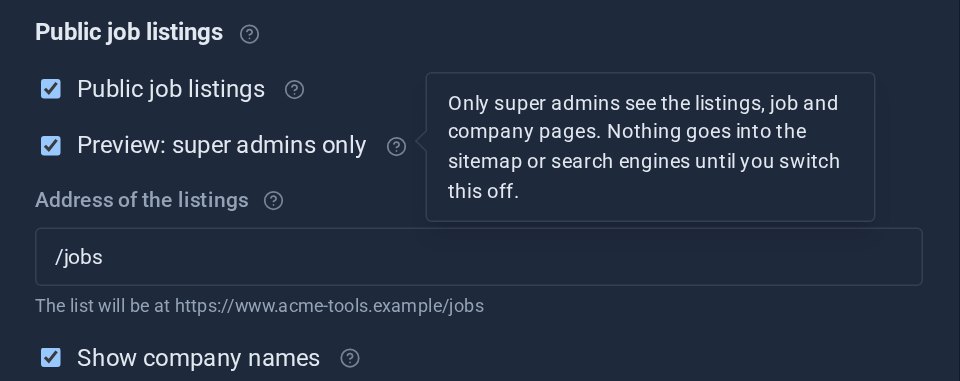
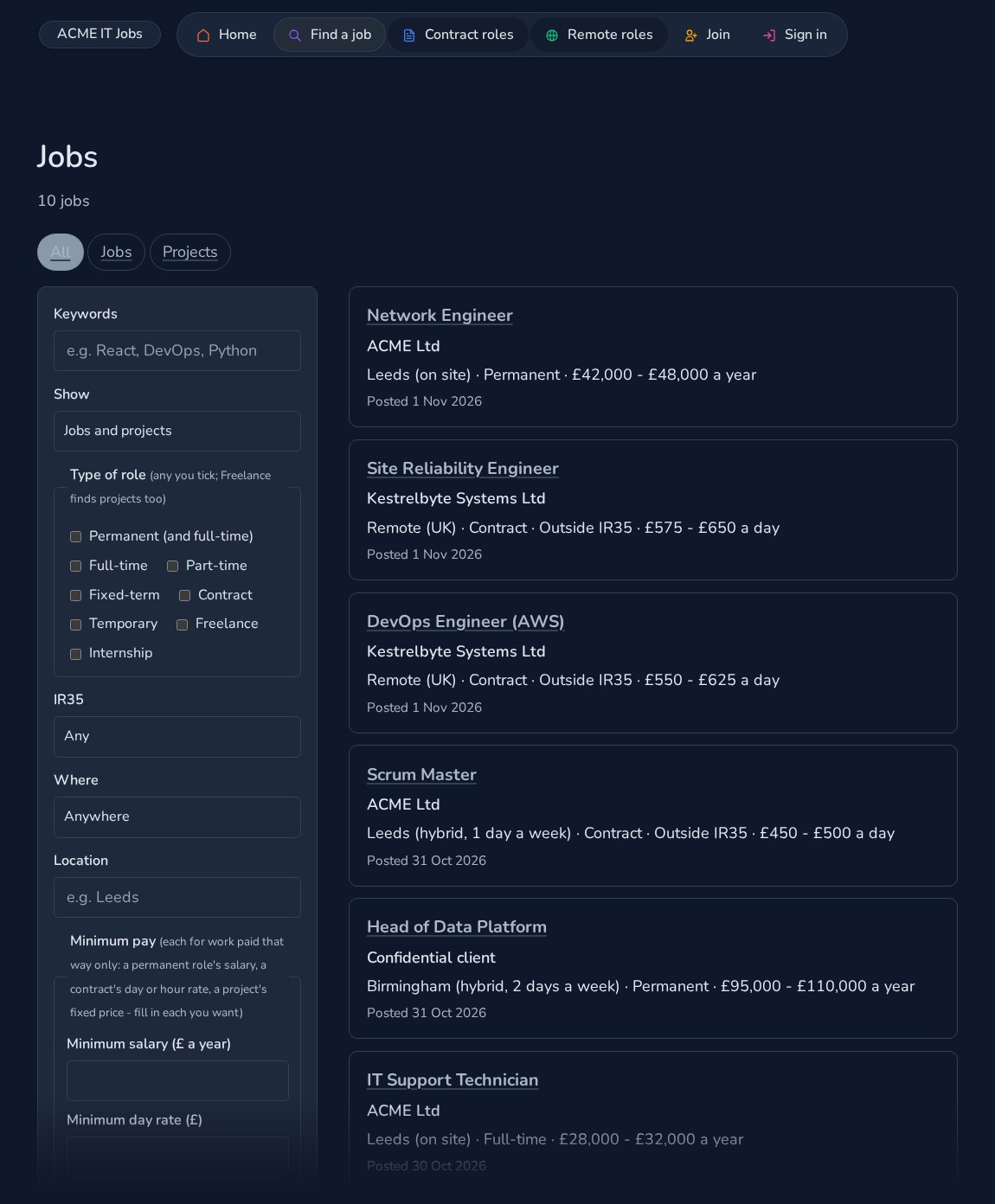
/jobs as it will be on launch day. Everyone else gets a not-found page, and the pages tell search engines not to index them.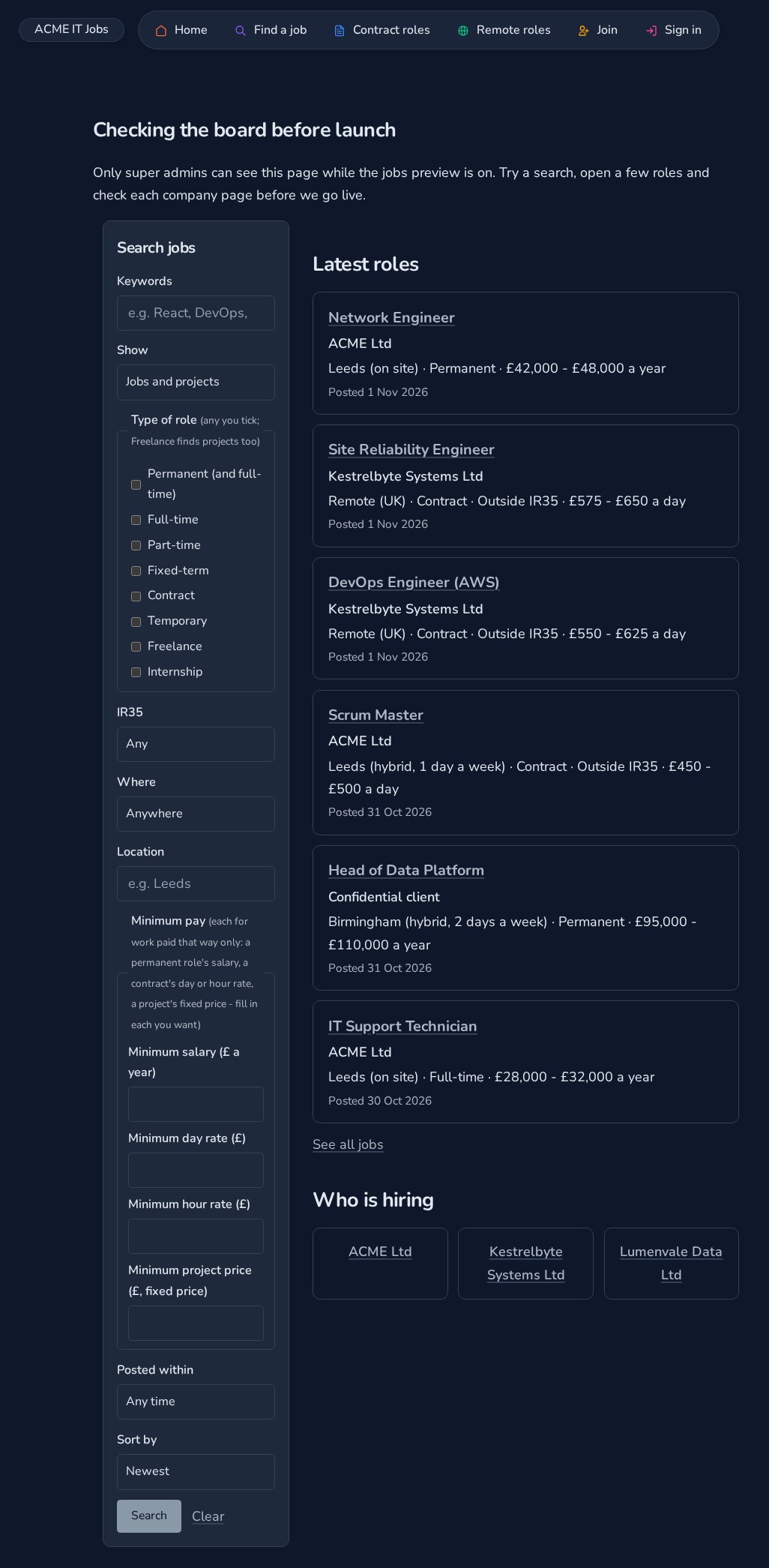
See it in 5 minutes
- Check your site can send email - sign-up confirmations depend on it.
- Open Job Board > Companies and create a company with its owner's email.
- Signed in as that company, post a job and publish it.
- Turn on Candidates can sign up and Public job listings, then open
/jobson your site. - Open the job, click Apply for this job, sign up as a candidate, confirm the email and apply - and watch the application arrive for the company.
Who sees what
Candidates
Published jobs of approved companies, and their own applications.
Companies
Their own jobs, applications and agents.
Agents
Jobs and applications of the companies they work for.
Staff
Everything, plus approvals and settings.
Good to know
Records you have no part in simply do not exist for you. Sign-up and the public job listings are off until you switch them on, and companies sign themselves up only if you allow it.
What it needs
Email settings on your site (sign-up is refused without them). No MongoDB needed.
Questions
Yes. Switch on Public job listings and anyone can search your open jobs at /jobs (or an address you choose), each with its own page that search engines can read. Put a list or a search box on any page with [job-board-jobs /] and [job-board-search /]. Drafts, closed jobs and the jobs of companies you have not approved are never shown.
Only if you allow it. By default your staff set companies up; switch on company sign-up and new companies wait for your approval, so only real employers post.
Goes well with
Ask Daisy for a Tool of your own, or Dot to build the pages around it.
Meet Dot and DaisyTool Builder, £59 a monthSite Builder, in Pro
Add Job Board to your site
Job Board is a Pro Tool. Tell us about your site and we will set it up with you.