Can AI read your website? How Domma CMS serves every page as plain HTML
Many AI crawlers read only the HTML a server sends, without running JavaScript. Here is what Domma CMS sends them, what 1.8.36 added (menus, collections, forms, calendars, /llms.txt) and how to check your own pages.
More and more people now ask an AI tool for a recommendation instead of searching. The tool can only recommend a business it has read about, so it is worth asking a plain question about your website: can the robots behind these tools actually read it?
Hookflash's article Does JavaScript rendering impact your SEO? sets out the problem well. Google and Bing run a page's JavaScript before reading it. Many of the robots that collect pages for AI tools, such as GPTBot and ClaudeBot, do not. They take the HTML the server sends and nothing else. A website that builds its words in the browser can look almost blank to them.
Here is how Domma CMS handles it, including what changed in Domma CMS 1.8.36.
Every page arrives finished
Domma CMS builds each page on the server before sending it. The HTML that reaches a browser, or a robot, already contains:
- the words, headings, pictures and links of the page, including blocks, cards, tabs, accordions and blog posts;
- the title, description and canonical address, plus the share card details used by Facebook, X and LinkedIn;
- structured data that tells search engines what the page is (a web page, a blog post, the business behind the site) and where it sits in the site.
You do not have to switch any of this on. Write a page, publish it, and every robot can read it.
New in 1.8.36: the interactive parts too
A few parts of a site are interactive, and until now robots that run no JavaScript could not see them. From 1.8.36 the page itself carries:
- your navigation and footer links, sub-menus, copyright line and social links included;
- the entries of searchable and paged collections, not just the first page;
- what each form is for - its title and description;
- your events, in the Calendar's lists, month view and event pages;
- your shop's products and booking page details, with a proper description for each page.
Visitors see no difference. The plain copies are hidden and give way to the real menus, forms and calendars as the page loads.
A guide for AI assistants: /llms.txt
Every site now publishes /llms.txt, a short plain-text guide in the format AI assistants look for: your site's name and description, then each page and blog post with its own description. It is built from your sitemap, so drafts, private pages and anything you have hidden from search engines stay out. You can switch it off in Tools > SEO > Settings.
Robots are told where to look
Every site publishes a sitemap at /sitemap.xml, now including calendar events, shop products and blog posts. Its robots.txt welcomes every robot, keeping out only the admin and the site's internal data. Google, which does run JavaScript, may now also read the public data a page loads as it draws, so it sees each page exactly as a visitor does. An empty shop asks search engines not to list it until something is on sale.
Scripts wait their turn
Domma CMS uses JavaScript for interactive parts: menus that open, forms that check answers as you type, galleries that slide. These scripts load at the end of the page, after the words, and every script that can wait now runs after the browser has finished reading the page, so pages appear sooner on a slow phone.
The CMS's own scripts also come from your own site now. The one library we used to load from a third-party network, DOMPurify, which cleans HTML safely in the browser, ships with the CMS at a fixed version. Your pages make fewer connections, and nothing changes under your site without an update you chose.
Check your own pages
You can see what a robot sees in under a minute:
- Open a page on your site and press Ctrl+U (View page source). That is exactly what a robot that runs no JavaScript reads.
- Press Ctrl+F and search for a sentence from the page. If you find it, every robot can read it.
- Open
/llms.txton your site to see the guide AI assistants get. - In your admin, open Tools > SEO and run the audit. It checks titles, descriptions, headings, image descriptions and links on every page.
The admin's Documentation has a page on all of this: Documentation > Usage > Search Engines & AI.
Keep reading
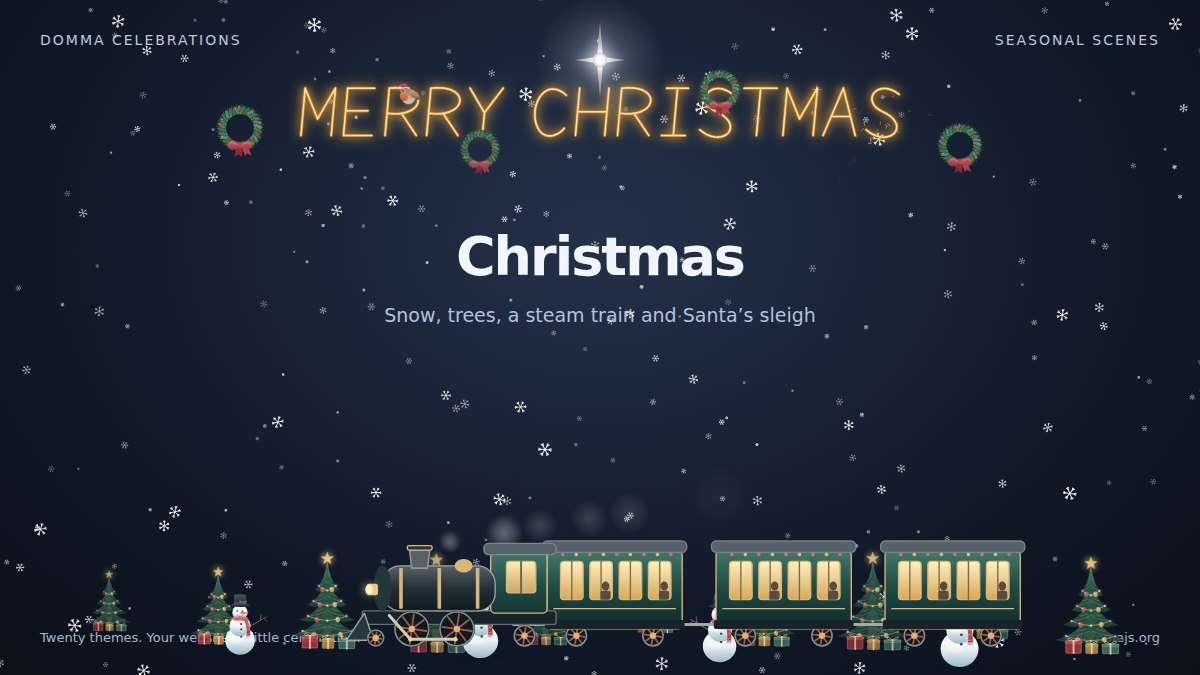
Meet Domma Celebrations: twenty ways to bring your website to life
Take a visual tour of all twenty Domma Celebrations themes, from Christmas and Halloween to summer gardens and personal sparkler greetings, with screenshots and a quick setup guide.
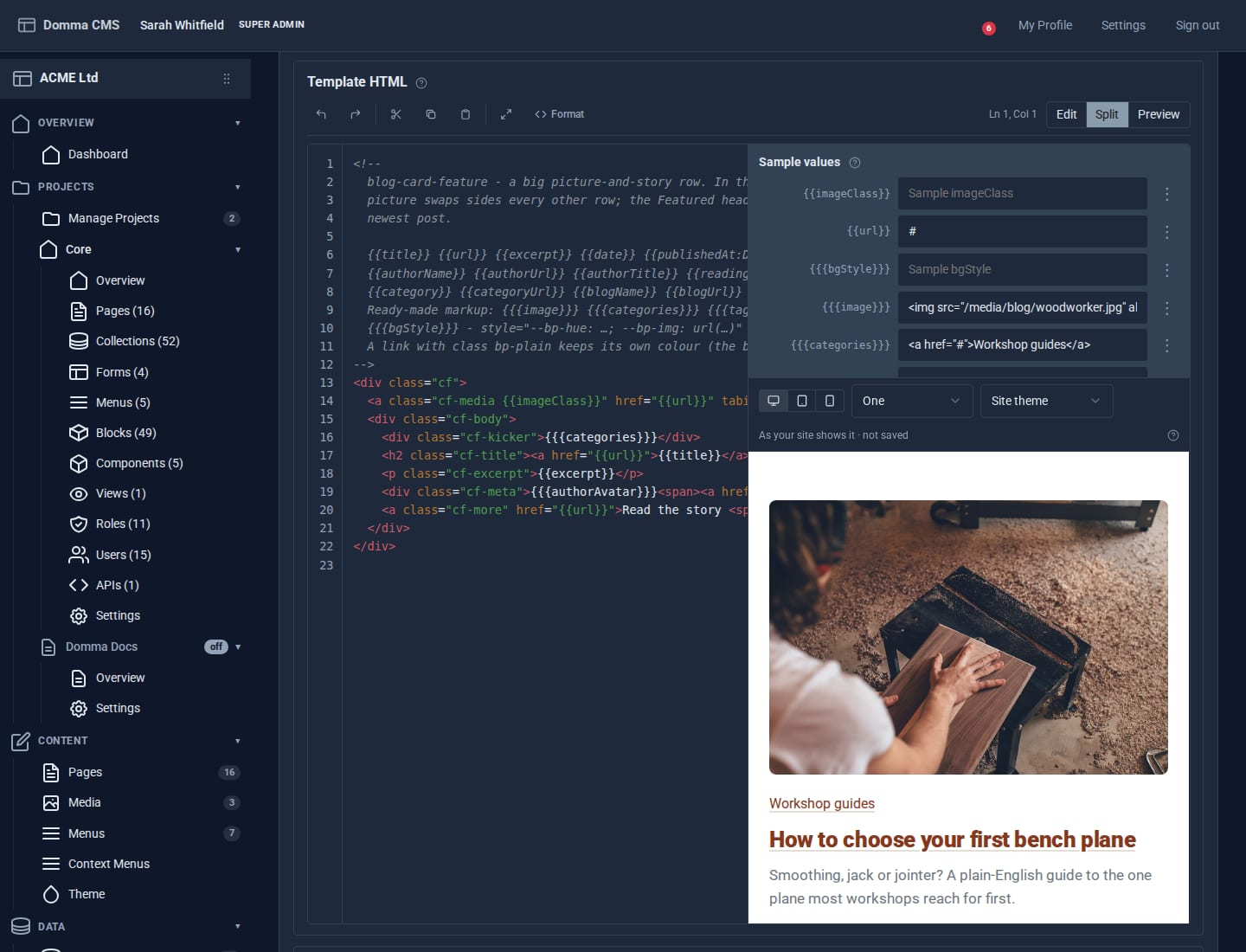
Blocks: your own design for any collection
Write a small piece of HTML once and every entry in a collection is drawn through it. Plus a new Blocks guide, and Writing a Tool.
Projects: group your site without moving a thing
A project gathers the pages, collections, forms and people for one job under one name. Nothing moves: every address, file and link stays where it is - the project is a label.