Meet people on your own site.
Video calls run in the browser on your Domma CMS site. No Zoom or Teams account, nothing to install, and no outside service in the middle. Your customer clicks a link from your email and knocks; you let them in.

Everything a meeting needs.
Up to six people a call, on a computer or a phone.
Camera, microphone and screen
Turn each on or off from the control bar, and share your screen to walk someone through a document or a page.
A waiting room
Guests knock and the host lets them in. Nobody gets in on a link alone.
Chat that is kept
What people type is saved against the call. Open it again later and the earlier messages are there; people who join late see what was said.
Background blur
Blur the room behind you. It is worked out inside your own browser, so no picture leaves it to do this.
Add people
The host searches contacts and the team and sends each person their own Join link, by email and, for the team, as a notification and a message.
Reload-proof
Reload the page and you are back in the call. The link's key leaves the address bar once the page has it.
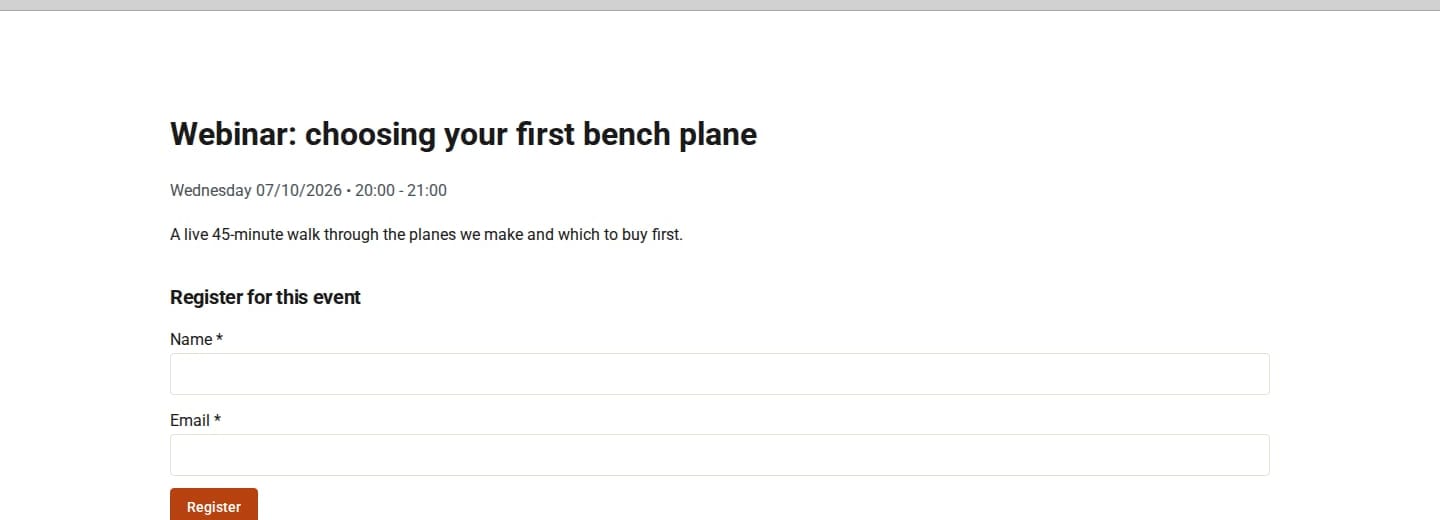
From the work you are already doing.
Calls are part of the Tools that need them, so each one starts where it makes sense.
- Online appointments - with Booking Pro, a service can be held online. The customer's confirmation carries a Join the call link, and Call now opens the call early.
- Online meetings - in Calendar, tick Online on an event. Start or join it from the event, and copy a guest link for people outside the team. Each date of a repeating event has its own call.
- Team calls - in Messages, press Call in a conversation, or Call… and pick up to five people.
- Call (name) now… - on a contact or an email, a call with that one person straight away. They are emailed a Join link that lasts three hours.
Straight answers.
Which Tools bring calls
Booking Pro, Calendar and Messages each hold calls. "Call (name) now…" is switched on by any of Booking Pro, Contacts Pro or Calendar, and a Calls permission decides who may make one.
Recording
Where it is allowed, the host can record from their own browser. The file is saved on their computer, and everyone in the call is told.
Links that stop working
Join links are per person and run out. Changing who can see a Calendar event replaces its guest link. Join emails are limited per person and per hour.
Strict networks
Most calls connect directly. Some office and mobile networks need a relay server; your site can be pointed at one.