How to find your next IT contract on a Job Board site
A step-by-step guide for IT contractors and job seekers on a site that runs Job Board: set your day rate and IR35 position, let Matches me find the roles, apply, confirm interviews and build a profile that gets you hired.

Most IT job sites make you search the same list every morning, then send you twenty roles that are inside IR35 when you only take outside, or permanent when you are a contractor. A site that runs Job Board works the other way round: you say what you want once, and it shows you the roles that fit.
This guide follows a contractor through a made-up IT jobs board, with made-up companies, a made-up agency and a made-up candidate.
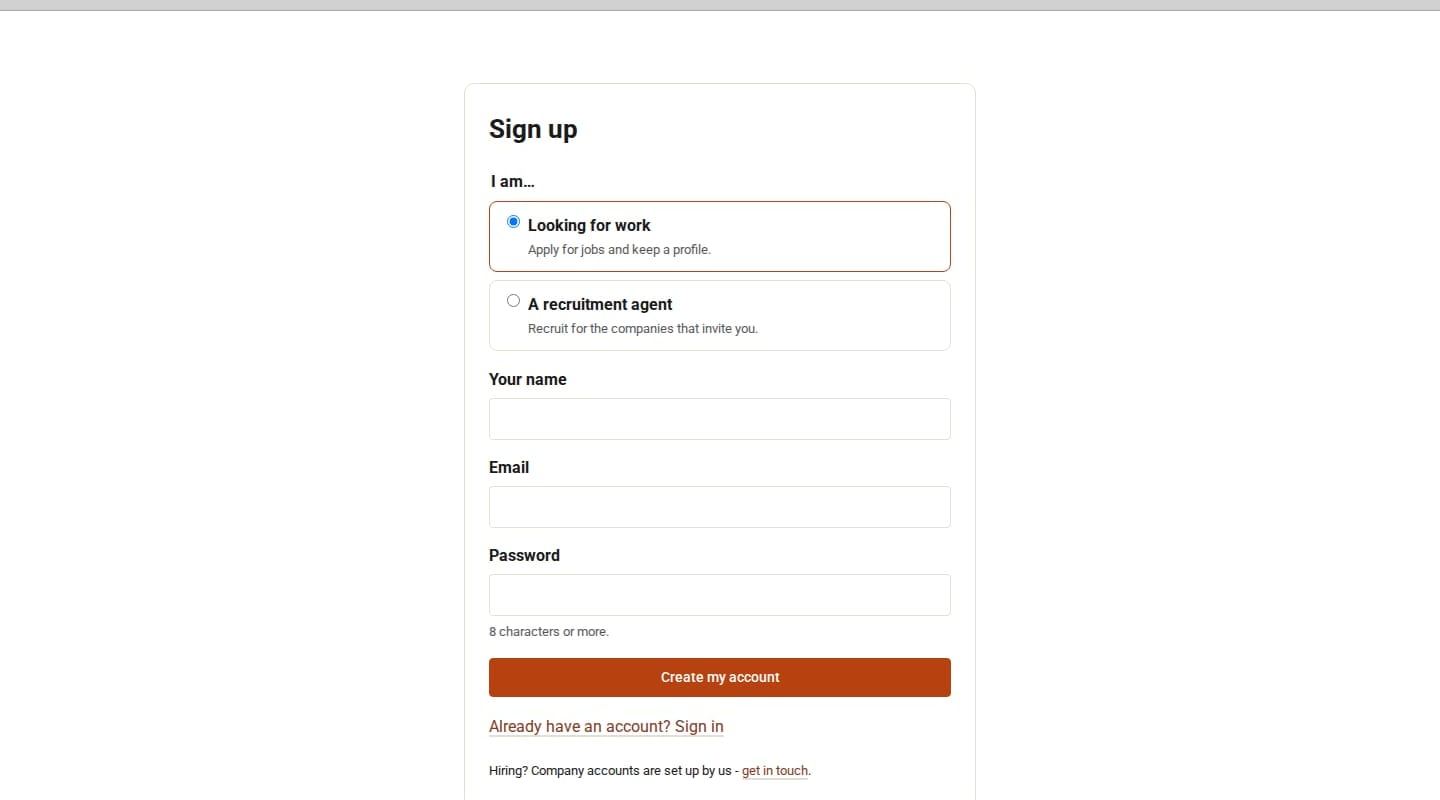
1. Sign up
Choose Looking for work on the sign-up page, then click Confirm my email in the email you get. The link lasts 48 hours.
2. Say what you want
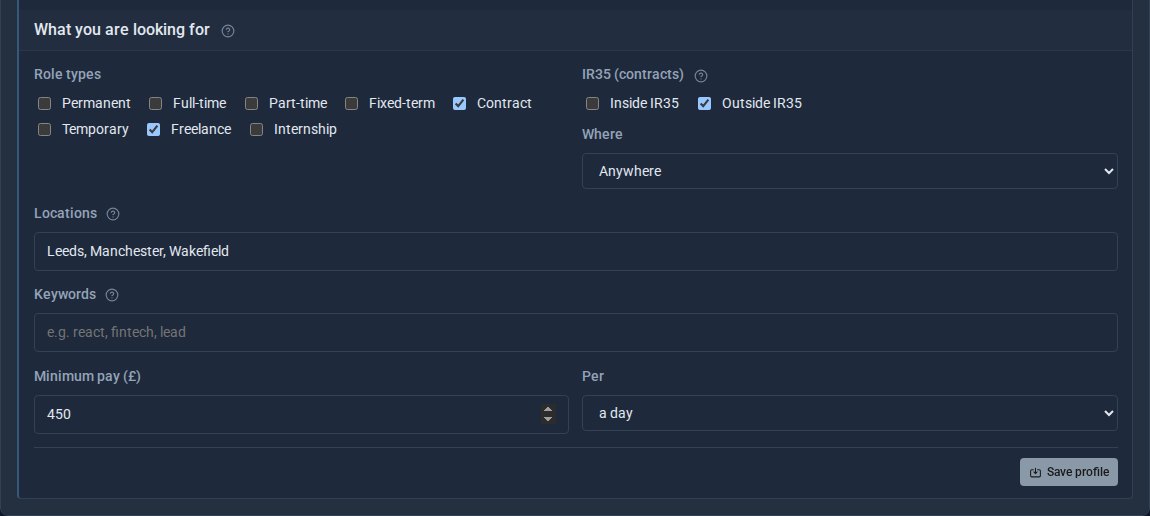
Under My profile, set your preferences: the types of role (permanent, contract or freelance), your IR35 position, remote or the places you will travel to, keywords, and your minimum pay or day rate.
3. Let Matches me do the searching
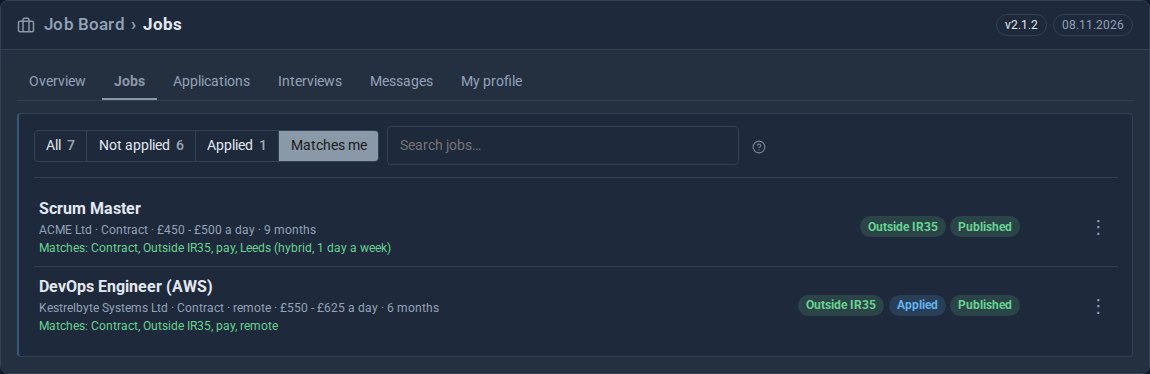
Open Jobs and choose Matches me. You see only the roles that fit, each with the reasons it matches: contract, outside IR35, the pay, the place.
4. Apply in a minute
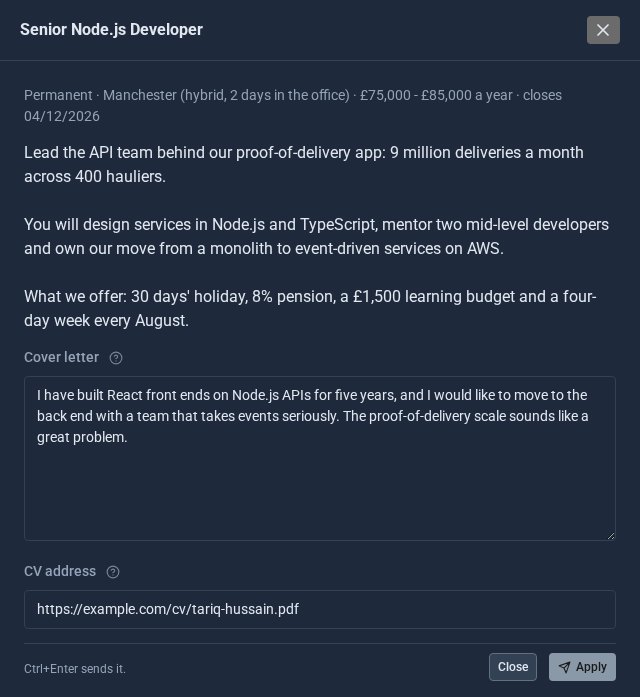
Right-click a role and choose Read it and apply. Add a cover letter and your CV, and click Apply.
5. Follow every application
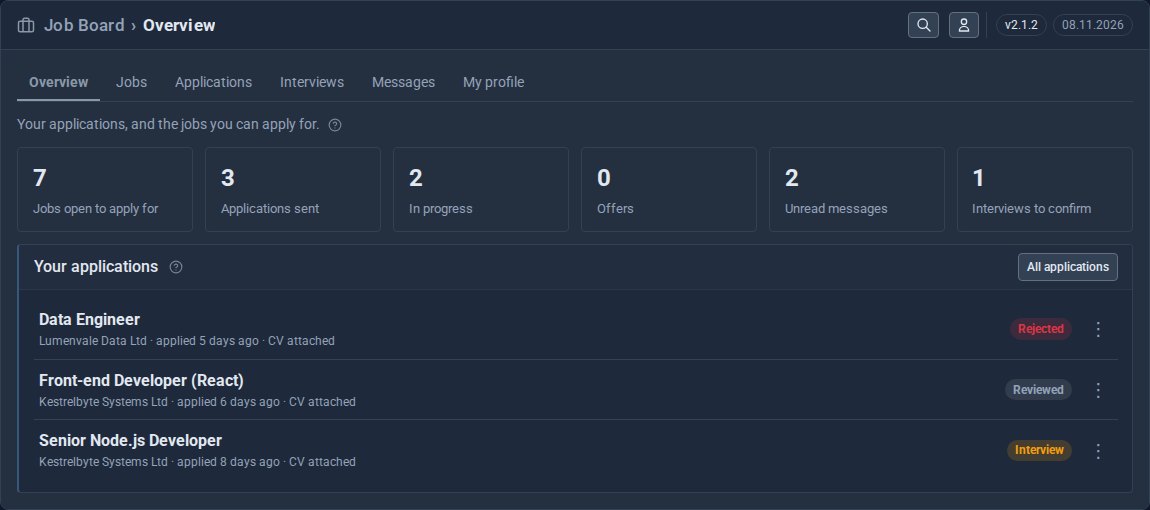
Your overview shows what is happening at a glance: applications sent and in progress, offers, unread messages, and interviews waiting for you.
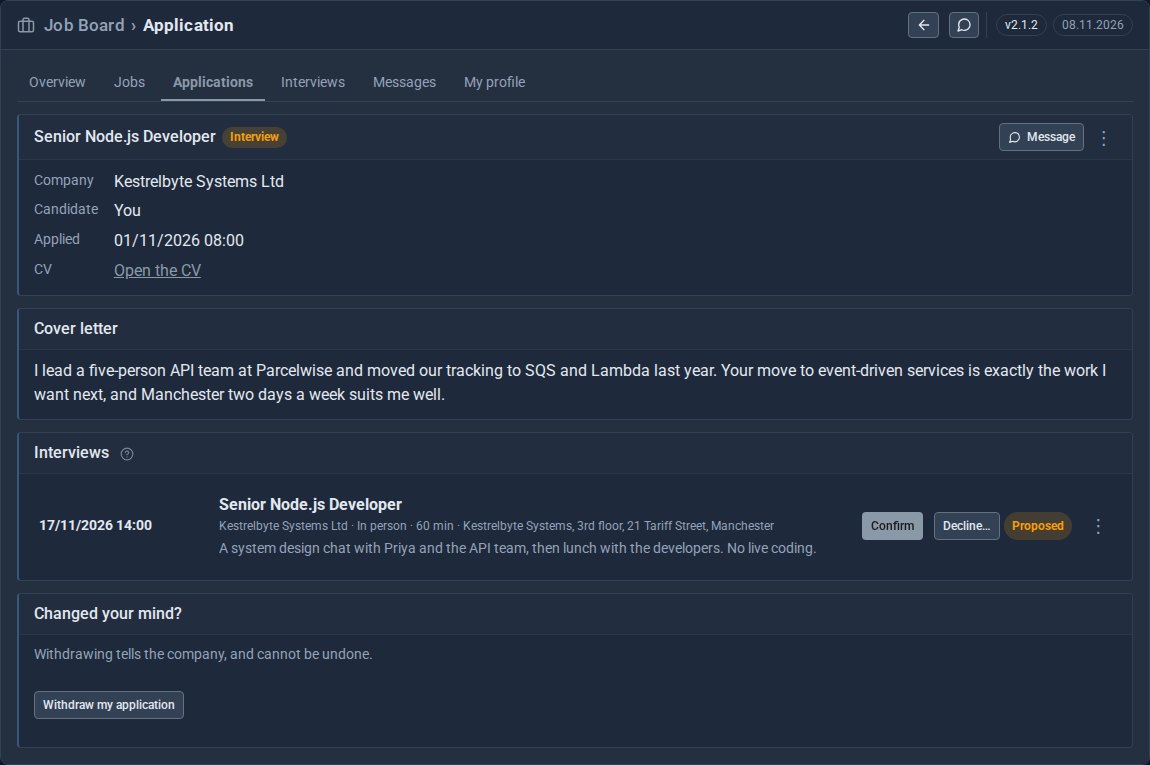
When a company proposes an interview, it appears on the application. Confirm or Decline it there. Messages from companies and agents arrive under Messages, and only you and they can read them.
6. Build a profile that gets you hired
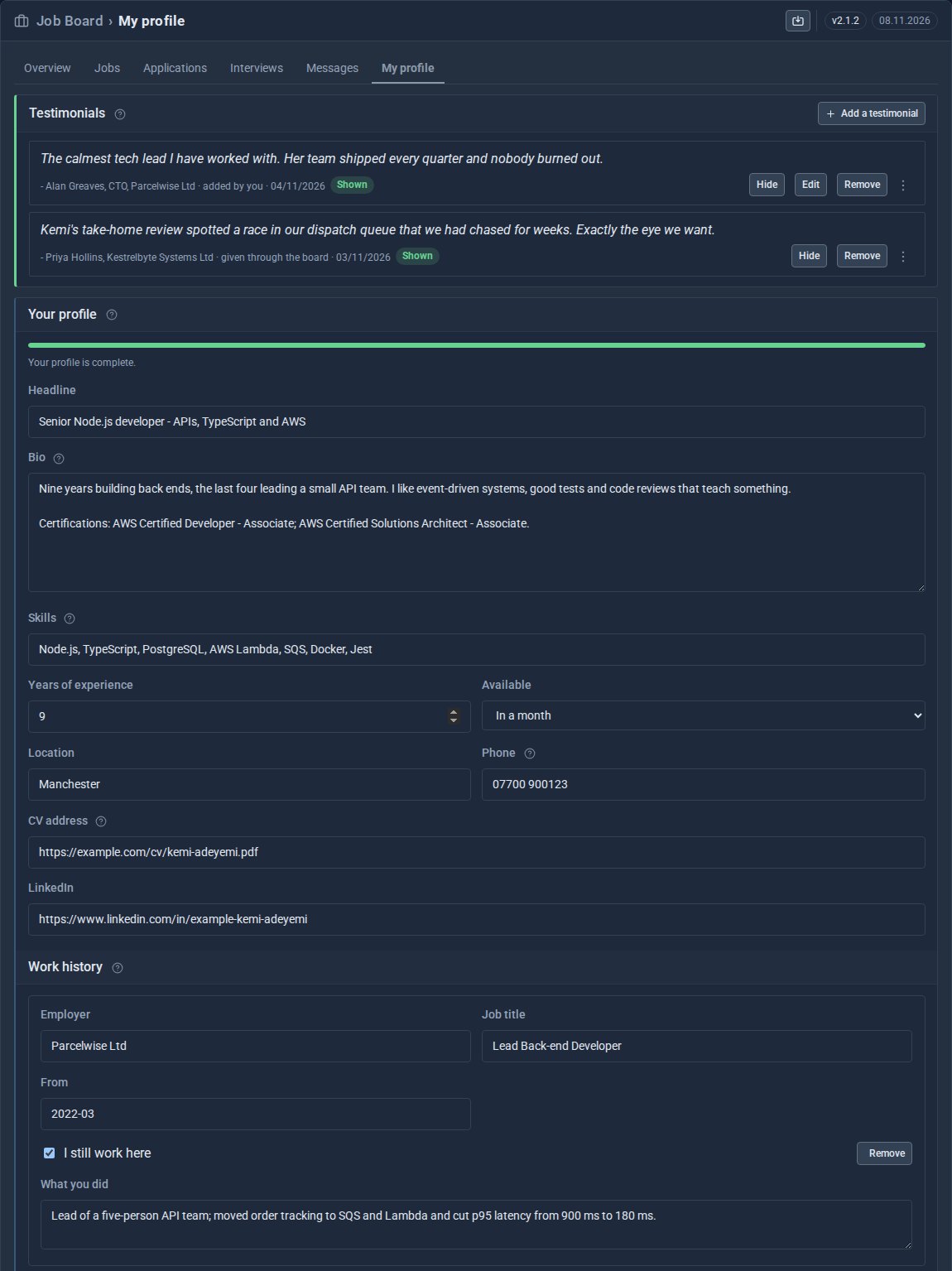
Companies see your profile when you apply, so fill it in: a headline, a bio with your certifications, your skills, availability, CV and work history. Collect testimonials from the companies and agents you work with, and add your own from past clients.
If a recruitment agent wants to represent you, they appear under My profile, and you choose whether to accept.
Running the board? The other side
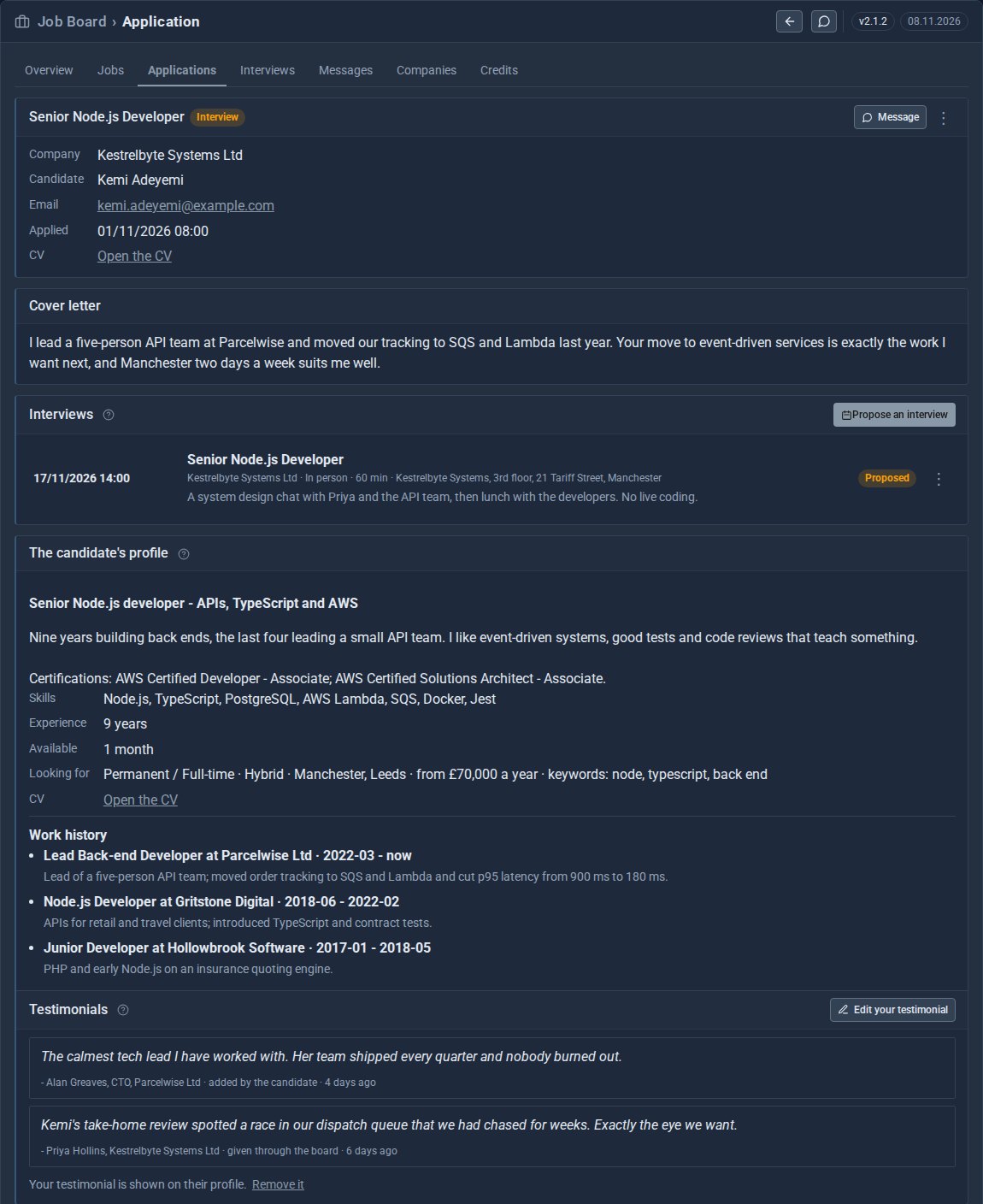
Companies post roles with the details contractors look for, IR35 position and day rate included, and see each applicant's profile, work history and testimonials. Agents work for companies and look after their own candidates. Your team approves companies before they post.
Quick checklist for job seekers
- Sign up as Looking for work and confirm your email.
- Set your role types, IR35 position, places and day rate.
- Check Matches me instead of searching.
- Apply with a cover letter and CV.
- Confirm interviews from the application.
- Keep your profile and testimonials up to date.
Every company, agency and person in the screens above is made up.
Keep reading

What happens when you sign up for a Domma CMS site
From choosing a plan to your first sign-in: what signing up for a Domma CMS site looks like, what it costs each month, and how you change your plan or Tools later without ringing anyone.

How to run a project with your client in the loop
A step-by-step guide to Waypoint Pro: set up a board with your own workflow, plan sprints, start issues from templates, keep a private project for one client, and let them follow along without being able to change a thing.

How to get your news shared and posted without logging in to five networks
A step-by-step guide to Social Media Pro: make every page look right when it is shared, add share and follow buttons, and post to Bluesky, Mastodon, LinkedIn, Facebook Pages and X from one composer, now or scheduled.