Your website and your business, brought together.
Create and manage your website with an easy-to-use CMS, built-in page building and flexible themes. Manage contacts and enquiries in the same place, with SEO tools and Google Analytics connectivity built in.
place for your website and contacts
themes, day and night
page components
SEO & Analytics

Domma CMS is made by DCBW Consulting Ltd, based in the UK.
Managed sites are hosted in London.
Talk directly to the person who builds it.
Get in touchMake it yours.
Build pages, choose a theme and update your content with confidence. Page building and theming are part of the CMS from the start.
Explore page building →Keep business connected.
Bring your website, contacts and customer enquiries together, with CRM tools to help you manage relationships as your business grows.
Explore contact management →Understand what's working.
Use built-in SEO tools to help people find your site, and connect Google Analytics to follow its performance.
Explore SEO →Ready for a change?
Moving from WordPress or another CMS? Talk to us about bringing your existing website across. We'll review your content, features and important addresses, then agree a plan and price for migration help.
Building websites for clients?
Build client sites, resell hosting or refer customers. Explore our partner and reseller options, with terms agreed together.
Explore the partner programme →Start with the job, not the software.
Every one of these is running on a Domma site today. Pick the one that sounds like you.
A business website, this afternoon
Use the visual page editor to bring your pages together. Choose a theme, add your content and preview how it looks on a phone before you publish.
How publishing works →A shop that takes payment
Products with options, stock and pictures, a cart that follows shoppers round the site, and checkout with Stripe, PayPal or pay offline. Free.
Shopping Cart →Enquiries, bookings and applications
Forms that branch on the answers, run over several steps, stop early when someone does not qualify, and tell you when something needs you.
Forms →A members' area or client portal
Pages and menus only certain people see. Roles you define yourself, and an admin that can be narrowed to the two screens a client needs.
Users, roles and security →A directory, catalogue or timetable
Describe your data once and show it as cards, a table, a timeline or your own design. Visitors search, filter and export it themselves.
Collections →The back office, too
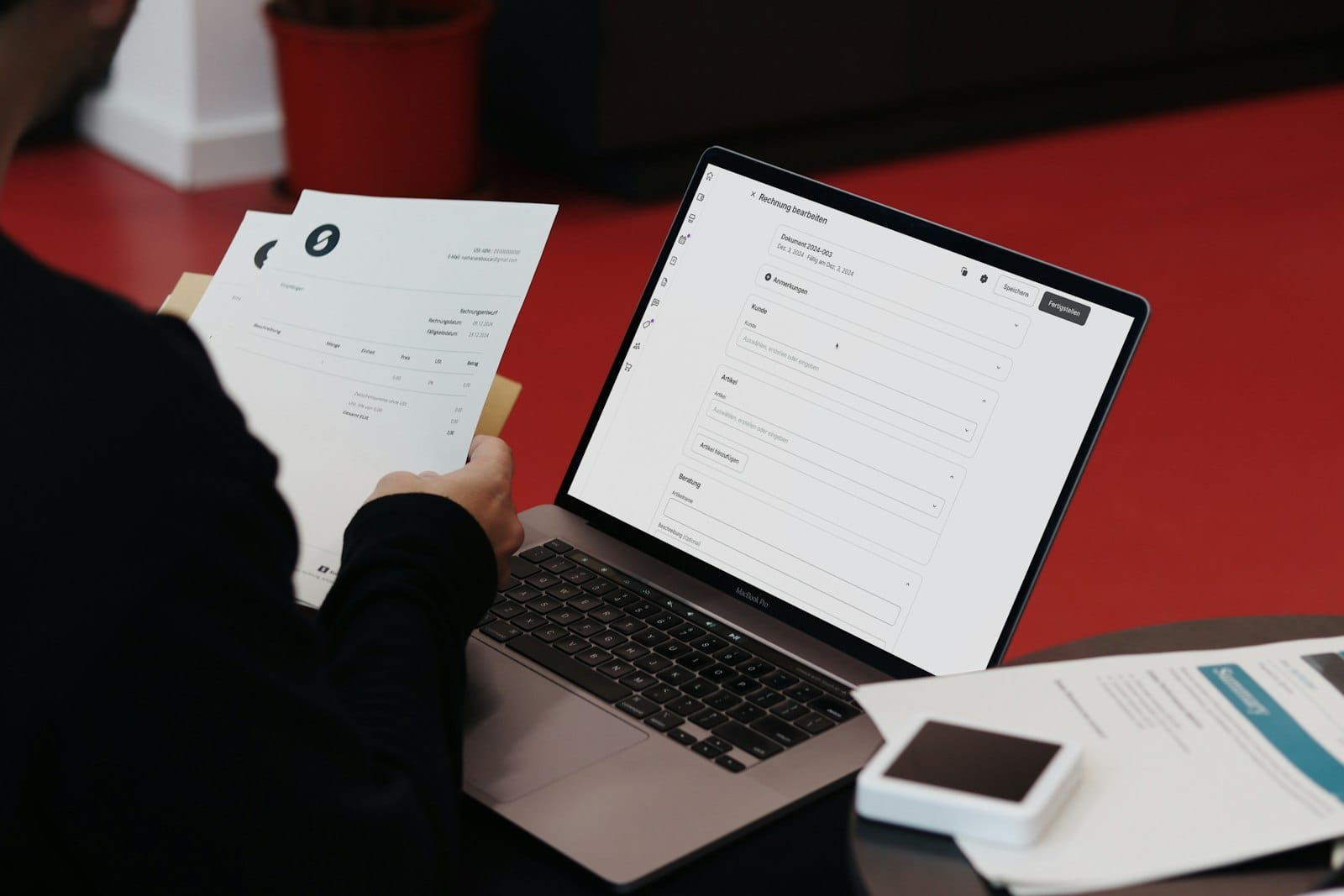
Contacts, invoices, email, a calendar, documents, messaging and project boards sit in the same admin as the website - keeping your website and business tools together in one place.
All the Tools →Switch on what you need. Leave the rest off.
Built-in Tools come with every site. Free Tools are one switch away. Pro Tools add depth when the business grows. A few favourites:



Start with what you need. Grow at your pace.
Pages, themes, forms, contacts, SEO and security are included in the free CMS. Pro Tools add more when you need them, from invoicing and calendars to advanced SEO.
- Free to self-host, with managed hosting available if you'd like us to look after your site.
- Choose the Tools that suit your business, with clear pricing for optional Pro Tools.
- Your data stays with you if a Pro licence lapses and its free Tool returns.

Learn it step by step
Your first page, a landing page in fifteen minutes, a searchable directory, a shop, a client portal - each one a short walk-through with screenshots.
Start a tutorial →
Try it on this site
The examples are live, not pictures of them: filter a collection, fill in a form that changes as you answer, watch the effects. Then see how each was made.
Open the showcase →Real sites, real businesses.
A tutoring agency, a leisure business, an events photographer and a World Cup fixtures guide - all on Domma CMS, all managed and updated from one place.
Deep dives, how-tos and release notes.
How Domma CMS features work, what changed this week, and what running a fleet of sites has taught us.
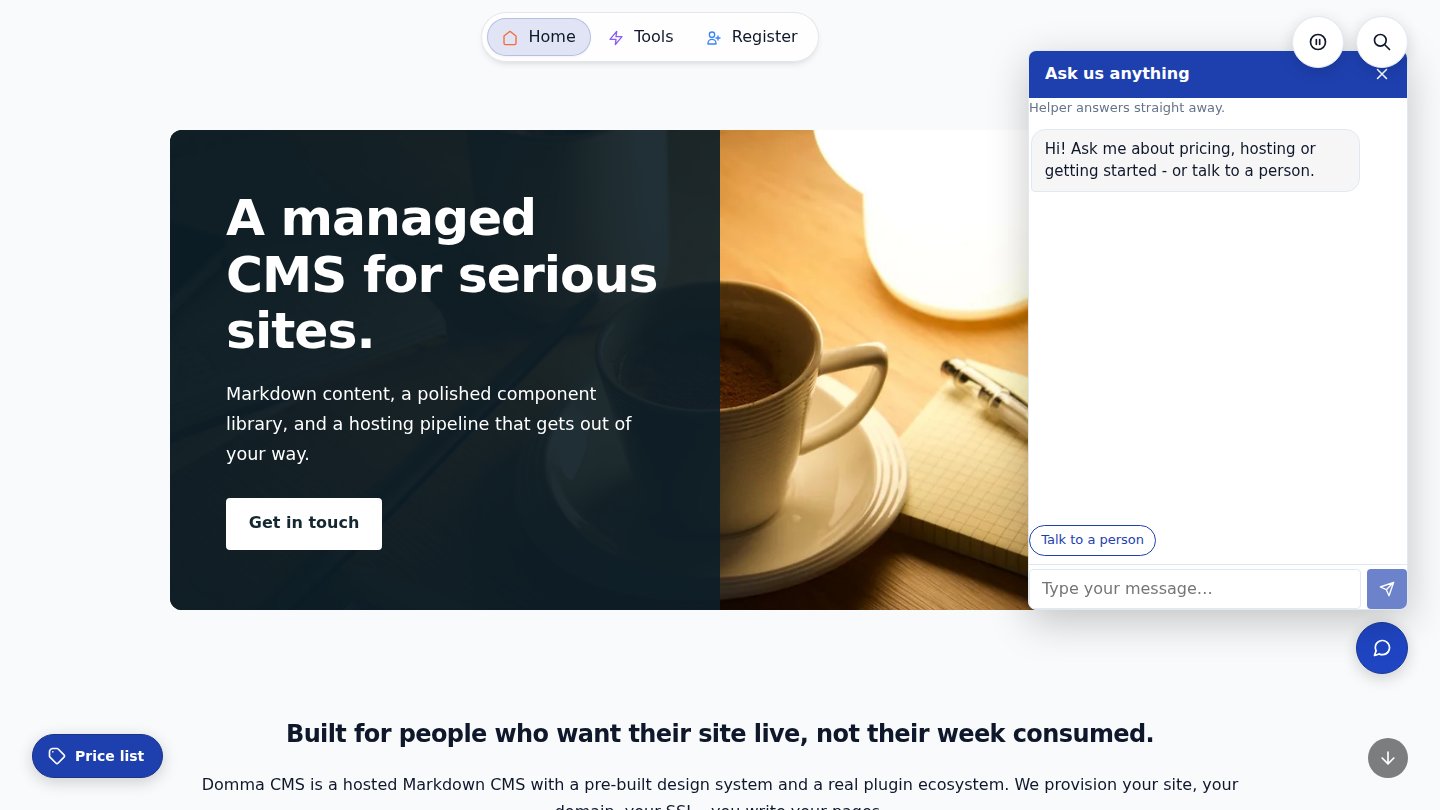
Launchers: pop-ups, slide-ins and a chat that answers
01/11/2026
Pin buttons to any page that open a page, form or block in a pop-up or slide-in, or a chat whose bot answers from your own Knowledge. Open them from your menu too. Free in Domma CMS 1.28.
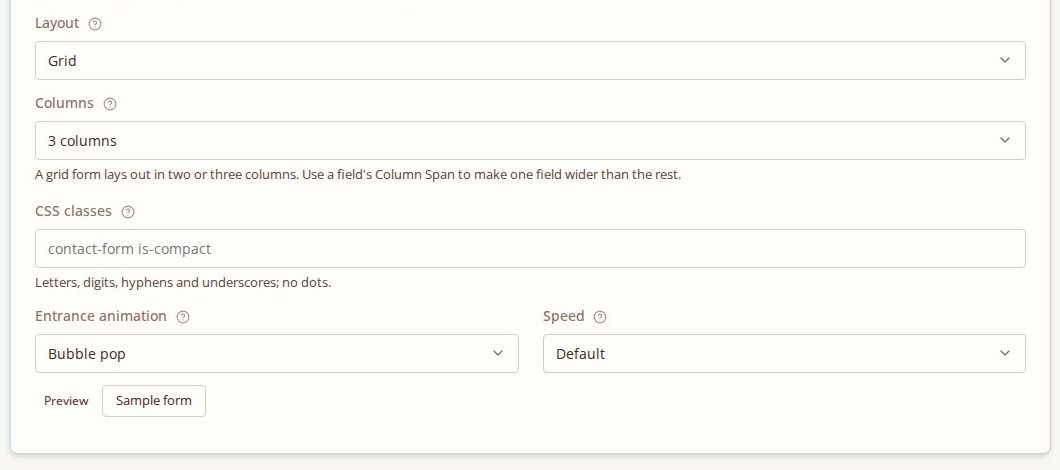
Forms that make an entrance
31/10/2026
Give a form an entrance: fade, slide, drop or bubble-pop into view as a visitor scrolls to it. Fields that show and hide get the same seventeen animations.
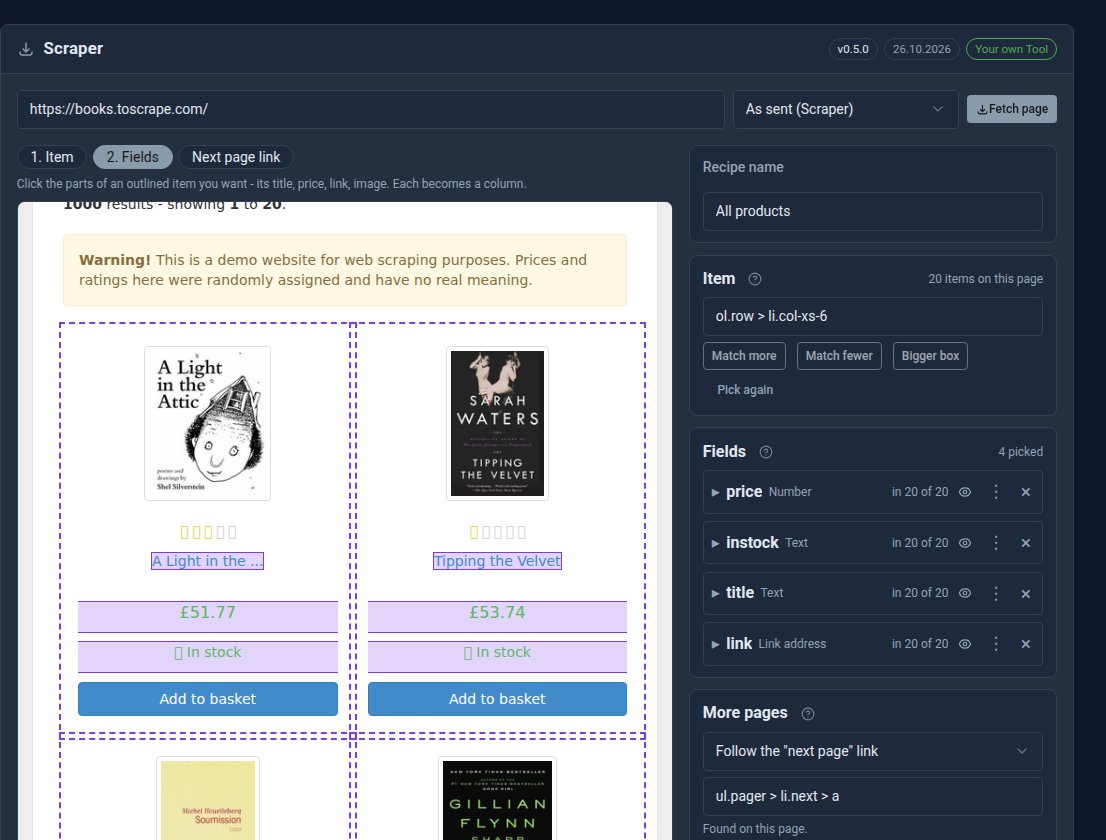
Your first Scraper recipe, step by step
31/10/2026
Build a working Scraper recipe in about ten minutes: pick the items, choose the columns, follow the pages, and show the results on your site.
Better every week.
The latest releases, in plain English. Updating is one command, and your content, settings and Tools are kept.
Forms that make an entrance
Give any form an entrance animation: it fades, slides, drops or pops like a bubble into view as a visitor scrolls to it. Pick the animation and speed on the form's Settings tab and preview it first. It plays once, and never for visitors who prefer reduced motion.
Seventeen ways for fields to show and hide
Fields that appear or disappear depending on another answer can now use seventeen animations, from Fade and Slide to Bubble pop, Bounce, Flip and Swing. Choose one in the field's logic panel, set the speed and click Preview to try it.
Scraper: other websites' lists, in your collections
The new free Scraper Tool collects products, prices and listings from other websites into your own collections. Click what you want, follow the next page, and run it by hand or on a schedule, politely. Scraper Pro reads sites built with JavaScript and can keep rows in MongoDB.
See how Domma CMS fits your business.
Tell us what you'd like to build, or what you'd like to change about your current website. Ask about a free trial and take a closer look.