Launchers: pop-ups, slide-ins and a chat that answers
Pin buttons to any page that open a page, form or block in a pop-up or slide-in, or a chat whose bot answers from your own Knowledge. Open them from your menu too. Free in Domma CMS 1.28.
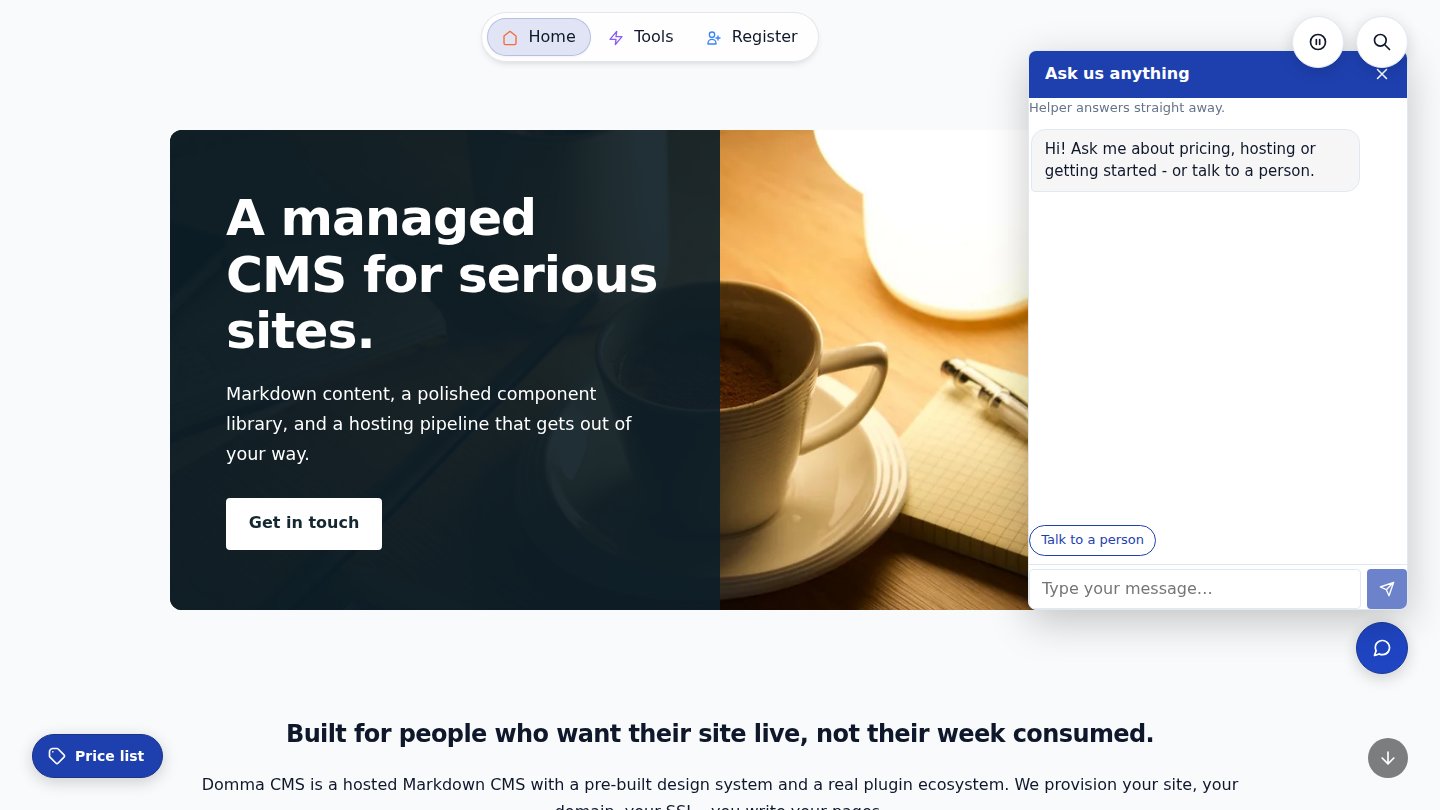
Domma CMS 1.28 adds Launchers: small buttons pinned to the edge of every page that open something without taking visitors away from where they are. A price list in a pop-up, an enquiry form sliding in from the side, or a chat that answers questions straight away. Launchers are free and built in.
What a launcher opens
- A modal - a page, a form or a block in a box over the page. A page shows on its own, without the navbar or footer. Make it anything from a small box to the full screen, and either let it fit the page or keep it a fixed height.
- A slideover - the same in a panel from the left or right. Ideal for an enquiry or booking form: visitors fill it in and carry on reading.
- A chat - more on that below.
Put it where you want it
Open Content > Launchers and click New launcher. Choose a round disc with an icon, or a pill with words on it. Place it in any corner, halfway down either side, or at the top or bottom centre, and nudge it in from the edges. Give it its own spot and size on phones, keep it to some pages or all but some, and show it to everyone, signed-in members only or visitors only. It stays clear of Search, Back to top and the theme switcher by itself.
Each launcher has a tooltip on hover - its label, words of your own, or none - and you can switch any of them off without deleting it.
Open one from your menu
Any menu or sub-menu item can open a launcher. In Content > Menus, edit the item and pick the launcher from the new Launcher list under its URL. "Contact us" in your navbar can now open the enquiry form over the page, and "Prices" can show the price list without leaving the page.
Prefer no disc at all? Turn off Show a disc on the page and the launcher opens only from your menu and links. Every launcher also has a link you can copy onto any button or link in a page.
A chat that answers first
A chat launcher opens a chat panel by its disc. A bot answers straight away from your Knowledge: questions and answers you write yourself in Content > Chats > Knowledge. There's no AI and nothing made up, only what you wrote. It copes with different wordings and spelling slips, and offers "Did you mean...?" choices when it isn't sure.
When it has no answer, or a visitor asks for a person, the conversation goes to your team in the Chats inbox, with a count in the sidebar. If nobody is around, the chat takes the visitor's name and email so you can reply later. Questions the bot couldn't answer are listed for you, and each one becomes a Knowledge entry in one click, so the bot gets better every week.
Screenshots you can actually read
Pages also get a new image shortcode. Insert > Image in the page editor now sets the caption, size, alignment (including text wrapping round it), corners, border and shadow. Turn on zoom and a click opens the picture full size in a viewer. Small text in a screenshot is finally readable, and images in the same group page through as a gallery.
Get it
Launchers and the image shortcode are in Domma CMS 1.28, on every Domma CMS site now. You'll find the full guide in your admin under Documentation > Usage > Launchers, and in the user manual.
Keep reading
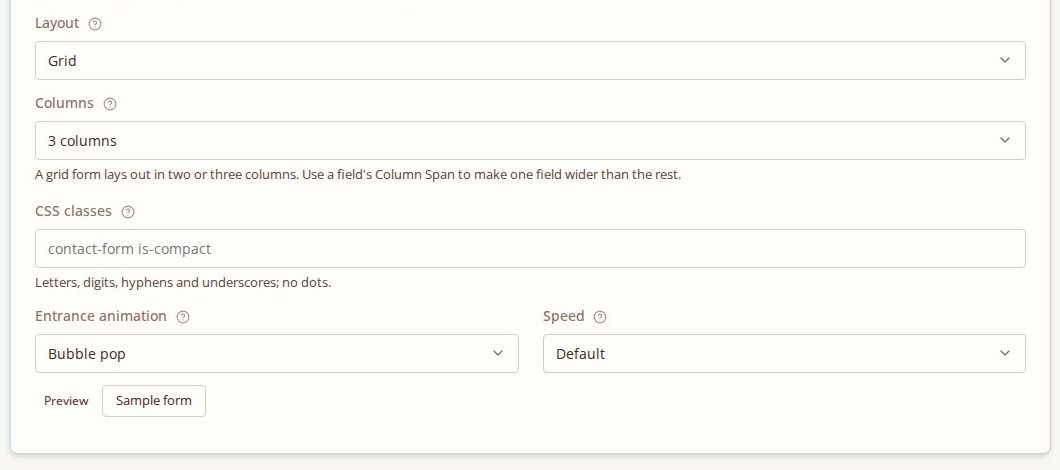
Forms that make an entrance
Give a form an entrance: fade, slide, drop or bubble-pop into view as a visitor scrolls to it. Fields that show and hide get the same seventeen animations.

Forms that take files: drop areas, several files, and forms you can copy
File fields on your forms are now drop areas that take several files and check them before they are sent. Forms export and import between sites, and every option in the Forms editor explains itself.
Domma CMS 1.0
Domma CMS is 1.0. Nothing changes when you update - what changes is the promise that your site and your Tools keep working until a new major version says otherwise.