Pictures on cards, sixteen new gradients, and blocks from a selection
Domma CMS 1.23 to 1.25: put a picture and overlay text on any card, choose from sixteen more text gradients, and turn part of a page into a reusable block with one right-click.
Three small things in the page editor this week that save a lot of fiddling.
A picture on any card
The ordinary card can now carry a picture. Give it an image and it sits as a band above the title; add overlay and white words appear on a shade over the picture:
[card title="Our studio" image="/media/studio.jpg" image-alt="The studio floor" overlay="Open every Saturday"]
Drop in for a coffee and a look round.
[/card]
image-position="body"puts the picture behind the card's text instead of above it.overlay-positionmoves the words to thebottom(the default),centreortop.image-heightsets how tall the picture is.- For more than a line, use an
[overlay]...[/overlay]inside the card and write Markdown in it.
The overlay is always white on a shade, so it reads in light and dark themes alike. The Card builder and the card's settings form have all of these, so you never need to type them.
Sixteen more gradients
Highlight text had six gradients. It now has 22: newspaper, grey-fire, ice, summer, autumn, spring, winter, aurora, twilight, rose-gold, copper, amethyst, lagoon, cherry, lavender and midnight join brand, sunset, ocean, forest, fire and candy. The text controls also show alignment now, with Justify beside Left, Centre and Right.
Turn a selection into a block
Built a section you would like to use on other pages? Select it in the page editor, right-click and choose Convert selection to Domma Block.... Give it a name and the section is saved as a block, and the selection is replaced with the block's shortcode. Change the block once and every page that uses it follows.
It will not overwrite a block that already has that name, and the page is left unsaved so you can look before you keep it.
Keep reading
See the font before you pick it
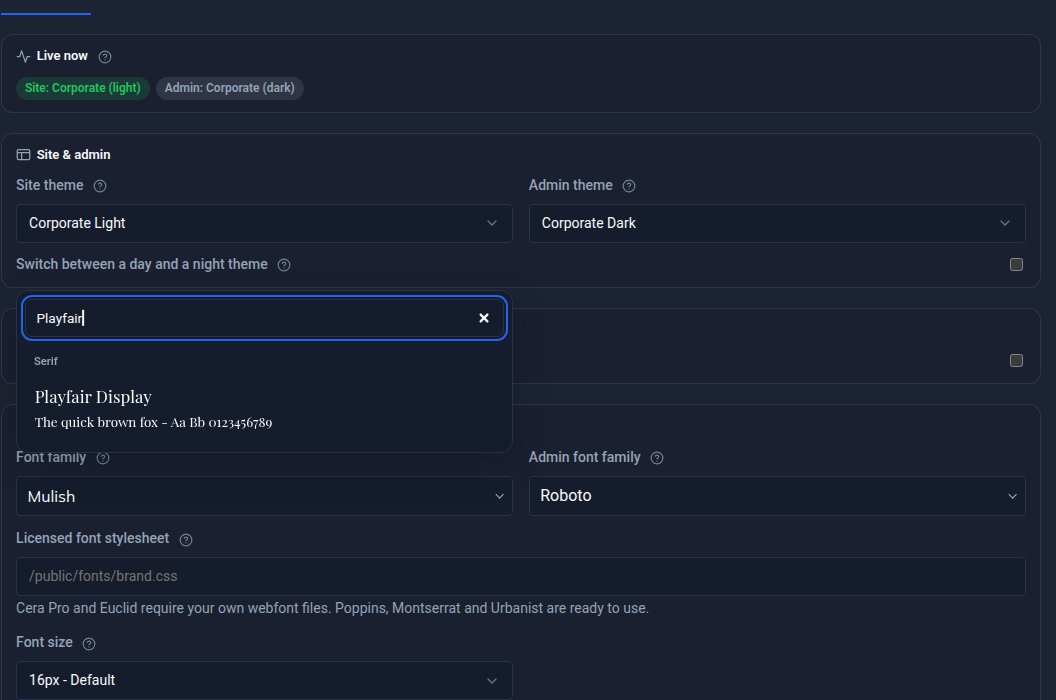
Every font choice in Domma CMS is now a searchable picker that shows each typeface in its own letters. Plus Urbanist, Nunito Sans and Mulish, separate admin and site fonts, and licensed fonts.
Footer and Appearance get their own Tools, and Site Settings gets shorter
Footer and Appearance are now Tools of their own under Content, Site Settings is down to the essentials, footer links pick up the menu bar's colours, and SEO can read your Google Business Profile.

Forms that take files: drop areas, several files, and forms you can copy
File fields on your forms are now drop areas that take several files and check them before they are sent. Forms export and import between sites, and every option in the Forms editor explains itself.