See the font before you pick it
Every font choice in Domma CMS is now a searchable picker that shows each typeface in its own letters. Plus Urbanist, Nunito Sans and Mulish, separate admin and site fonts, and licensed fonts.
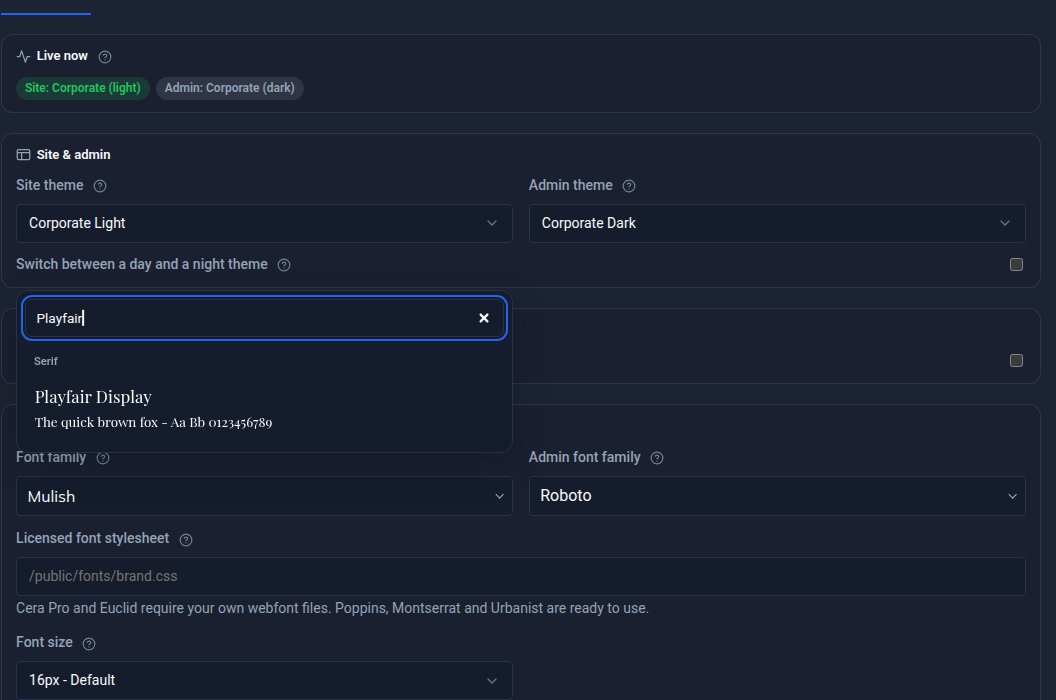
Choosing a font from a list of names means guessing what "Mulish" looks like. Not any more.
A picker that shows you
Every place you choose a font is now a searchable picker: Content > Theme, your editor preferences, the Highlight text and Scribe controls, and a menu's Behaviour > Text & icons > Font family. Each font's name is written in that font, with a sample beside it. Type a few letters to narrow the list. The samples load as you scroll, so the picker opens quickly.
Fonts you chose before are kept. If you typed in a family by hand on a menu, it is still there, marked "(custom)".
More fonts
Urbanist, Nunito Sans and Mulish join Poppins, Montserrat and the rest, and the dyslexia-friendly group is still there. The new fonts are in the page editor, the Highlight text tag, Scribe and Email's font menu too. Text set in one of them loads that font even when the rest of the page uses another.
One font for your site, another for your admin
Theme now has two choices: the font your visitors see, and the font you work in. Change one and the other stays put.
Your own licensed fonts
Some brands use a font you buy a licence for. Domma CMS now supports Cera Pro and the Euclid family: put your licensed font files on your site, point Theme at their stylesheet, and pick them like any other font. They are served from your own site and never requested from Google Fonts, and an update leaves them alone. We do not ship the font files themselves, so you will need your own licence.
Keep reading
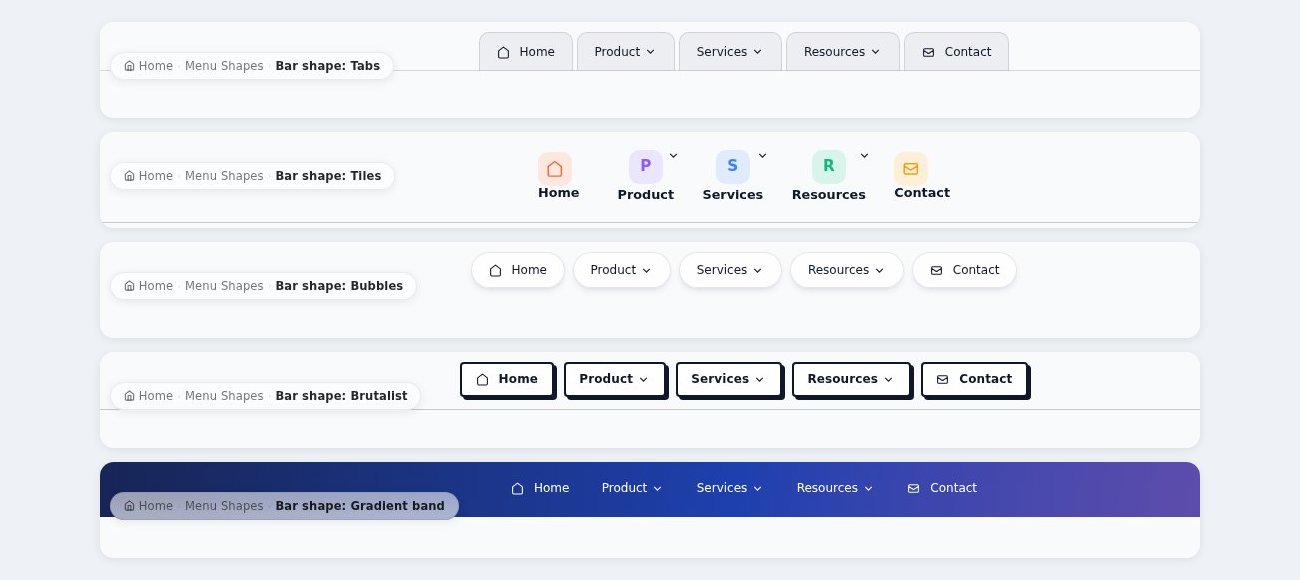
Five new menu bar styles
Domma CMS 1.21: five more menu bar styles that look properly different - Tabs, Tiles, Bubbles, Brutalist and Gradient band.
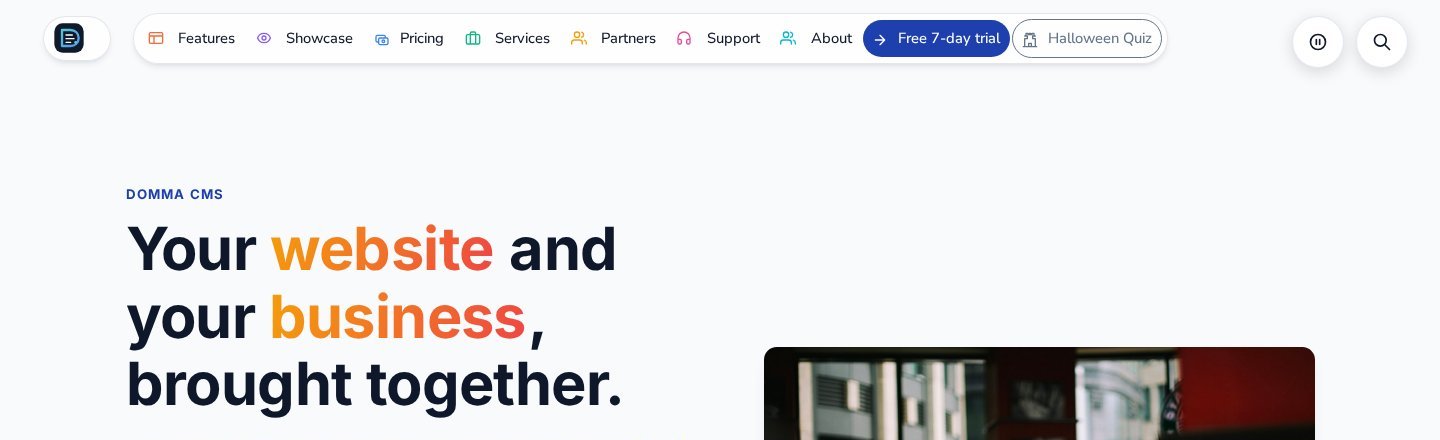
A menu bar that fits, in colour
Domma CMS 1.18: a busy menu bar now fits itself to the screen, its icons can come in colour, and there are new fonts to choose from.
Pictures on cards, sixteen new gradients, and blocks from a selection
Domma CMS 1.23 to 1.25: put a picture and overlay text on any card, choose from sixteen more text gradients, and turn part of a page into a reusable block with one right-click.