Highlight text, one right-click away
Gradient text with a running highlight is now a right-click in the page editor: select the words and Wrap in › Highlight text.
Highlighted text - words drawn in a colour gradient, with a light that runs through them as the pointer passes - is now one right-click away in the page editor.
Highlight a few words
Select the words, right-click and choose Wrap in… › Highlight text. The dialog opens with the Sunset gradient and a pointer-following shine already chosen, and the preview shows the colours as you change them. Pick another gradient - Ocean, Forest, Fire, Candy or your theme's own - or let the shine sweep across by itself.
Nothing selected? Insert… › Content › Highlight text does the same with sample words to type over.
One click on a tag you already have
Right-click any [text] tag and you will find:
- Highlight - gradient with a shine
- Highlight that sweeps by itself
- Light up as you read - the words start dim and light up as the visitor scrolls down
- Rise in word by word
- Plain - to take it all off again
See them all moving on The Ginga Ninja's Style Lab.
Keep reading
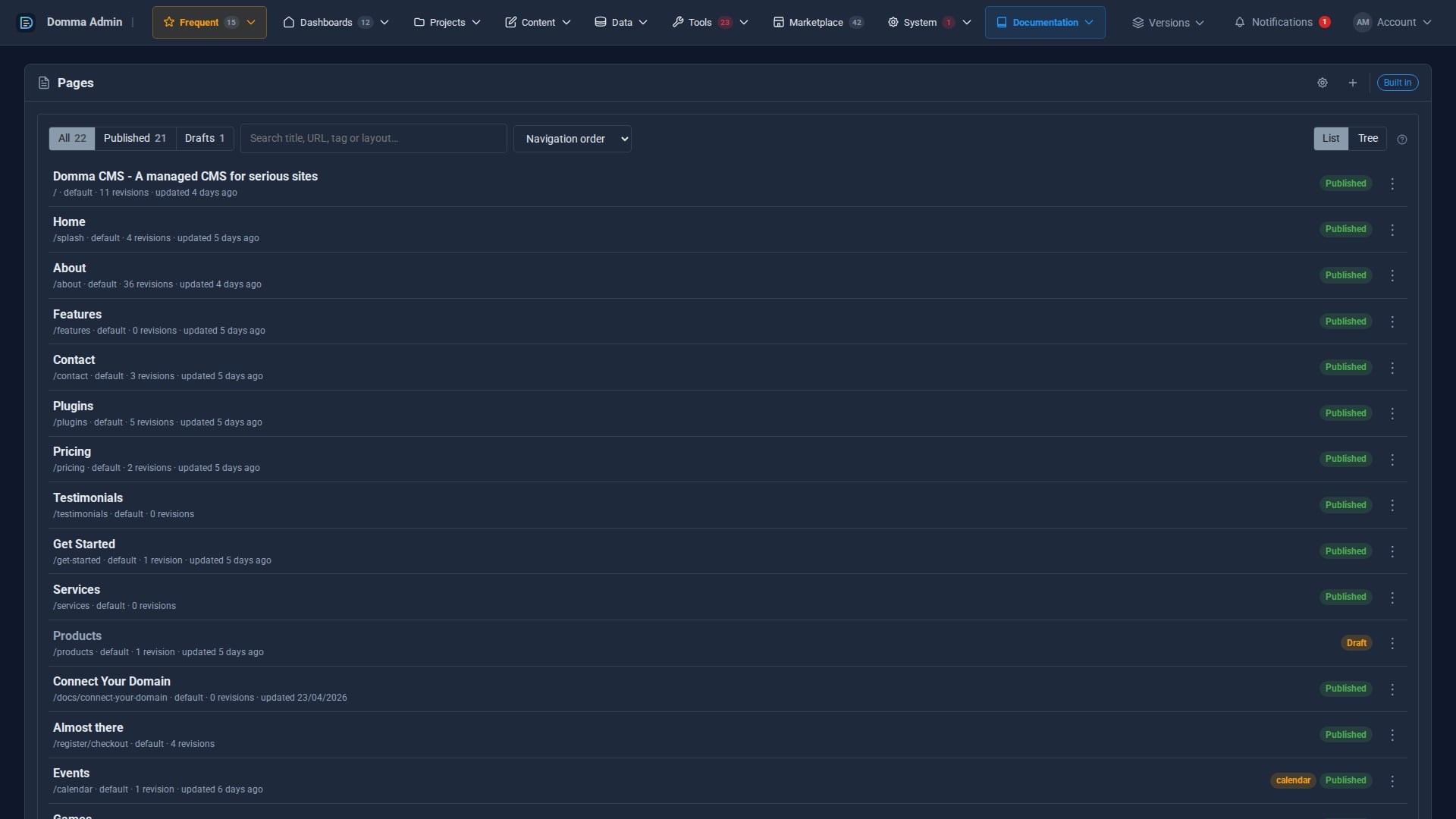
A cleaner admin: the new top menu
Every admin section now sits in one menu bar across the top, with your Frequent shortcuts, live counts and account menu, so your work gets the full width of the screen. The side menu is now a switch.
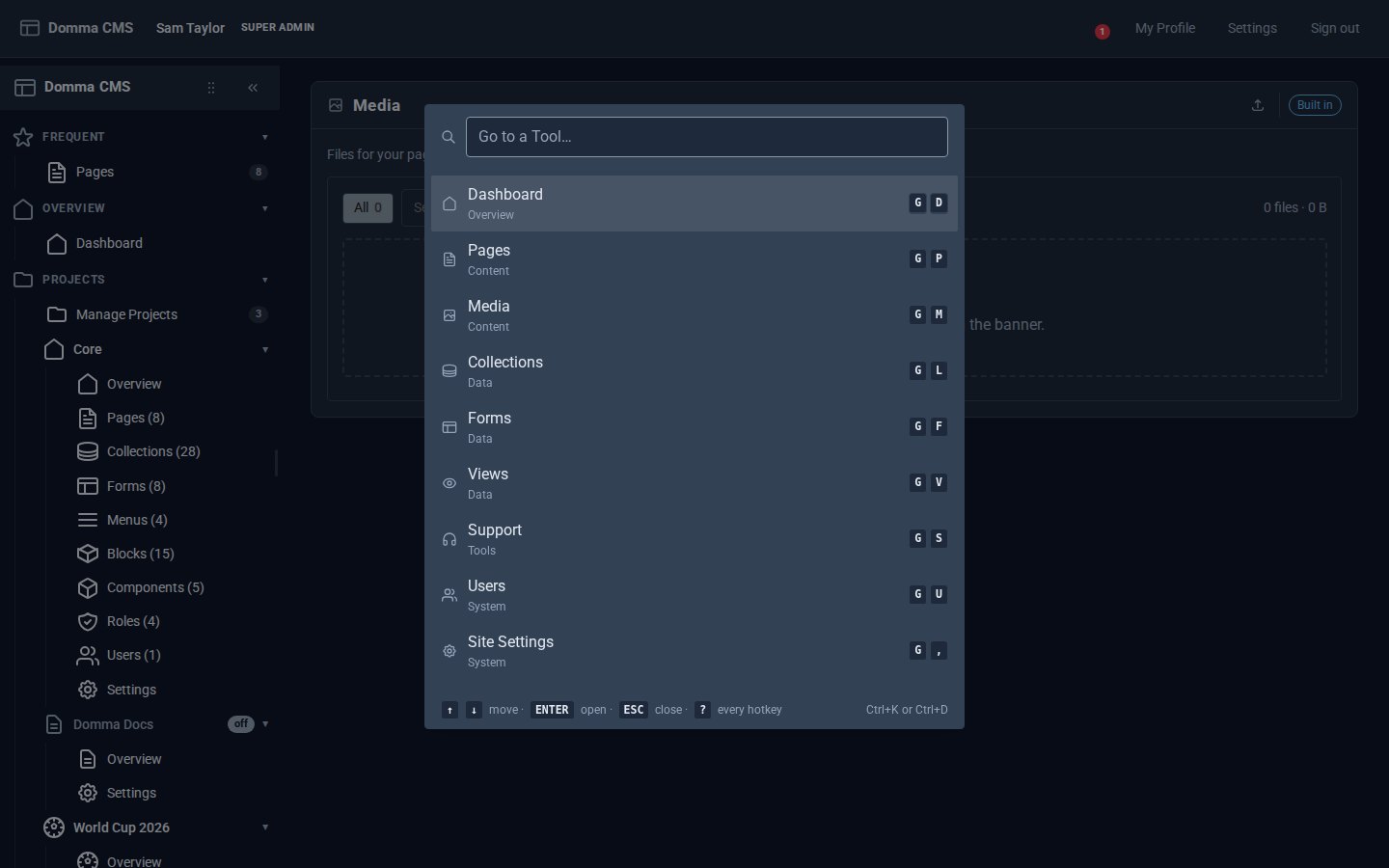
Every Tool, a keystroke away
Domma CMS 1.6: press G then a letter to open any Tool, G then 1-9 for your Frequent ones, Ctrl+K to find anything by name, and ? for the list.
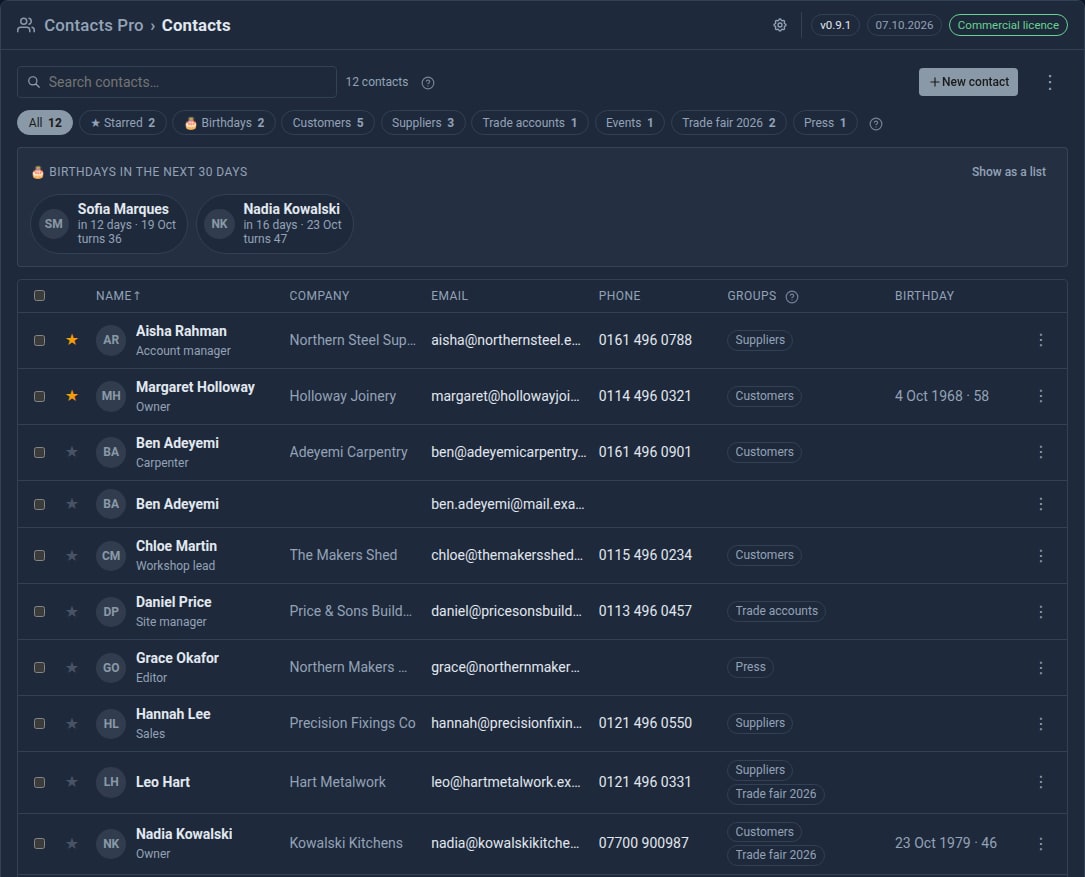
Bring your contacts in from Google
Contacts Pro 0.9 imports your address book from Google, a phone or Outlook - and merges the people you already have instead of doubling them up.