Showcase / Domma Quick Start
One real session - watch the clockHow fast is Domma CMS? 5 minutes 45 seconds.
From the first click on Sign up to a working site: pages edited, a contact form taking enquiries and a collection of recent jobs on show. One real session, start to finish, with a true clock in the corner.
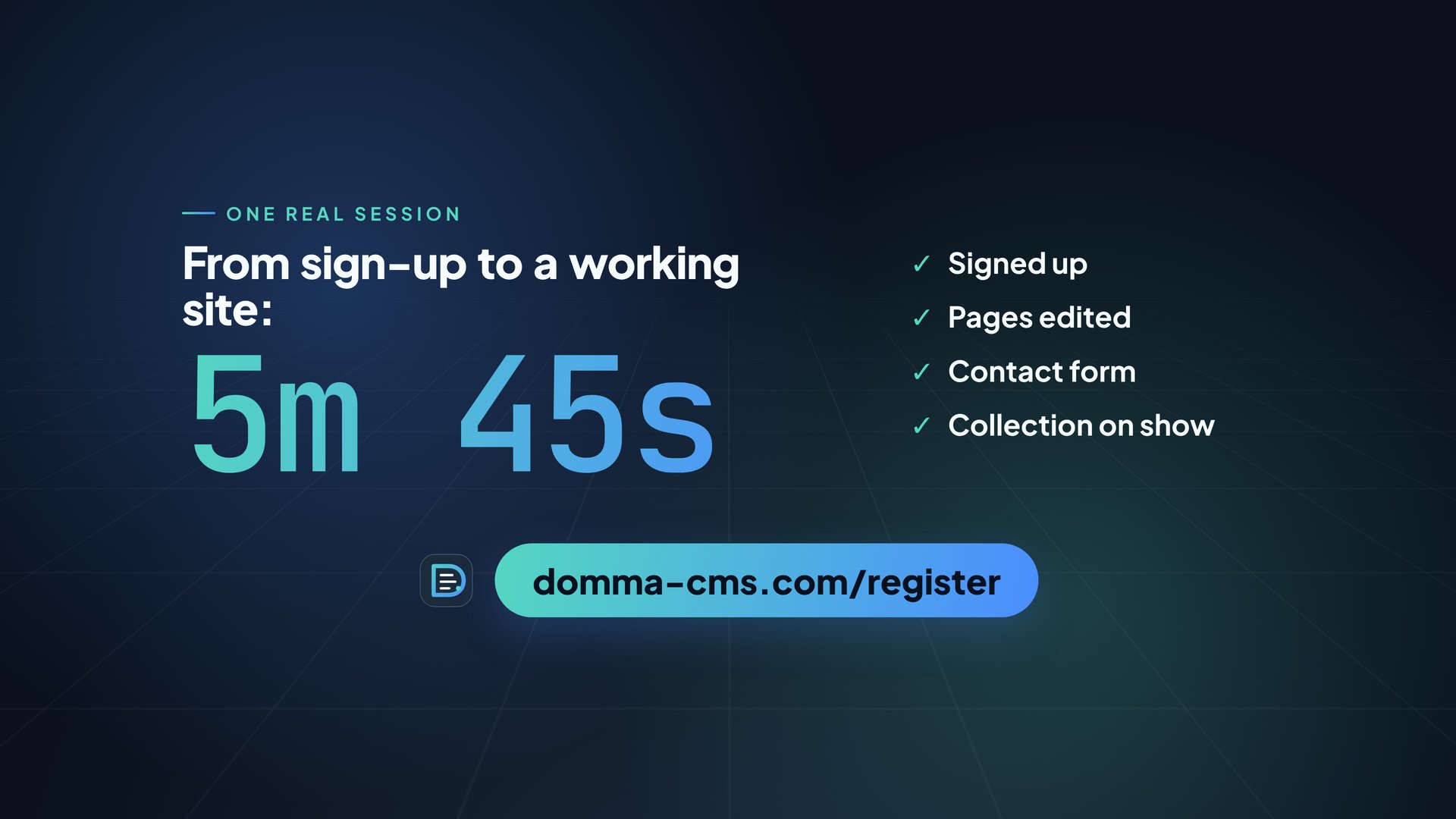
From sign-up to a working site.
Sped-up stretches are marked, and the clock always shows the real time: typing at a person's pace, page loads and waits included.
What happens, and when.
Times are from the clock in the video.
00:00 Sign up
Pick a plan, or start with a gift code, and name your site. It is built straight away, in under three seconds, on its own address. Nothing to install.
01:21 Edit your pages
Open a page, click into the words and type over them. A new tagline and three highlight cards, saved and live.
02:31 Add a contact form
A "Request a quote" form with four fields, put on the Contact page. A test enquiry lands straight in the admin.
04:00 Show your work
A "Recent jobs" collection with three entries, shown as cards on a new "Our work" page. Done at 05:45.
Forms and Collections are built in to every Domma CMS site. The short clip of Dot at the end is the Site Builder, a paid Tool: meet Dot and Daisy.
Start your own site.
Pick a plan and your site is built straight away. Prefer to run it yourself? Install it with one command.